 texus Addons und Themes
World Manager
A Worlds tab for Minecraft servers: download, upload, switch, reset with a new seed, copy, rename and delete worlds, with a backup first.
14,99 €
- Version 0.1.2, updated 16 October 2026
- For Pterodactyl Panel 1.15.x with Blueprint
- No core files modified, installs and removes with Blueprint
- One licence for one panel, new versions included
Screenshots
Features
"How do I upload my map?" and "Can you reset the world?" are among the most common support tickets of a Minecraft host. World Manager gives every server a Worlds tab, so players handle their worlds themselves, without digging through folders in the file manager.
All worlds at a glance
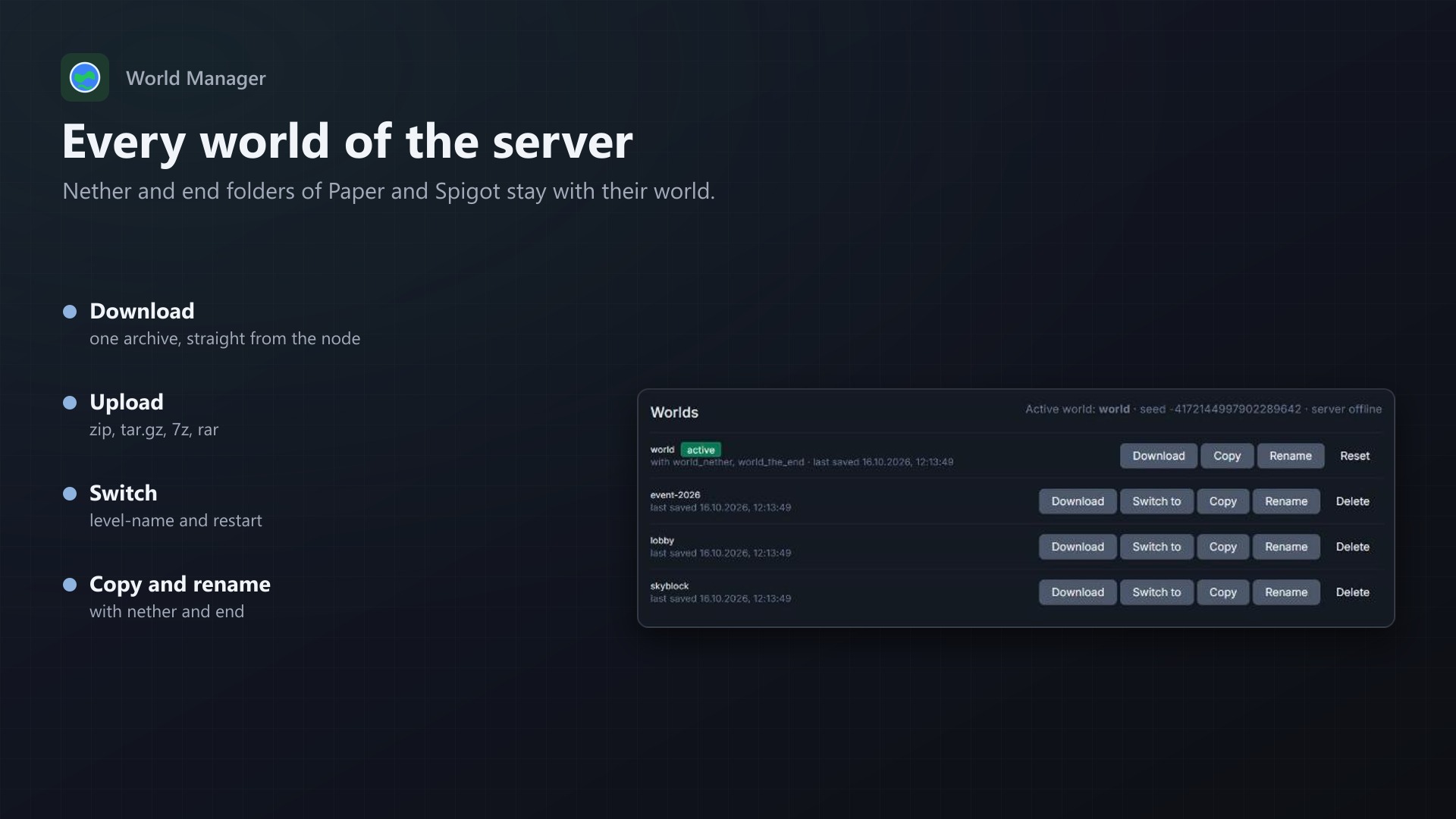
- Every world of the server: folders with a
level.datfor Java,worlds/for Bedrock - The nether and end folders of Paper and Spigot are shown and handled together with their world
- The active world, the seed and the server's state
What players can do
- Download a world (with nether and end) as one archive, straight from the node
- Upload a world as .zip, .tar.gz, .7z or .rar, with or without a folder around it; archives without a
level.datare refused - Switch the active world with one click, with a restart
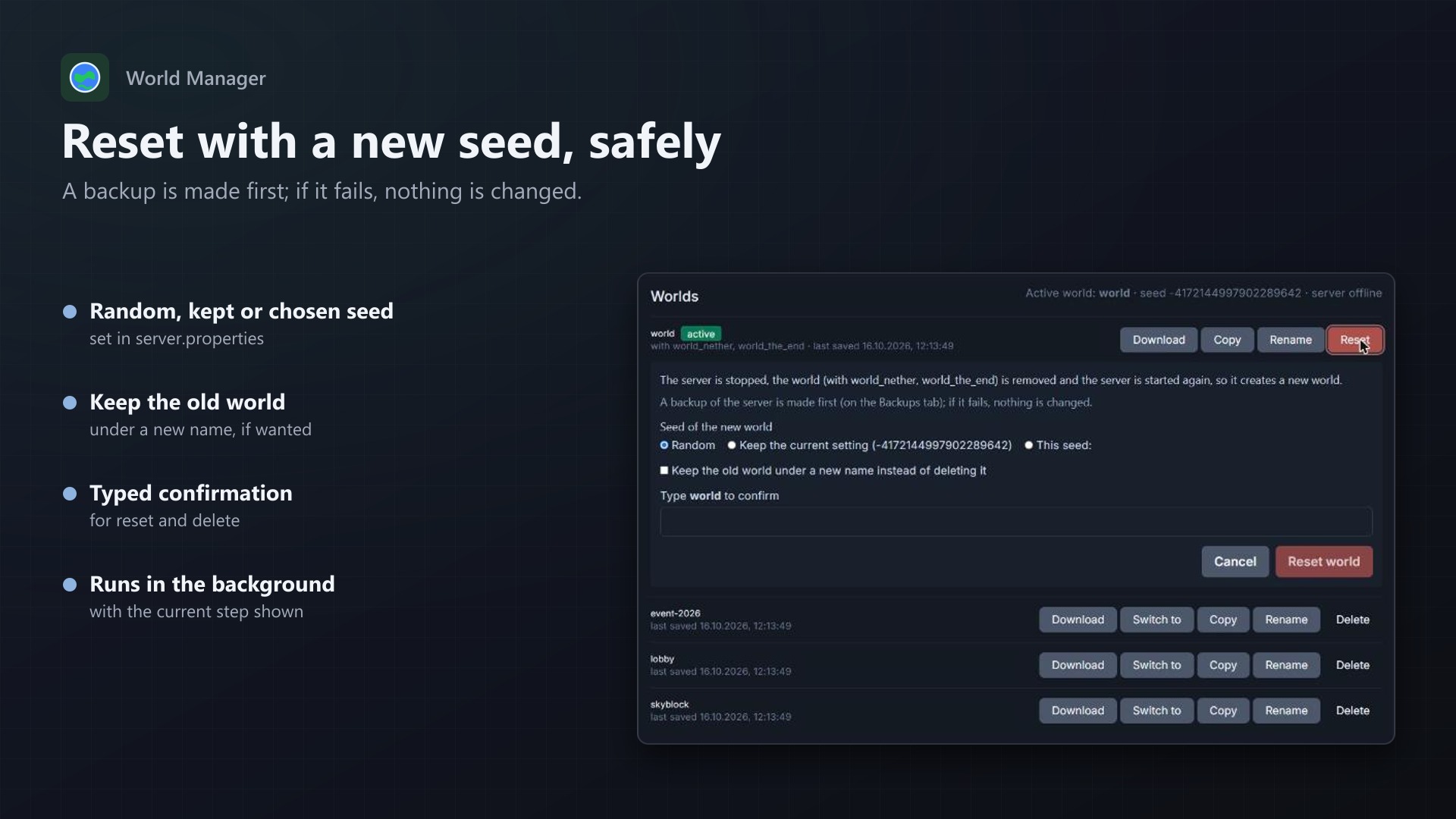
- Reset the active world with a random, the current or a chosen seed, and keep the old one if wanted
- Copy, rename and delete worlds; deleting and resetting need the world's name typed in
Safe by design
- A backup first: before a reset or delete, a backup of the server is made, as a server backup or in Backup Vault. If it fails, nothing is changed. The admin can turn it off.
- Longer actions run on the panel's queue, one at a time per server, with the current step on the tab
- Every action checks the subuser permissions (file archive for downloads, start and stop for a reset, and so on)
- Every action is written to the server's activity log
- No core files and no Wings changes
Admin page
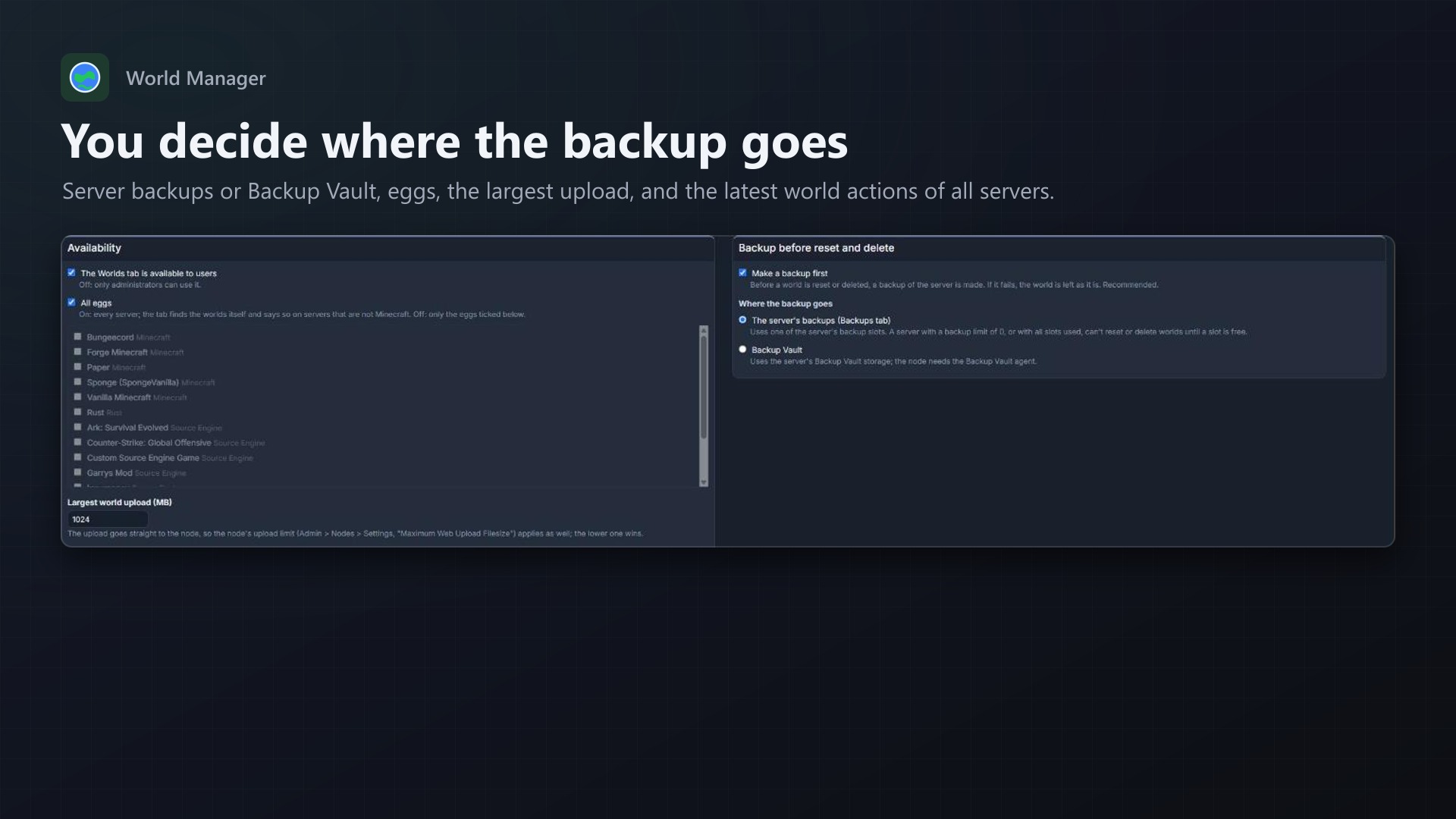
- Turn the tab on or off, for all eggs or chosen ones
- Largest upload, backup on or off, server backups or Backup Vault
- The latest world actions of all servers
Documentation
A Blueprint extension for Pterodactyl: a Worlds tab for Minecraft servers, so players manage their worlds without digging through folders in the file manager.
For server owners
The tab lists every world of the server: folders with a level.dat for Java, the folders under worlds/ for Bedrock. The nether and end folders of Paper and Spigot (world_nether, world_the_end) are shown and handled together with their world. The active world (level-name in server.properties) is marked, with the seed and the server's state.
- Download: the world (with nether and end) is packed into an archive and downloaded straight from the node. The archive is kept for 2 hours in
.texusworlds/, then removed. - Upload: a
.zip,.tar.gz,.7zor.rarwith the world folder. It may contain the folder itself or a folder around it (export/survival/level.dat);survival_netherandsurvival_the_endnext to it are taken along. Archives without alevel.datare refused. - Switch to: sets
level-nameand restarts the server if it is running. - Reset: stops the server, removes the active world (or keeps it as
<name>-old-<date>), sets a random, the current or a chosen seed, and starts the server again so it creates a new world. - Copy, rename, delete, with the nether and end folders. Deleting and resetting need the name of the world typed in. The active world can't be deleted (reset it or switch first); renaming it needs the server stopped and changes
level-nametoo.
Longer actions (packing, unpacking, backup, stop and start) run on the panel's queue worker, one at a time per server. The tab shows the current step; the page may be closed meanwhile.
Backup first
Before a world is reset or deleted, a backup of the server is made. If it can't be made or fails, nothing is changed. The admin chooses where it goes:
- The server's backups (Backups tab): uses one of the server's backup slots. A server with a backup limit of 0, or all slots used, can't reset or delete until a slot is free.
- Backup Vault (if that extension is installed): uses the server's Backup Vault storage; the node needs the Backup Vault agent.
The admin can turn the backup off for the whole panel.
Permissions
Each action checks the subuser permissions of Pterodactyl:
| Action | Needs |
|---|---|
| See the tab | file read |
| Download | file archive, file read content |
| Upload, copy | file create, file archive |
| Switch | file update, restart |
| Rename | file update |
| Delete | file delete |
| Reset | file delete, file update, start, stop |
Everything runs through the node's file API, the same way the file manager works; no core files and no Wings changes. Every action is written to the server's activity log (server:worlds.*).
Admin page
Admin > Extensions > World Manager: licence, whether users see the tab, all eggs or chosen ones, the largest upload, the backup setting, and the latest world actions of all servers.
Good to know
- The upload goes straight to the node, so the node's upload limit (Admin > Nodes > Settings, "Maximum Web Upload Filesize", 100 MB by default) applies as well; the lower one wins.
- The panel's queue worker (
pteroq) must run, as it does in every standard installation. - World folders are looked for in the server folder; folders such as
plugins,mods,configandlogsare skipped, and at most 60 folders are checked.
Requirements
- Pterodactyl Panel 1.15.x with Wings 1.11 or newer
- Blueprint (beta-2026-08 or newer)
- The panel's queue worker (
pteroq) - Outgoing HTTPS from the panel to texus-addons.de
Installation
cd /var/www/pterodactyl
blueprint -install texusworlds
Or with the free texus Installer: Admin > Extensions > texus Installer > Install.
Changelog
0.1.2
- A Java world that was just created (after a reset) is listed right away; before, it only showed up after the server had saved it the first time.
0.1.1
- Switching or renaming the active world now also changes the egg variable when the egg writes level-name on every start (the Bedrock egg does this with WORLDNAME), so the choice survives a restart.
- Before a reset or delete with Backup Vault, a scheduled backup that is still running is waited for instead of stopping with an error.
0.1.0
- First release: a Worlds tab for Minecraft Java and Bedrock servers. Lists the worlds (Paper and Spigot nether and end folders together with their world), downloads a world as an archive, uploads one (zip, tar.gz, 7z, rar; with or without a folder around it), switches the active world and restarts, resets the active world with a random, kept or chosen seed, and copies, renames and deletes worlds. Before a reset or delete a backup is made (server backup or Backup Vault); the admin can turn that off. Longer actions run on the panel's queue with progress on the tab.
Licence and download
One purchase = one licence = one panel. The licence is bound to one panel domain and the server it runs on. Subdomains count separately. You can move the licence at any time in your account.
After buying, sign in here with your email address. You download the extension with the licence key built in, and every new version from your account.
Questions before buying? Ask on our Discord support server or at support@texus-addons.de.
Related
Schedules Plus
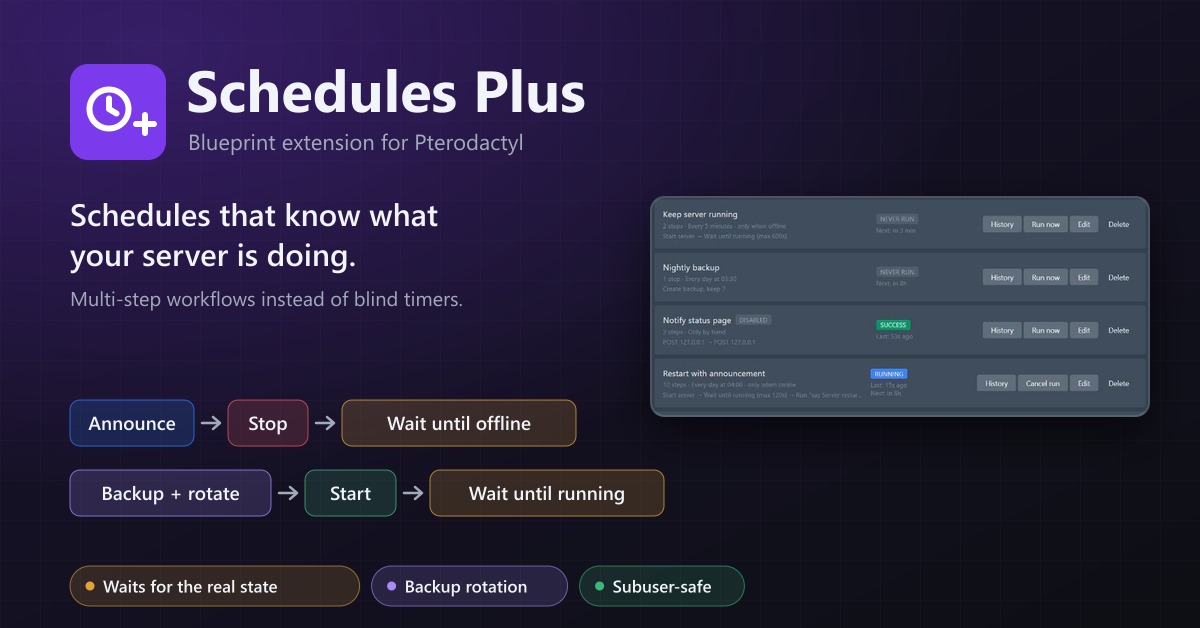
Multi-step server workflows that wait for the real server state: announce, stop, back up with rotation, start again.
Server Cloner
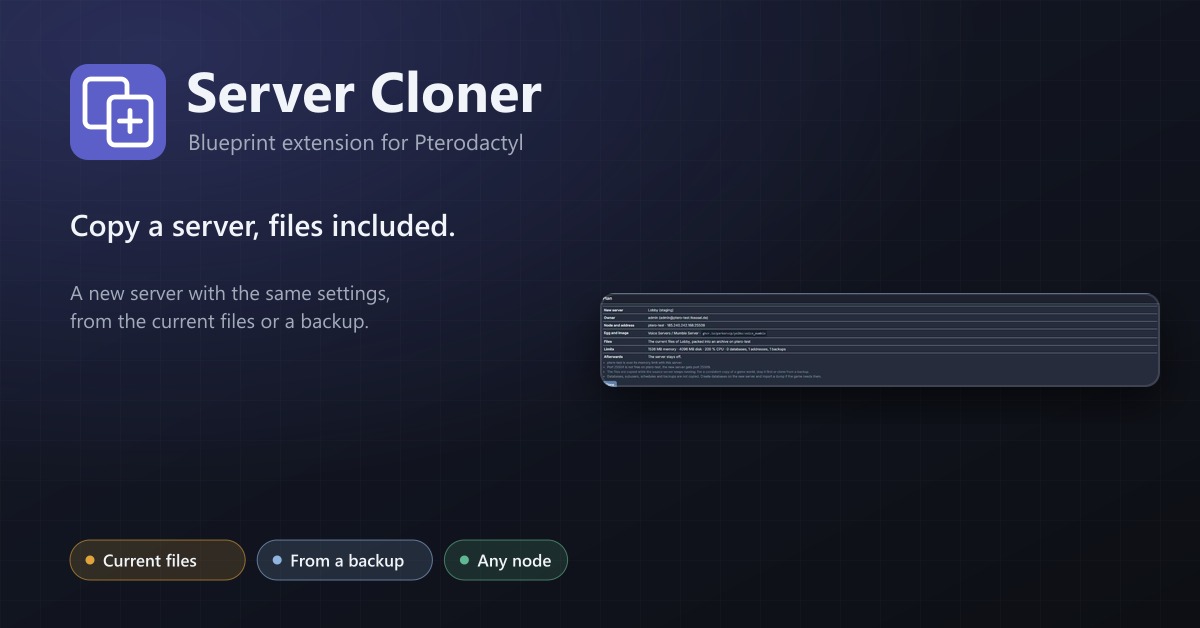
Copy a server with its settings and files, or create a new server from one of its backups.
Bedrock Crossplay
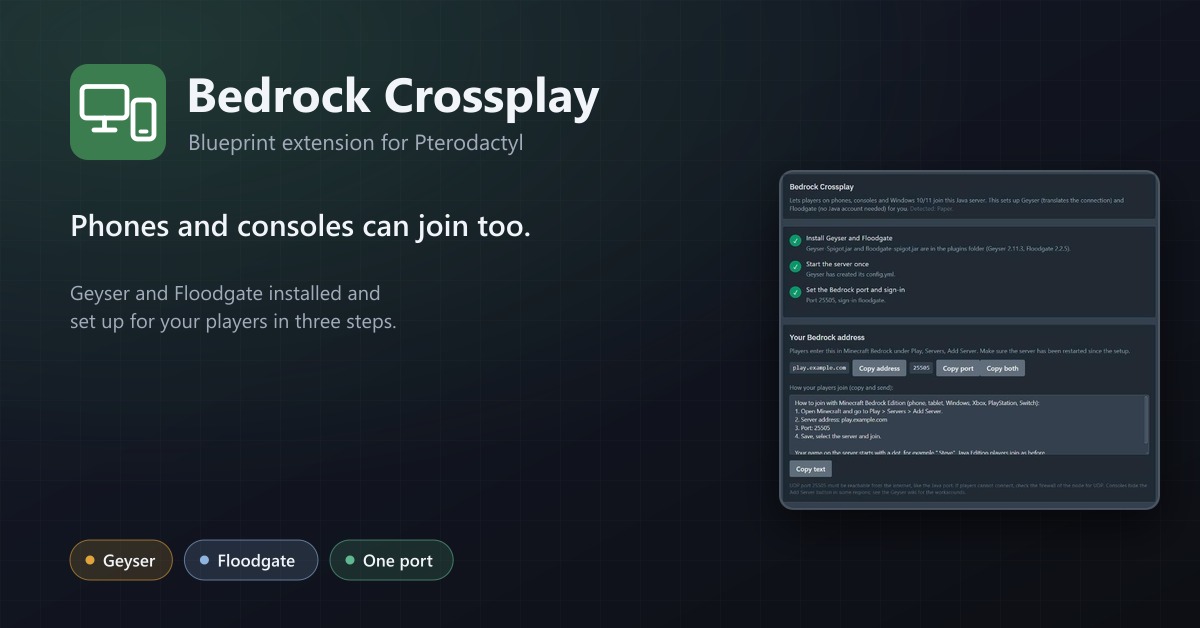
Let phones and consoles join Java servers: Geyser and Floodgate installed, a port assigned and the settings applied in three steps.