 texus Addons und Themes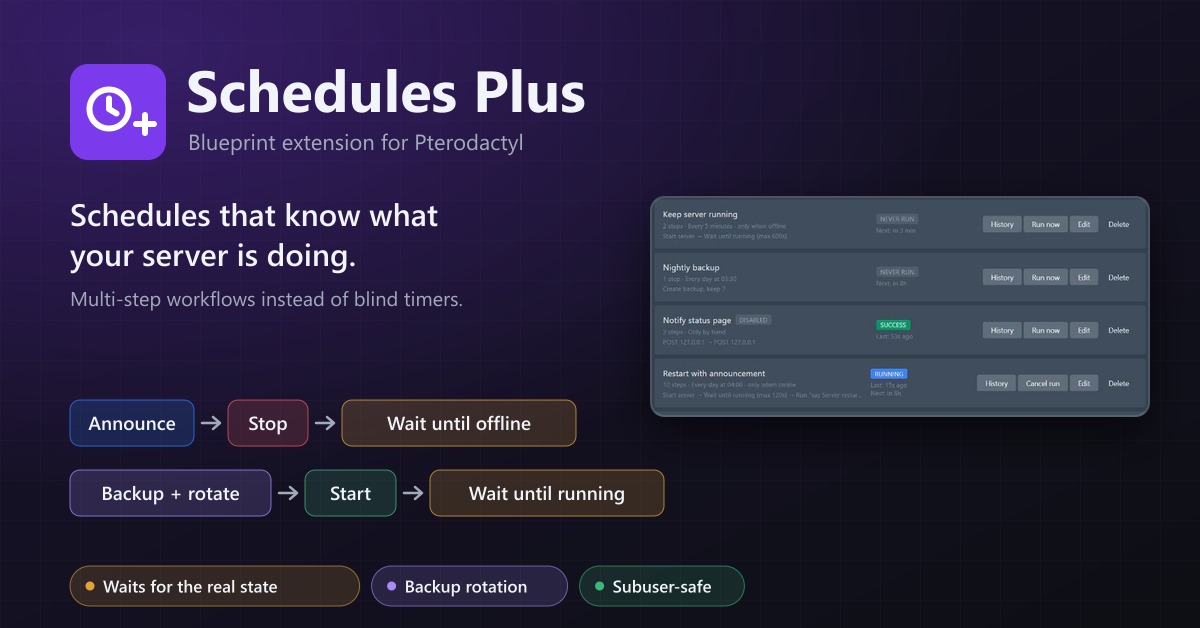
Schedules Plus
Multi-step server workflows that wait for the real server state: announce, stop, back up with rotation, start again.
12,99 €
- Version 0.2.4, updated 10 October 2026
- For Pterodactyl Panel 1.15.x with Blueprint
- No core files modified, installs and removes with Blueprint
- One licence for one panel, new versions included
Screenshots
Features
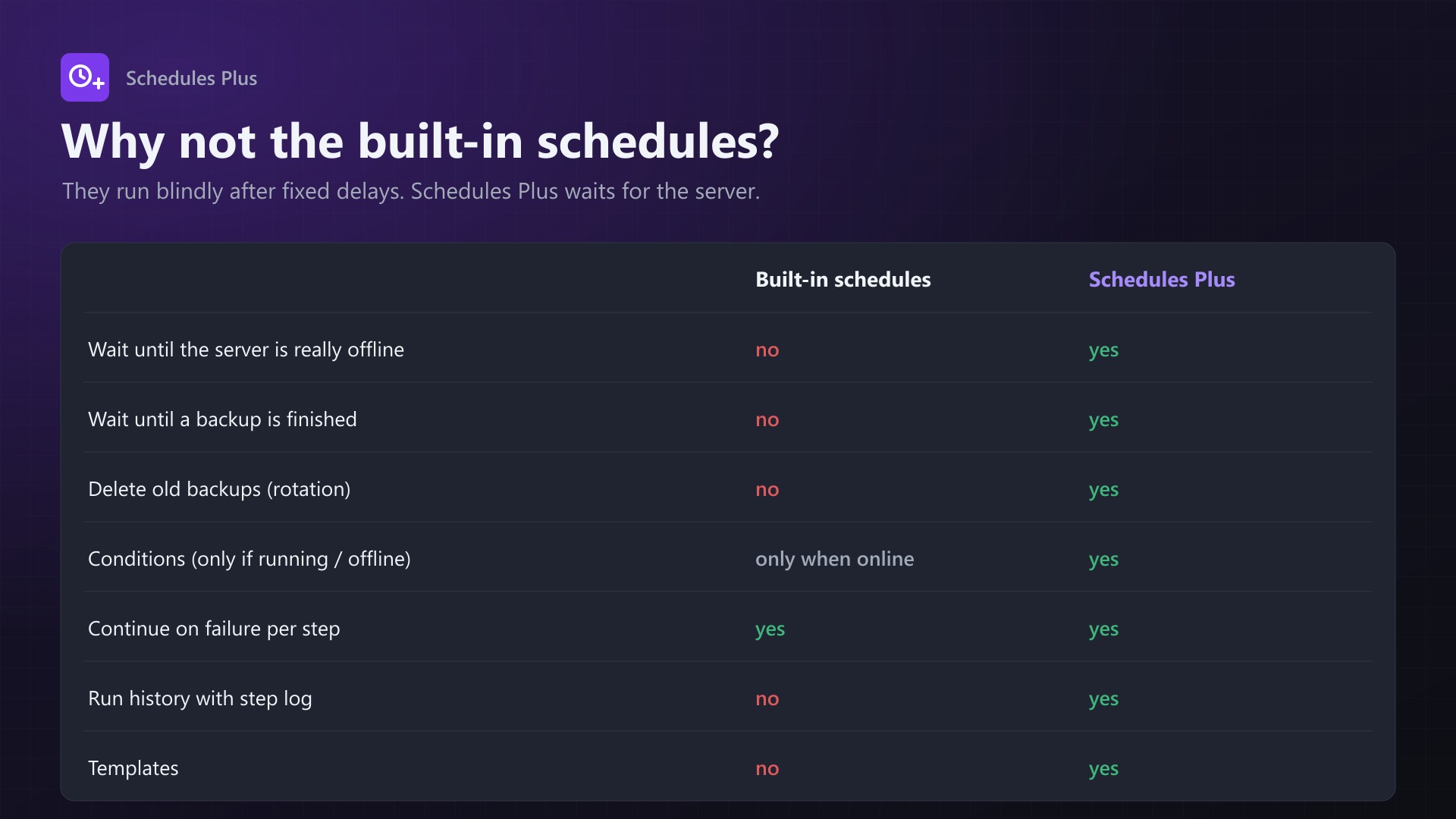
Pterodactyl's built-in schedules run their tasks blindly after fixed delays. "Stop, back up, start" backs up while the server is still shutting down. Then it starts the server again while the backup is still running. Schedules Plus waits for what the server is actually doing.
say Restart in 5 minutes -> wait 5 min -> save-all -> stop
-> wait until offline -> backup (wait until finished, keep newest 7)
-> start -> wait until running
Steps
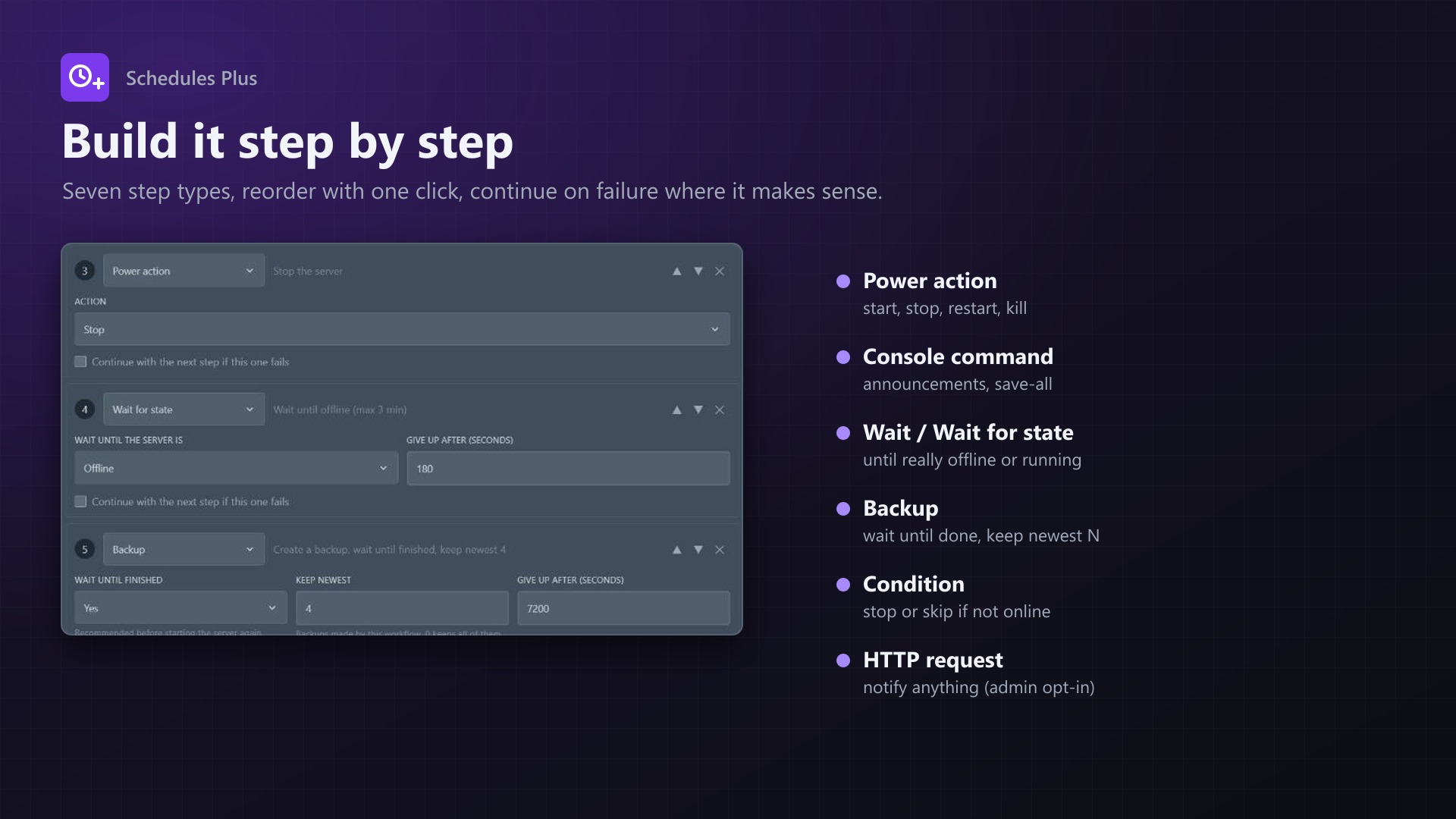
- Power action: start, stop, restart, kill
- Console command
- Wait for a number of seconds
- Wait for state: until the server is really running or offline, with a timeout
- Backup: wait until finished, rotation (keep the newest N), ignored files
- Condition: only continue if the server is running or offline, otherwise stop or skip the next step
- HTTP request: sends a JSON POST about the run. Admins have to enable it.
Features
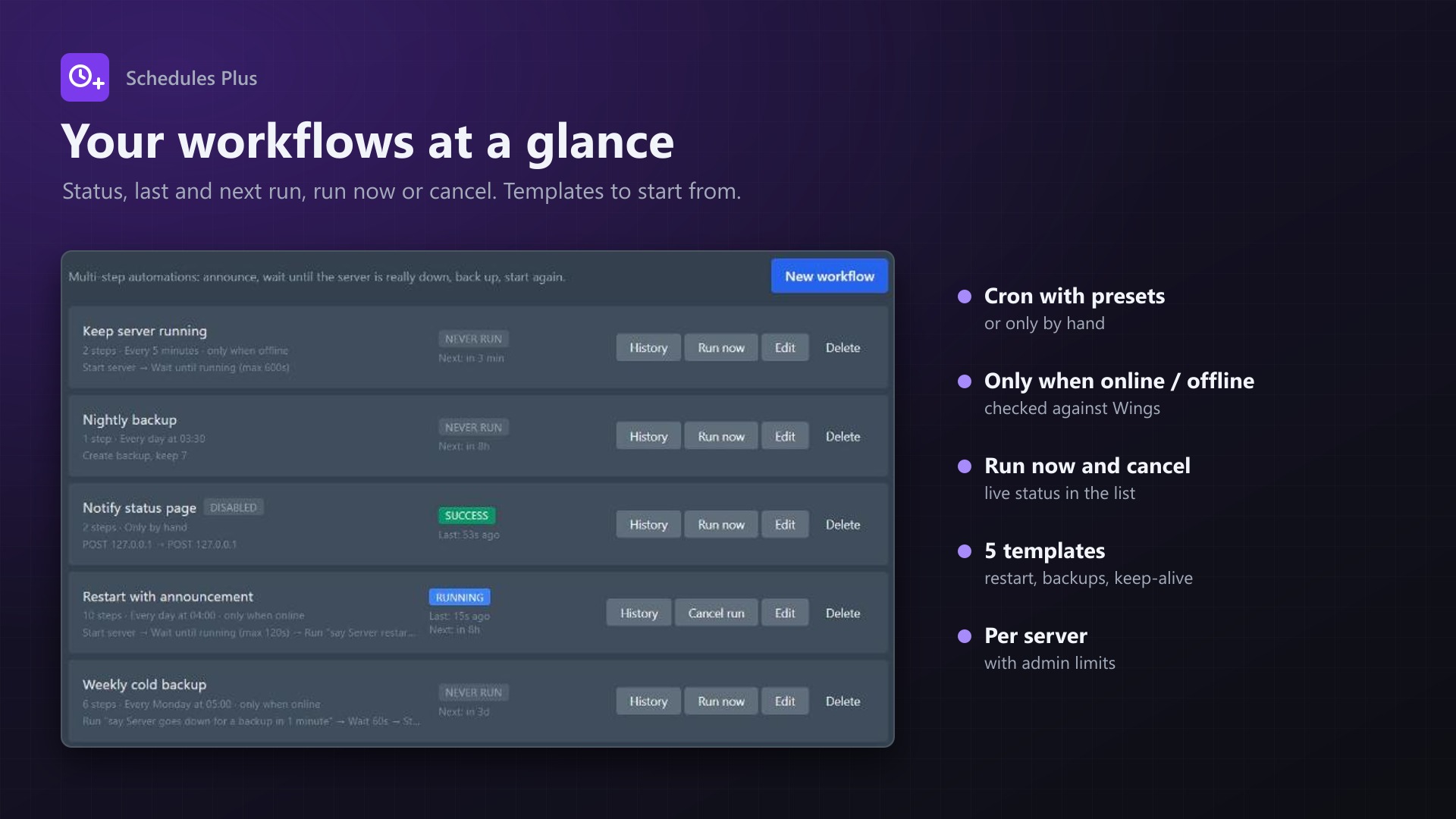
- Cron schedule with presets, or only by hand. A workflow can be limited to run only when the server is online or offline.
- "Continue on failure" per step, so the server is started again even if the backup failed
- Run now, cancel, live status
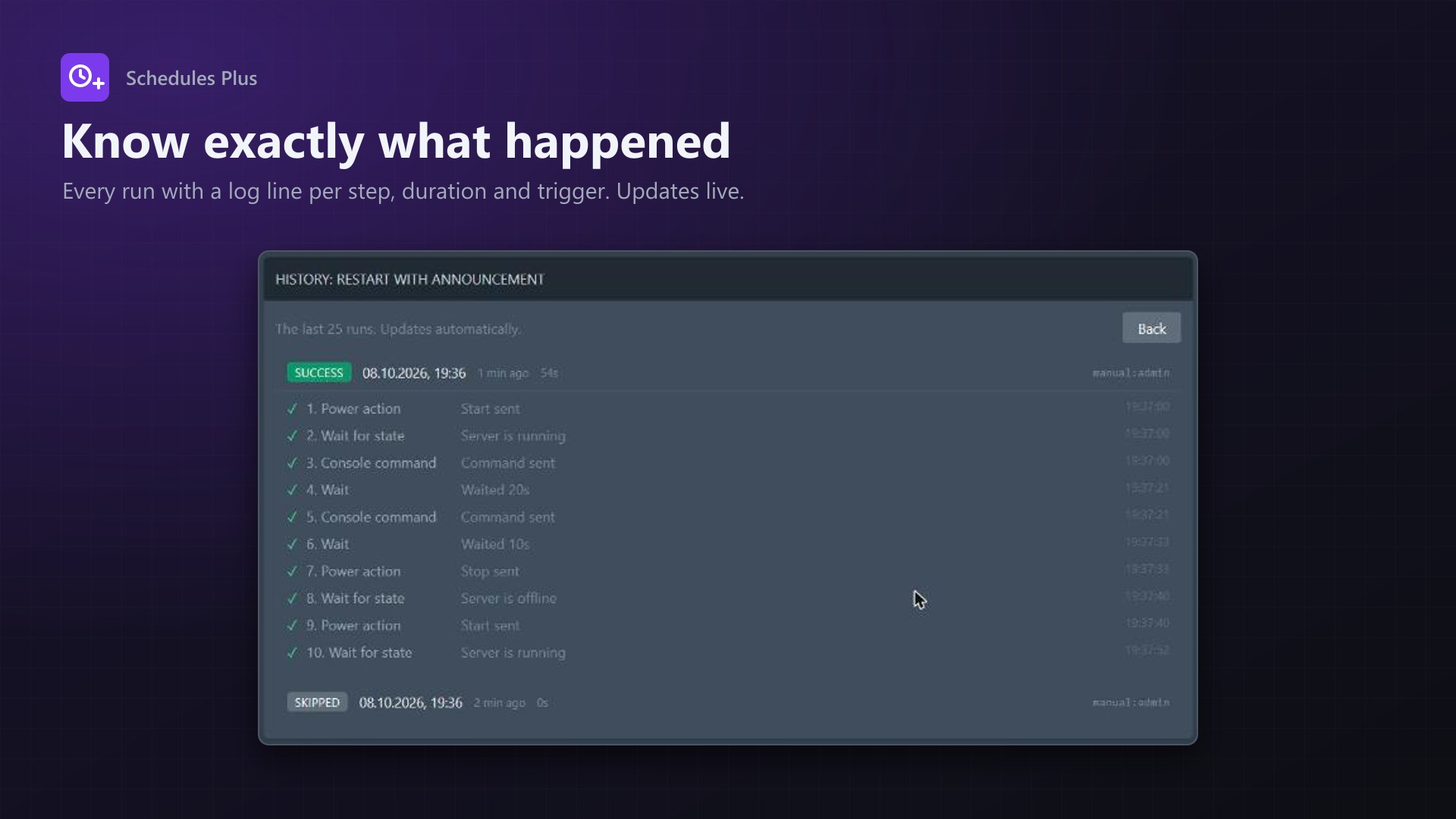
- Run history with a log line for every step
- Five templates:
- Announced restart
- Nightly backup with rotation
- Consistent offline backup
- Keep server running
- Daily restart
- Subuser permissions respected per step: power steps need the power permission, commands need console access, backups need backup permissions
- Actions appear in the server's activity log
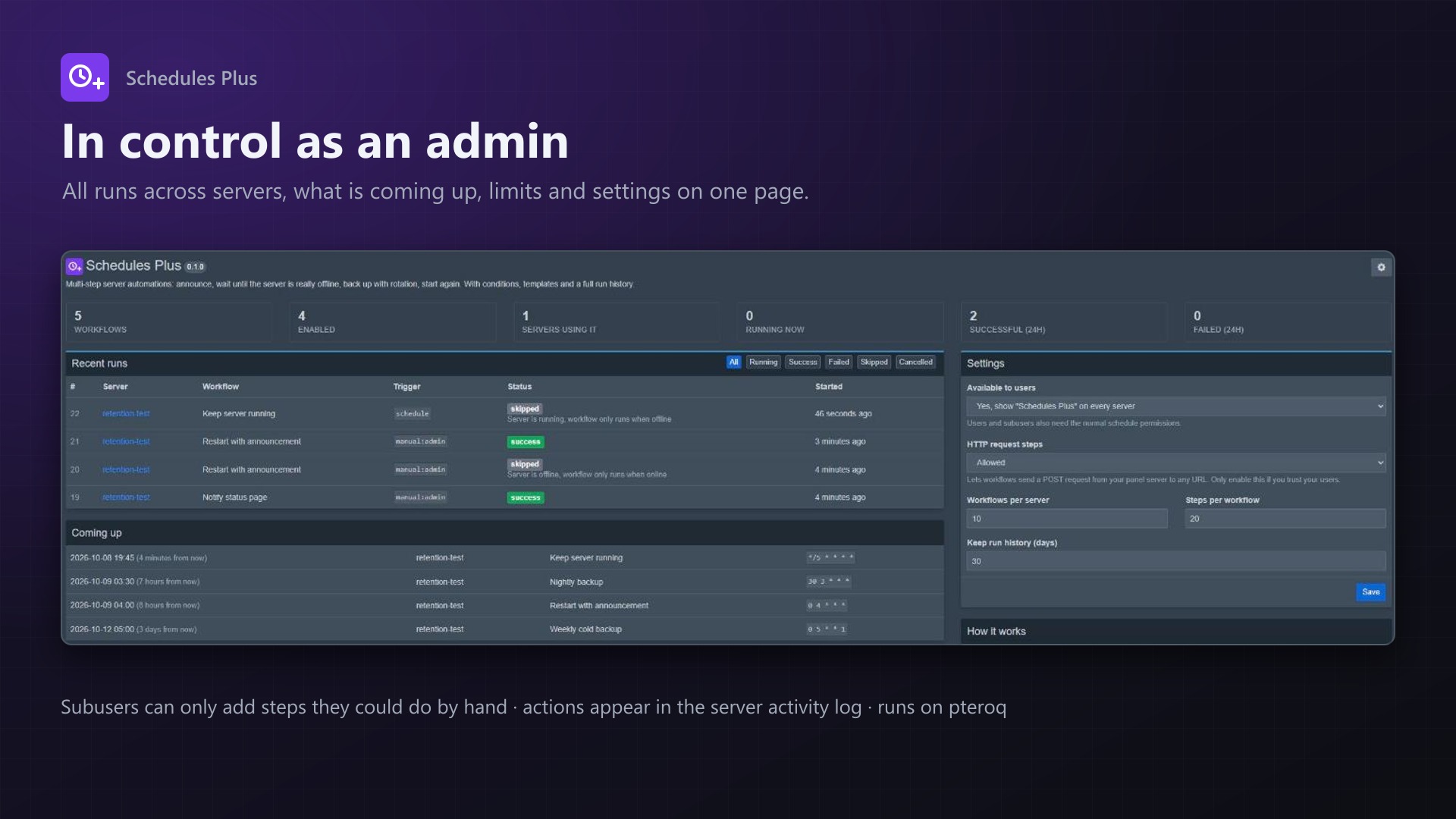
- Admin page with:
- Statistics
- Upcoming runs
- All runs with a status filter
- Limits per server
- Run history retention
- Runs on Pterodactyl's own queue worker. Waiting steps don't block it.
- No core files are modified, the built-in schedules keep working
Documentation
A Blueprint extension that adds multi-step workflows to Pterodactyl servers. It works like the built-in schedules, but it knows what the server is actually doing.
Pterodactyl's built-in schedules run their tasks blindly after fixed delays. A "stop, back up, start" schedule backs up while the server is still writing to disk if the shutdown takes longer than usual. It also starts the server again while the backup is still running. Schedules Plus waits for the real state instead.
say Restart in 5 minutes  ->  wait 5 min  ->  save-all  ->  stop
  ->  wait until offline  ->  backup (wait until finished, keep newest 7)
  ->  start  ->  wait until running
Features
- Workflows per server with a name, a cron schedule (with presets) or "only by hand", and an optional rule to run only when the server is online or offline
- Step types
- Power action: start, stop, restart or kill
- Console command
- Wait for a number of seconds
- Wait for state: waits until the server is really
runningoroffline, with a timeout - Backup: optionally waits until the backup is finished. It can also rotate backups, keeping the newest N made by this workflow and deleting older ones. Ignored files are supported.
- Condition: continues only if the server is running or offline. Otherwise it stops the workflow or skips the next step.
- HTTP request: sends a JSON POST about the run to any URL. Admins have to enable this step type.
- Continue on failure per step, so a failed backup can still be followed by "start the server"
- Run now and Cancel buttons, live status in the list
- Run history with a log line for every step, kept for a configurable number of days
- Templates to start from:
- Announced restart
- Nightly backup with rotation
- Consistent offline backup
- Keep server running
- Daily restart
- Respects subuser permissions. Users need the normal schedule permissions. They can also only add steps they could do by hand: power steps need the matching power permission, commands need console access, backups need backup permissions.
- Power actions, commands and backups show up in the server's activity log like normal actions
- Admin page with:
- Statistics
- Upcoming runs
- All recent runs with a status filter, and cancelling of running ones
- Limits per server
- Uses Pterodactyl's own queue worker (
pteroq). Waiting steps are re-queued instead of blocking a worker, so long workflows don't hold up anything else. - No core files are modified, the built-in schedules keep working as before
Requirements
- Pterodactyl Panel 1.15.x (tested on 1.15.1 with Wings 1.13.3)
- Blueprint beta-2026-08 or newer
- The panel's cron job and queue worker (
pteroq) running, as required by Pterodactyl anyway
Installation
Upload schedulesplus.blueprint to your panel directory (normally /var/www/pterodactyl) and run:
cd /var/www/pterodactyl
blueprint -install schedulesplus
Every server now has a Schedules Plus entry in its navigation. Settings are under Admin > Extensions > Schedules Plus.
Admin settings
| Setting | Default | |
|---|---|---|
| Available to users | Yes | When off, only administrators can use the page |
| HTTP request steps | Disabled | Allows workflows to send requests from your panel server |
| Workflows per server | 10 | |
| Steps per workflow | 20 | |
| Keep run history | 30 days |
How it works
- The panel's cron job runs
schedulesplus:tickevery minute. It does the following:- Starts workflows that are due.
- Checks the "only when online/offline" rule against Wings.
- Calculates the next run.
- Removes old history.
- Every step runs as a job on the
standardqueue. Steps that wait put themselves back on the queue with a delay: wait, wait for state, and backup with "wait until finished". They check every 5–10 seconds until they are done or the timeout is reached. - A workflow never runs twice at the same time. A schedule firing while it is still running is skipped.
- Runs that haven't finished after 12 hours are marked as failed, for example after a crashed queue worker.
- Backups made by a workflow are named
Schedules Plus #<id> <workflow name>. Rotation only touches those backups, and never locked or failed ones. - Suspended servers and servers that are still installing are skipped.
Permissions
| Action | Needs |
|---|---|
| View workflows and history | schedule.read |
| Create | schedule.create |
| Edit, run now, cancel | schedule.update |
| Delete | schedule.delete |
| Power step | control.start / control.stop / control.restart (kill counts as stop) |
| Command step | control.console |
| Backup step | backup.create, plus backup.delete when rotation is on |
Editing or running a workflow also requires the permissions for the steps that are already in it. A subuser can't trigger a power action through a workflow someone else built.
FAQ
Does it replace the built-in schedules? No, both work side by side. Existing schedules aren't touched.
What time zone does the cron use? The panel's time zone (APP_TIMEZONE), shown in the editor.
What happens to running workflows when I update or reinstall the extension? Running jobs pick up where they left off. If one gets lost, it is marked as failed after 12 hours, or you can cancel it on the admin page.
What does the HTTP step send?
{
  "workflow": "Nightly backup",
  "run": 42,
  "server": { "uuid": "...", "name": "..." },
  "time": "2026-10-09T03:30:12+00:00"
}
Uninstall
blueprint -remove schedulesplusThis removes the extension. Backups made by workflows are kept. Blueprint doesn't drop database tables on removal, so your workflows and their history are still there if you install it again. To remove them completely, drop splus_workflows, splus_steps, splus_runs and splus_run_logs.
Support
Questions and bug reports through the support link on the product page.
Changelog
0.2.4 (2026-10-12)
- Fixed: "Run now" failed with a server error for users whose username is longer than 9 characters. The trigger column of the run history now holds up to 191 characters (new database migration), and the stored trigger is cut to that length.
- Fixed: step and run messages longer than 191 characters (for example long error messages from the node or an HTTP step) could leave a run stuck as running. They are now cut to the length of the database column.
0.2.3 (2026-10-11)
- The update notice also works in the package from the licence site and the marketplaces; in the previous version it stayed hidden there.
0.2.2 (2026-10-11)
- Update notice: when a newer version is out, Admin > Extensions and the licence box on the admin page show it, with what is new. With the optional update helper (set up once as root), the update runs with one click after a backup of the panel files and the database.
0.2.1 (2026-10-10)
- The licence box on the admin page explains that one purchase covers one panel (one domain and server; subdomains count as separate panels)
0.2.0 (2026-10-10)
- Licence check: the extension now needs a licence key, free with the purchase on sourceXchange. Get it on texus-addons.de, or download the extension there with the key built in.
- Licence box on the admin page
- The PHP code of the extension is obfuscated
Licence and download
One purchase = one licence = one panel. The licence is bound to one panel domain and the server it runs on. Subdomains count separately. You can move the licence at any time in your account.
After buying on sourceXchange or BuiltByBit, sign in here with your email address (BuiltByBit: redeem your activation code). You download the extension with the licence key built in, and every new version from your account.
Questions before buying? Ask on our Discord support server or at support@texus-addons.de.
Related
Backup Retention
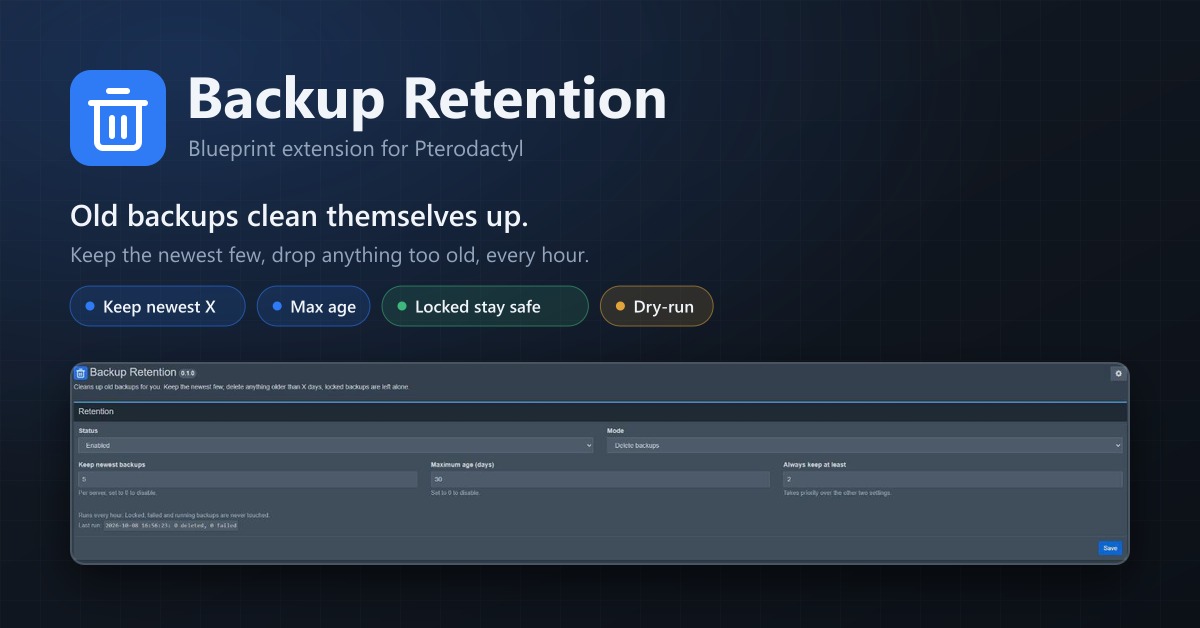
Automatically deletes old backups. Keep the newest few, remove anything older than X days, locked backups stay.
Server Cloner
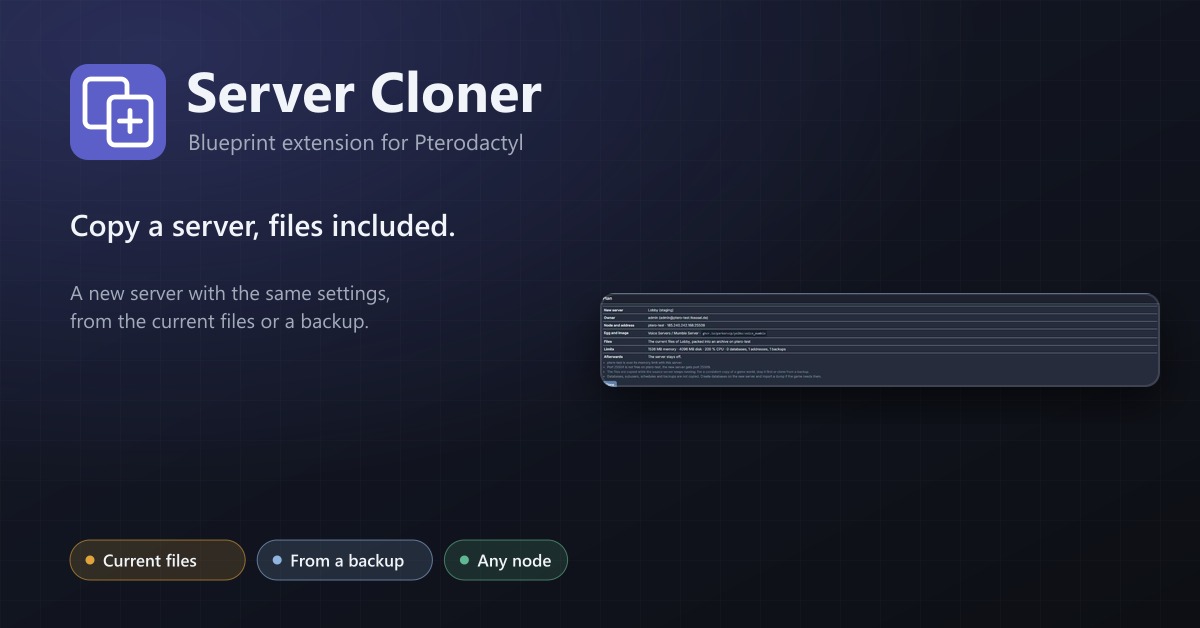
Copy a server with its settings and files, or create a new server from one of its backups.
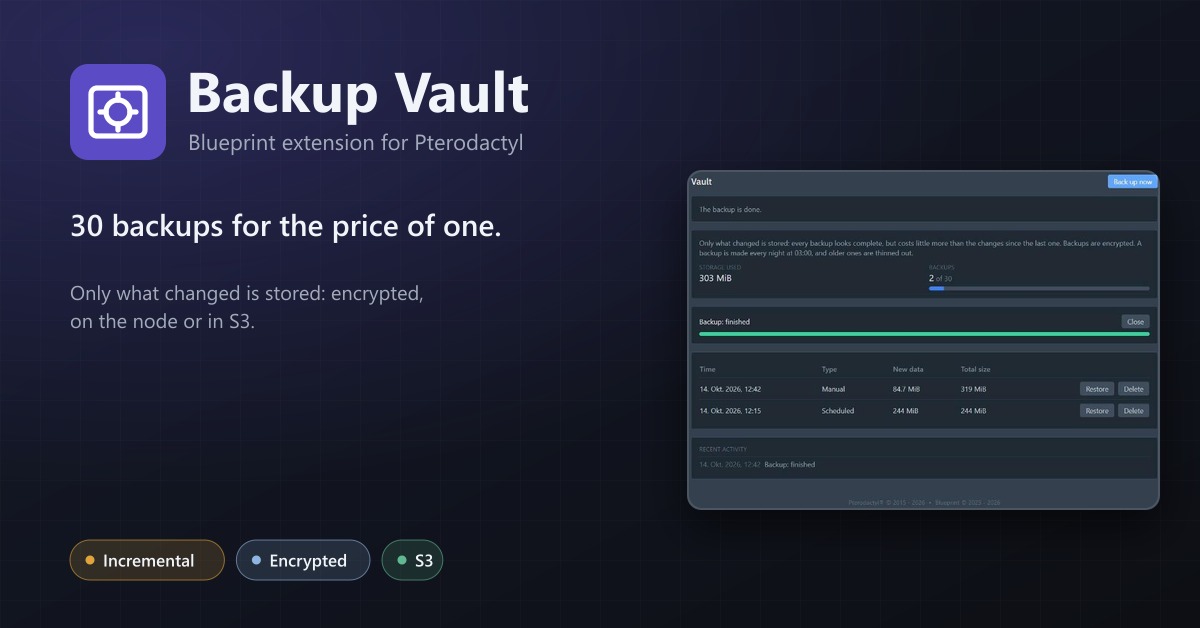
Backup Vault
Incremental, encrypted backups with restic: only changes are stored, on the node or in S3, with restore and retention.