 texus Addons und Themes
Backup Retention
Automatically deletes old backups. Keep the newest few, remove anything older than X days, locked backups stay.
9,99 €
- Version 0.3.2, updated 10 October 2026
- For Pterodactyl Panel 1.15.x with Blueprint
- No core files modified, installs and removes with Blueprint
- One licence for one panel, new versions included
Screenshots
Features
Backup Retention cleans up old server backups for you. Set a few rules once, and every hour the extension goes through all servers and deletes the backups that fall outside of them. Locked backups are never touched, and there's a dry-run mode so you can check what it would do first.
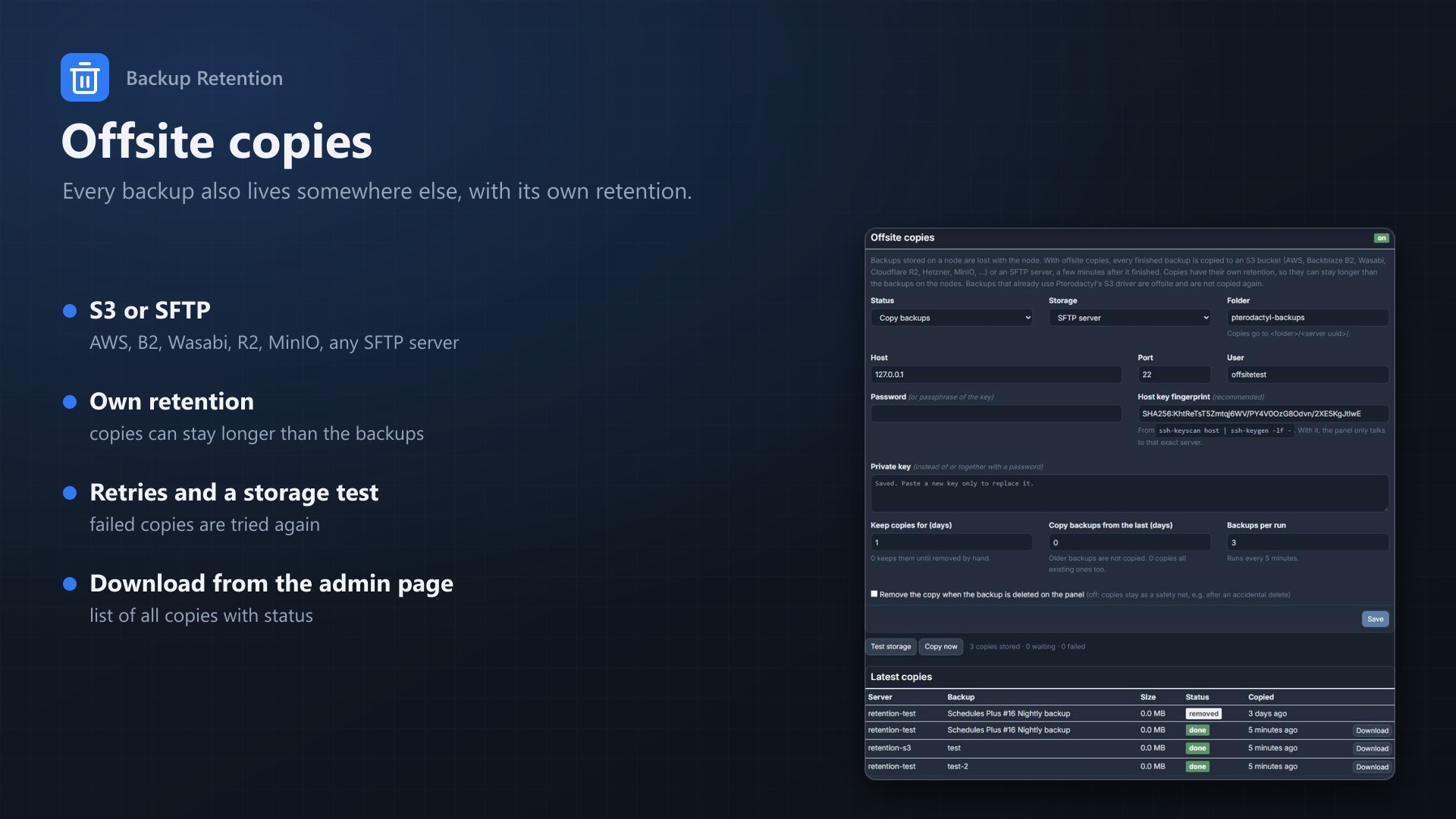
New in 0.3.0: offsite copies. Every finished backup is also copied to S3-compatible storage or an SFTP server, with its own retention.
Why
Out of the box, Pterodactyl only rotates backups when a scheduled backup task runs and the server is already at its backup limit. Everything else is up to your users. In practice that means:
- backups pile up until the limit is reached, then manual backups fail with "too many backups"
- old backups never expire
- disk usage on your nodes or your S3 bucket keeps growing
Features
- Keep newest X: keeps the X most recent backups of each server
- Maximum age: deletes backups older than X days
- Always keep at least X: safety net, a server never drops below this number
- Locked backups are never deleted and don't count towards the limits
- Failed and running backups are ignored
- Dry-run mode to see what would be deleted before anything happens
- Every deletion shows up in the server's activity log, so users know why a backup is gone
- Offline nodes are skipped and retried on the next run
- Works with Wings (local) and S3 backups (both tested), deletion goes through Pterodactyl's own backup service
- No core files are modified
Offsite copies
- Finished node backups are copied to S3-compatible storage (AWS, Backblaze B2, Wasabi, Cloudflare R2, MinIO, ...) or an SFTP server
- Copies have their own retention, so they can stay longer than the backups on the nodes
- Failed copies are retried; a storage test checks the connection before you rely on it
- List of all copies on the admin page, with download and retry
- SFTP with password or key, optional host key fingerprint
Example
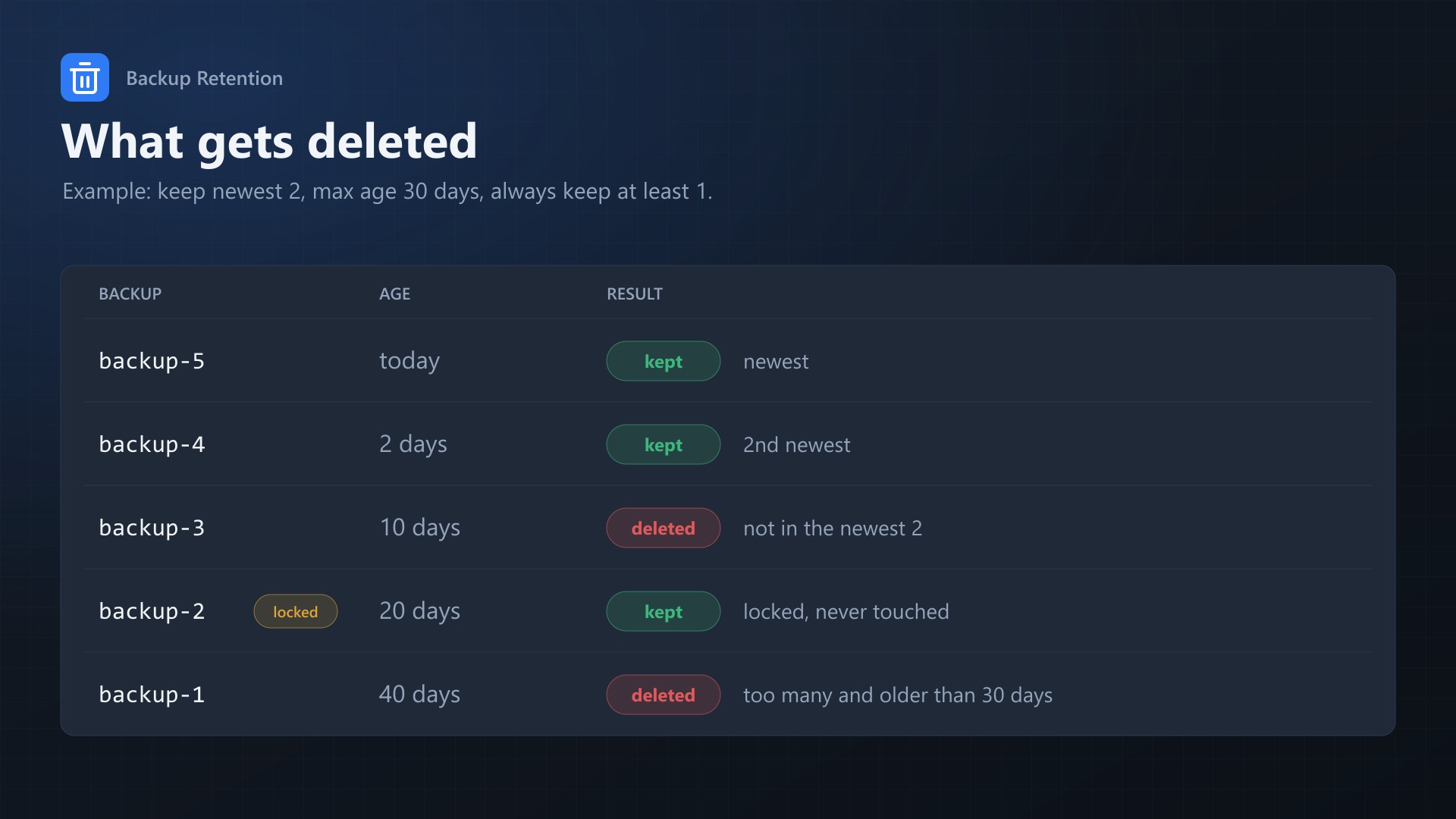
With keep newest 2, max age 30 days, always keep at least 1:
| Backup | Age | Result |
|---|---|---|
| backup-5 | today | kept |
| backup-4 | 2 days | kept |
| backup-3 | 10 days | deleted |
| backup-2 (locked) | 20 days | kept |
| backup-1 | 40 days | deleted |
Documentation
A Blueprint extension for Pterodactyl that cleans up old backups for you and keeps copies of them offsite, on S3-compatible storage or an SFTP server.
You set a couple of rules (keep the newest X backups, delete anything older than Y days) and the extension checks every server once an hour and deletes whatever falls outside of them. Locked backups are never touched, and there's a dry-run mode so you can see what it would do before letting it delete anything.
Why
Pterodactyl only rotates backups in one case: a scheduled backup task runs while the server is already at its backup limit. Then the oldest unlocked backup gets replaced. That's it. So on most panels:
- backups pile up until the limit is hit, and after that manual backups just fail with "too many backups"
- old backups never expire, a backup from half a year ago stays around as long as the limit isn't reached
- disk usage on the nodes (or the S3 bucket) keeps growing
This extension adds the missing rules on top of that.
| Pterodactyl | Backup Retention | |
|---|---|---|
| Delete backups older than X days | no | yes |
| Keep only the newest X backups (below the server limit) | no | yes |
| Manual and scheduled backups | scheduled only, at the limit | both |
| Minimum number of backups to keep | no | yes |
| Dry-run | no | yes |
| Shows up in the activity log | n/a | yes |
Features
- Keep newest X: keeps the X most recent backups of each server and removes the rest.
- Maximum age: removes backups older than X days.
- Always keep at least X: overrides both rules above, so a server never ends up with fewer backups than this, even if all of them are old.
- Locked backups are never deleted and they don't count towards the limits either.
- Failed and running backups are ignored. Only finished, successful backups are looked at.
- Dry-run (default): only logs what would be deleted.
- Disabled after install, nothing happens until you turn it on.
- Activity log: every deletion is logged on the server as
server:backup.deletewithretention: true, so your users can see why a backup is gone. - If a node is offline its backups are skipped and picked up again on the next run. The other servers are processed as usual.
- No core files are modified. Backups are deleted through Pterodactyl's own
DeleteBackupService, the same thing the delete button in the panel uses, so Wings (local) and S3 backups both work.
Requirements
- Pterodactyl Panel 1.15.x (tested on 1.15.1)
- Blueprint beta-2026-08 or newer
- PHP 8.2+
- The usual
schedule:runcron job of the panel (every Pterodactyl install has this)
Installation
Upload backupretention.blueprint to your panel directory (normally /var/www/pterodactyl) and run:
cd /var/www/pterodactyl
blueprint -install backupretention
The settings are under Admin > Extensions > Backup Retention.
After installing, the extension is disabled and set to dry-run, so it won't do anything yet.
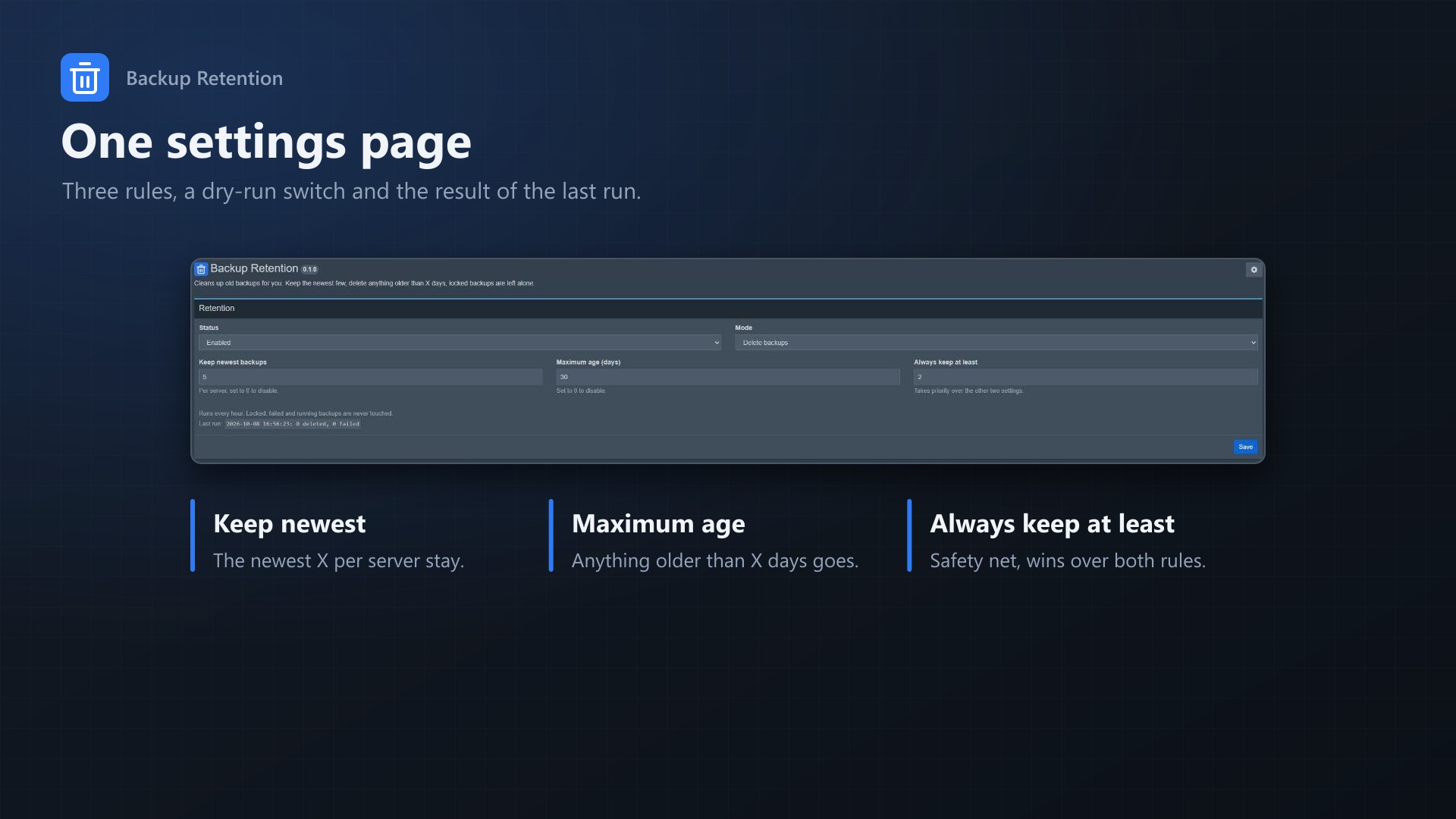
Settings
| Setting | Default | |
|---|---|---|
| Status | Disabled | Turns the hourly run on/off. |
| Mode | Dry-run | Dry-run only logs, "Delete backups" actually deletes them. |
| Keep newest backups | 5 | Per server. Everything after the newest X is deleted. 0 disables this rule. |
| Maximum age (days) | 0 | Backups older than this are deleted. 0 disables this rule. |
| Always keep at least | 1 | Minimum is 1. Takes priority over the two settings above. |
A backup is deleted when it breaks one of the two rules (too many or too old), unless that would take the server below "Always keep at least".
I'd recommend setting things up like this:
- Set your rules, leave the mode on dry-run, enable it and save.
- Run it by hand once (see below) or wait until the next full hour and check "Last run" on the settings page.
- If that looks right, switch the mode to "Delete backups".
Examples
| What you want | Keep newest | Max age | Keep at least |
|---|---|---|---|
| Last 3 backups, regardless of age | 3 | 0 | 1 |
| Nothing older than two weeks | 0 | 14 | 1 |
| Last 7, nothing older than 30 days, but always 2 | 7 | 30 | 2 |
Example with keep newest 2, max age 30 days, keep at least 1:
| Backup | Age | Locked | |
|---|---|---|---|
| backup-5 | today | kept | |
| backup-4 | 2 days | kept | |
| backup-3 | 10 days | deleted, not in the newest 2 | |
| backup-2 | 20 days | yes | kept, it's locked (and doesn't count) |
| backup-1 | 40 days | deleted, not in the newest 2 and older than 30 days |
Offsite copies
Backups stored on a node are lost together with the node: a broken disk or a deleted VPS takes the servers and their backups. With offsite copies the extension copies every finished node backup to storage somewhere else, a few minutes after it finished.
- S3-compatible storage: AWS S3, Backblaze B2, Wasabi, Cloudflare R2, Hetzner Object Storage, Scaleway, MinIO and others. Uses the AWS SDK that ships with Pterodactyl, uploads in 16 MB parts, so backup size doesn't matter and nothing is buffered on the panel's disk.
- SFTP: any SSH server, with password or private key. Set the host key fingerprint and the panel only talks to that exact server. Copies are written as
.partand renamed when complete. - Own retention: keep copies for X days (or until removed by hand), independent of the rules for the node backups. Optionally remove a copy when its backup is deleted on the panel; off by default, so copies are also a safety net against accidental deletes.
- Only new backups by default: turning it on copies backups from the last day, not every old backup at once (adjustable).
- Robust: a few backups per run every five minutes, failed copies are retried up to five times, interrupted copies are picked up again, and the copy size is compared with the backup.
- Admin page: test the storage access, copy now, a list of the latest copies with status, retry and download.
- Backups that already use Pterodactyl's S3 driver are offsite and are not copied again.
- Secret keys, passwords and private keys are stored encrypted with the panel's app key.
Copies are stored as <folder>/<server uuid>/<date>_<backup uuid>.tar.gz. To restore one, download it on the admin page, upload the archive into the server's files and unpack it.
How it works
The extension adds an Artisan command, backupretention:run, and schedules it hourly through the panel scheduler. For every server it takes all finished, successful and unlocked backups, sorts them by date and applies the rules. Deletions go through DeleteBackupService, so the archive is removed from Wings or S3 and the backup is removed from the panel.
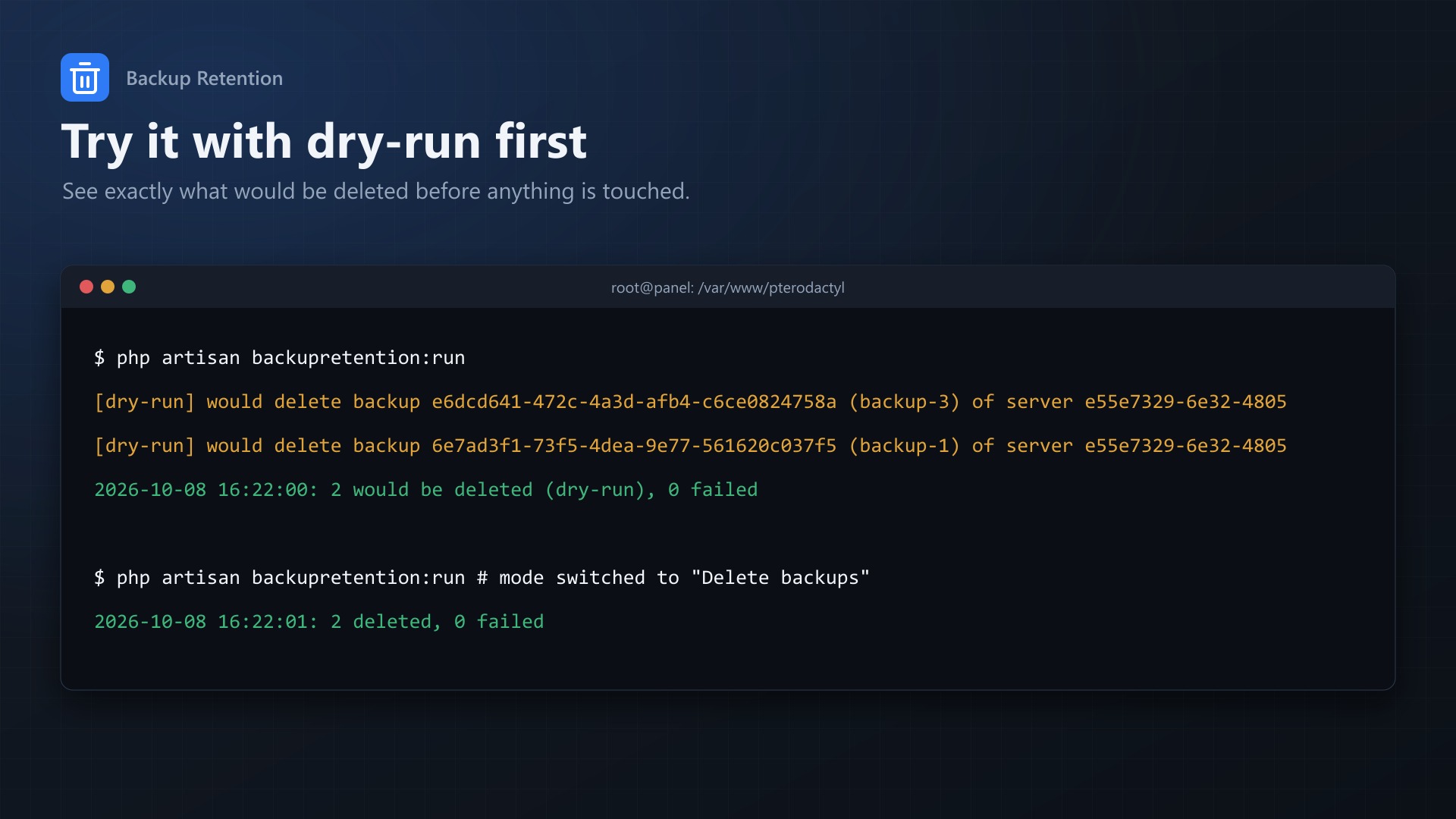
The result of the last run is shown on the settings page, e.g. 2026-10-08 16:22:01: 2 deleted, 0 failed.
Running it manually:
cd /var/www/pterodactyl
php artisan backupretention:run
In dry-run mode you get one line per backup that would be deleted.
Things to keep in mind
- Deleted backups are gone. Start with dry-run.
- The rules apply to every server on the panel. If a backup should never be deleted, lock it.
- Locked backups don't count towards "Keep newest". With keep newest 2 and one locked backup the server ends up with 3 backups.
- Failed backups are not cleaned up (normally they don't take up any space).
FAQ
Does it work with S3? Yes. I've tested it with local Wings backups and with S3 (S3-compatible storage), in both cases the archives are removed from the storage and from the panel.
What if a node is down? The backup is skipped, the error ends up in the log and in the "failed" count, and it's retried on the next run.
Can my users see what happened? Yes, in the activity log of the server.
Different rules per server? Not yet, the rules are global for now. Per-server settings are on the list.
Does it modify Pterodactyl files? No, it only adds its own settings page, controller and console command through Blueprint.
Uninstalling
cd /var/www/pterodactyl
blueprint -remove backupretention
This stops the hourly run. Existing backups aren't touched. The settings stay in the database, so if you install it again later it picks them up again (including status and mode, so check those).
Support
If something doesn't work, please send the output of php artisan backupretention:run (in dry-run mode) and the "Last run" line from the settings page.
Changelog
0.3.2 (2026-10-11)
- The update notice also works in the package from the licence site and the marketplaces; in the previous version it stayed hidden there.
0.3.1 (2026-10-11)
- Update notice: when a newer version is out, Admin > Extensions and the licence box on the admin page show it, with what is new. With the optional update helper (set up once as root), the update runs with one click after a backup of the panel files and the database.
0.3.0 (2026-10-10)
- Offsite copies: finished node backups are copied to S3-compatible storage (AWS, Backblaze B2, Wasabi, Cloudflare R2, MinIO, ...) or an SFTP server, with their own retention, retries, a storage test, and a list of copies with download on the admin page.
0.2.1 (2026-10-10)
- The licence box on the admin page explains that one purchase covers one panel (one domain and server; subdomains count as separate panels)
0.2.0 (2026-10-10)
- Licence check: the extension now needs a licence key, free with the purchase on sourceXchange. Get it on texus-addons.de, or download the extension there with the key built in.
- Licence box on the admin page
- The PHP code of the extension is obfuscated
Licence and download
One purchase = one licence = one panel. The licence is bound to one panel domain and the server it runs on. Subdomains count separately. You can move the licence at any time in your account.
After buying on sourceXchange or BuiltByBit, sign in here with your email address (BuiltByBit: redeem your activation code). You download the extension with the licence key built in, and every new version from your account.
Questions before buying? Ask on our Discord support server or at support@texus-addons.de.
Related
Schedules Plus
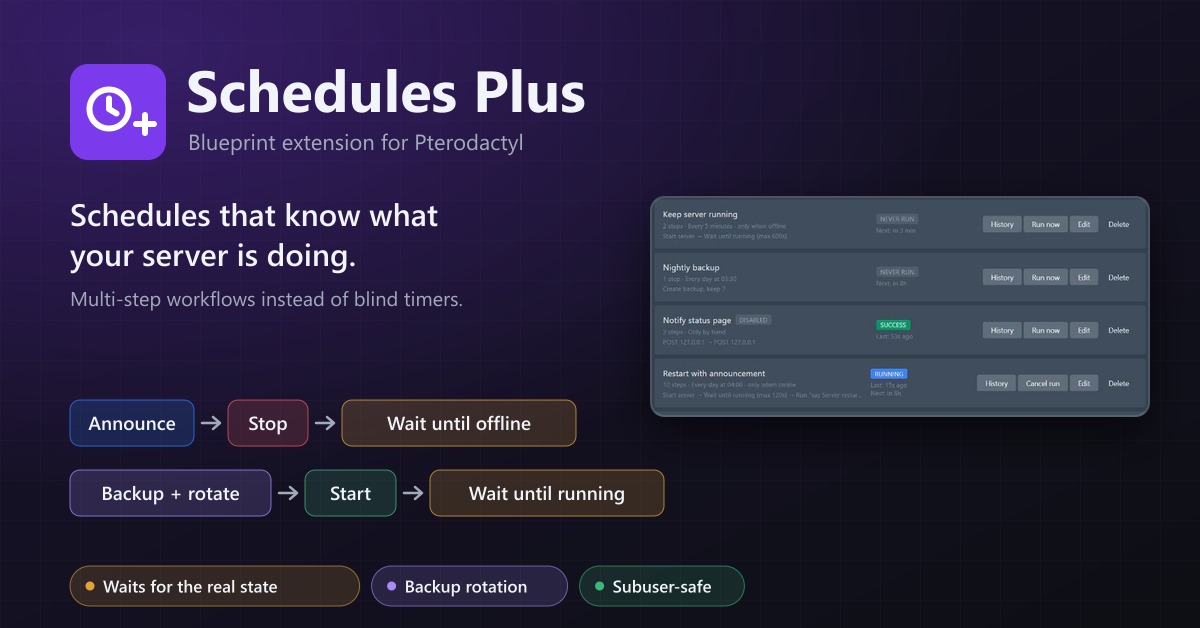
Multi-step server workflows that wait for the real server state: announce, stop, back up with rotation, start again.
Webhooks
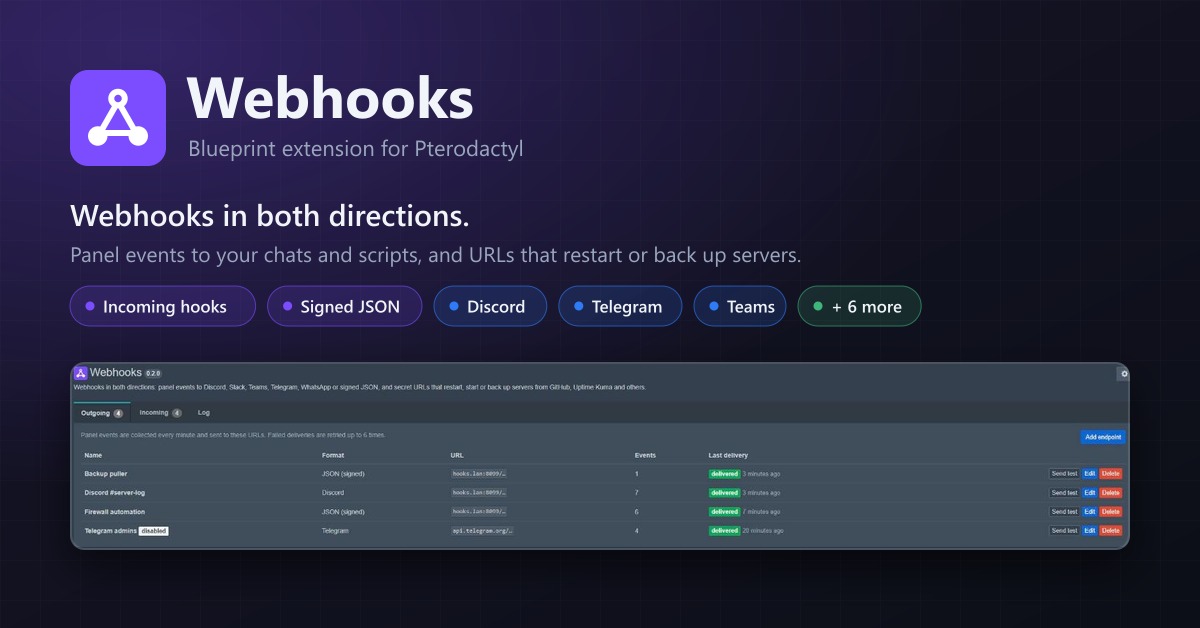
Webhooks in both directions: panel events to Discord, Telegram, Teams or JSON, and URLs that restart or back up servers.
Idle Stop
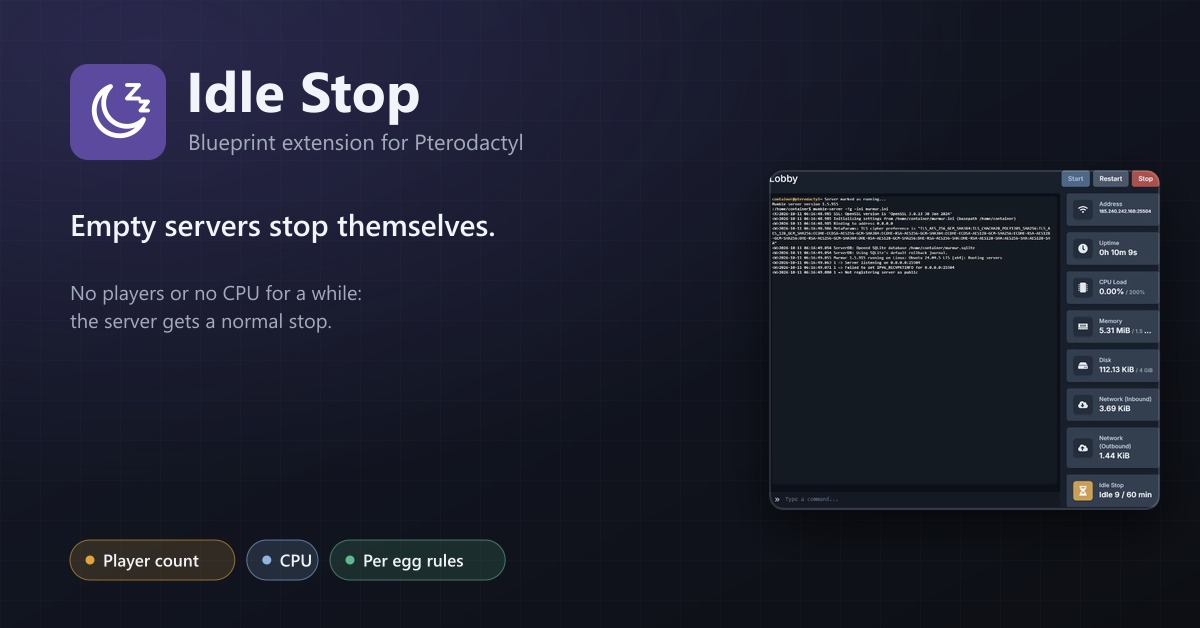
Stop servers nobody plays on: player count or CPU based, per egg rules, users can opt out if you allow it.