 texus Addons und Themes
Idle Stop
Stop servers nobody plays on: player count or CPU based, per egg rules, users can opt out if you allow it.
9,99 €
- Version 0.1.0, updated 11 October 2026
- For Pterodactyl Panel 1.15.x with Blueprint
- No core files modified, installs and removes with Blueprint
- One licence for one panel, new versions included
Screenshots
Features
Game servers often run for days with nobody on them: the weekend event server, the test server, the server whose owner lost interest. They still take memory and CPU on your nodes. Idle Stop checks every running server once a minute and stops the ones that have been empty for too long. The owner starts it again whenever they want to play.
Knows when nobody is playing
- Player count straight from the game: Minecraft Java (Server List Ping), Minecraft Bedrock (RakNet) and Source / Steam A2S (CS2, Garry's Mod, Rust, ARK, TF2, Valheim and more); bots don't count
- Query type picked automatically from the egg, or chosen per egg, with a port offset for games that answer on another port
- Or by CPU usage from Wings, for games without a query
- After 15 minutes idle in a row (your choice) the server gets a normal stop, logged in the server's activity log
Safe by design
- A server that has just started always gets the full time
- A query without an answer never counts as idle; optionally the CPU usage decides instead
- Installing, suspended and transferring servers and nodes in maintenance are skipped
- Exclude single servers, or watch only the nodes you choose
Rules and owners
- Default rule plus rules per egg: on or off, players or CPU, minutes, query type
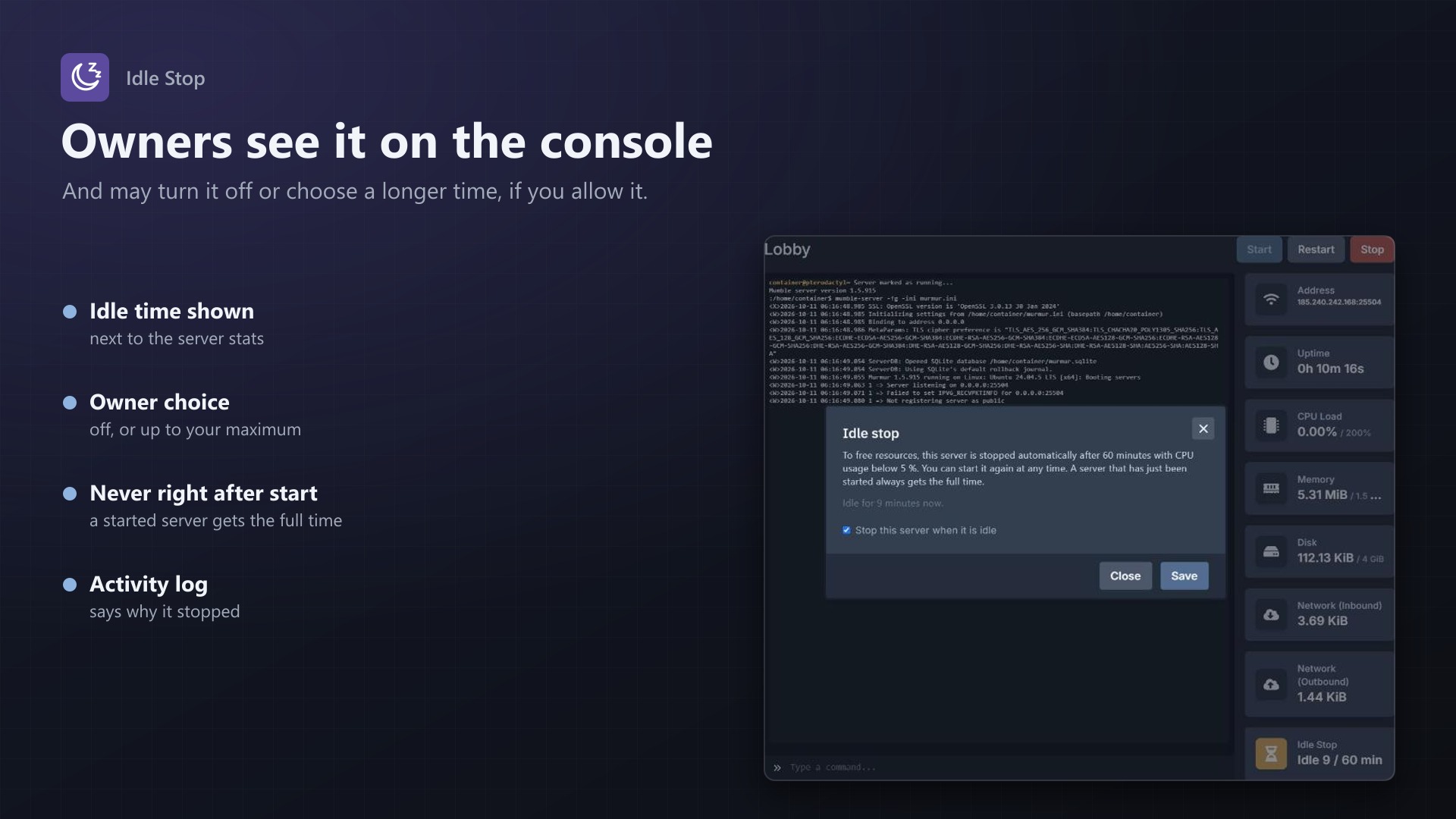
- Idle Stop box on the console page: owners see "After 15 min" or "Idle 4 / 15 min"
- If you allow it, owners can turn idle stop off for their server or choose a longer time up to your maximum
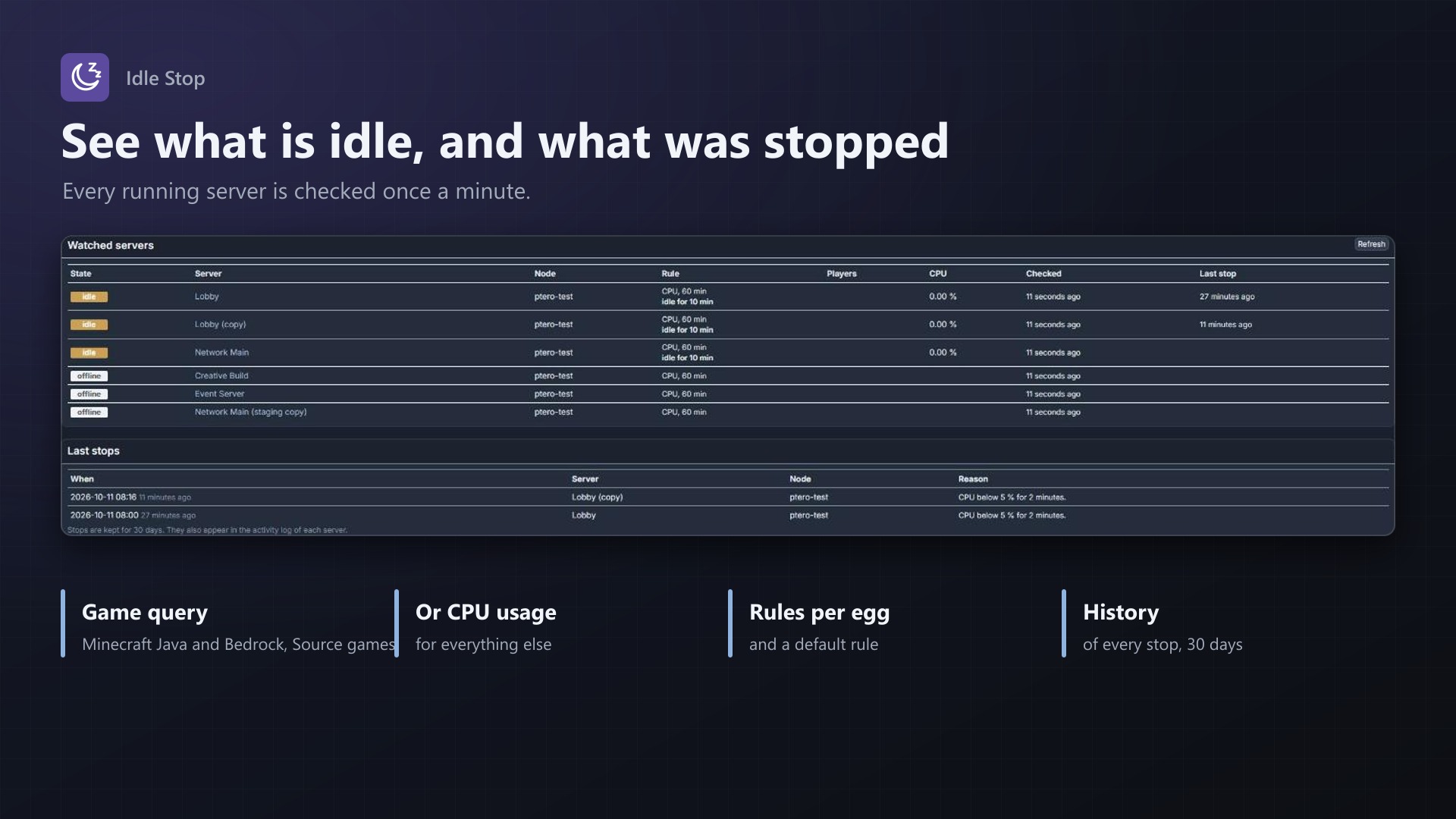
- Admin page with all watched servers (players, CPU, idle for how long, last stop) and the last 50 stops
- No core files modified
Documentation
A Blueprint extension that stops Pterodactyl servers nobody uses.
Game servers often run for days with nobody on them: a Minecraft server for a weekend event, a test server, a server whose owner lost interest. They still use memory and CPU on the node. Idle Stop checks every running server once a minute and stops the ones that have been empty for too long, so the resources are free for the servers people actually play on. The owner starts the server again whenever they want to play.
How it works
A scheduled job runs every minute and checks every running server that has an active rule:
- Players (default): the job asks the game how many players are online, the same way a server list or launcher does. Idle means 0 players. Supported:
- Minecraft Java (Server List Ping, TCP) — Paper, Spigot, Purpur, Forge, Fabric, Velocity, BungeeCord and other Java servers from 1.7 on
- Minecraft Bedrock (RakNet ping, UDP) — Bedrock Dedicated Server, PocketMine, Nukkit
- Source / Steam A2S_INFO (UDP) — CS2, CS:GO, Garry's Mod, TF2, Rust, ARK, Valheim, Unturned, 7 Days to Die, Arma, DayZ and other games that answer Valve's server query. Bots don't count.
- CPU: the server's CPU usage as Wings reports it. Idle means below the CPU limit (5 % by default, 100 % = one core).
The query goes to the server's primary address (the alias if set; the node's FQDN if the address is 0.0.0.0) and the port plus an optional offset. With "Auto", the query type is picked from the egg and nest name; you can also choose it per egg.
When a server has been idle at every check for the set number of minutes in a row (15 by default), it gets a normal stop, the same as the stop button. The stop is written to the server's activity log (server:texusidle.stop with the reason) and to the history on the admin page.
Safety rules
- A server that started less than the set minutes ago is never stopped: a server always gets the full time after a start.
- A query that gets no answer counts as unknown, never as idle, and starts the count again. With "use the CPU limit instead" turned on (default), the CPU usage decides in that case.
- Installing, suspended, restoring and transferring servers, and servers on nodes in maintenance mode, are skipped. So are servers that are not running.
- If Wings can't be reached, nothing is stopped.
Settings
Under Admin > Extensions > Idle Stop:
- Default rule: on/off, players or CPU, minutes, query type, query port offset.
- CPU limit and fallback to CPU when a query fails.
- Rules per egg: an egg with its own rule (on/off, method, minutes, query type, port offset) ignores the default rule. Turn idle stop on for a few eggs only, or off for eggs that should never be stopped. The list shows which query "Auto" finds for each egg.
- Only servers of these nodes: none ticked means all nodes.
- Never stop these servers: one server per line as ID, short ID (the 8 characters in the server URL) or UUID.
- Server owners: allow owners to turn idle stop off for their server, and the longest time owners may choose (equal to or below the rule's time = no choice).
The page also shows the watched servers (state, players, CPU, how long a server has been idle, the last check and the last stop) and the last 50 stops. Owner choices can be reset there. History entries are removed after 30 days.
For server owners
The console page of a watched server gets an Idle Stop box next to the address, uptime and resource boxes: "After 15 min", or "Idle 4 / 15 min" while the server is empty. A click shows what the rule means. The owner can turn idle stop off or choose a longer time there, if the admin allows it. Subusers see the box but can't change it. Servers without an active rule don't show the box.
Good to know
- Each server is queried with a short timeout (1.5 s). On panels with many watched servers, a run can take longer than a minute; the next run then waits until the previous one is done.
- The panel must be able to reach the game ports of the servers (UDP for Bedrock and A2S). Panel and nodes in the same network is the usual setup; a firewall between them makes queries fail, which never stops a server.
- Some games answer queries on another port than the game port (e.g. Valheim on game port + 1). Set the port offset in the egg's rule.
- CPU usage is a snapshot at each check. Choose a limit above what an empty server uses at rest.
- All servers of a node are read from Wings with one request (
GET /api/servers); if that fails, each server is asked for on its own. - No core files are modified.
Requirements
- Pterodactyl Panel 1.15.x with Wings 1.11 or newer on all nodes
- Blueprint (beta-2026-08 or newer)
- The panel's cron job (
schedule:runevery minute), as Pterodactyl needs it anyway - Network access from the panel to the game ports of the servers for the player query
- A licence key from texus-addons.de, free with your purchase, for one panel
- Outgoing HTTPS from the panel to texus-addons.de
Installation
- Upload
texusidle.blueprintto/var/www/pterodactyl - Run
blueprint -install texusidle - Enter the licence key under Admin > Extensions > Idle Stop
- Set the default rule or rules per egg and save. Idle stop is off until you turn it on.
Changelog
0.1.0
- First release: stops running servers that nobody uses. Idle is measured every minute with a game query (Minecraft Java, Minecraft Bedrock, Source/A2S) or with the CPU usage from Wings; after the set minutes idle in a row the server gets a normal stop. Default rule and rules per egg, node filter, excluded servers, an "Idle Stop" box on the server console where owners can see the rule and, when allowed, turn it off or choose a longer time. Admin page with the watched servers and the last 50 stops.
- Update notice: when a newer version is out, Admin > Extensions and the licence box on the admin page show it, with what is new. With the optional update helper (set up once as root), the update runs with one click after a backup of the panel files and the database.
Licence and download
One purchase = one licence = one panel. The licence is bound to one panel domain and the server it runs on. Subdomains count separately. You can move the licence at any time in your account.
After buying on sourceXchange or BuiltByBit, sign in here with your email address (BuiltByBit: redeem your activation code). You download the extension with the licence key built in, and every new version from your account.
Questions before buying? Ask on our Discord support server or at support@texus-addons.de.
Related
Schedules Plus
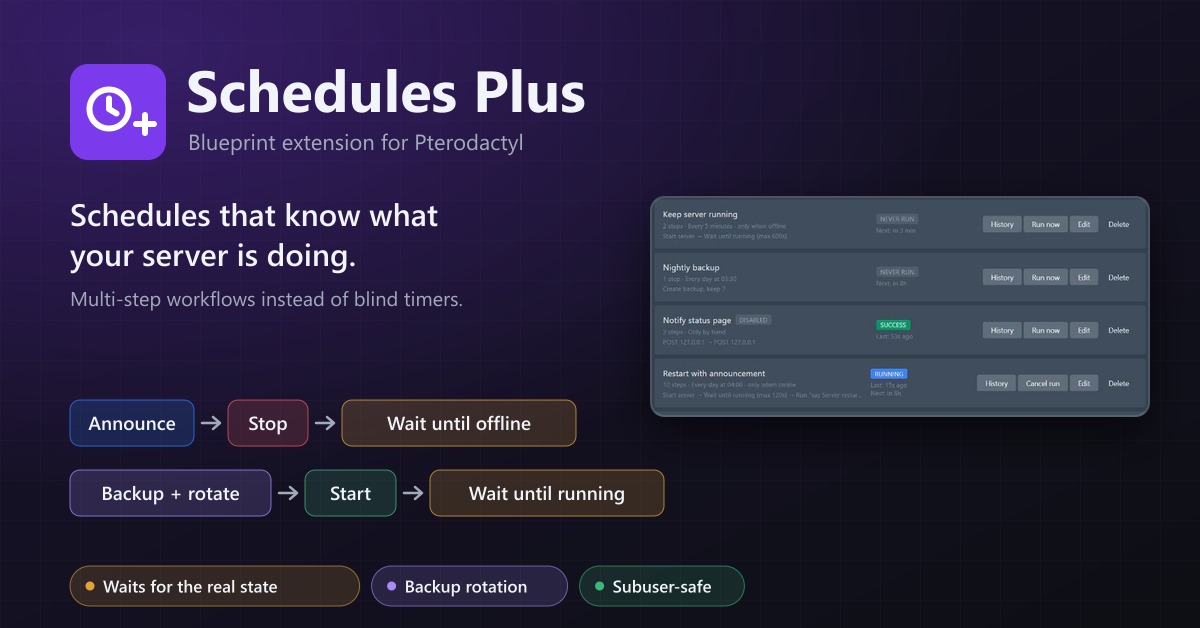
Multi-step server workflows that wait for the real server state: announce, stop, back up with rotation, start again.
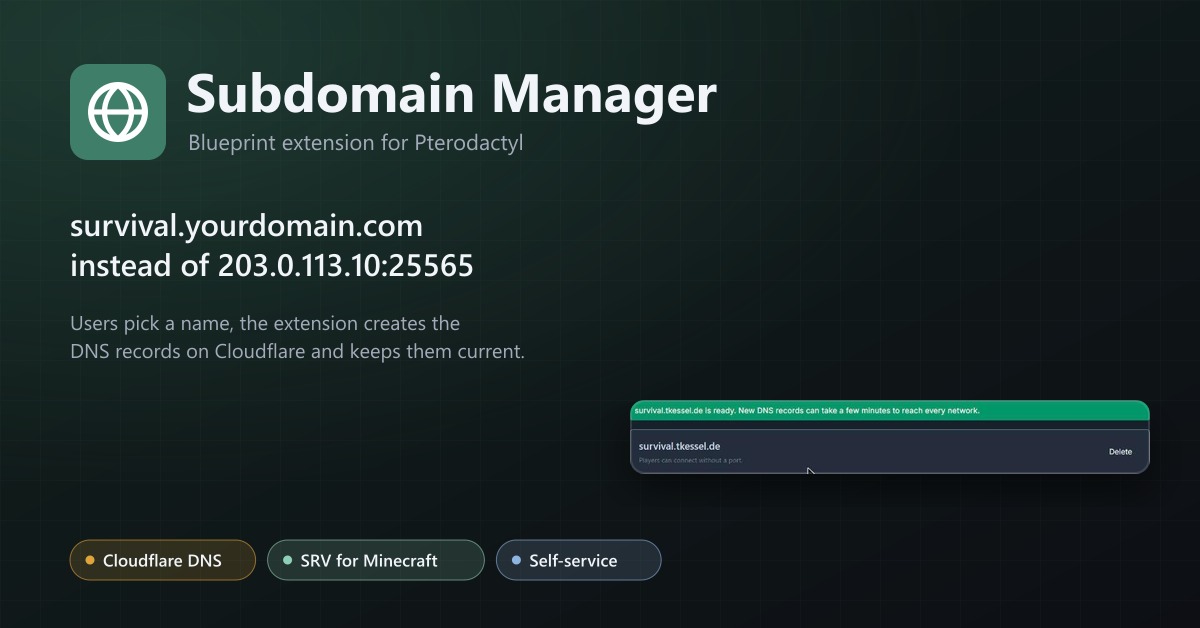
Subdomain Manager
Let users give their servers an address like survival.example.com. DNS records on Cloudflare, with SRV records for Minecraft.
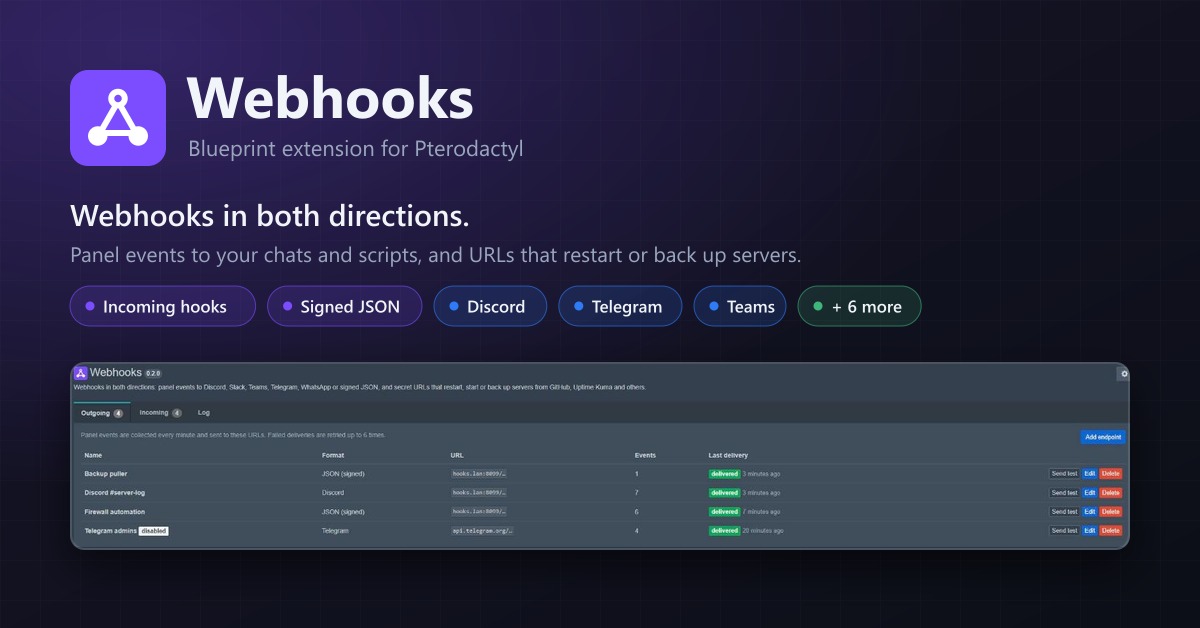
Webhooks
Webhooks in both directions: panel events to Discord, Telegram, Teams or JSON, and URLs that restart or back up servers.