 texus Addons und Themes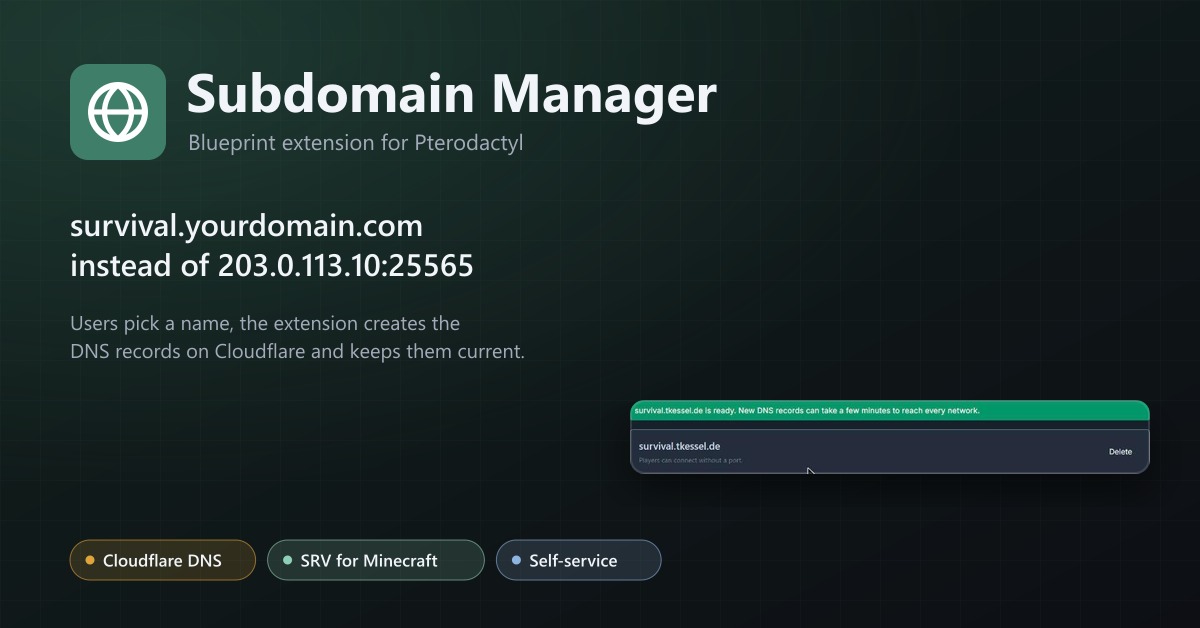
Subdomain Manager
Let users give their servers an address like survival.example.com. DNS records on Cloudflare, with SRV records for Minecraft.
6,99 €
- Version 0.3.2, updated 10 October 2026
- For Pterodactyl Panel 1.15.x with Blueprint
- No core files modified, installs and removes with Blueprint
- One licence for one panel, new versions included
Screenshots
Features
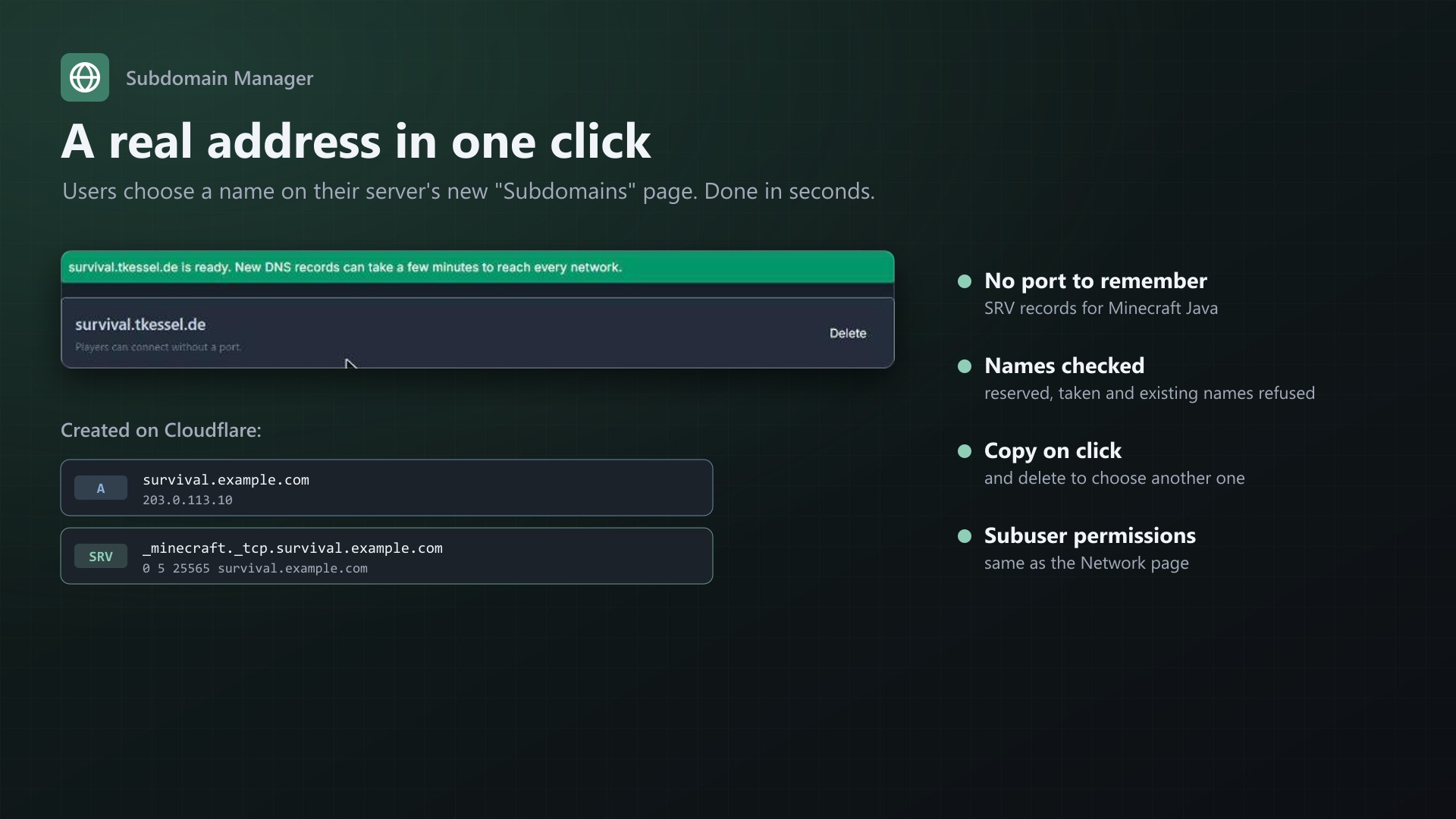
survival.example.com instead of 203.0.113.10:25565. Subdomain Manager adds a "Subdomains" page to every server: users pick a name and one of your domains, and the extension creates the DNS records on Cloudflare. For Minecraft Java it adds an SRV record, so players connect without a port.
For your users
- Choose a name, pick a domain, done in seconds
- Copy on click, delete to choose another one
- Subuser permissions as on the Network page
DNS records
- A, AAAA or CNAME record pointing to the server, never proxied
- SRV record with the port for games that support it (Minecraft Java by default, configurable per egg)
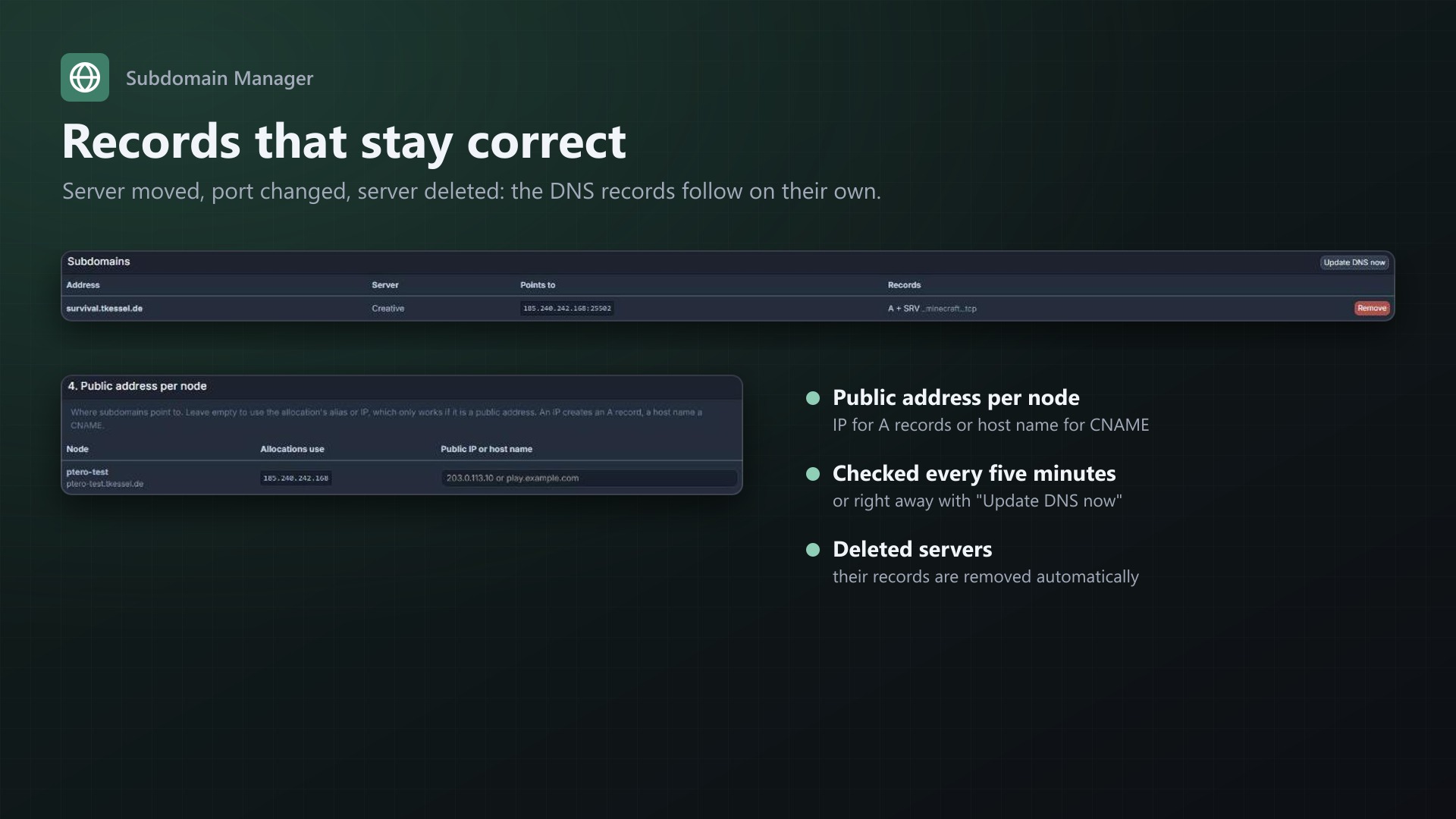
- Records stay correct: when the main allocation, the node address or the egg changes, they follow. Deleted servers lose their records automatically.
For you
- Use one or several of your Cloudflare domains
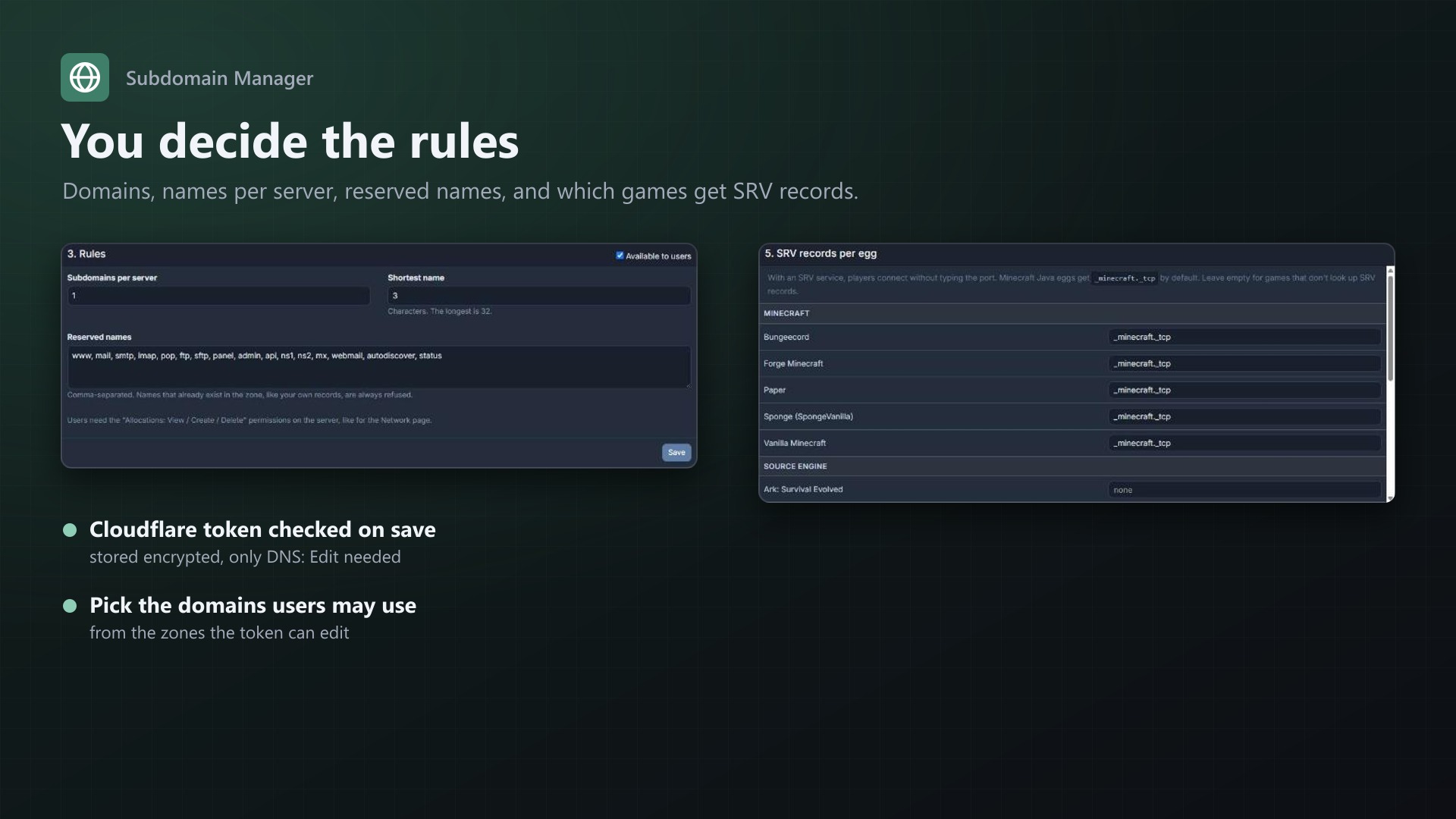
- Subdomains per server, shortest name, reserved names
- Names that already exist in the zone are refused, so your own records are safe
- Public address per node for NAT or internal IPs (IP or host name)
- Overview of all subdomains with removal and "Update DNS now"
- Token checked on save and stored encrypted; only "Edit zone DNS" permissions needed
- Changes appear in the server's activity log
Documentation
A Blueprint extension that lets your users give their servers an address like survival.example.com instead of 203.0.113.10:25565. The DNS records are created on Cloudflare. For Minecraft Java an SRV record is added as well, so players connect without typing a port.
Features
- New "Subdomains" page on every server: users pick a name and one of your domains, and the address works within seconds. Copy on click, delete to choose another one.
- DNS records on Cloudflare:
- A record (or AAAA for IPv6, or CNAME for a host name) pointing to the server
- SRV record with the server's port for games that support it, such as Minecraft Java
- Records are never proxied, because game traffic can't go through Cloudflare's proxy
- Records stay correct: when a server's main allocation, its node address or its egg changes, the records follow. When a server is deleted, its records are removed. Checked every five minutes, or right away with "Update DNS now".
- Rules for names:
- Lowercase letters, numbers and dashes
- Shortest length of your choice
- Reserved names (www, mail, panel, ...)
- Names that already exist in the zone are refused, so your own records can't be taken over
- Limits: subdomains per server (default 1)
- Several domains: pick which of your Cloudflare zones users may use
- Public address per node: for nodes whose allocations use private or internal IPs
- SRV records per egg: Minecraft Java eggs get
_minecraft._tcpby default. You can change it per egg, or use other services like_ts3._udp. - Subuser permissions: viewing, creating and deleting need the same permissions as the Network page (
allocation.read,allocation.create,allocation.delete) - Changes appear in the server's activity log
- Admin overview of all subdomains with removal
- The Cloudflare token is checked before it is saved and stored encrypted with the panel's app key
Requirements
- Pterodactyl Panel 1.15.x (tested on 1.15.1)
- Blueprint beta-2026-08 or newer
- A domain on Cloudflare (the free plan is enough)
- The panel's cron job, as required by Pterodactyl anyway
Installation
Upload texussubdomains.blueprint to your panel directory (normally /var/www/pterodactyl) and run:
cd /var/www/pterodactyl
blueprint -install texussubdomains
The installation rebuilds the panel's frontend, which takes a few minutes. Then open Admin > Extensions > Subdomain Manager.
Updating from 0.2.x
Up to 0.2.x the extension was installed as subdomains. Since 0.3.0 its identifier is texussubdomains, because another extension already uses subdomains. Remove the old one first, then install the new one:
cd /var/www/pterodactyl
blueprint -remove subdomains
blueprint -install texussubdomains
Settings, the Cloudflare token and all subdomains are kept. Your licence key stays the same.
Setup
- Cloudflare API token: create one in the Cloudflare dashboard under My Profile > API Tokens > Create Token with the template "Edit zone DNS". Under "Zone Resources", select only the domains users should get subdomains under. Paste it on the admin page and click "Check and save". A token that can't edit DNS anywhere is refused.
- Domains for users: check the domains users may choose. Zones the token can only read are shown as "read only".
- Rules: subdomains per server, shortest name, reserved names.
- Public address per node: leave empty if the allocations of a node use public IPs. If they use a private IP (NAT),
0.0.0.0or an internal address, enter the node's public IP (A record) or a host name (CNAME). - SRV records per egg: check the suggestion. Bedrock and most other games don't look up SRV records; leave those empty.
How it works
- A subdomain points to the server's main allocation. The address comes from, in this order:
- The public address set for the node
- The allocation's alias
- The allocation's IP, if it is a public address
- With an SRV service, an SRV record
_service._proto.name.domainpoints toname.domainand the allocation's port. - The panel's cron job runs
texussubdomains:syncevery five minutes. It compares every subdomain with its server and updates the records on Cloudflare where something changed. Subdomains of deleted servers are removed. - Creating a subdomain is done one at a time per domain, so two users can't take the same name at once.
FAQ
Do players need the port? For Minecraft Java no, thanks to the SRV record. For games without SRV support, players use name.domain:port; the page shows the address with the port in that case.
Can I use my main domain, which also hosts my website? Yes. Existing names in the zone can't be taken, and you can reserve more names. Many hosts use a separate domain for game servers anyway.
Does it work without Cloudflare? Not in this version. Cloudflare's free plan is enough. Other DNS providers may follow.
Why are the records not proxied (orange cloud)? Cloudflare's proxy only passes web traffic. Game servers need a direct connection.
What happens when I uninstall the extension? The records stay on Cloudflare and keep working, but are no longer updated. Remove them on the admin page first if you don't want them anymore.
Uninstall
blueprint -remove texussubdomainsBlueprint doesn't drop database tables on removal, so the subdomains are still known if you install it again. To remove them completely, delete the records on the admin page first, then drop subdomains_records and subdomains_domains from the panel database.
Support
Questions and bug reports through the support link on the product page. If creating a subdomain fails, send the message shown on the page; it usually comes straight from Cloudflare.
Changelog
0.3.2 (2026-10-11)
- The update notice also works in the package from the licence site and the marketplaces; in the previous version it stayed hidden there.
0.3.1 (2026-10-11)
- Update notice: when a newer version is out, Admin > Extensions and the licence box on the admin page show it, with what is new. With the optional update helper (set up once as root), the update runs with one click after a backup of the panel files and the database.
0.3.0 (2026-10-10)
- New identifier: texussubdomains instead of subdomains. Another extension on the market already uses "subdomains", and Blueprint can only install one extension per identifier.
- Updating from 0.2.x: remove the old extension with
blueprint -remove subdomains, then install texussubdomains. Settings, the Cloudflare token and all subdomains are kept. - The admin page is now at /admin/extensions/texussubdomains.
0.2.1 (2026-10-10)
- The licence box on the admin page explains that one purchase covers one panel (one domain and server; subdomains count as separate panels)
0.2.0 (2026-10-10)
- Licence check: the extension now needs a licence key, free with the purchase on sourceXchange. Get it on texus-addons.de, or download the extension there with the key built in.
- Licence box on the admin page
- The PHP code of the extension is obfuscated
Licence and download
One purchase = one licence = one panel. The licence is bound to one panel domain and the server it runs on. Subdomains count separately. You can move the licence at any time in your account.
After buying on sourceXchange or BuiltByBit, sign in here with your email address (BuiltByBit: redeem your activation code). You download the extension with the licence key built in, and every new version from your account.
Questions before buying? Ask on our Discord support server or at support@texus-addons.de.
Related
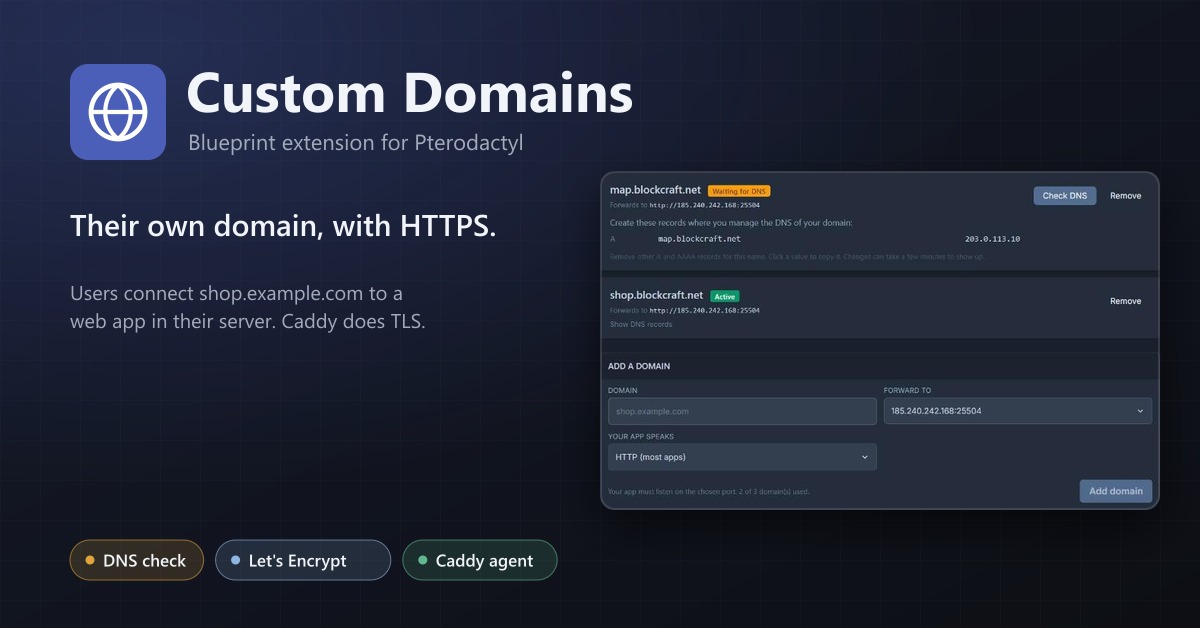
Custom Domains
Let users connect their own domain with HTTPS to a web service in their server, through a Caddy reverse proxy.
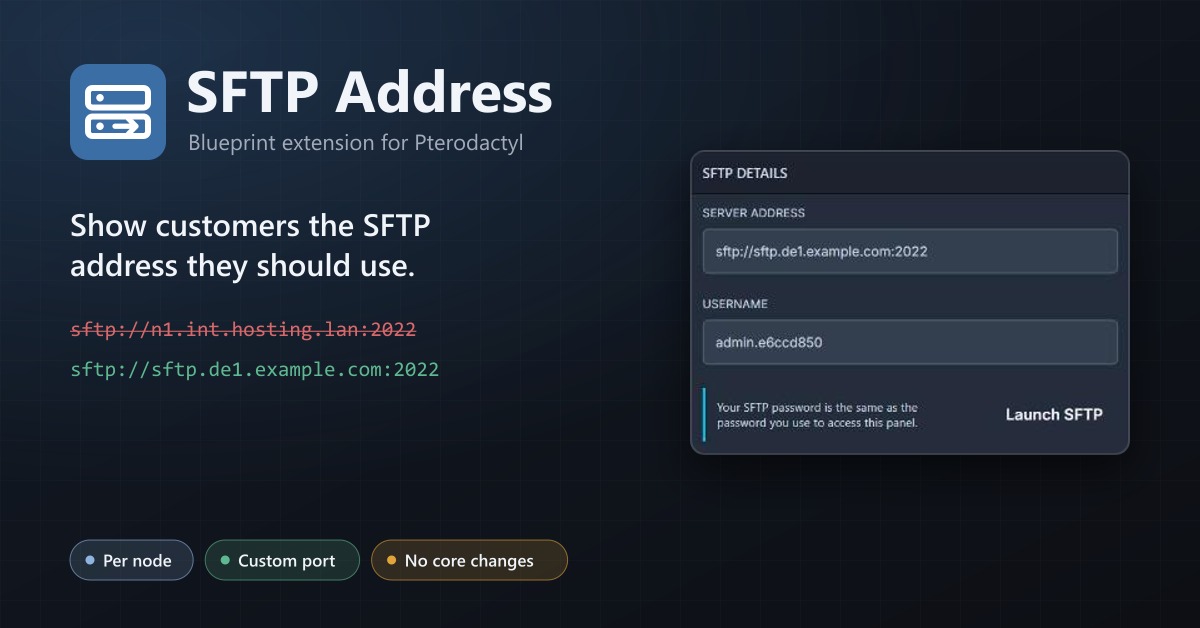
SFTP Address
Show your users a public SFTP address per node, like sftp.de1.example.com, instead of the node's internal address.
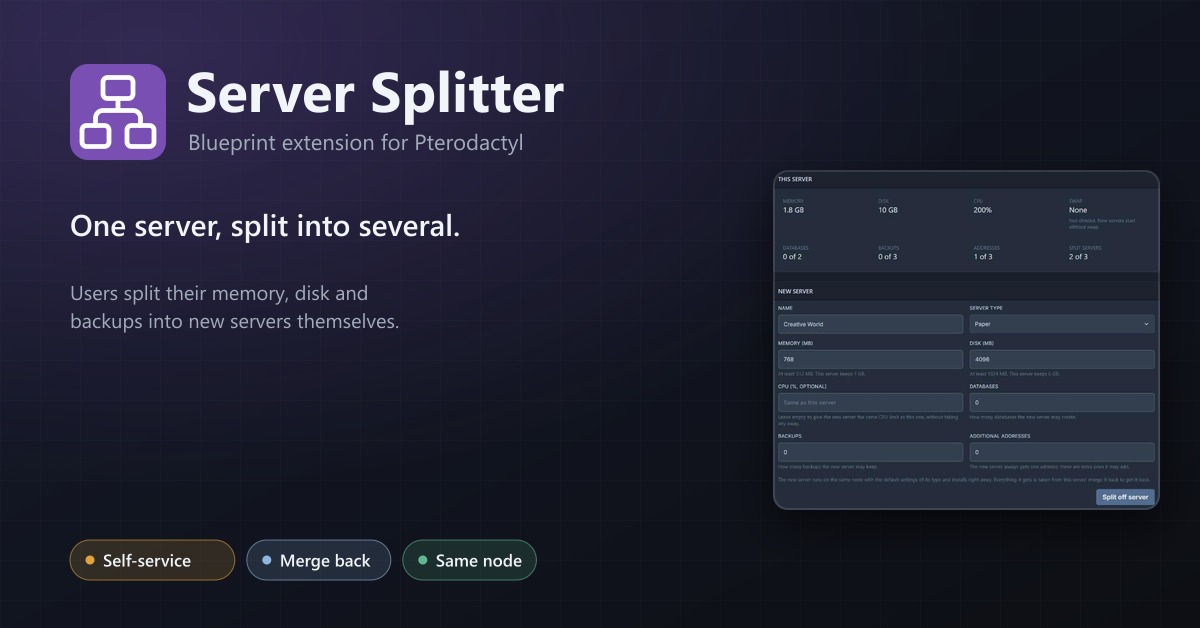
Server Splitter
Users split the resources of their server into several servers and merge them back, without a ticket.