 texus Addons und Themes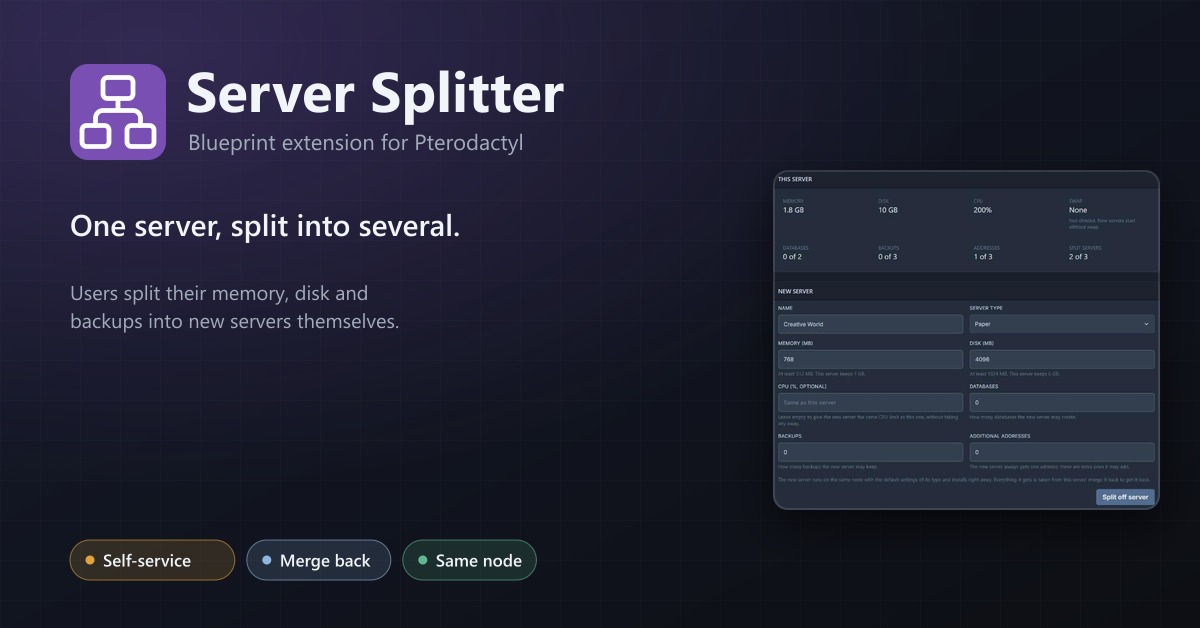
Server Splitter
Users split the resources of their server into several servers and merge them back, without a ticket.
16,99 €
- Version 0.2.0, updated 11 October 2026
- For Pterodactyl Panel 1.15.x with Blueprint
- No core files modified, installs and removes with Blueprint
- One licence for one panel, new versions included
Screenshots
Features
A customer rents a server with 8 GB of memory and wants a second, smaller one for a lobby, a test world or a bot. Today that means a ticket, and someone on your team creates the server and lowers the limits of the first one by hand. Server Splitter lets the owner do it on their own, and the total never grows.
Split
- A Split page on every server, for the owner only (not for subusers)
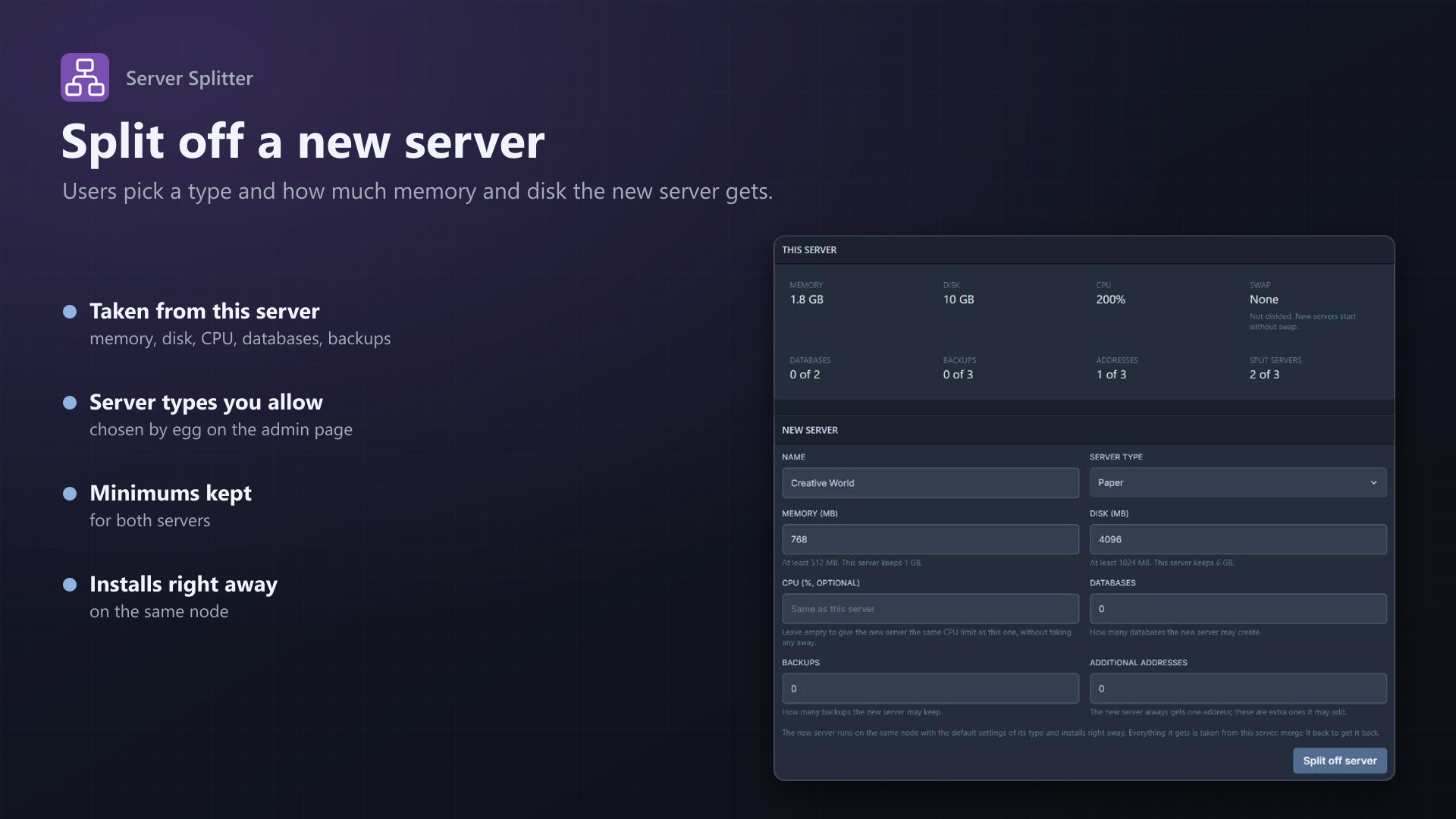
- Shows the server's limits: memory, disk, CPU, swap, databases, backups and addresses, with what is in use
- Name, server type, memory and disk, optionally a CPU share, databases, backups and extra addresses for the new server
- The new server runs on the same node, belongs to the same user and gets a free address, on the same IP where possible
- It uses the egg's default image, startup command and variables and installs right away
- The original server's limits are lowered by the same amount. If the new server can't be created, nothing changes
Merge back
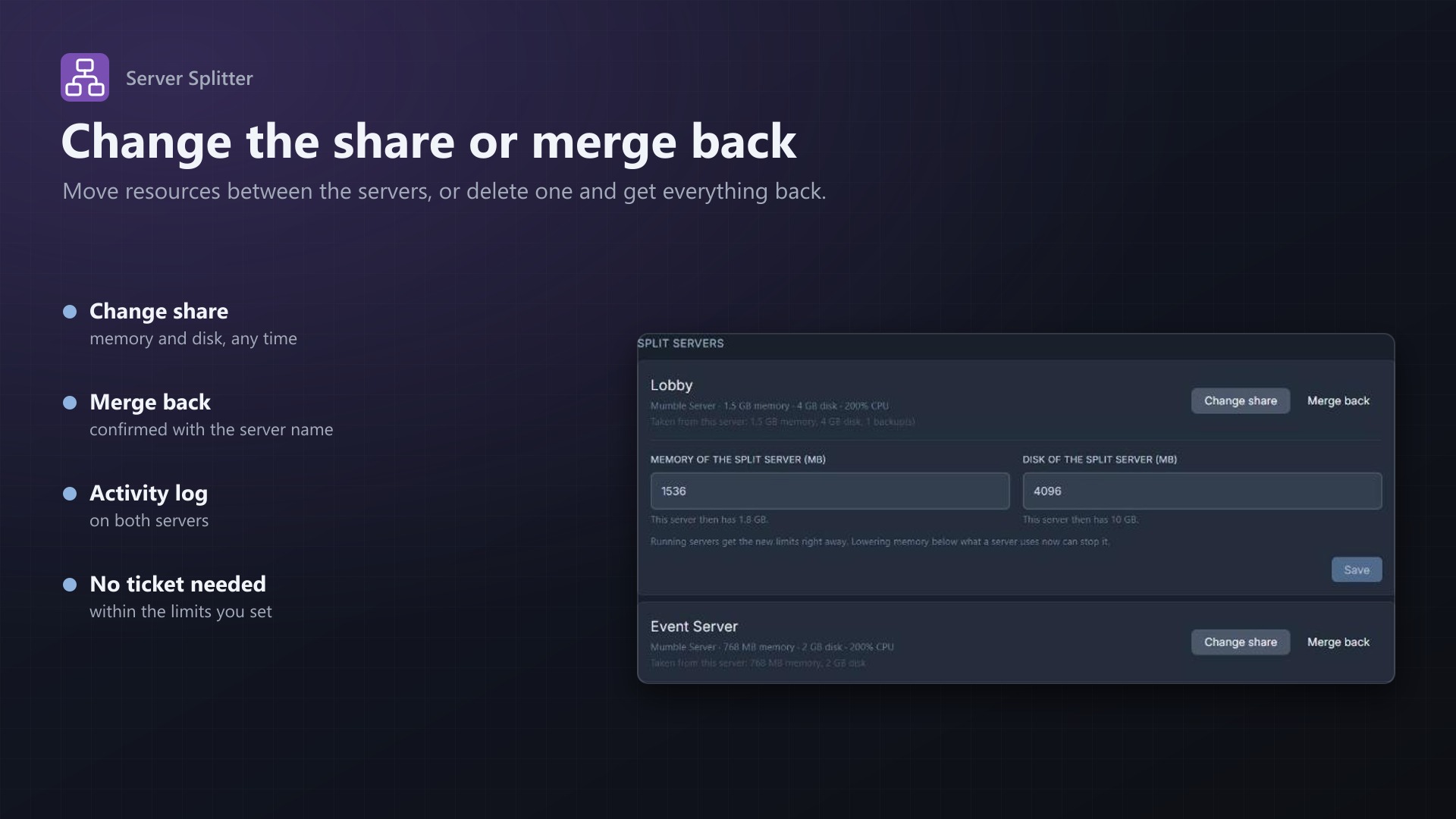
- A list of all split servers with what each one took
- Change share: move memory and disk between the original and a split server
- Merge back: deletes the split server after the owner has typed its name; its resources go back to the original server
You stay in control
- Choose which eggs new servers may use, grouped by nest
- Minimum memory and disk per server, the number of split servers per server, and whether CPU has to be split too
- Unlimited resources can't be split; the page tells the owner why
- An overview of every split server in the admin area
- Activity log entries for every split, share change and merge
- Uses Pterodactyl's own services for creating, changing and deleting servers; no core files modified
Documentation
A Blueprint extension that lets server owners split their server into several servers and merge them back, without asking the host.
Someone who rents a server with 8 GB of memory and wants a second, smaller server for a lobby, a test world or a voice bot usually has to open a ticket, and the host has to create the server and lower the limits of the first one by hand. With Server Splitter the owner does it on the server's Split page. The total never grows: whatever the new server gets is taken from the server it was split off.
How it works
- The owner opens Split on their server. The page shows the server's limits: memory, disk, CPU, swap, databases, backups and addresses, with what is in use.
- They enter a name, pick a server type (from the eggs the admin allows, grouped by nest) and choose how much memory and disk the new server gets, optionally a CPU share and a number of databases, backups and additional addresses.
- Split off server. The new server is created on the same node and belongs to the same user:
- It gets a free address on the node, on the same IP as the original server where one is free.
- It uses the egg's first Docker image, its startup command and the default value of every variable, and installs right away. The owner can change the variables on the Startup page.
- The original server's limits are lowered by the same amounts. The new server is created first. If that fails (for example because Wings can't be reached), the original server is not changed. If the original server's limits can't be changed afterwards, the new server is deleted again.
- Under Split servers the owner sees every server split off this one, with what it took:
- Change share moves memory and disk between the original and the split server. Running servers get the new limits right away.
- Merge back deletes the split server, after the owner has typed its name, and gives what it took back to the original server. Its files, databases and backups are deleted with it.
Activity log entries are written on the original server, for splits and share changes also on the split server: server:texussplitter.split, server:texussplitter.merge and server:texussplitter.resize.
Rules
- Only the owner of a server sees the Split page and can use it; subusers can't. Root admins can split any server through the API, which is how billing modules (texus Game Servers for Blesta, WHMCS and FOSSBilling) offer splitting in their client area. New servers always belong to the owner of the original server.
- Both the new server and the original server keep at least the minimum memory and disk set by the admin. The page says how much can be given away.
- Unlimited resources can't be split. A server with unlimited memory or disk (0) can't be split at all; the page says why. Unlimited CPU can't be divided either, and databases, backups or addresses can only be given away when the server has a limit for them.
- CPU: by default the CPU share is optional. Left empty, the new server gets the same CPU limit as the original one and nothing is taken away (a cap per server). With "CPU has to be split too", every new server takes a CPU share, and only servers with a CPU limit can be split.
- Swap is not divided. New servers start without swap.
- Databases, backups and addresses can only be given away when they are not in use: a server with 2 of 3 databases can give away one.
- The original server can have a limited number of split servers. Split servers can't be split further.
- The server must be installed, not suspended, not restoring a backup and not being transferred.
Admin page
Admin > Extensions > Server Splitter
- Server types: the eggs a new server may use, as a checkbox list grouped by nest. With none ticked, nobody can split.
- Minimum memory and disk per server (default 512 MB and 1024 MB).
- Split servers per server (default 3).
- CPU has to be split too (default off) and the minimum CPU per server when it is (default 25%).
- Split servers: every original server with its split servers, their limits and what they took. Remove link forgets the connection: the split server stays as a normal server and nothing goes back.
Good to know
- Deleting the original server: its split servers stay as normal servers with their limits.
- Deleting a split server elsewhere (admin area, application API): its resources do not go back to the original server automatically. Raise the original server's limits by hand if you want to.
- When an admin changes the limits of a split server, a merge still gives back what was taken at the time of the split (and later share changes), not the current limits.
- Merging needs Wings to delete the server. If the node is offline, nothing changes and the owner can try again later.
- The node's overallocation is not checked: the total of the two servers is the same as before.
- Everything is done with Pterodactyl's own services for creating, changing and deleting servers; no core files are modified.
Requirements
- Pterodactyl Panel 1.15.x
- Blueprint (beta-2026-08 or newer)
- Free addresses (allocations) on the nodes, one for each new server
- A licence key from texus-addons.de, free with your purchase, for one panel
- Outgoing HTTPS from the panel to texus-addons.de
Installation
- Upload
texussplitter.blueprintto/var/www/pterodactyl - Run
blueprint -install texussplitter - Enter the licence key under Admin > Extensions > Server Splitter
- Tick the eggs that new servers may use and save
Changelog
0.2.0
- Root admins can use the split API for any server, so billing modules can offer splitting to their customers (texus Game Servers for Blesta). New servers still always belong to the owner of the original server; subusers still can't split.
0.1.0
- First release: server owners split the memory, disk, CPU, databases, backups and addresses of their server into new servers on the same node, change the share of each split server and merge them back. Admin settings for the allowed eggs, minimum memory and disk per server, the number of split servers and whether CPU has to be split, plus an overview of all split servers.
- Update notice: when a newer version is out, Admin > Extensions and the licence box on the admin page show it, with what is new. With the optional update helper (set up once as root), the update runs with one click after a backup of the panel files and the database.
Licence and download
One purchase = one licence = one panel. The licence is bound to one panel domain and the server it runs on. Subdomains count separately. You can move the licence at any time in your account.
After buying on sourceXchange or BuiltByBit, sign in here with your email address (BuiltByBit: redeem your activation code). You download the extension with the licence key built in, and every new version from your account.
Questions before buying? Ask on our Discord support server or at support@texus-addons.de.
Related
Schedules Plus
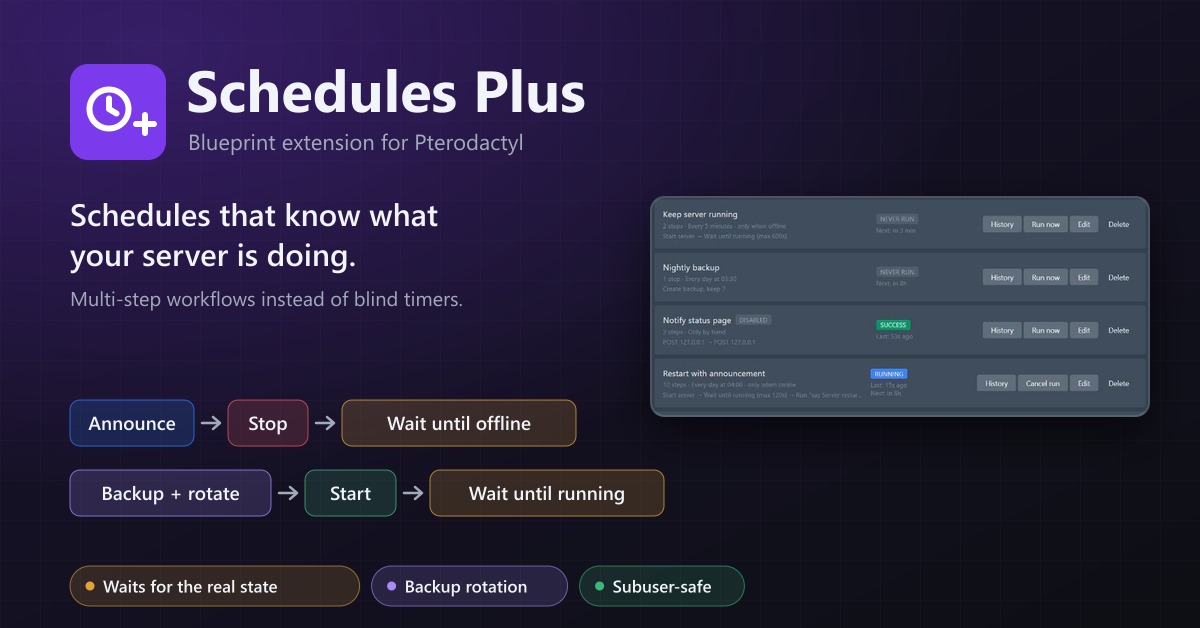
Multi-step server workflows that wait for the real server state: announce, stop, back up with rotation, start again.
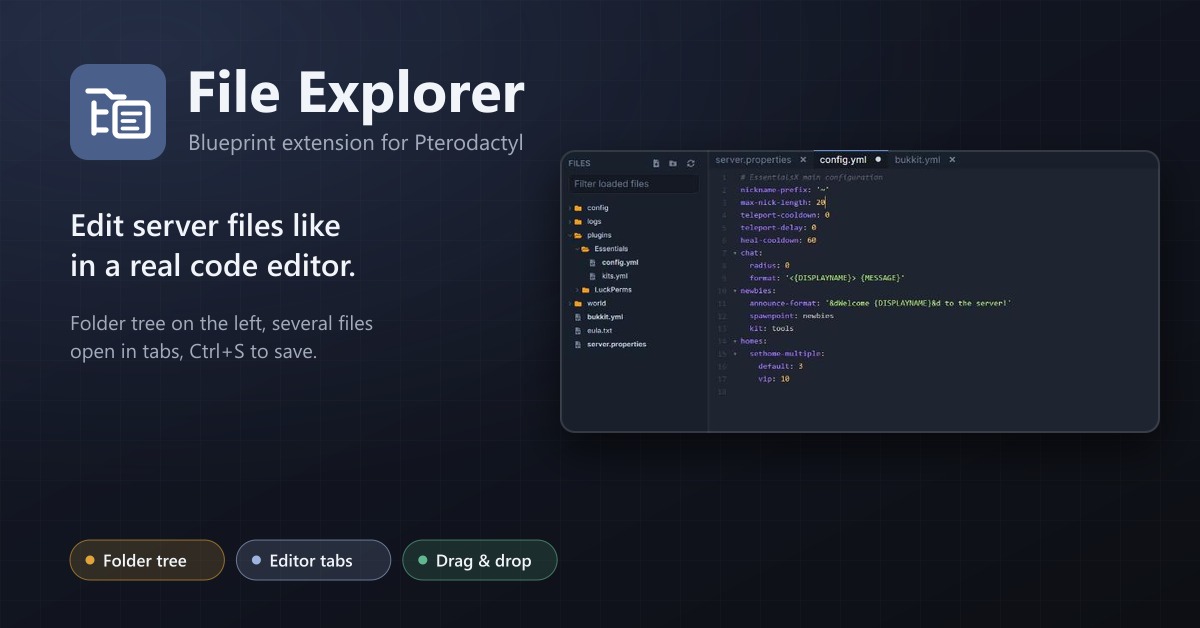
File Explorer
A file explorer with folder tree and editor tabs for every server: open several files at once, save with Ctrl+S, move by drag and drop.
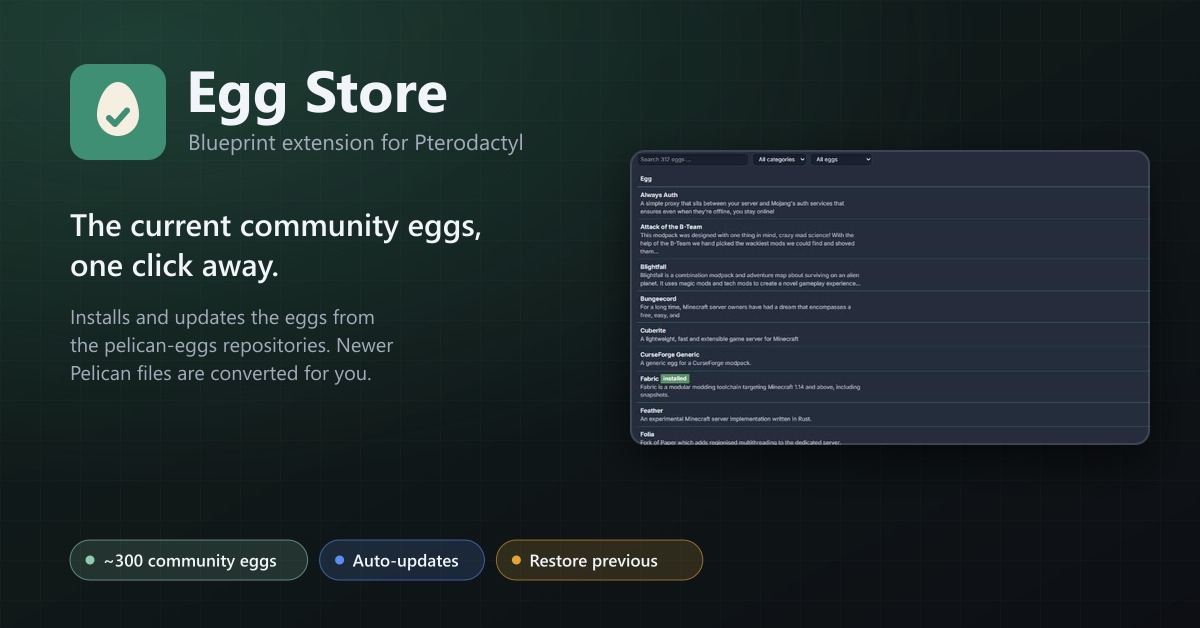
Egg Store
Install and update about 300 community eggs from the pelican-eggs repositories with one click. Pelican eggs are converted automatically.