 texus Addons und Themes
SFTP Address
Show your users a public SFTP address per node, like sftp.de1.example.com, instead of the node's internal address.
4,99 €
- Version 0.3.0, updated 11 October 2026
- For Pterodactyl Panel 1.15.x with Blueprint
- No core files modified, installs and removes with Blueprint
- One licence for one panel, new versions included
Screenshots
Features
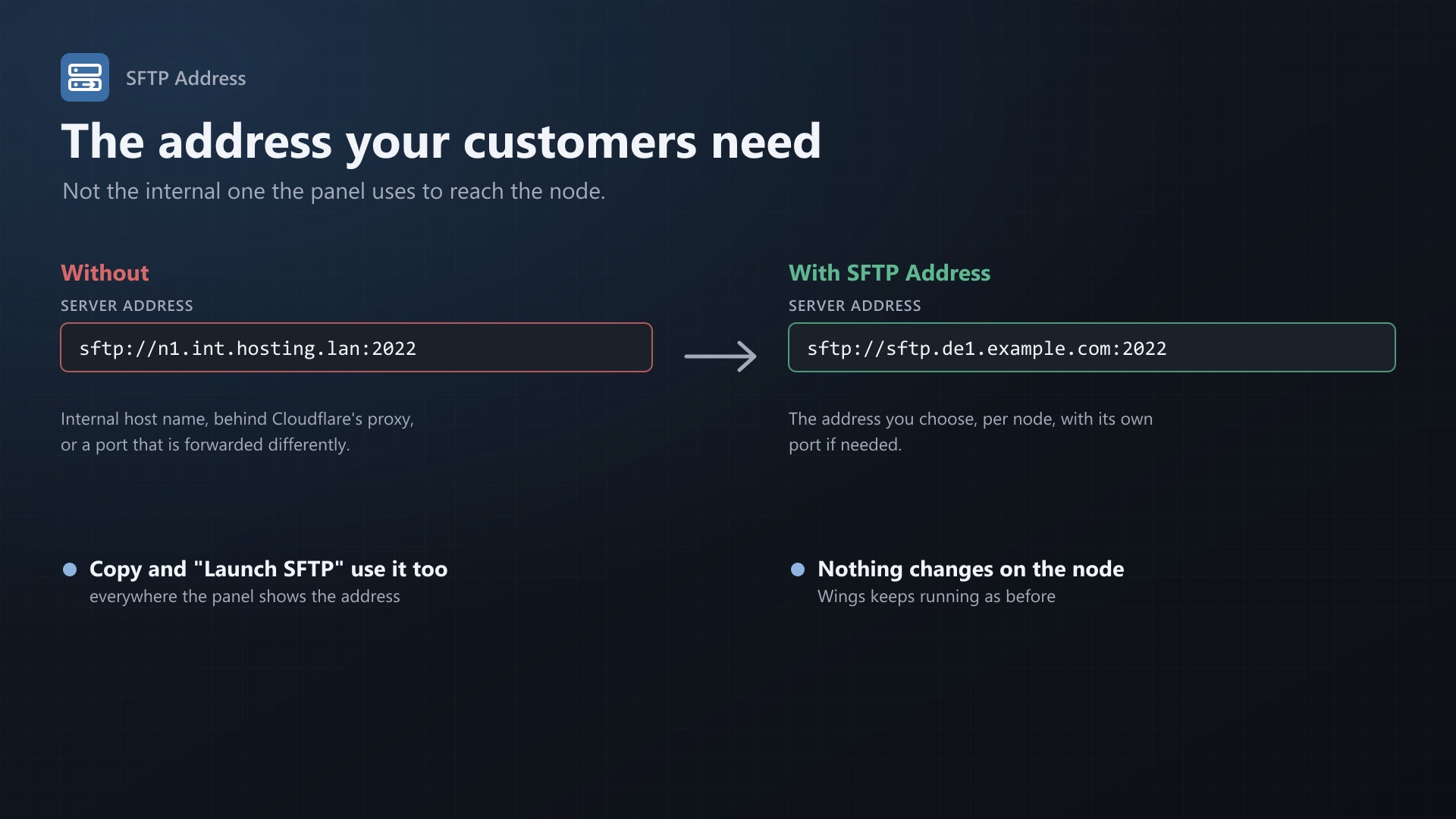
Pterodactyl always shows the node's FQDN and SFTP port as the SFTP address. That is the address the panel uses to reach Wings, and often not the one your customers should use. It can be an internal host name, a host behind Cloudflare's proxy (which doesn't pass SFTP), or a port that is forwarded differently. SFTP Address lets you set what users see, per node.
sftp://n1.int.hosting.lan:2022 -> sftp://sftp.de1.example.com:2022Features
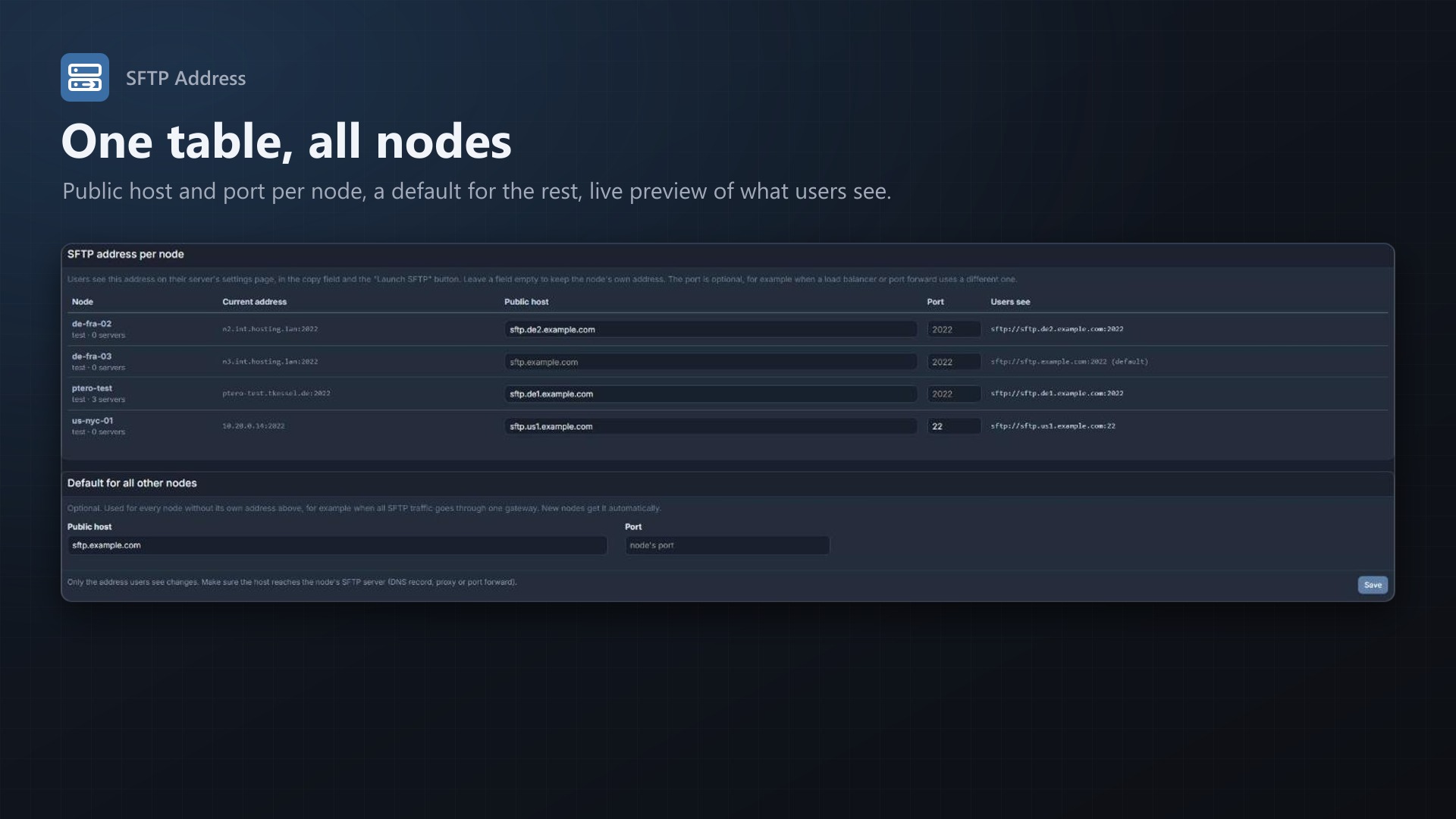
- Public host per node, optionally with its own port
- Default address for all nodes without their own, for example one SFTP gateway. New nodes get it automatically.
- Applies everywhere the panel shows the SFTP address:
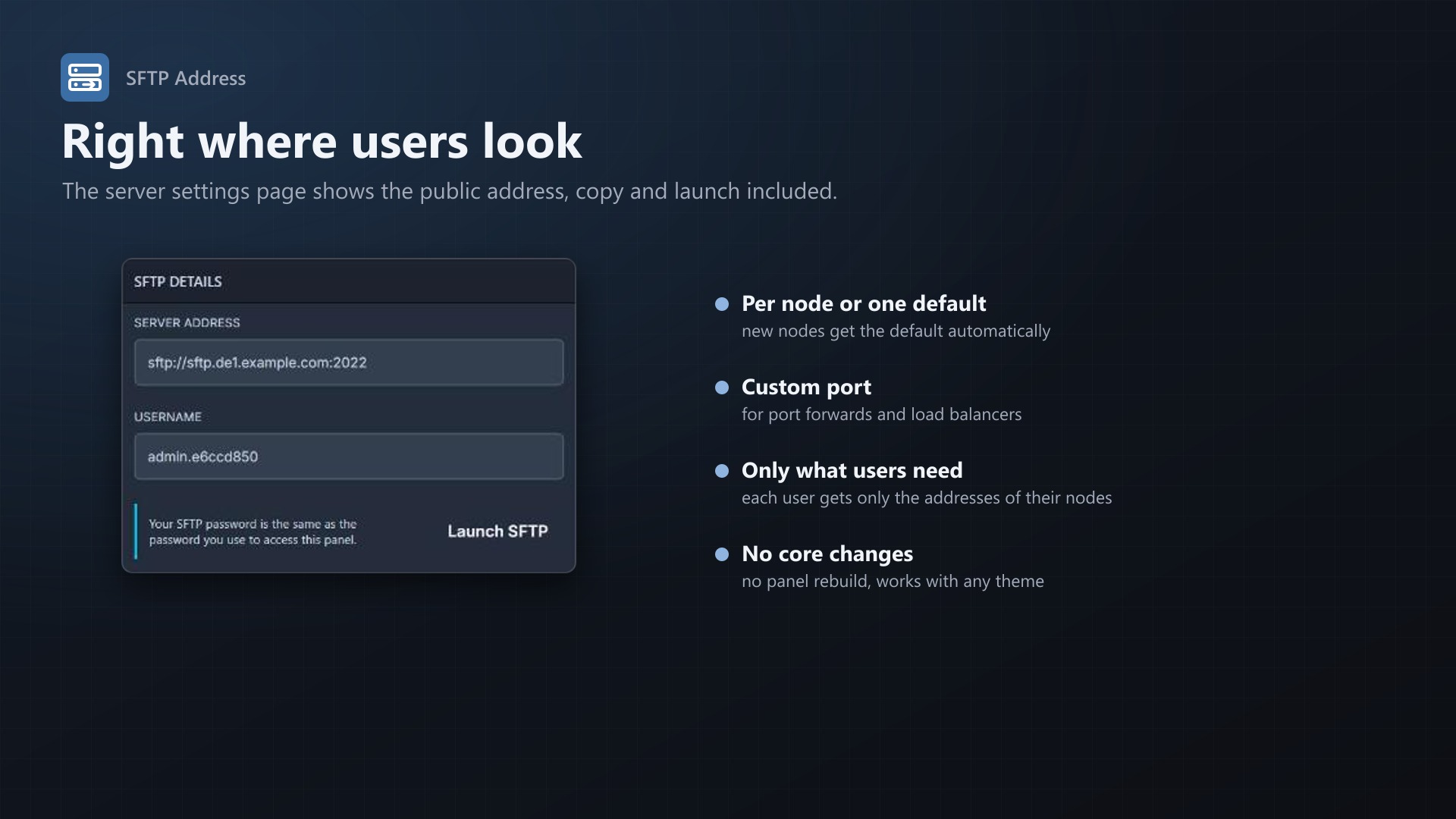
- Server address field on the settings page
- Copy on click
- "Launch SFTP" button
- Live preview on the admin page of what users will see
- Users only receive the addresses of nodes they have servers on. Visitors who aren't logged in receive nothing.
- No core files are modified, no panel rebuild needed, works with any theme
Good to know
Only the displayed address changes, nothing on the node. The public host has to reach the node's SFTP server, for example through a DNS record without Cloudflare proxy, a port forward or a TCP load balancer.
Documentation
A Blueprint extension that shows your users a public SFTP address per node, for example sftp.de1.example.com, instead of the node's internal address.
Pterodactyl always shows the node's FQDN and SFTP port as the SFTP address. That is the address the panel uses to talk to Wings, and often not the one customers should use. It can be an internal host name, a host behind Cloudflare's proxy (which doesn't pass SFTP), or a port that is forwarded differently. With SFTP Address you set what users see, per node.
Features
- Public host per node, optionally with its own port
- Default address for all nodes without their own, for example one SFTP gateway. New nodes get it automatically.
- Applies everywhere Pterodactyl shows the SFTP address:
- The "Server Address" field on a server's settings page
- Copy on click
- The "Launch SFTP" button
- Live preview on the admin page of what users will see
- Users only receive the addresses of nodes they have servers on, so nothing about other nodes is revealed. Visitors who aren't logged in receive nothing.
- No core files are modified and no rebuild of the panel is needed
Requirements
- Pterodactyl Panel 1.15.x (tested on 1.15.1)
- Blueprint beta-2026-08 or newer
Installation
Upload sftpaddress.blueprint to your panel directory (normally /var/www/pterodactyl) and run:
cd /var/www/pterodactyl
blueprint -install sftpaddress
Then open Admin > Extensions > SFTP Address and enter the public host for your nodes.
Settings
| Field | |
|---|---|
| Public host (per node) | Host name or IP address users should connect to, without sftp:// and without a port. Empty keeps the node's own address, or uses the default if one is set. |
| Port (per node) | Optional. Empty keeps the node's SFTP port (daemonSFTP, normally 2022). |
| Default host / port | Optional. Used for every node without its own host. |
Users see the new address the next time they load the panel.
How it works
The panel's API reports the SFTP address as part of the server details, where Pterodactyl fills in the node's FQDN and SFTP port. The extension adds a small script to the client area. The script replaces these two values in the server API responses before the panel's interface reads them. Everything that displays or uses the address therefore shows the public one.
Only the displayed address changes. Wings still listens on its normal SFTP port, and the panel still talks to the node through its FQDN. The public host must actually reach the node's SFTP server, for example through a DNS record without proxy, a port forward or a TCP load balancer.
Pages outside the panel can read the address of a server through the client API: GET /api/client/extensions/sftpaddress/servers/{server} answers {"host", "port", "custom", "identifier"} for the owner, subusers and admins. The texus billing modules (Game Servers for Blesta, WHMCS and FOSSBilling) use it to show the SFTP address in their client area.
FAQ
Does this change anything for Wings or the node configuration? No. Nothing on the node changes, the extension only changes what users see.
Is the internal address hidden completely? It no longer appears anywhere in the interface. The raw API response in the browser's developer tools still contains it, because the API is part of Pterodactyl's core. Users with servers on a node can also see the node's address in the console WebSocket connection and in file uploads. Don't rely on the extension to keep a node's address secret.
My node is behind Cloudflare. Which host should I use? A separate DNS record that is not proxied (grey cloud), for example sftp.de1.example.com, pointing to the node's IP. Cloudflare's proxy only passes HTTP(S), not SFTP.
Does it work with themes? Yes. It changes the data the page shows, not the page itself, so it works with any theme that keeps Pterodactyl's SFTP details box.
Uninstall
blueprint -remove sftpaddressUsers see the node's own address again after reloading the page. The settings stay in the panel database and are used again if you reinstall the extension.
Support
Questions and bug reports through the support link on the product page.
Changelog
0.3.0
- New client API route with the public SFTP address of a server, so billing modules can show it in their client area (texus Game Servers for Blesta).
0.2.3 (2026-10-11)
- The update notice also works in the package from the licence site and the marketplaces; in the previous version it stayed hidden there.
0.2.2 (2026-10-11)
- Update notice: when a newer version is out, Admin > Extensions and the licence box on the admin page show it, with what is new. With the optional update helper (set up once as root), the update runs with one click after a backup of the panel files and the database.
0.2.1 (2026-10-10)
- The licence box on the admin page explains that one purchase covers one panel (one domain and server; subdomains count as separate panels)
0.2.0 (2026-10-10)
- Licence check: the extension now needs a licence key, free with the purchase on sourceXchange. Get it on texus-addons.de, or download the extension there with the key built in.
- Licence box on the admin page
- The PHP code of the extension is obfuscated
Licence and download
One purchase = one licence = one panel. The licence is bound to one panel domain and the server it runs on. Subdomains count separately. You can move the licence at any time in your account.
After buying on sourceXchange or BuiltByBit, sign in here with your email address (BuiltByBit: redeem your activation code). You download the extension with the licence key built in, and every new version from your account.
Questions before buying? Ask on our Discord support server or at support@texus-addons.de.
Related
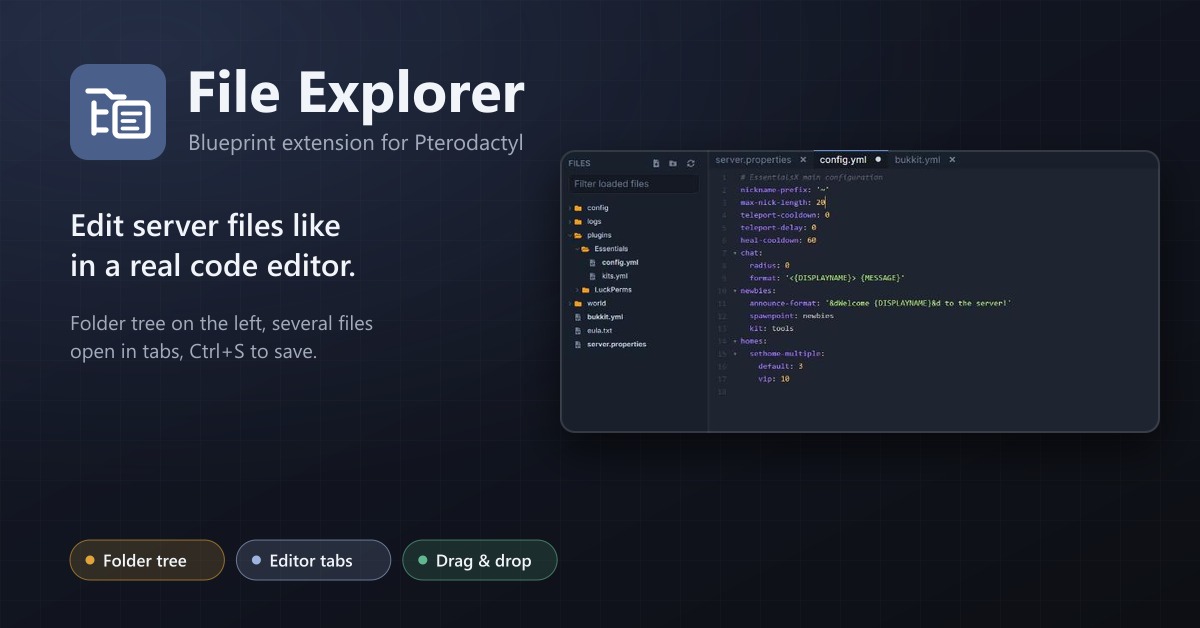
File Explorer
A file explorer with folder tree and editor tabs for every server: open several files at once, save with Ctrl+S, move by drag and drop.
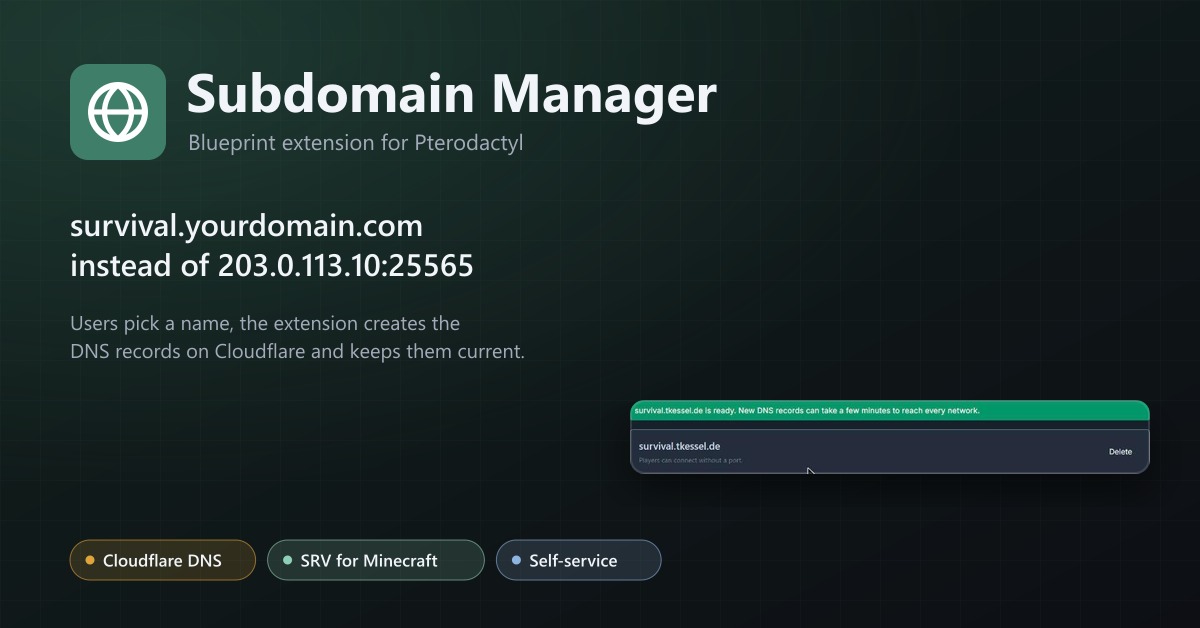
Subdomain Manager
Let users give their servers an address like survival.example.com. DNS records on Cloudflare, with SRV records for Minecraft.
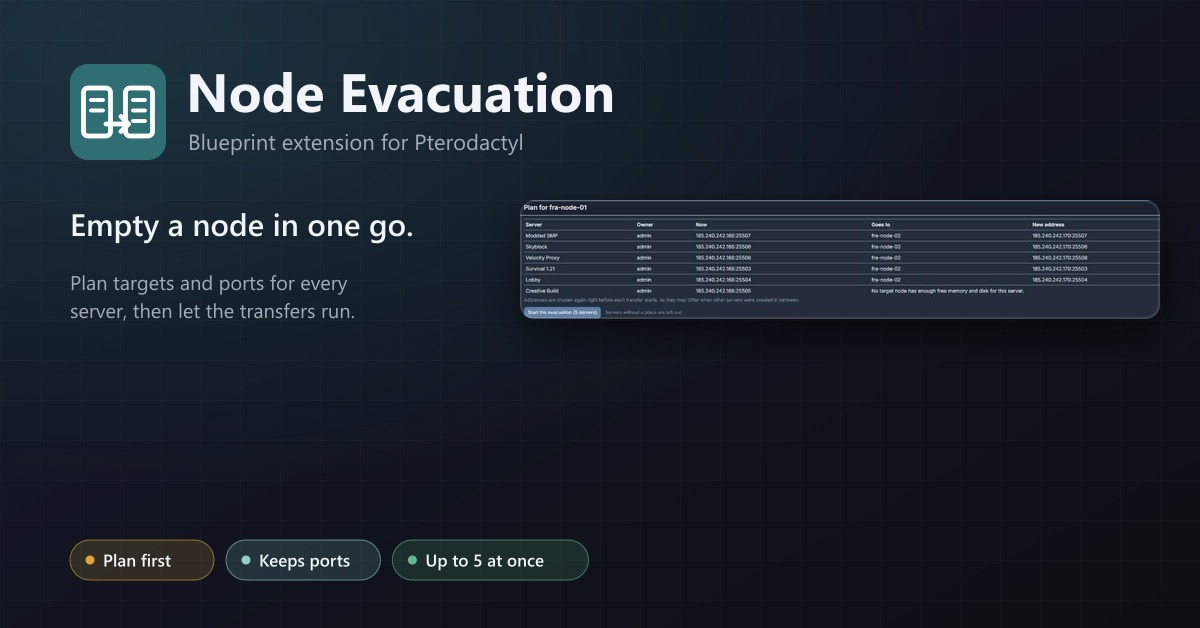
Node Evacuation
Empty a node in one go: plan targets and ports, then transfer every server with progress, retries and a stop button.