 texus Addons und Themes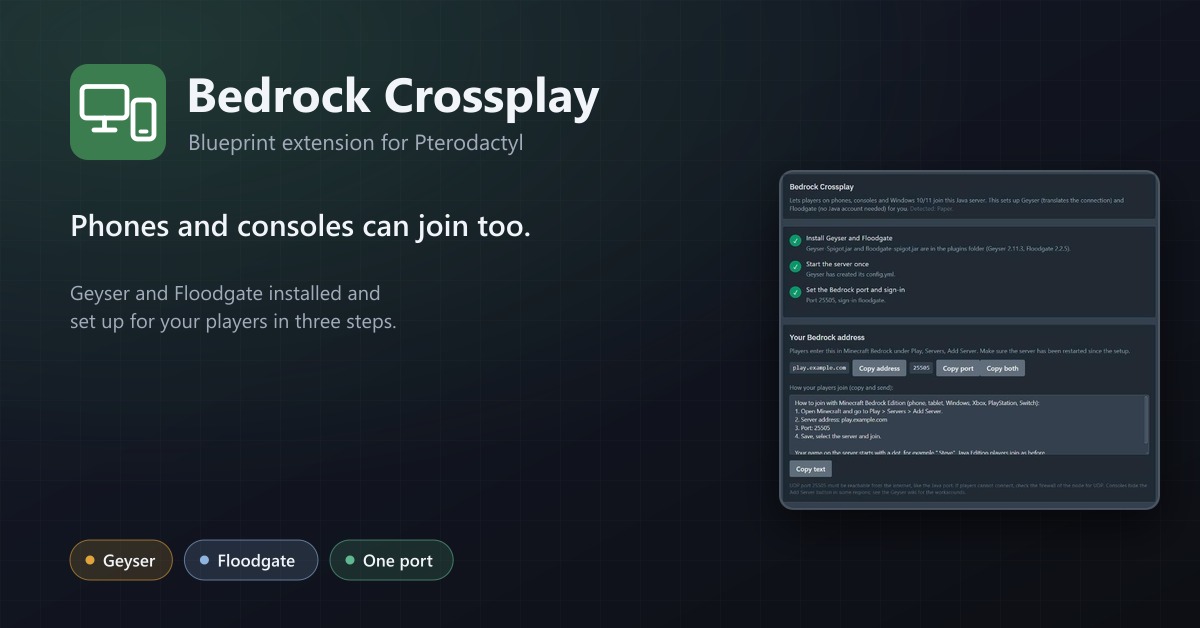
Bedrock Crossplay
Let phones and consoles join Java servers: Geyser and Floodgate installed, a port assigned and the settings applied in three steps.
9,99 €
- Version 0.1.0, updated 14 October 2026
- For Pterodactyl Panel 1.15.x with Blueprint
- No core files modified, installs and removes with Blueprint
- One licence for one panel, new versions included
Screenshots
Features
Phones, consoles and Windows 10/11 run Minecraft Bedrock Edition and can't join a Java server on their own. The free plugins Geyser and Floodgate fix that, but setting them up by hand means downloads, a UDP port, config files and restarts. Bedrock Crossplay adds a Bedrock tab to the server page that does it in a few clicks, for the server owner, without admin help.
The wizard
- Recognises the software: Paper, Purpur, Spigot, Velocity and BungeeCord; anything else is refused with a clear message
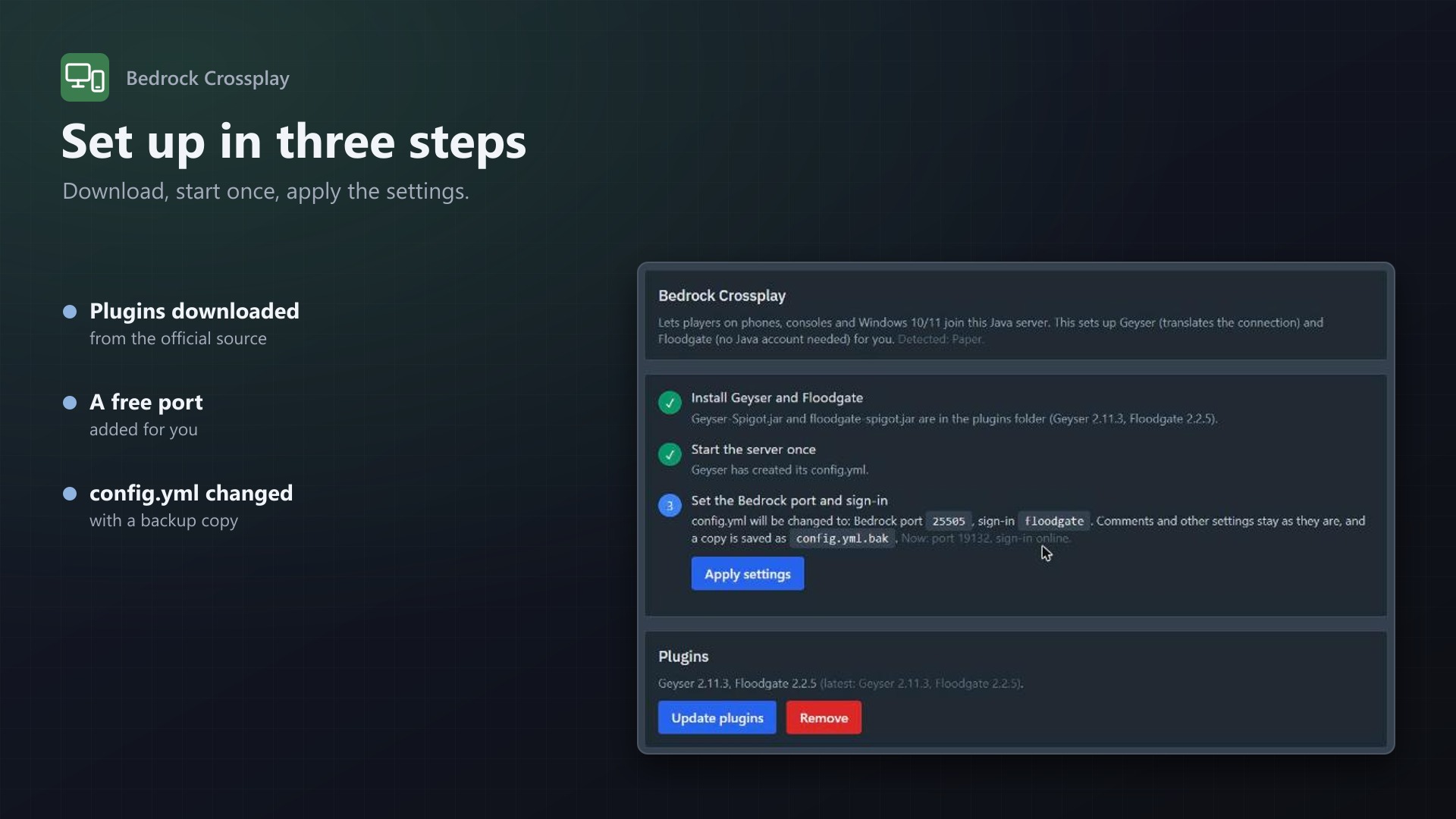
- Installs the plugins: the latest Geyser and Floodgate from the official download API go straight into the plugins folder, with progress
- Picks the port: an additional allocation of the server (19132 preferred), or a free one from the node if you allow it
- Sets the config: bedrock port and Floodgate sign-in in Geyser's config.yml; comments stay, a .bak copy is saved first
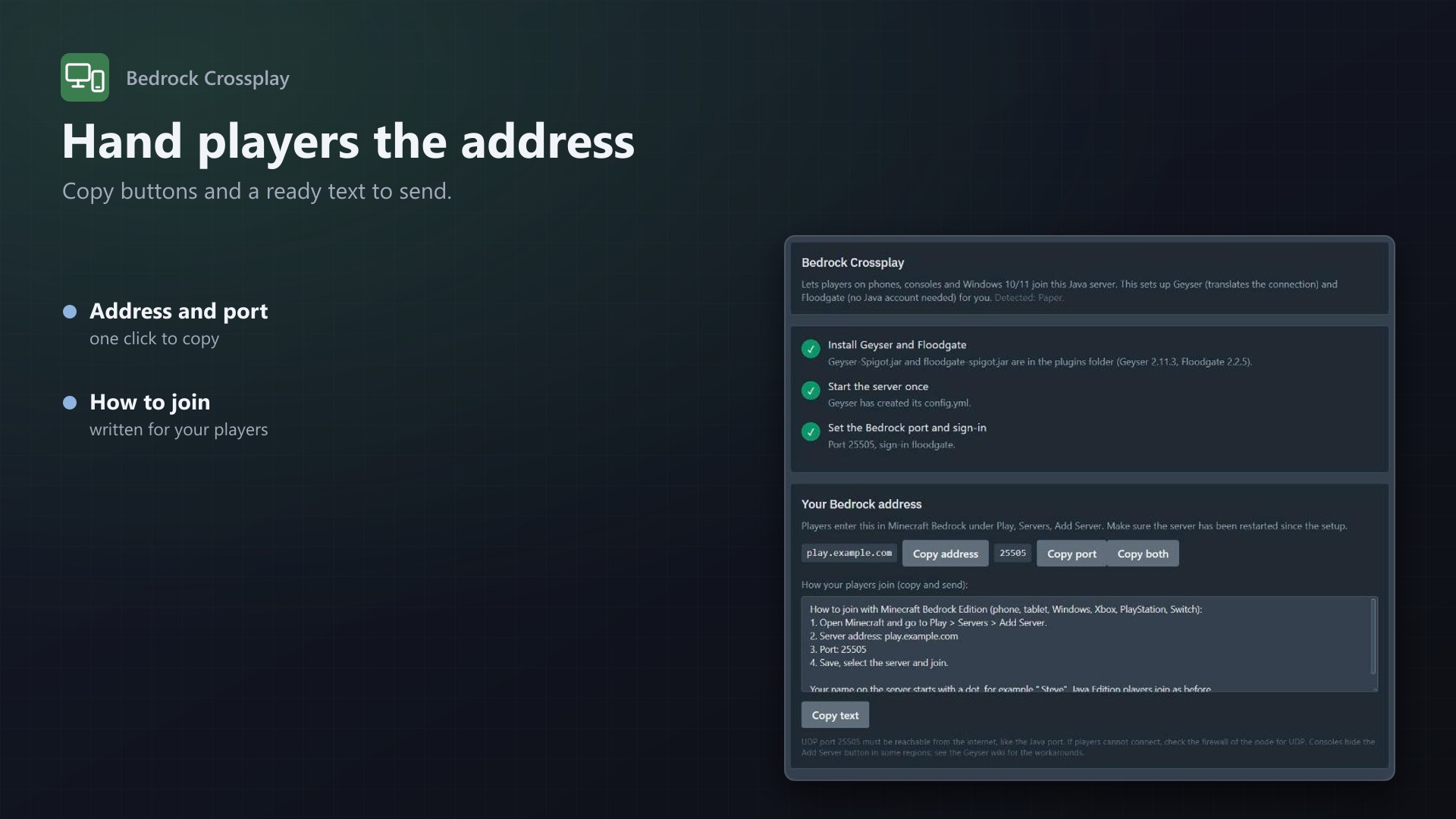
- Shows how to join: address and port with copy buttons, plus a ready-made text for your players
- Update plugins and Remove buttons
For admins
- Turn it on for all eggs or only the ones you choose
- Choose which software is allowed
- Decide whether users may take a free port from the node, optionally within a port range
- See which servers were set up, with versions and ports
- Everything is written to the server's activity log; uses Pterodactyl's own file API and allocations, no core files modified
Documentation
A Blueprint extension that lets players on Minecraft Bedrock Edition (phones, tablets, consoles, Windows 10/11) join a Java server on Pterodactyl, with a one-click wizard on the server page.
Doing this by hand means downloading Geyser and Floodgate, putting them in the right folder for your server software, finding a UDP port, starting the server, editing Geyser's config.yml and restarting. Bedrock Crossplay adds a Bedrock tab to the server menu that does all of it, for the server owner and without admin help.
How it works
- Detect. The tab recognises Paper, Purpur, Spigot (and Bukkit-based forks), Velocity and BungeeCord/Waterfall from the server's files, the egg and the startup command. Fabric, Forge, Vanilla and everything else is refused with a clear message.
- Install. The latest Geyser and Floodgate are downloaded from the official download API (download.geysermc.org) straight to the server's
pluginsfolder by Wings. Progress is shown. - Port. Bedrock players need their own port. The wizard uses an additional allocation of the server (port 19132 preferred). If there is none, it assigns a free allocation of the same node and IP address, if you allow that. In Pterodactyl one allocation covers TCP and UDP.
- Start once. Geyser creates
plugins/Geyser-*/config.ymlwhen the server starts with the plugins. The tab notices it. - Configure. The wizard sets
bedrock.port,clone-remote-port: falseand the sign-in tofloodgateinconfig.yml. Only those lines change; comments, order and all other settings stay as they are. The file is read back and checked before it is written, and a copy of the previous state is saved asconfig.yml.bak. Both layouts of Geyser's config (older "remote" and newer "java" section) are understood; for any other layout nothing is changed and the user gets a message. - Share. The tab shows the address and port with copy buttons and a ready-made text explaining to players how to join. A restart of the server is needed after installing or changing the config; the tab says so.
Further buttons: Update plugins (downloads the latest builds, keeps the port and the config) and Remove (deletes both jars, optionally their settings folders and the Floodgate key, and gives back a port the wizard took from the pool).
Admin settings
Under Admin > Extensions > Bedrock Crossplay:
- Available to users: off means only administrators can use the tab.
- Eggs: all eggs, or only the ones you tick.
- Allowed software: which of Paper, Purpur, Spigot, Velocity and BungeeCord are allowed.
- Users may take a free port: lets the wizard assign a free allocation of the node (same IP as the server's main allocation) when the server has no additional one. This ignores the server's allocation limit. Optionally restrict it to a port range.
- Users may remove the plugins again.
- The list of servers that were set up with the wizard, with versions and ports.
Permissions and activity
A user needs the file permissions (read, read content, create, update, delete) on the server; taking a new port also needs the allocation "create" permission. Installing, configuring and removing are written to the server's activity log.
Good to know
- Geyser and Floodgate are free software by the GeyserMC project; this extension only installs and configures them. Plugin versions are fetched at the time of the setup.
- Floodgate and Geyser on the same server (or both on the proxy) find each other's key by themselves. A setup with Floodgate on the backend servers behind a proxy needs the key copied by hand.
- UDP traffic to the chosen port must be allowed by the node's firewall.
- Downloads use Wings' remote download. If the node has
api.disable_remote_downloadset, the wizard reports that. - Bedrock players have a dot in front of their name by default (Floodgate's
username-prefix). - Everything is done with Pterodactyl's own file API and allocations; no core files are modified.
Requirements
- Pterodactyl Panel 1.15.x with Wings 1.11 or newer
- Blueprint (beta-2026-08 or newer)
- Outgoing HTTPS from the panel to download.geysermc.org and from the node to the same host
- A licence key from texus-addons.de, free with your purchase, for one panel
- Outgoing HTTPS from the panel to texus-addons.de
Installation
- Upload
texusbedrock.blueprintto/var/www/pterodactyl - Run
blueprint -install texusbedrock - Enter the licence key under Admin > Extensions > Bedrock Crossplay
Changelog
0.1.0
- First release: a Bedrock tab on the server page with a one-click wizard. It detects Paper, Purpur, Spigot, Velocity and BungeeCord, downloads the latest Geyser and Floodgate, picks an additional allocation as the Bedrock port (or takes a free one from the node if allowed), sets the port and the Floodgate sign-in in Geyser's config.yml (with a backup), and shows the address and a text for players. Update and remove buttons. Admin settings for eggs, software and ports.
Licence and download
One purchase = one licence = one panel. The licence is bound to one panel domain and the server it runs on. Subdomains count separately. You can move the licence at any time in your account.
After buying on sourceXchange or BuiltByBit, sign in here with your email address (BuiltByBit: redeem your activation code). You download the extension with the licence key built in, and every new version from your account.
Questions before buying? Ask on our Discord support server or at support@texus-addons.de.
Related
Crash & Log Insights
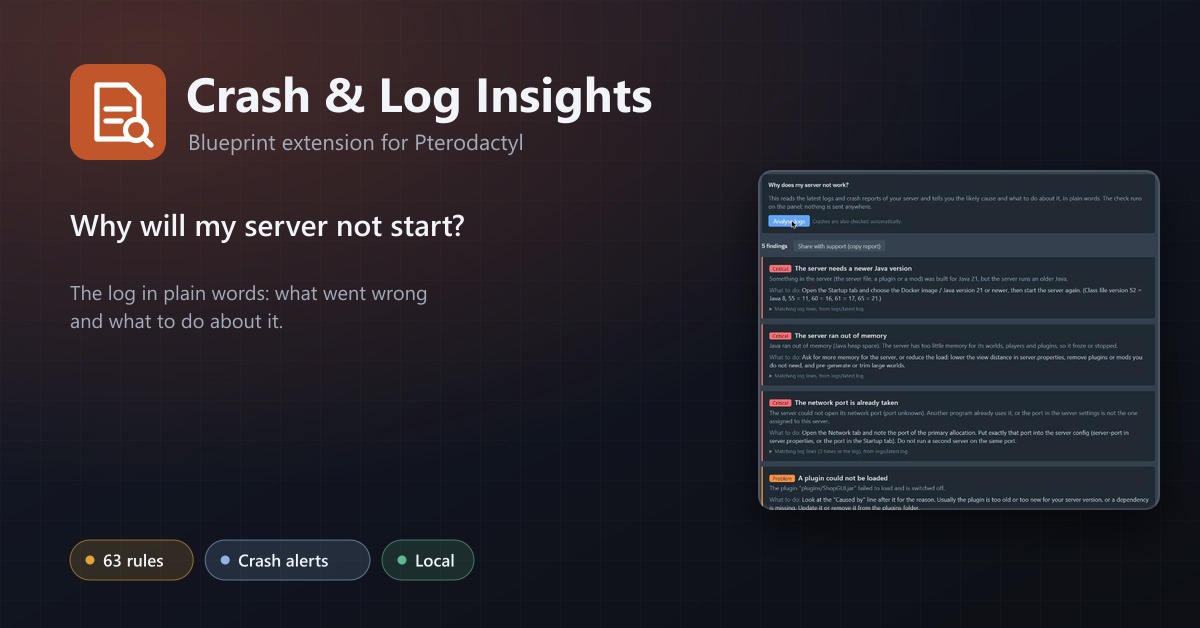
Tells customers in plain words why their server crashed or will not start, and notices crashes by itself.
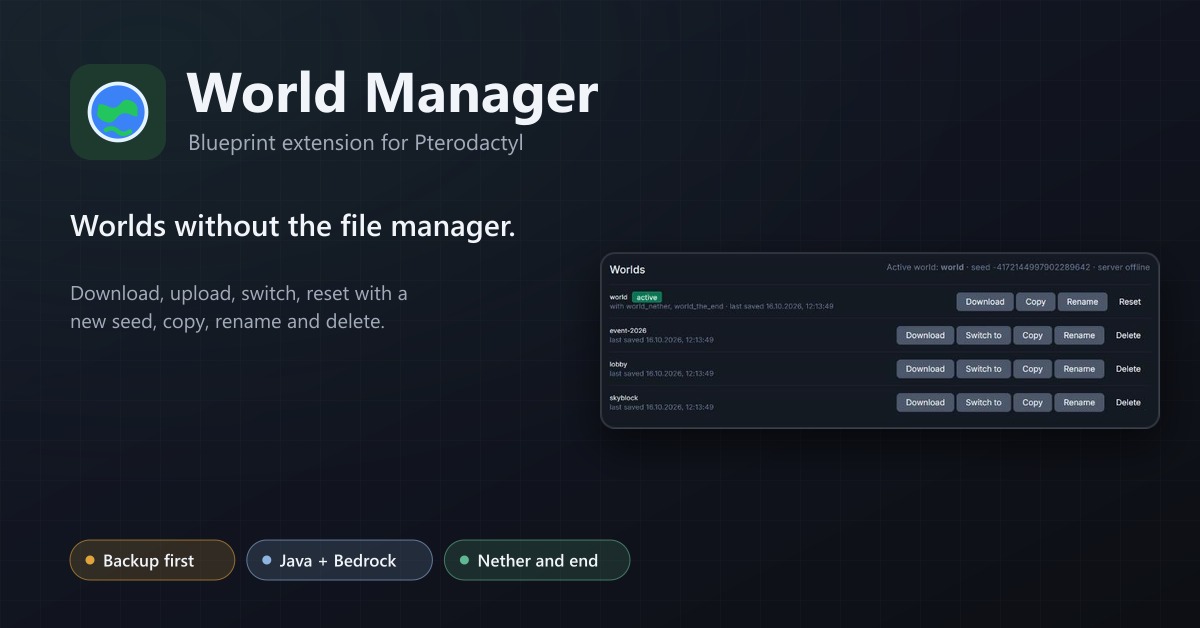
World Manager
A Worlds tab for Minecraft servers: download, upload, switch, reset with a new seed, copy, rename and delete worlds, with a backup first.
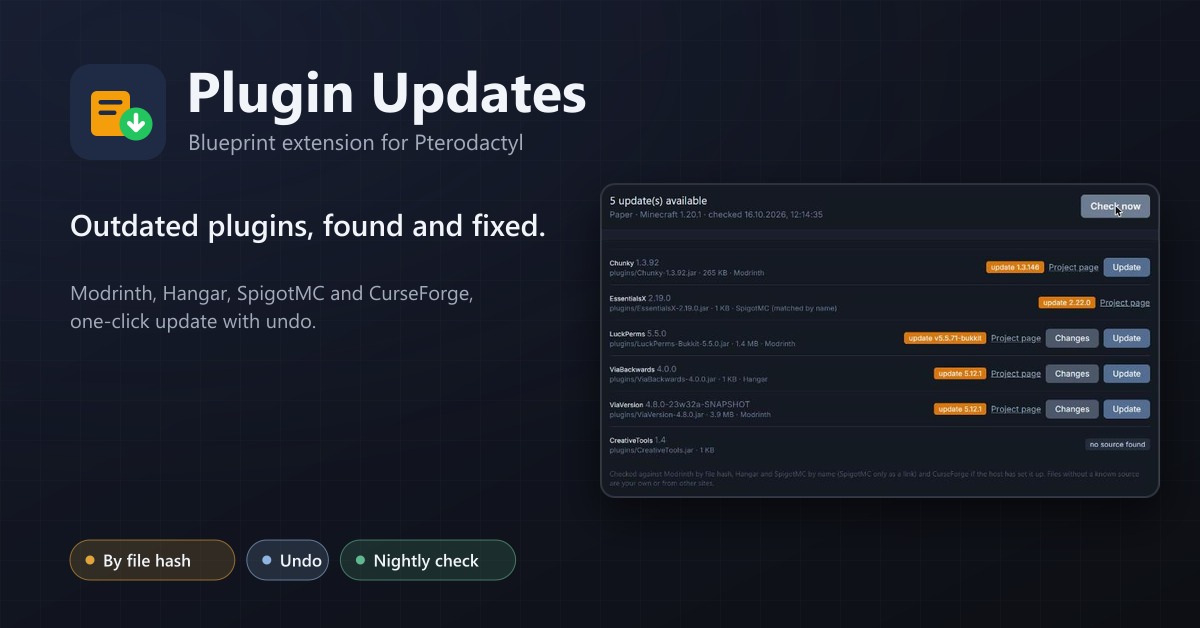
Plugin Updates
An Updates tab for Minecraft servers: finds outdated plugins and mods through Modrinth, Hangar, SpigotMC and CurseForge and updates them with one click, with undo.