 texus Addons und Themes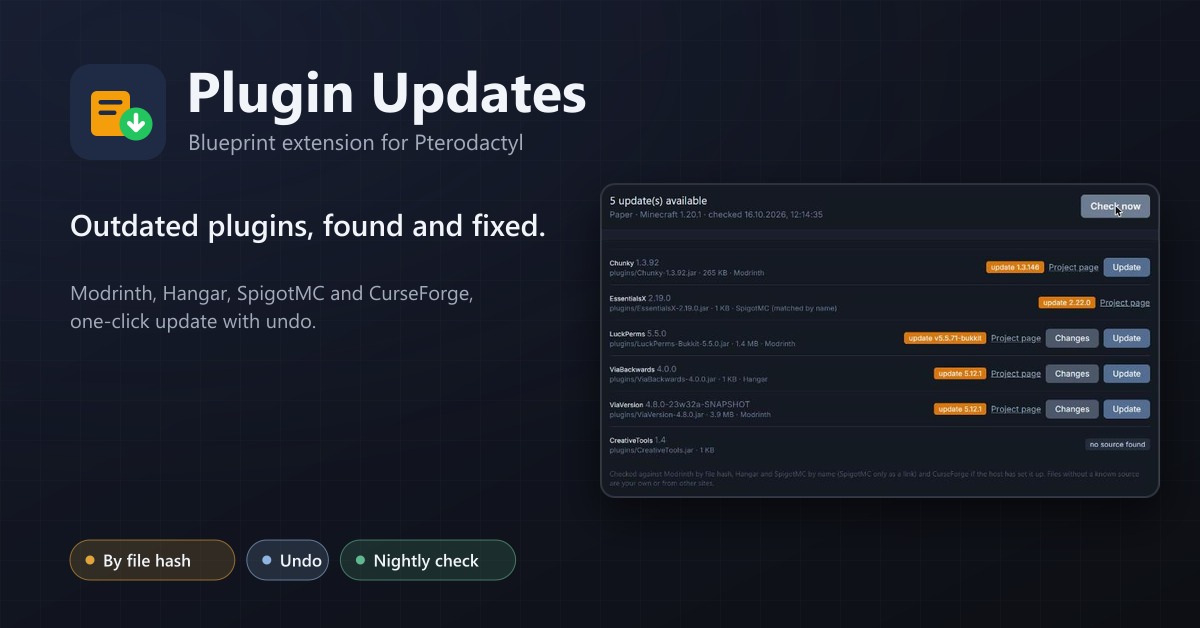
Plugin Updates
An Updates tab for Minecraft servers: finds outdated plugins and mods through Modrinth, Hangar, SpigotMC and CurseForge and updates them with one click, with undo.
12,99 €
- Version 0.1.0, updated 16 October 2026
- For Pterodactyl Panel 1.15.x with Blueprint
- No core files modified, installs and removes with Blueprint
- One licence for one panel, new versions included
Screenshots
Features
Outdated plugins are the most common cause of broken and insecure Minecraft servers, and checking twenty plugins by hand on four websites is something nobody does. Plugin Updates gives every server an Updates tab that does it for them.
Finds what is outdated
- Reads every jar in
plugins/andmods/: Paper, Purpur, Folia, Spigot, Velocity, BungeeCord, Fabric, Quilt, Forge and NeoForge - Knows the server software and the Minecraft version, so it only offers updates that fit
- Modrinth by the file's hash (exact, releases only), Hangar and SpigotMC by name, CurseForge by fingerprint with your own API key
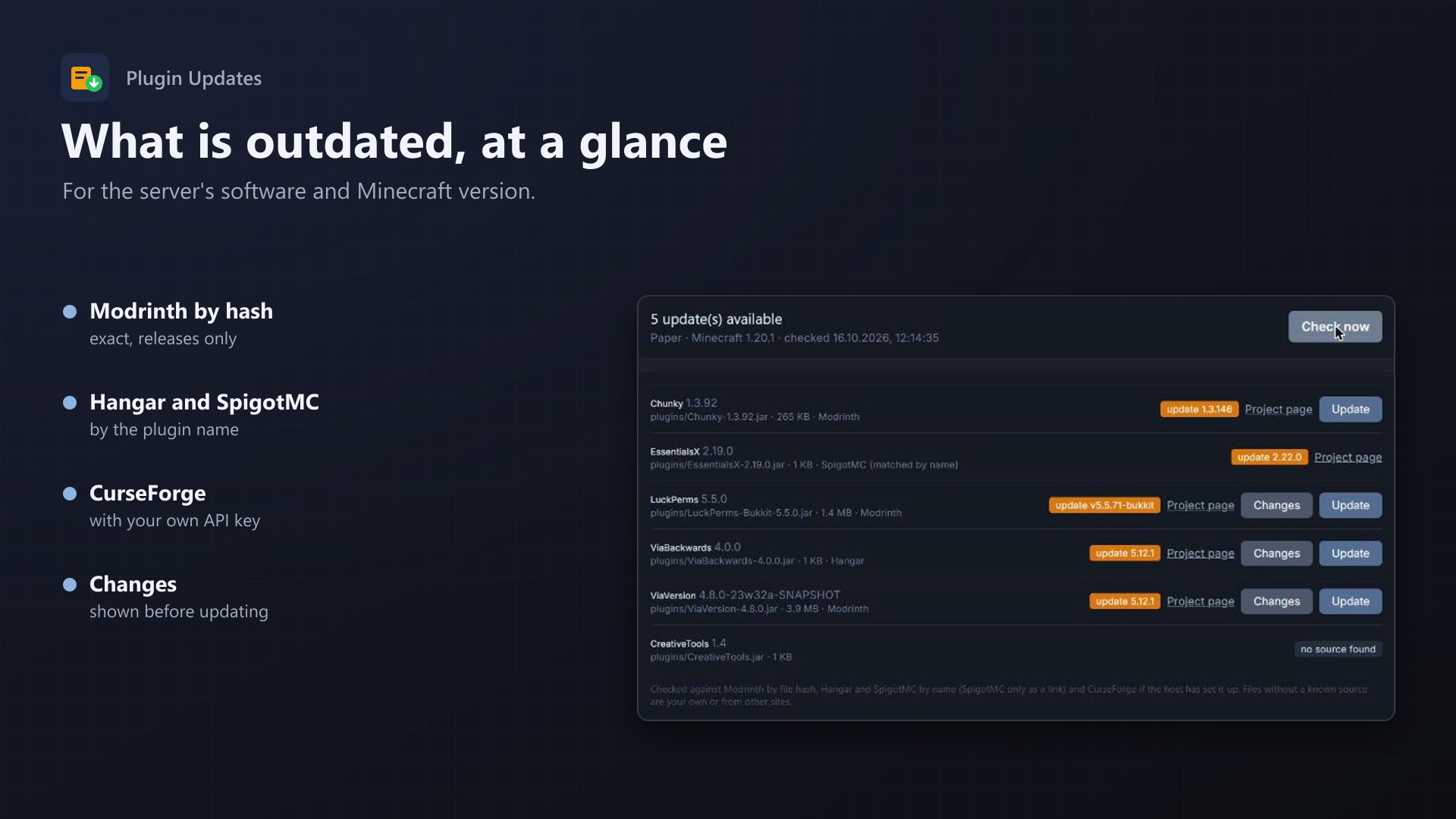
- Shows the installed and the latest version, the project page and the changes
- Damaged jars and own plugins are marked as such
Updates with one click
- The node downloads the new version straight into the folder
- The old file stays as
name.jar.oldand Undo puts it back - SpigotMC and some CurseForge files only allow downloads on their website: then the tab links there
- Every update and undo is in the server's activity log
For the host
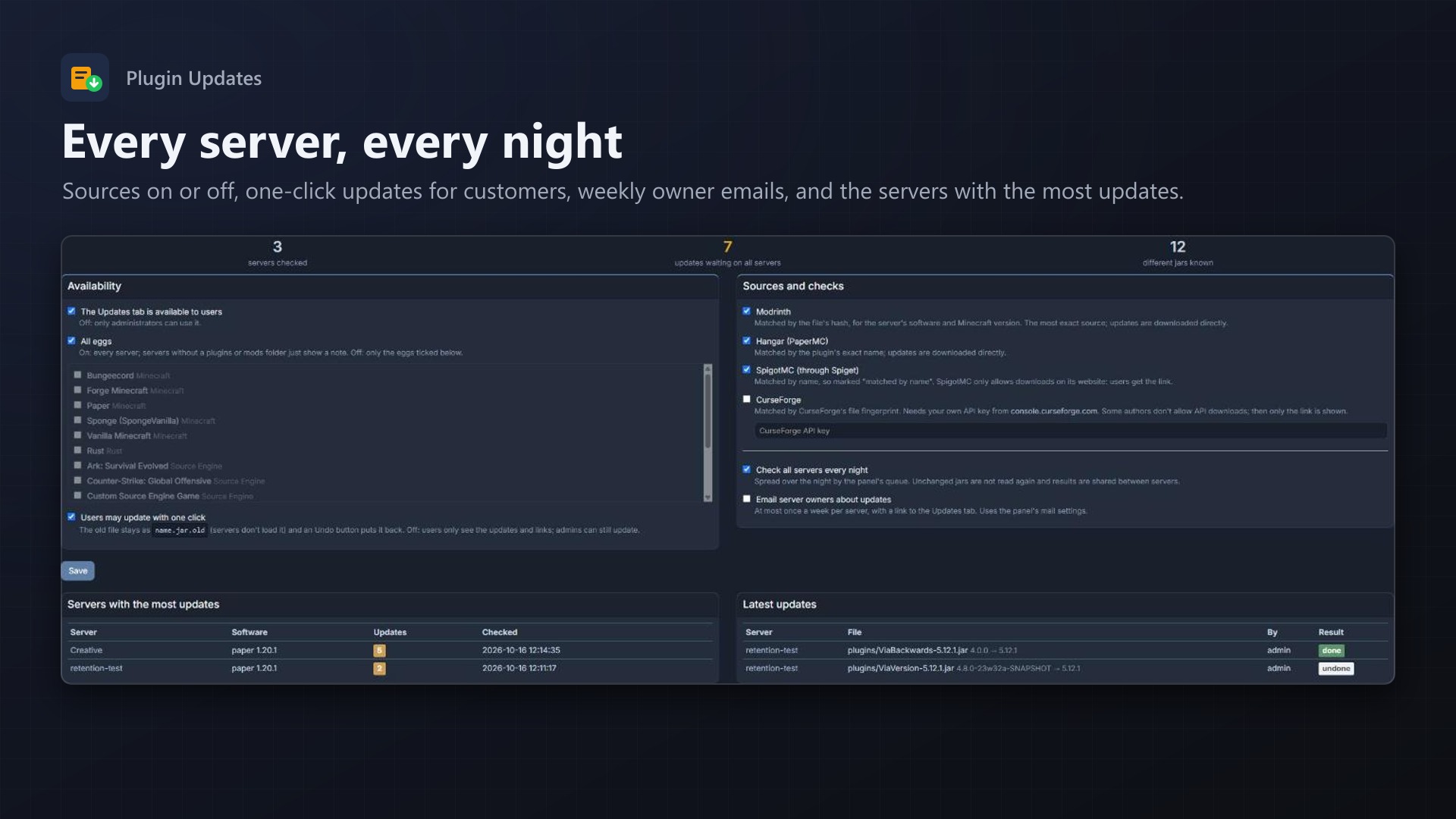
- A nightly check of all servers, spread over the queue; jars are read once and results are shared between servers
- Optional weekly email to server owners with their updates
- One-click updates for customers can be turned off
- Servers with the most outdated plugins at a glance
- No core files and no Wings changes
Documentation
A Blueprint extension for Pterodactyl: an Updates tab for Minecraft servers that shows which plugins and mods are outdated and updates them with one click.
For server owners
The tab reads every .jar in plugins/ and mods/ and shows its name, version and whether there is an update:
- Update 5.12.1: a newer version for this server's software and Minecraft version, with the project page, the changes and an Update button when the source allows direct downloads.
- Up to date, no source found (own plugins, or from other sites), damaged jar.
- Latest x, compare yourself: the source's version can't be compared with the installed one.
Update renames the old file to name.jar.old (servers only load .jar files) and lets the node download the new one into the same folder. Undo puts the old file back. Restart the server to load the new version.
The first visit starts a check in the background; Check now checks again at once.
Where updates are found
| Source | Matched by | Update button |
|---|---|---|
| Modrinth | the file's SHA-1, for the server's software and Minecraft version, releases only | yes |
| Hangar (PaperMC) | the plugin's exact name | yes |
| SpigotMC (Spiget) | the plugin's exact name, marked "matched by name" | no, SpigotMC needs its website: link only |
| CurseForge | CurseForge's file fingerprint, with your own API key | when the author allows API downloads |
Recognised software: Paper, Purpur, Folia, Spigot/Bukkit, Velocity, BungeeCord/Waterfall (plugins), Fabric, Quilt, Forge, NeoForge (mods). The Minecraft version comes from version_history.json (Paper), the egg variables (MINECRAFT_VERSION, MC_VERSION, VERSION) or the libraries folder.
Jars are read once and remembered by size and change date. Results are kept for 12 hours per file hash and software, so the same jar on many servers is only checked once.
Permissions
| Action | Needs |
|---|---|
| See the tab | file read |
| Check | file read content |
| Update, undo | file create, file update, file delete |
Updates and undos are written to the server's activity log (server:updates.*).
Admin page
Admin > Extensions > Plugin Updates:
- Whether users see the tab, for all eggs or chosen ones.
- Whether users may update with one click (admins always can).
- Sources on or off, and the CurseForge API key (checked when saved, stored encrypted).
- A check of all servers every night, spread over the queue, and optionally an email to the server owner about updates, at most once a week.
- Servers with the most updates and the latest updates of all servers.
Good to know
- The node downloads the new file itself, so the node must allow downloads from the internet (Wings
api.disable_remote_downloadoff, the default). - Checks run on the panel's queue worker (
pteroq); the nightly check needs the panel's cron job. - Update the plugins your server depends on together; a new version may need a newer Minecraft version or other plugins.
Requirements
- Pterodactyl Panel 1.15.x with Wings 1.11 or newer
- Blueprint (beta-2026-08 or newer)
- The panel's queue worker and cron job
- Outgoing HTTPS from the panel to texus-addons.de, api.modrinth.com, hangar.papermc.io, api.spiget.org and (if used) api.curseforge.com
Installation
cd /var/www/pterodactyl
blueprint -install texusupdates
Or with the free texus Installer: Admin > Extensions > texus Installer > Install.
Changelog
0.1.0
- First release: an Updates tab for Minecraft servers. Reads the jars in plugins/ and mods/ (Paper, Purpur, Spigot, Folia, Velocity, BungeeCord, Fabric, Quilt, Forge, NeoForge), finds the server software and Minecraft version, and checks every file against Modrinth (by file hash), Hangar and SpigotMC (by name) and CurseForge (by fingerprint, with your own API key). One-click update with the old file kept as .jar.old and an undo button, a nightly check of all servers and optional weekly emails to owners.
Licence and download
One purchase = one licence = one panel. The licence is bound to one panel domain and the server it runs on. Subdomains count separately. You can move the licence at any time in your account.
After buying, sign in here with your email address. You download the extension with the licence key built in, and every new version from your account.
Questions before buying? Ask on our Discord support server or at support@texus-addons.de.
Related
Bedrock Crossplay
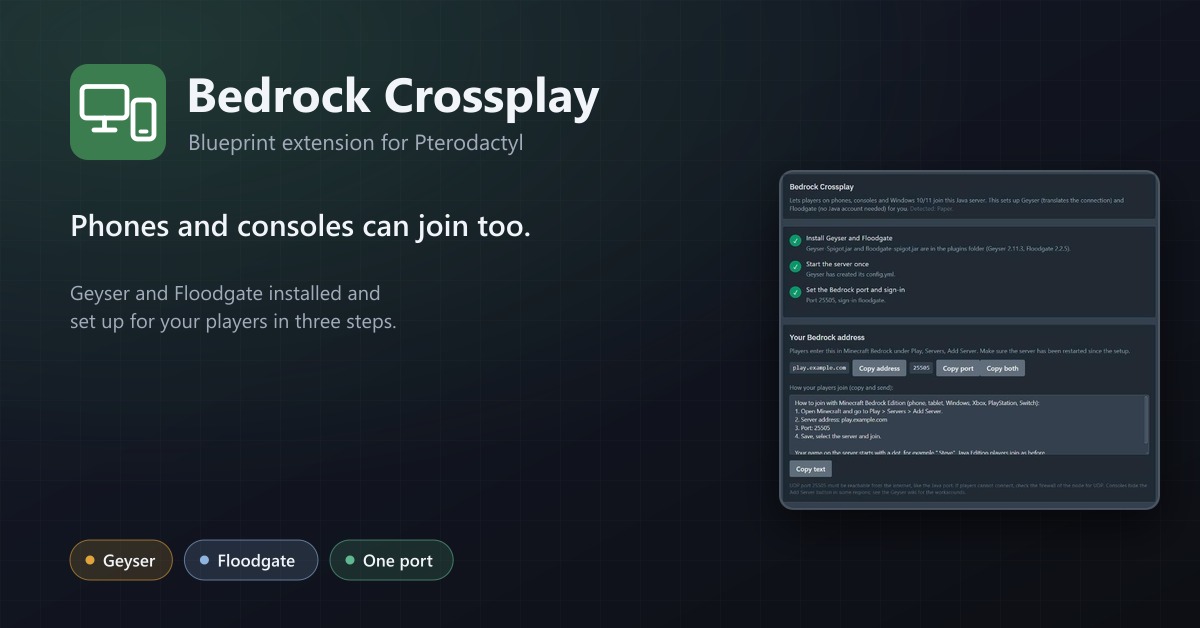
Let phones and consoles join Java servers: Geyser and Floodgate installed, a port assigned and the settings applied in three steps.
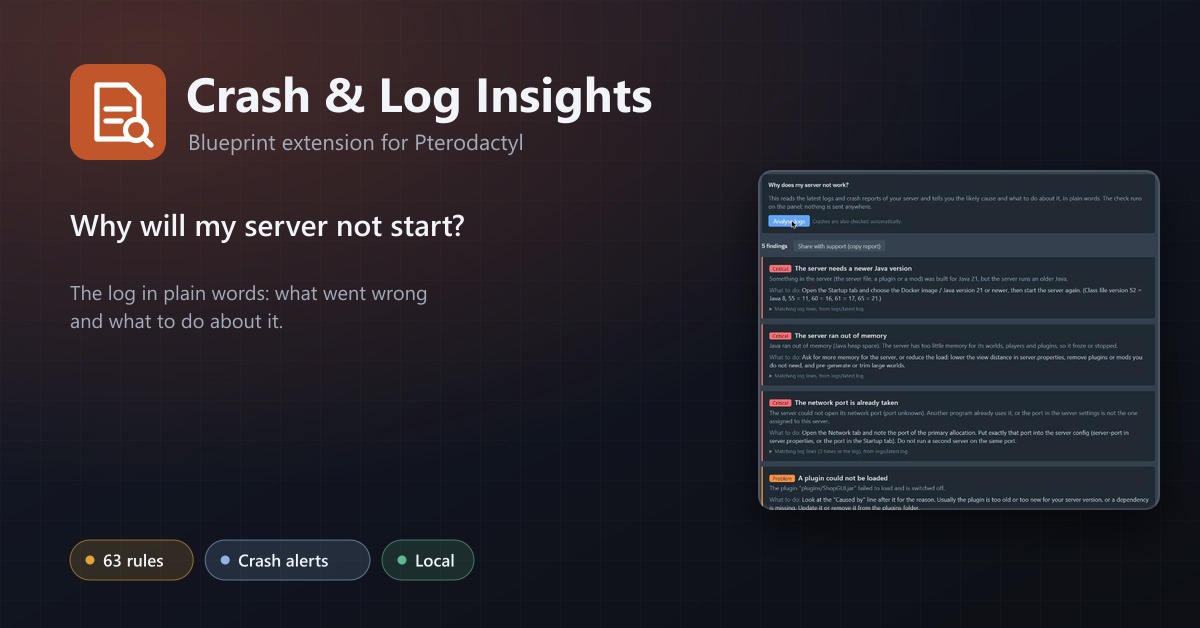
Crash & Log Insights
Tells customers in plain words why their server crashed or will not start, and notices crashes by itself.
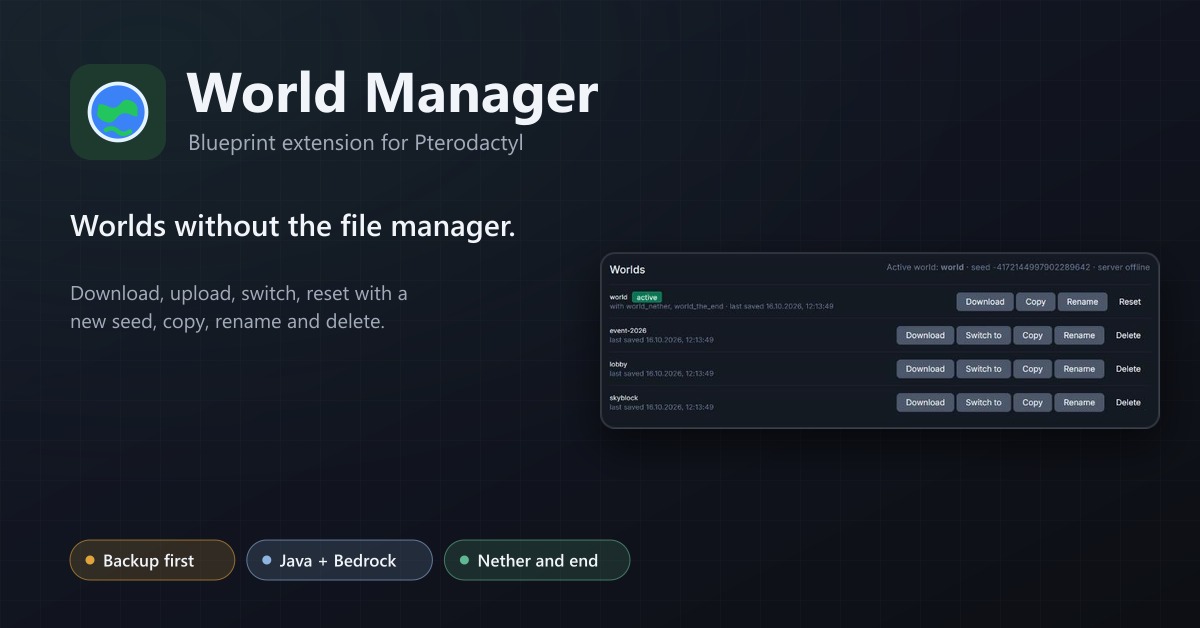
World Manager
A Worlds tab for Minecraft servers: download, upload, switch, reset with a new seed, copy, rename and delete worlds, with a backup first.