 texus Addons und Themes
Velocity Network Manager
Run a Velocity network from the panel: backends, join order, forced hosts and the forwarding secret without editing files.
17,99 €
- Version 0.1.0, updated 14 October 2026
- For Pterodactyl Panel 1.15.x with Blueprint
- No core files modified, installs and removes with Blueprint
- One licence for one panel, new versions included
Screenshots
Features
A Minecraft network is several servers behind one address: a lobby, survival, minigames. Velocity, the modern proxy, sends the players on. Keeping it running means editing velocity.toml by hand and copying the same secret into the Paper configuration of every backend, a job where one typo keeps players out. Velocity Network Manager puts all of it on a Proxy page of the proxy server.
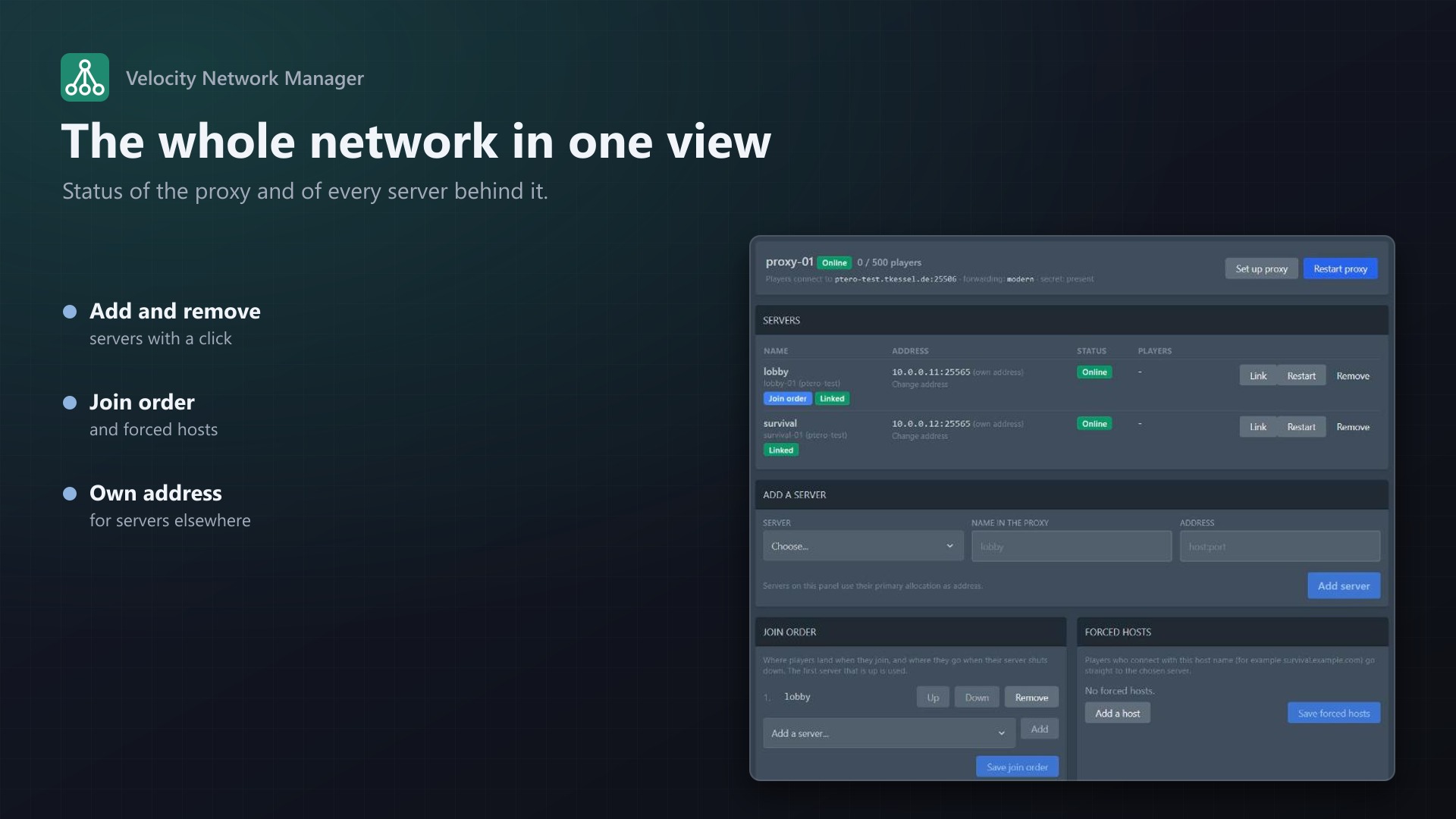
The network at a glance
- Your other servers on the panel (own servers and servers you are a subuser of) are offered as backends; add or remove them with one click
- Each server uses its primary allocation as address; set an own address for servers on another machine, or add servers that are not on the panel by address
- Join order (
try) and forced hosts (survival.example.comgoes straight to survival) - Online status and player count per server, plus the proxy's total, with restart buttons
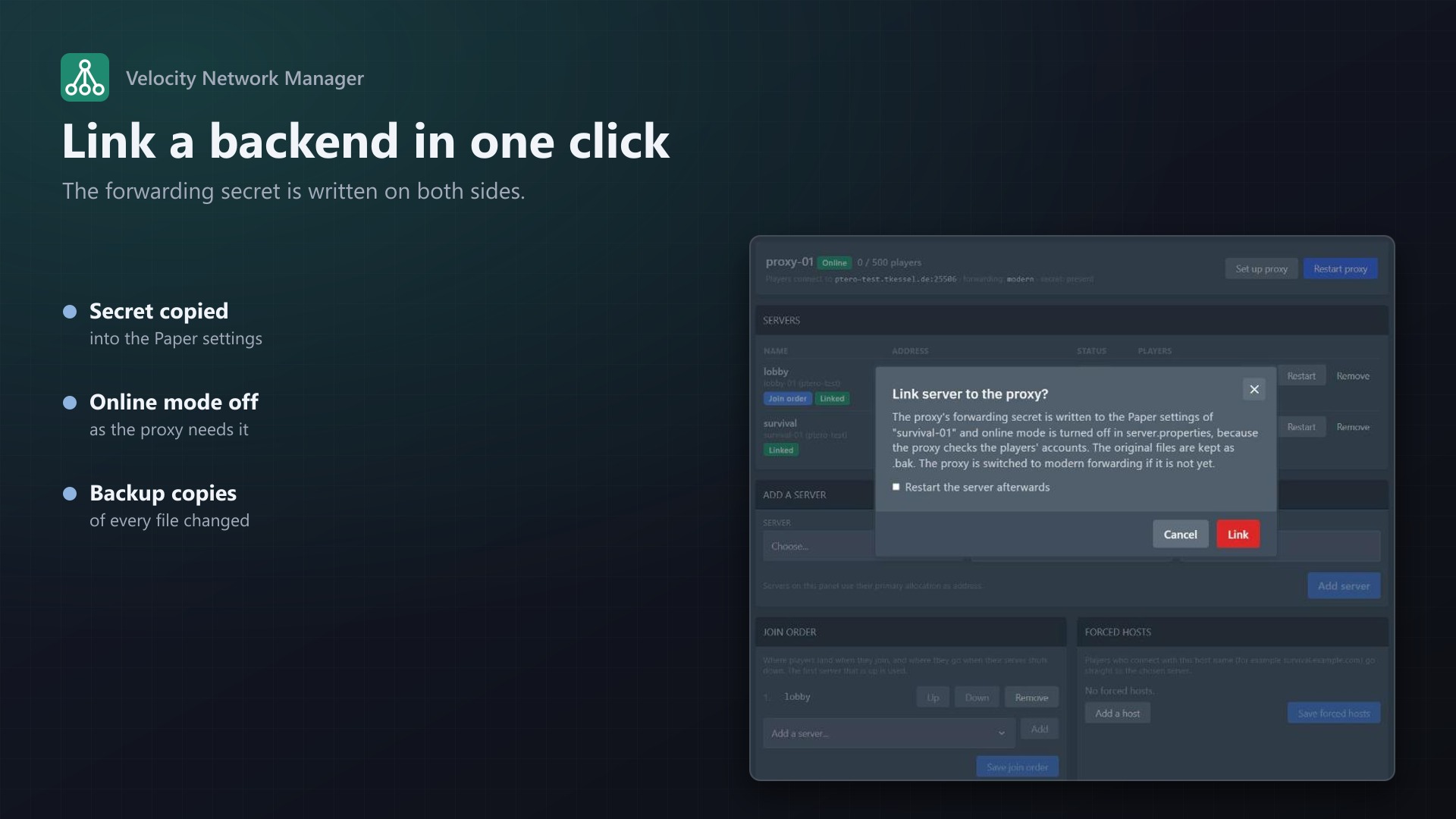
Link a backend in one click
- Writes the proxy's secret and turns Velocity support on in
config/paper-global.yml(Paper 1.19+, Purpur, Pufferfish, Folia), or inpaper.ymlfor older versions - Sets
online-mode=falseinserver.properties - Creates the secret in the proxy when there is none, and switches the proxy to modern forwarding
- Optionally restarts the backend; shows which servers are linked and which are not
Safe editing
- Targeted edits: only the lines it manages change in
velocity.toml, so your comments and settings stay - Names are checked, duplicates are refused, removed servers also leave the join order and forced hosts
- The original of every file is kept as
.bak; everything lands in the activity log - Users need the file permissions on the proxy and on the backend; backends are limited to the user's own servers
Set up a proxy
- Ready-made Velocity egg (Java 21 and 25, installer downloads the version you choose from PaperMC), imported with one click from the admin page
- Set up proxy writes the port, modern forwarding and a secret into a fresh Velocity server
Documentation
A Blueprint extension that adds a Network page to every Velocity proxy server on a Pterodactyl panel. Customers who run a Minecraft network (a lobby, a survival server and more behind one address) manage it without editing velocity.toml and Paper's configuration by hand.
Velocity is the modern Minecraft proxy: players connect to the proxy, which sends them on to the backend servers. Two things make that tedious: the server list in velocity.toml, and the shared secret that every backend must have so nobody can bypass the proxy. This extension does both.
What it does
- Server list: the owner's other servers on the panel (own servers, or servers they are a subuser of) are offered as backends with one click. Add and remove them in the
[servers]list ofvelocity.toml. Each panel server uses its primary allocation as address; the node's host name is used when the allocation listens on all addresses. For servers on another machine, or when the proxy must use a different address, set an own address per server. Entries that are not on the panel (a server elsewhere) can be added by address. - Join order (
try): the order in which Velocity tries servers when a player joins or is kicked. The first server you add, or one calledlobby, is set automatically. - Forced hosts: send players who connect with a certain host name (for example
survival.example.com) straight to a server. - Link backend: prepares a Paper server for modern forwarding:
- writes the proxy's secret and turns Velocity support on in
config/paper-global.yml(Paper 1.19 and newer, Purpur, Pufferfish, Folia), or inpaper.ymlfor older versions - sets
online-mode=falseinserver.properties, because the proxy checks the accounts - creates the secret (
forwarding.secretin the proxy) when it doesn't exist and switches the proxy to modern forwarding if it isn't - optionally restarts the backend
- writes the proxy's secret and turns Velocity support on in
- Status: every server shows online, offline or starting, how many players are on it (a standard Minecraft status request, no plugin needed), and whether it is linked (its secret matches the proxy's).
- Set up proxy: for a fresh Velocity server, writes the bind address with the server's port, modern forwarding and a secret; creates
velocity.tomlwith sane defaults when there is none yet. - Restart buttons for the proxy and the backends.
Safe editing
velocity.tomlis not rewritten. Only the lines the extension manages (the[servers]entries,try,[forced-hosts],bindand the forwarding keys) change; comments, order and every other setting stay.- Server names may contain letters, numbers,
_and-; duplicates are refused. Removing a server also removes it fromtryand the forced hosts, because Velocity doesn't start with unknown names in them. - Before the first change to a file, the original is kept next to it as
<file>.bak(velocity.toml.bak,config/paper-global.yml.bak,server.properties.bak). - A file is only written when its content changes.
- Changes apply when the proxy (or the backend) restarts.
Create a proxy: the Velocity egg
The extension ships an egg, egg-velocity.json, for Velocity:
- Start command
java -Xms128M -Xmx{{SERVER_MEMORY}}M -jar {{SERVER_JARFILE}} - Docker images Java 21 and Java 25
- The installer downloads Velocity from
fill.papermc.io(PaperMC's download service) and checks the checksum. Variable Velocity Version:latestor a version such as3.5.1. Java Version tells the installer which versions fit: Velocity 4 needs Java 25, Velocity 3 runs on Java 21.
Import it: Admin > Extensions > Velocity Network Manager > Import egg (choose a nest), or by hand under Admin > Nests > Import Egg with the file from https://your-panel/extensions/texusvelocity/egg-velocity.json. Then create a server from it, open its Network page and press Set up proxy.
Settings (Admin > Extensions > Velocity Network Manager)
- Proxy page available to users: off means only administrators can use it.
- Users may use "Set up proxy": off means only administrators can.
- Which servers are Velocity proxies: the egg name must contain this text (default
Velocity), or the start command; plus a list of eggs that always count. The Proxy page is only active on proxies; on other servers it says so. - Egg import and the licence box.
Permissions
- Looking at the page needs the file permission Read Content on the proxy; changing anything needs Update. Restarting needs Restart.
- A backend can only be one of the user's own servers or servers they are a subuser of (for administrators also the servers of the proxy's owner). Linking needs Read Content and Update on the backend as well.
- Every change is written to the server's activity log.
Good to know
- A backend that has never been started has no Paper configuration yet. Start it once, then link it.
- Servers other than Paper and its forks (Fabric, Forge, Spigot) have to be set up by hand for Velocity.
- Backends should not be reachable from the internet except through the proxy. Modern forwarding with the secret already refuses direct connections, but a firewall rule is still good practice.
- When proxy and backend are on different machines, the address must be reachable from the proxy; use the own-address option when the allocation's IP isn't.
- The panel itself asks the servers for player counts, so the server's port must be reachable from the panel. If it isn't, the count shows a dash and everything else works.
Requirements
- Pterodactyl Panel 1.15.x with Wings 1.11 or newer
- Blueprint (beta-2026-08 or newer)
- A licence key from texus-addons.de, free with your purchase, for one panel
- Outgoing HTTPS from the panel to texus-addons.de
Installation
- Upload
texusvelocity.blueprintto/var/www/pterodactyl - Run
blueprint -install texusvelocity - Enter the licence key under Admin > Extensions > Velocity Network Manager
- Import the Velocity egg (optional) and create or pick a proxy server
Changelog
0.1.0
- First release: a Network page for Velocity proxies with the server list, join order and forced hosts, one-click linking of Paper backends, online status with player counts, "Set up proxy", and an importable Velocity egg.
Licence and download
One purchase = one licence = one panel. The licence is bound to one panel domain and the server it runs on. Subdomains count separately. You can move the licence at any time in your account.
After buying on sourceXchange or BuiltByBit, sign in here with your email address (BuiltByBit: redeem your activation code). You download the extension with the licence key built in, and every new version from your account.
Questions before buying? Ask on our Discord support server or at support@texus-addons.de.
Related
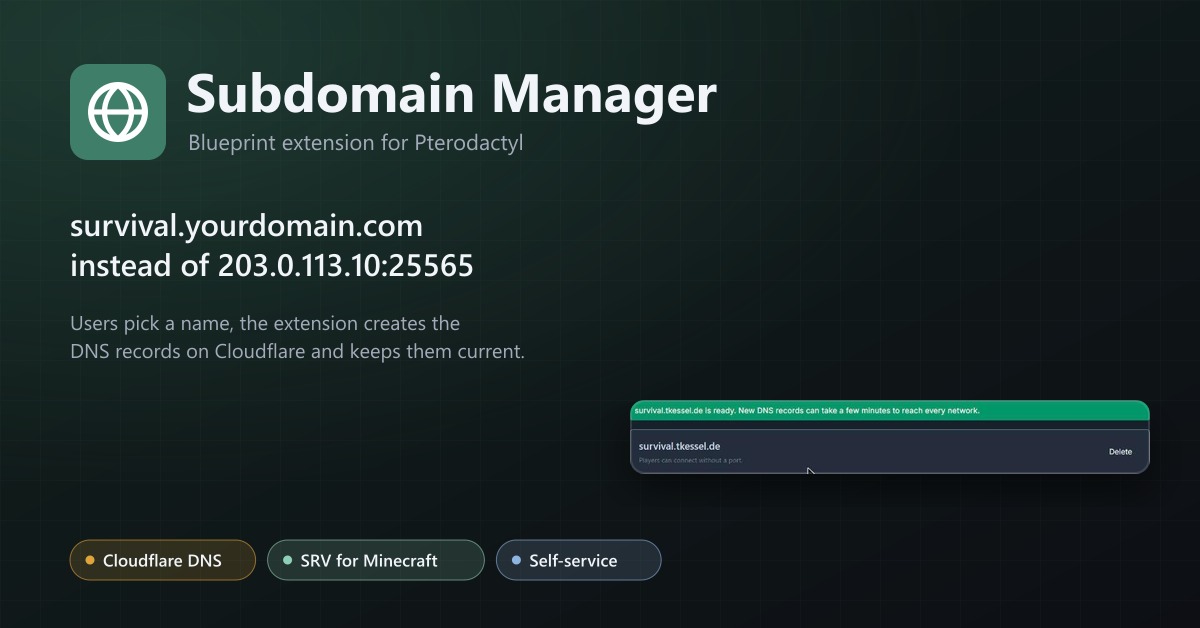
Subdomain Manager
Let users give their servers an address like survival.example.com. DNS records on Cloudflare, with SRV records for Minecraft.
Custom Domains
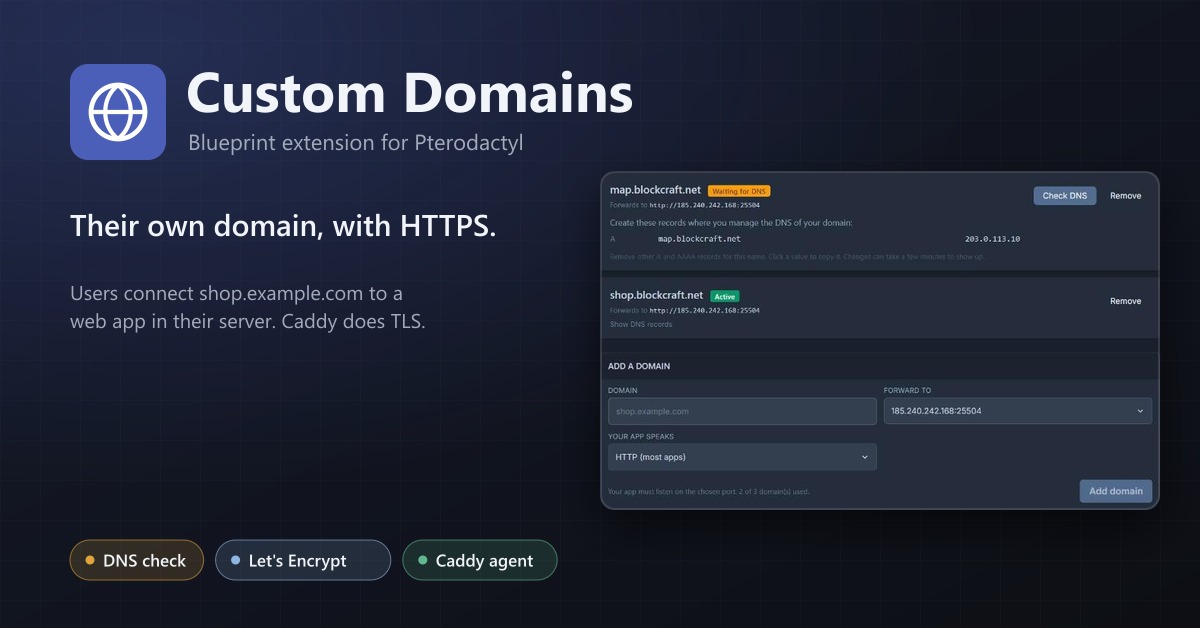
Let users connect their own domain with HTTPS to a web service in their server, through a Caddy reverse proxy.
Server Splitter
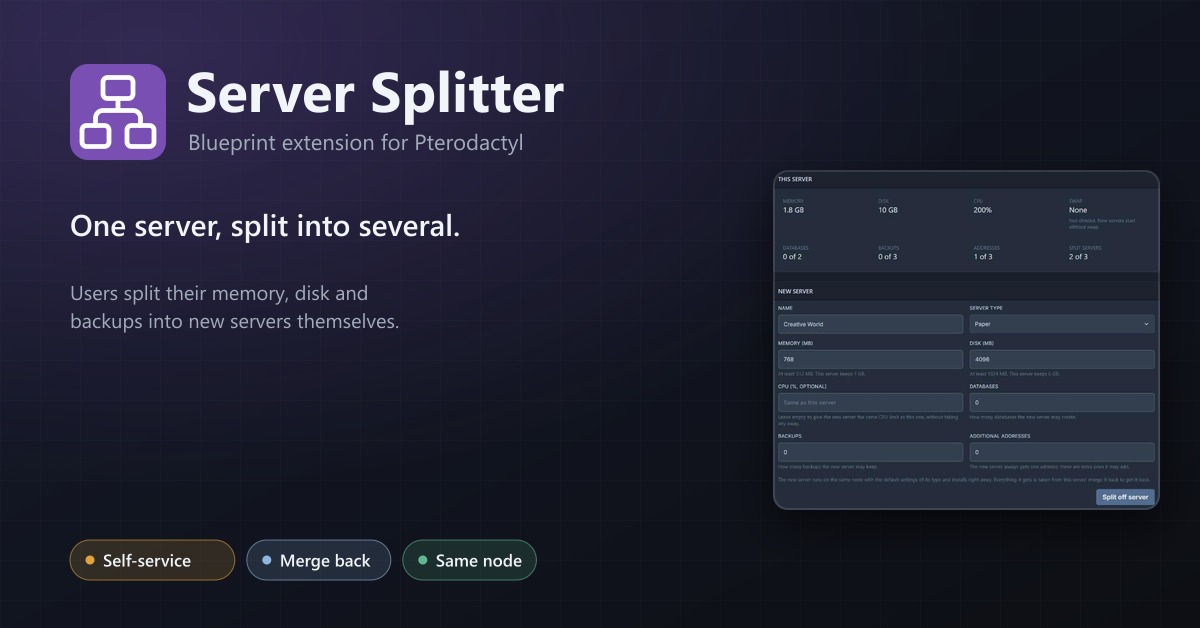
Users split the resources of their server into several servers and merge them back, without a ticket.