 texus Addons und Themes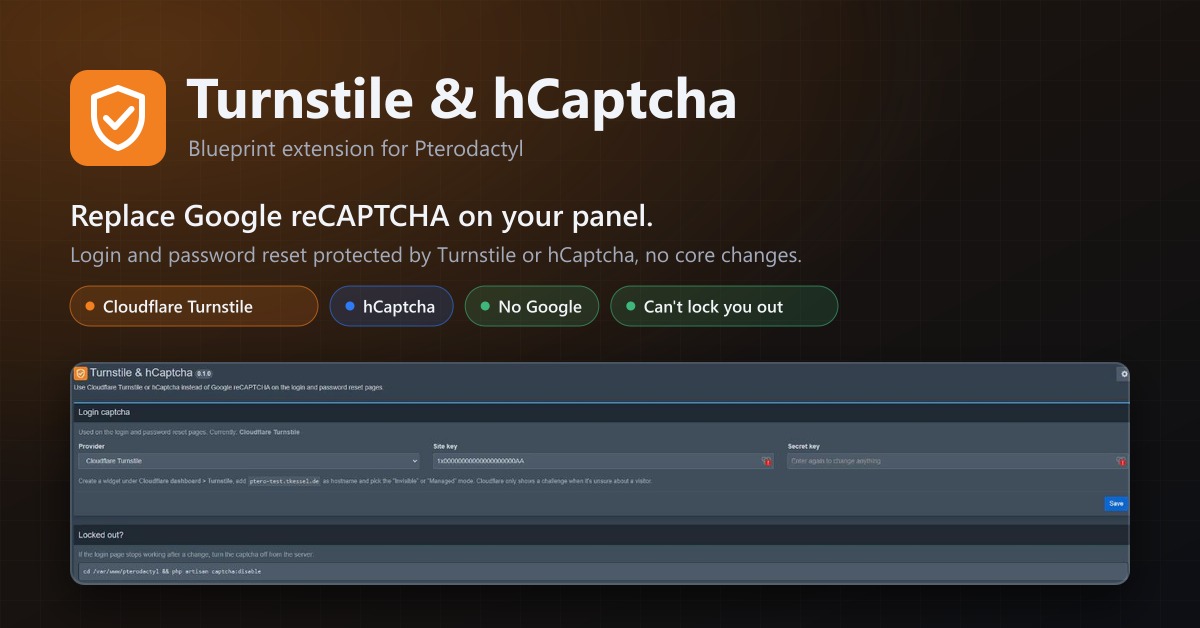
Turnstile & hCaptcha
Use Cloudflare Turnstile or hCaptcha instead of Google reCAPTCHA on your panel's login. No core changes.
7,99 €
- Version 0.2.3, updated 10 October 2026
- For Pterodactyl Panel 1.15.x with Blueprint
- No core files modified, installs and removes with Blueprint
- One licence for one panel, new versions included
Screenshots
Features
Pterodactyl only supports Google reCAPTCHA. This extension lets you use Cloudflare Turnstile or hCaptcha on the login and password reset pages instead, without touching any Pterodactyl files.
Why
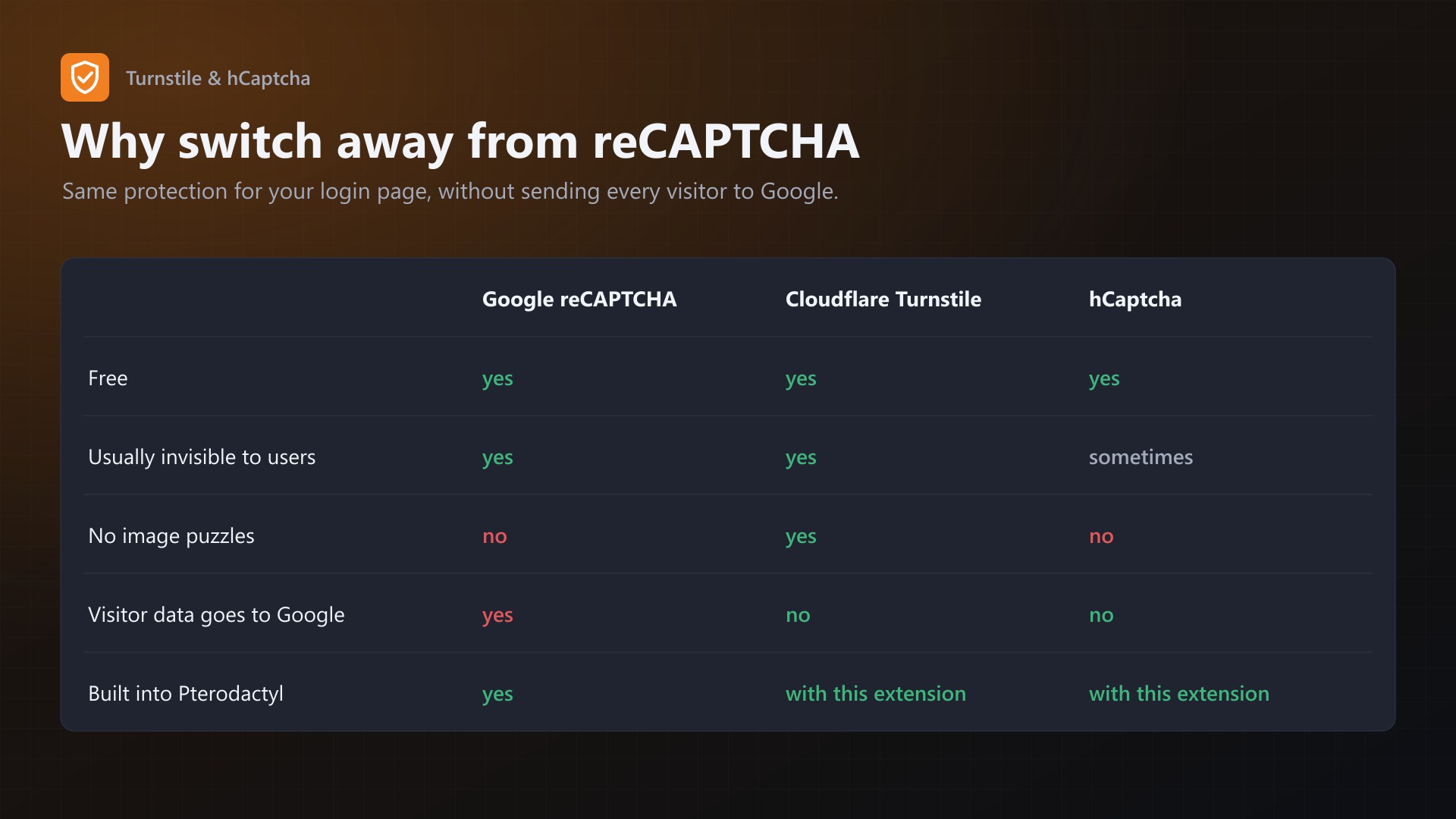
- Your customers' logins don't go through Google anymore
- Turnstile is invisible for almost everyone, no image puzzles
- Both are free
Features
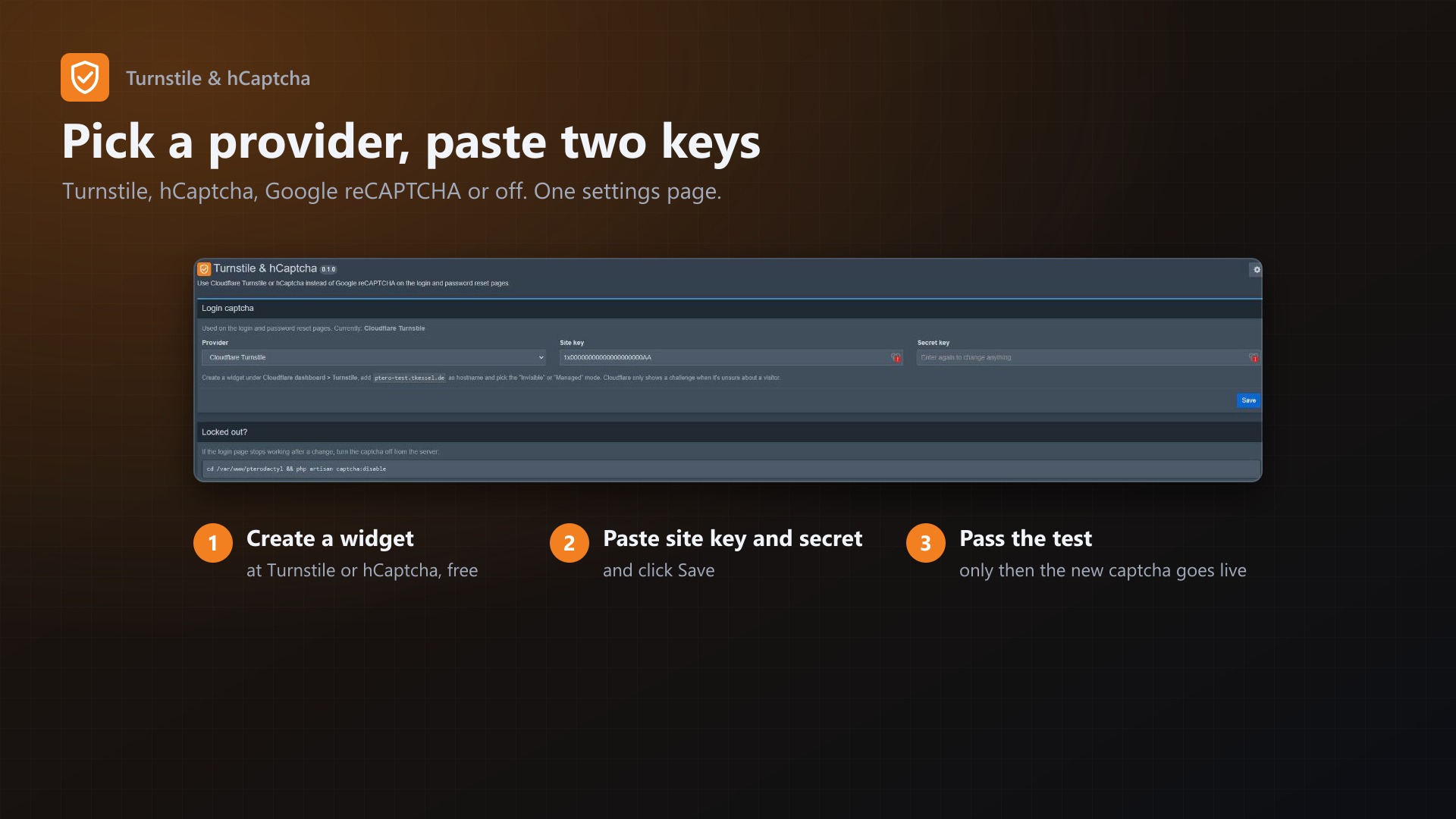
- Cloudflare Turnstile, hCaptcha, Google reCAPTCHA or off, switchable on one settings page
- Login and "forgot password" pages
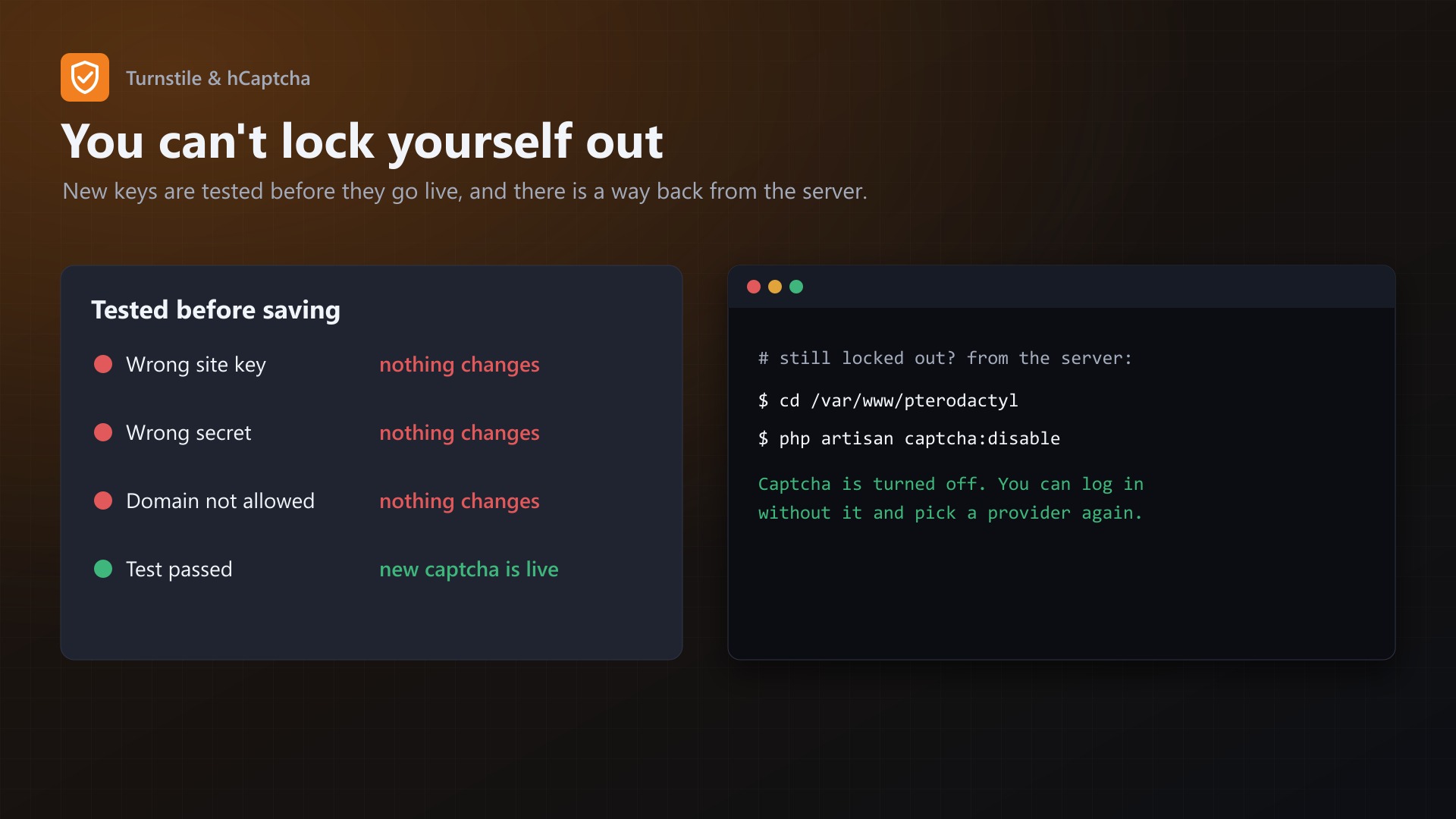
- Can't lock you out by accident: new keys are only saved after a test with those keys passed on the settings page. Wrong site key, wrong secret or a domain that isn't allowed, and nothing changes.
php artisan captcha:disableturns the captcha off from the server if you ever need it- No core files are modified
Good to know
- Add your panel's domain to the Turnstile widget or hCaptcha site. Pterodactyl checks that the captcha was solved on your domain.
- The Cloudflare/hCaptcha test keys report a different hostname, so they can't be used for logins. Use real keys.
Documentation
A Blueprint extension that lets Pterodactyl use Cloudflare Turnstile or hCaptcha instead of Google reCAPTCHA on the login and password reset pages.
Pterodactyl only supports Google reCAPTCHA out of the box. A lot of people would rather not send every login of their customers to Google, or already have everything else behind Cloudflare. This extension swaps the captcha without touching any Pterodactyl files.
Features
- Cloudflare Turnstile, hCaptcha, Google reCAPTCHA or no captcha, switchable on one settings page
- Works on the login page and the "forgot password" page
- Can't lock you out by accident: Turnstile and hCaptcha are only saved after a test with the new keys passed right there on the settings page. Wrong site key, wrong secret or a domain that isn't allowed, and nothing changes.
php artisan captcha:disableturns the captcha off from the server if you ever need it- Turnstile runs in invisible mode: most visitors never see a challenge
- No core files are modified
Requirements
- Pterodactyl Panel 1.15.x (tested on 1.15.1)
- Blueprint beta-2026-08 or newer
- A Turnstile widget (free) or an hCaptcha site (free) for your panel's domain
Installation
Upload captcha.blueprint to your panel directory (normally /var/www/pterodactyl) and run:
cd /var/www/pterodactyl
blueprint -install captcha
Then open Admin > Extensions > Turnstile & hCaptcha.
Setup
Cloudflare Turnstile
- In the Cloudflare dashboard go to Turnstile > Add widget.
- Add your panel's domain (e.g.
panel.example.com) as hostname. - Widget mode: Invisible (or Managed if you prefer a visible checkbox when Cloudflare is unsure).
- Copy the site key and the secret key into the settings page, pick "Cloudflare Turnstile" and click Save. A test widget appears, once it passes the settings are saved.
hCaptcha
- On dashboard.hcaptcha.com add a new site with your panel's domain.
- The site key is on the site, the secret key in your account settings.
- Enter both, pick "hCaptcha", Save, complete the test.
Back to Google or off
Pick "Google reCAPTCHA" (enter your reCAPTCHA keys) or "Off" and save. No test is needed for these.
How it works
- Server side: Pterodactyl sends the captcha token to the URL in
RECAPTCHA_DOMAINand checks the answer. Turnstile and hCaptcha answer in the same format as Google, so the extension only changes that URL and the keys (in the panel settings and in.env, the same places Pterodactyl uses). - Browser side: the login form uses a small React library that talks to Google's
grecaptchaobject. The extension loads a tiny script on the login pages that provides that object on top of Turnstile or hCaptcha, so the login form works unchanged. - Pterodactyl checks that the hostname reported by the captcha provider matches your panel's domain. That's why the domain has to be added to the widget/site at the provider.
Locked out?
If you can't log in after a change (for example because you removed the domain at Cloudflare later):
cd /var/www/pterodactyl
php artisan captcha:disable
This turns the captcha off. Log in and set it up again.
FAQ
Do I need a Cloudflare plan? No, Turnstile is free and doesn't need your domain to be on Cloudflare.
Will my users see a puzzle? With Turnstile in invisible mode, almost never. hCaptcha shows a challenge more often, depending on your hCaptcha settings.
Does it work with the Cloudflare test keys? The test keys always report example.com as hostname, so Pterodactyl's hostname check rejects them on login. Use real keys for your domain.
What happens on a panel update? The settings are stored in the panel settings and .env, which updates don't touch. If an update ever changes how the login form loads reCAPTCHA, php artisan captcha:disable gets you back in.
Uninstalling
Switch to "Google reCAPTCHA" or "Off" first, then:
cd /var/www/pterodactyl
blueprint -remove captcha
If you remove it while Turnstile or hCaptcha is active, run php artisan p:environment:setup or set RECAPTCHA_DOMAIN back to https://www.google.com/recaptcha/api/siteverify in .env and enter Google keys under Settings > Advanced.
Changelog
0.2.3 (2026-10-11)
- The update notice also works in the package from the licence site and the marketplaces; in the previous version it stayed hidden there.
0.2.2 (2026-10-11)
- Update notice: when a newer version is out, Admin > Extensions and the licence box on the admin page show it, with what is new. With the optional update helper (set up once as root), the update runs with one click after a backup of the panel files and the database.
0.2.1 (2026-10-10)
- The licence box on the admin page explains that one purchase covers one panel (one domain and server; subdomains count as separate panels)
0.2.0 (2026-10-10)
- Licence check: the extension now needs a licence key, free with the purchase on sourceXchange. Get it on texus-addons.de, or download the extension there with the key built in.
- Licence box on the admin page
- The PHP code of the extension is obfuscated
0.1.0 (2026-10-08)
First release.
- Cloudflare Turnstile and hCaptcha for the login and password reset pages
- Settings page with Google reCAPTCHA, Turnstile, hCaptcha or off
- New keys are only saved after a successful test on the settings page
php artisan captcha:disableto turn the captcha off from the server- Tested on Pterodactyl 1.15.1, Blueprint beta-2026-08
Licence and download
One purchase = one licence = one panel. The licence is bound to one panel domain and the server it runs on. Subdomains count separately. You can move the licence at any time in your account.
After buying on sourceXchange or BuiltByBit, sign in here with your email address (BuiltByBit: redeem your activation code). You download the extension with the licence key built in, and every new version from your account.
Questions before buying? Ask on our Discord support server or at support@texus-addons.de.
Related
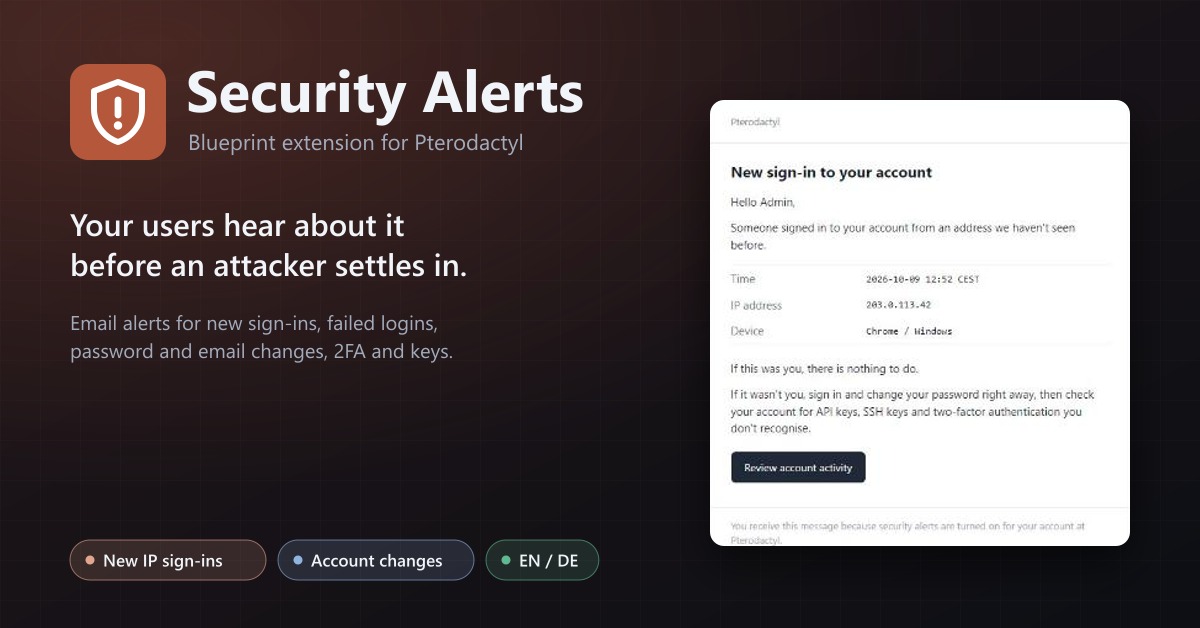
Security Alerts
Email users when someone signs in from a new IP, their password or email changes, 2FA is turned off or a key is added.
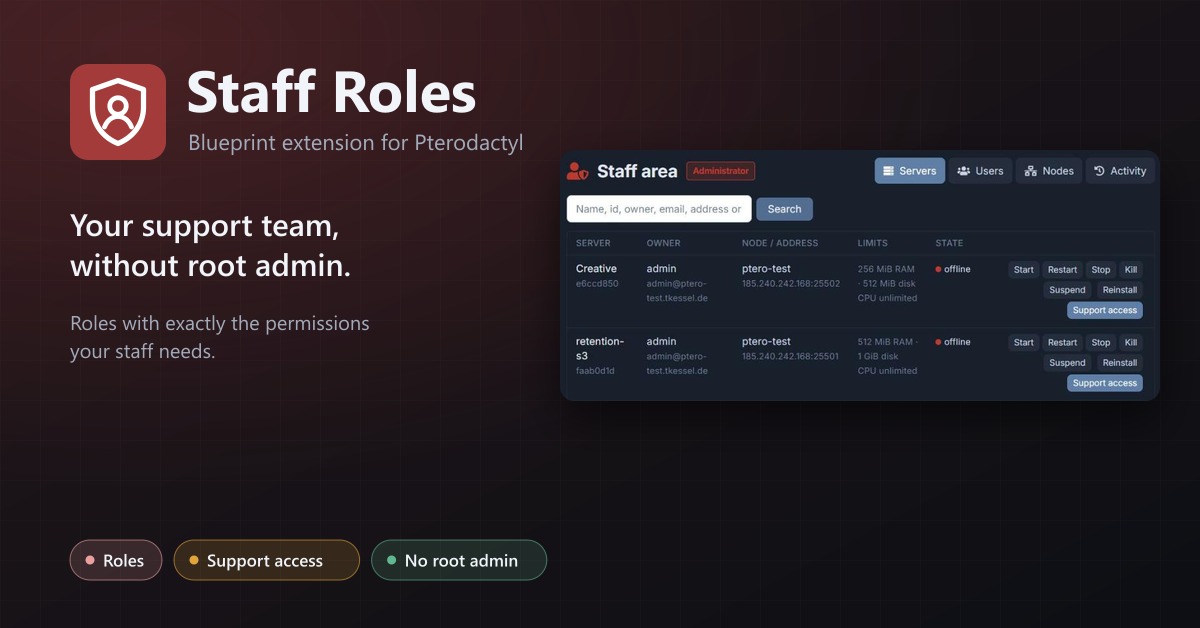
Staff Roles
Staff roles without root admin: permissions per role, a staff area, and time-limited support access to servers.
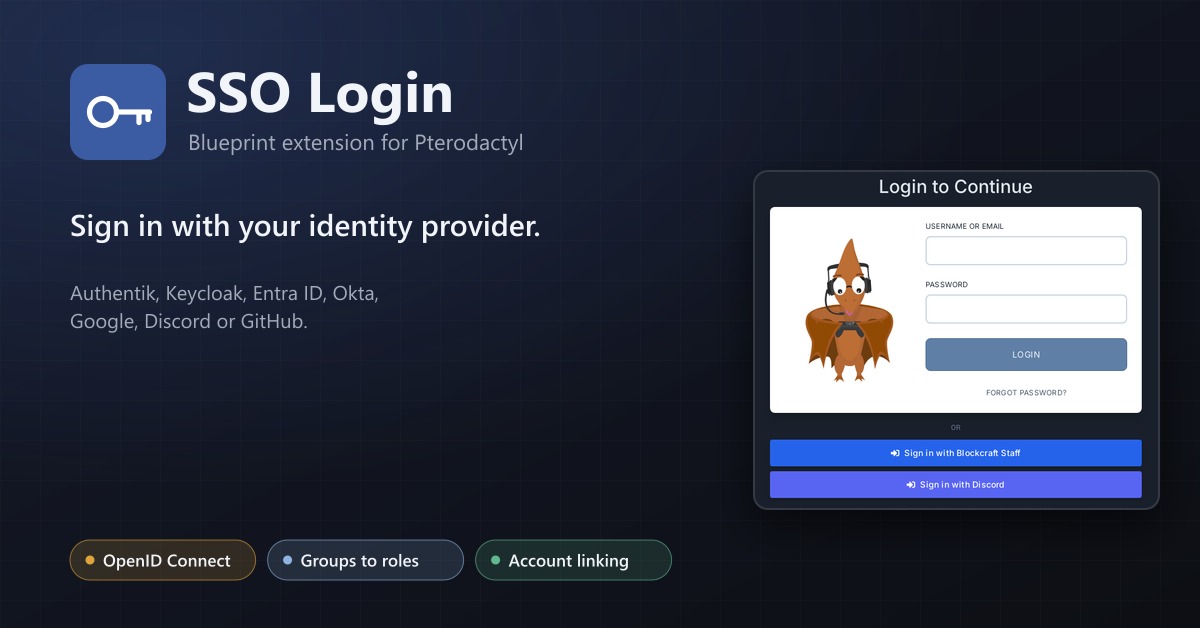
SSO Login
Sign in with your identity provider: OpenID Connect, Discord, GitHub or Google, with group to role mapping.