 texus Addons und Themes
SSO Login
Sign in with your identity provider: OpenID Connect, Discord, GitHub or Google, with group to role mapping.
12,99 €
- Version 0.1.0, updated 11 October 2026
- For Pterodactyl Panel 1.15.x with Blueprint
- No core files modified, installs and removes with Blueprint
- One licence for one panel, new versions included
Screenshots
Features
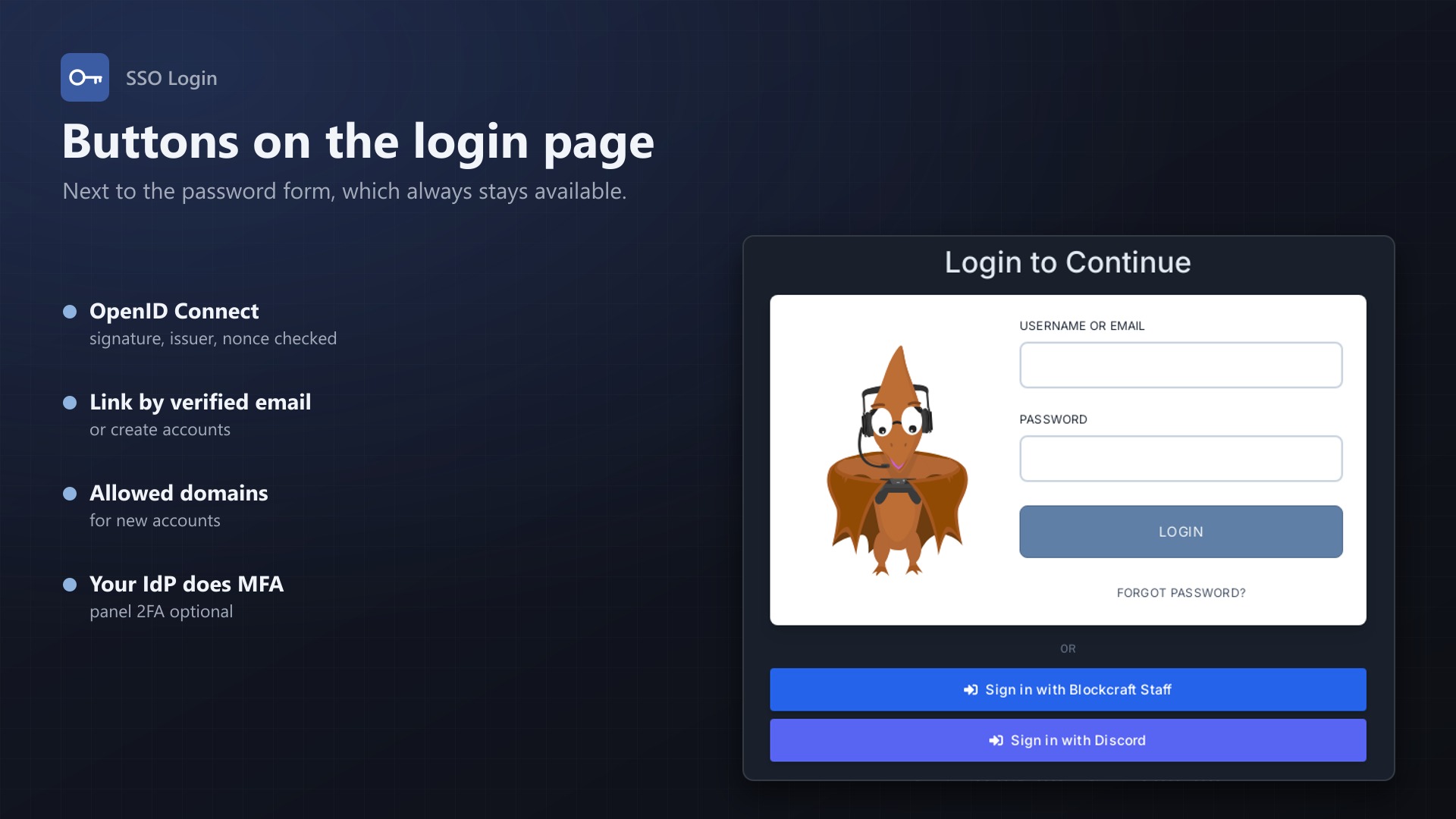
Your team already has accounts at an identity provider, and your players have Discord or GitHub. With Pterodactyl they still need yet another password. SSO Login adds "Sign in with ..." buttons to the panel's login page.
Providers
- Any OpenID Connect provider: Authentik, Keycloak, Microsoft Entra ID, Okta and others; just enter the issuer URL
- Google, Discord and GitHub as ready-made presets
- Several providers at once, each with its own button label, enabled or disabled
- The admin page shows the callback URL to paste at the provider
- Buttons above or below the password form; password sign-in stays available
Accounts
- Linked once, then recognised by the provider's user id
- Links existing accounts by verified email on the first sign-in (can be turned off)
- Creates accounts for new users if you want, optionally only for certain email domains
- Users link and unlink providers themselves on their account page; admins see and search all linked accounts
- The provider does the multi-factor check; the panel's own 2FA can be skipped or kept per provider
Groups to rights
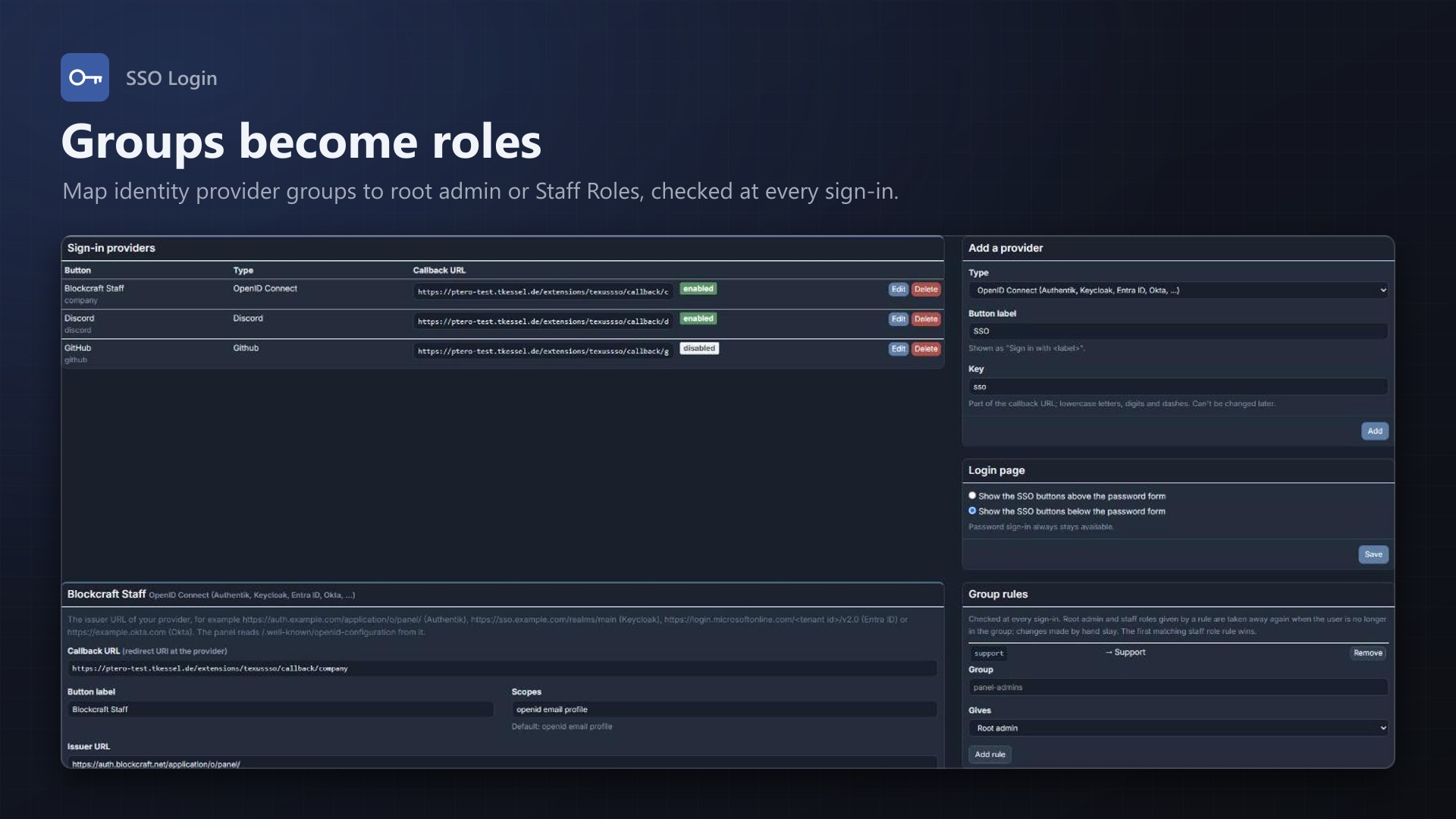
- Group → root admin and group → staff role of our Staff Roles extension
- Checked at every sign-in; only what a rule granted is taken away again, manual changes stay
Secure by default
- Authorization code flow with PKCE, state and nonce
- id_token signature checked against the provider's keys (RS, ES and HS algorithms), plus issuer, audience, expiry and nonce
- Client secrets stored encrypted, never shown again; sign-ins rate limited per IP
- Every sign-in in the activity log; no core files modified
Documentation
A Blueprint extension that lets your users sign in to the Pterodactyl panel with an external identity provider: any OpenID Connect provider (Authentik, Keycloak, Microsoft Entra ID, Okta, ...), Google, Discord or GitHub.
The login page gets a "Sign in with ..." button for every provider you enable. Password sign-in stays as it is. Accounts are linked once and then recognised by the provider's user id, so a changed email address at the provider doesn't lock anyone out.
How it works
- Open Admin > Extensions > SSO Login and add a provider. Choose the type, the button label and a key; the key is part of the callback URL.
- The page shows the provider's callback URL. Register it at the provider as redirect URI, then enter the client id and client secret there and tick Enabled.
- On the login page, the button sends the user to the provider. After signing in there, the provider sends the user back to the callback URL and the panel signs them in.
Behind the button is the OAuth 2.0 authorization code flow with PKCE, a random state and, for OpenID Connect, a nonce; all three live in the user's session and work once, for 10 minutes.
For OpenID Connect providers (and Google), the panel reads the provider's /.well-known/openid-configuration, exchanges the code at the token endpoint and checks the id_token: the signature against the provider's published keys (RS256/384/512, ES256/384/512, or HS256/384/512 with the client secret), the issuer, the audience (your client id), the expiry and the nonce. Claims that are only in the userinfo answer (email or groups at some providers) are read from there as well. Discord and GitHub are plain OAuth 2.0: the panel reads the user from their API with the access token.
Which panel account?
- Linked before: the account linked with this provider's user id is signed in.
- Link existing accounts by email (on by default): on the first sign-in, a panel account with the same email address is linked, if the provider confirms the address is verified.
- Create accounts (off by default): people without a panel account get one. The username comes from the provider's username or the email address, made unique; the password is random (they can set one with "Forgot password"). Optionally only for certain email domains.
- Otherwise the login page says why the sign-in did not work, for example "There is no panel account for your email address".
Users can link and unlink providers themselves under Account > Linked Sign-ins, for example to add Discord sign-in to an account that already exists. Admins see all linked accounts on the extension's admin page, can search them by user and unlink them.
Settings per provider
| Setting | Default | |
|---|---|---|
| Enabled | off | Shows the button. Needs client id and secret (and the issuer URL for OpenID Connect). |
| Button label | "Sign in with <label>" | |
| Scopes | openid email profile; Discord identify email; GitHub read:user user:email | |
| Link existing accounts by email | on | See above. |
| Create accounts | off | See above. |
| Allowed email domains | any | For new accounts only. |
| Treat email addresses as verified | off | OpenID Connect only. Microsoft Entra ID sends no email_verified; turn this on there if your users can't change their email address in Entra. |
| Skip the panel's two-step verification | on | The provider does the multi-factor check. Off: users who have 2FA in the panel get "please sign in with your password and code". |
| Groups claim | groups | Name of the claim with the user's groups. Dots go into nested claims, for example realm_access.roles for Keycloak realm roles. |
Client secrets are stored encrypted with the panel's APP_KEY and are never shown again. If you change APP_KEY, enter the secrets again.
Group rules
For OpenID Connect providers you can map groups to rights:
- group → root admin: the user becomes root admin while they are in the group.
- group → staff role: the user gets a role of our Staff Roles extension (only when it is installed). The first matching rule wins.
Rules are checked at every SSO sign-in. Only what a rule of the same provider granted is taken away again: a root admin you made by hand or a staff role you gave by hand is never removed. Removing a rule, unlinking an account or deleting the provider also takes back what it granted.
Group names are compared without case and without a leading / (Keycloak sends /admins). Microsoft Entra ID sends group object ids instead of names unless configured otherwise.
Login page
The buttons appear on the login page, below the password form or above it (admin page, "Login page"). The password form itself can't be hidden without changing core files, so password sign-in always stays available.
Good to know
- Every SSO sign-in is in the activity log as
auth:sso.loginwith the provider (and the group rule changes, if any), plus the panel's usualauth:success. Links show up asuser:sso.linkanduser:sso.unlink, new accounts asuser:sso.create. - Sign-in attempts are limited to 20 per minute and IP.
- If the panel requires 2FA for all users or for admins, users without 2FA still have to set it up after an SSO sign-in, as with a password sign-in.
- Linking by email trusts the provider's statement that the address is verified. Only enable providers you trust; an account at the provider with your admin's email address signs in as your admin.
- For Microsoft Entra ID, use the tenant-specific issuer
https://login.microsoftonline.com/<tenant id>/v2.0. The multi-tenant endpoints (common,organizations) accept accounts from any tenant. - When something goes wrong at the provider, the user sees a short message; the details are in the panel log (
storage/logs), prefixed withtexussso. - No core files are modified.
Requirements
- Pterodactyl Panel 1.15.x
- Blueprint (beta-2026-08 or newer)
APP_URLin the panel's.envset to the address users open (the callback URL is built from it)- Outgoing HTTPS from the panel to the identity provider
- A licence key from texus-addons.de, free with your purchase, for one panel
- Outgoing HTTPS from the panel to texus-addons.de
Installation
- Upload
texussso.blueprintto/var/www/pterodactyl - Run
blueprint -install texussso - Enter the licence key under Admin > Extensions > SSO Login
Changelog
0.1.0
- First release: sign in with OpenID Connect providers (Authentik, Keycloak, Microsoft Entra ID, Okta, ...), Google, Discord and GitHub. Authorization code flow with PKCE, id_token signature and claim checks, account linking by provider id or verified email, optional account creation with a domain allow-list, optional skipping of the panel's 2FA, group rules for root admin and Staff Roles roles, "Linked Sign-ins" on the account page and a list of linked accounts for admins.
- Update notice: when a newer version is out, Admin > Extensions and the licence box on the admin page show it, with what is new. With the optional update helper (set up once as root), the update runs with one click after a backup of the panel files and the database.
Licence and download
One purchase = one licence = one panel. The licence is bound to one panel domain and the server it runs on. Subdomains count separately. You can move the licence at any time in your account.
After buying on sourceXchange or BuiltByBit, sign in here with your email address (BuiltByBit: redeem your activation code). You download the extension with the licence key built in, and every new version from your account.
Questions before buying? Ask on our Discord support server or at support@texus-addons.de.
Related
Turnstile & hCaptcha
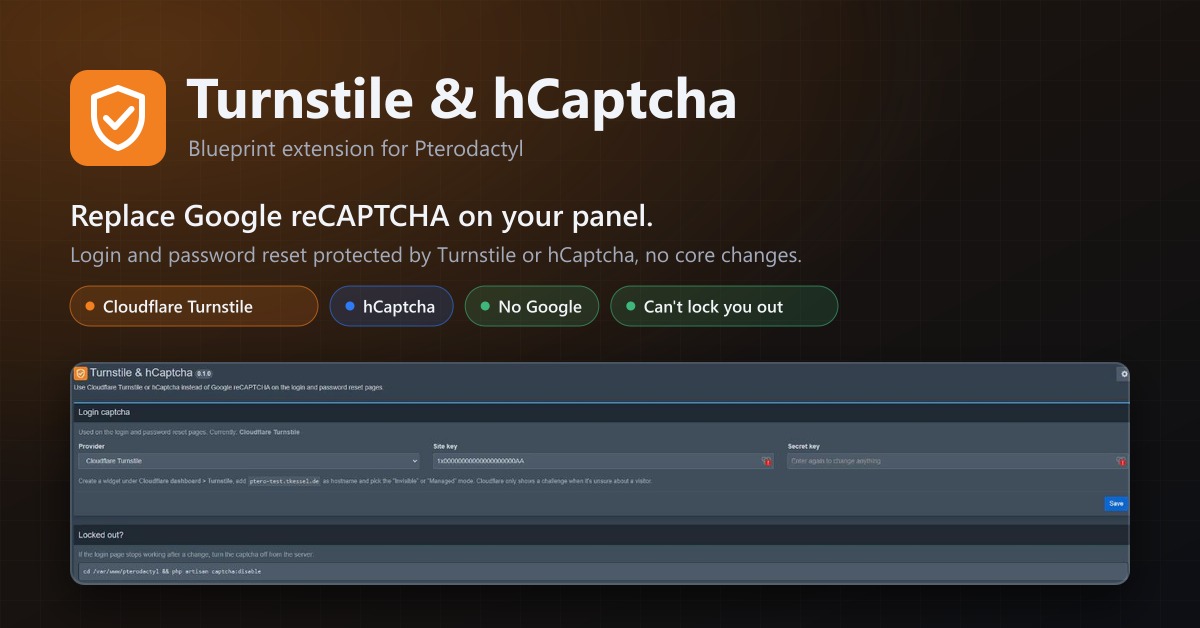
Use Cloudflare Turnstile or hCaptcha instead of Google reCAPTCHA on your panel's login. No core changes.
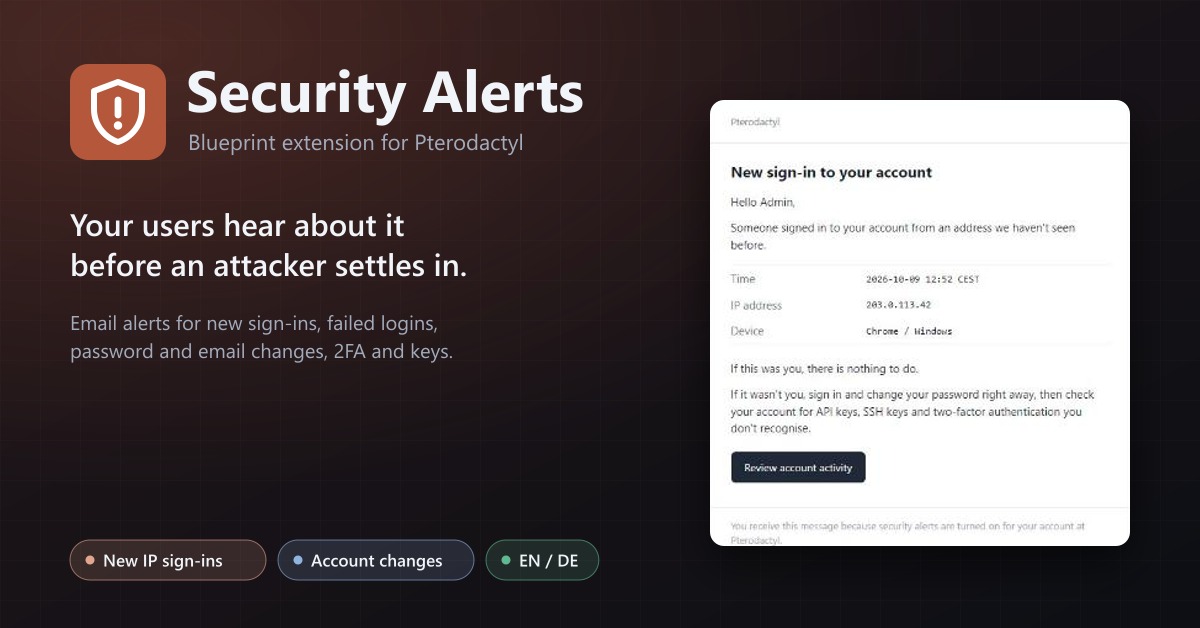
Security Alerts
Email users when someone signs in from a new IP, their password or email changes, 2FA is turned off or a key is added.
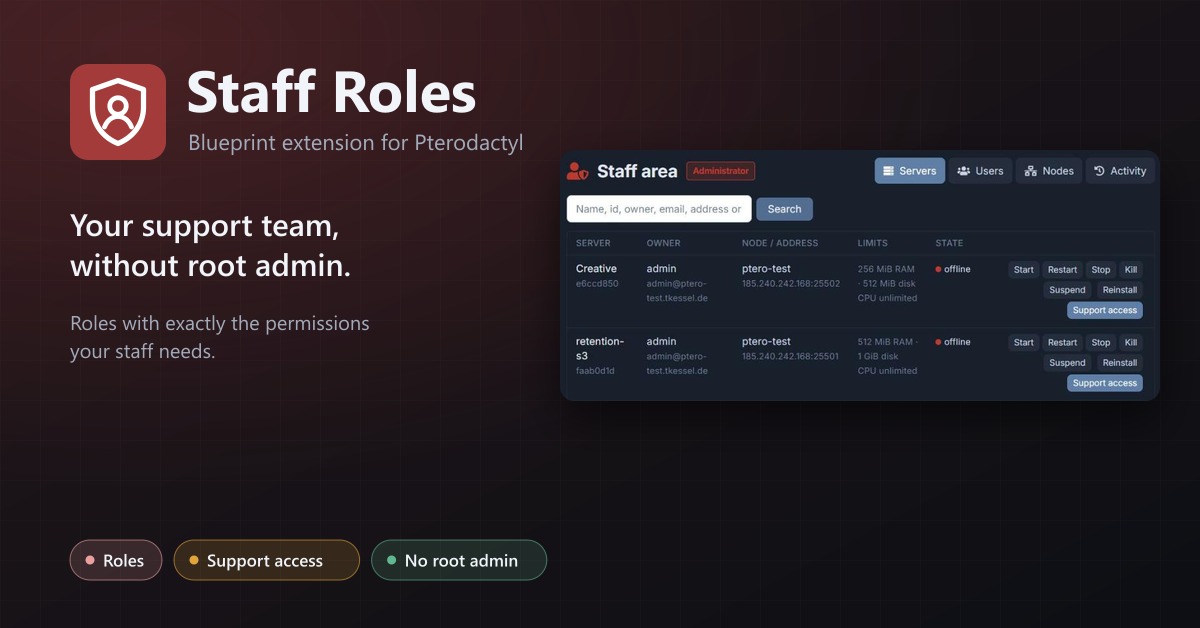
Staff Roles
Staff roles without root admin: permissions per role, a staff area, and time-limited support access to servers.