 texus Addons und Themes
Staff Roles
Staff roles without root admin: permissions per role, a staff area, and time-limited support access to servers.
14,99 €
- Version 0.1.2, updated 10 October 2026
- For Pterodactyl Panel 1.15.x with Blueprint
- No core files modified, installs and removes with Blueprint
- One licence for one panel, new versions included
Screenshots
Features
Pterodactyl has normal users and root admins, nothing in between. A supporter who should restart a customer's server or suspend it after a chargeback gets everything: settings, nodes, eggs, API keys, every user's data. Staff Roles adds roles in between.
Roles
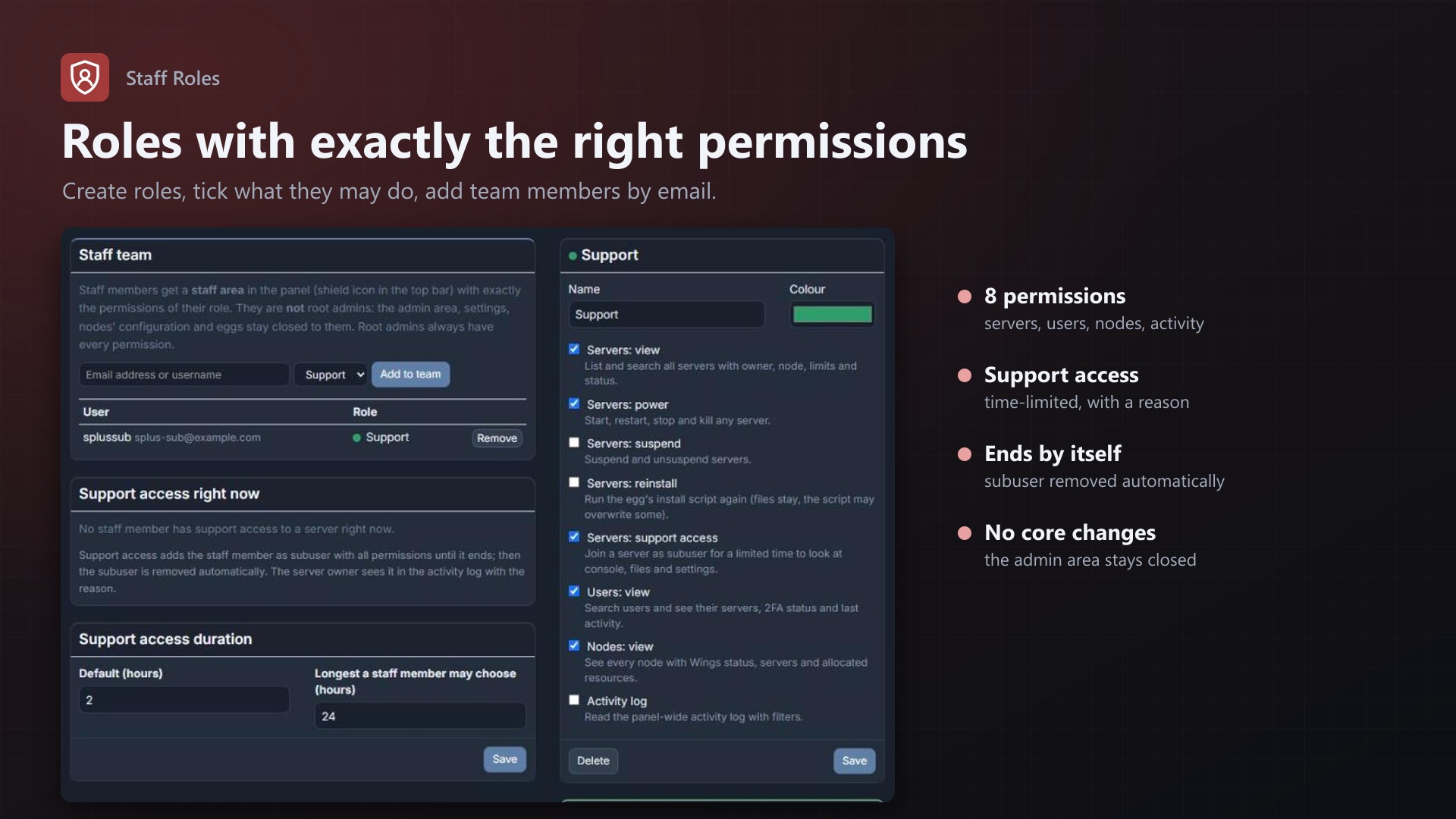
- Create roles like "Support" or "Moderator" and tick what they may do
- Add team members by email or username; they stay normal users, no root admin
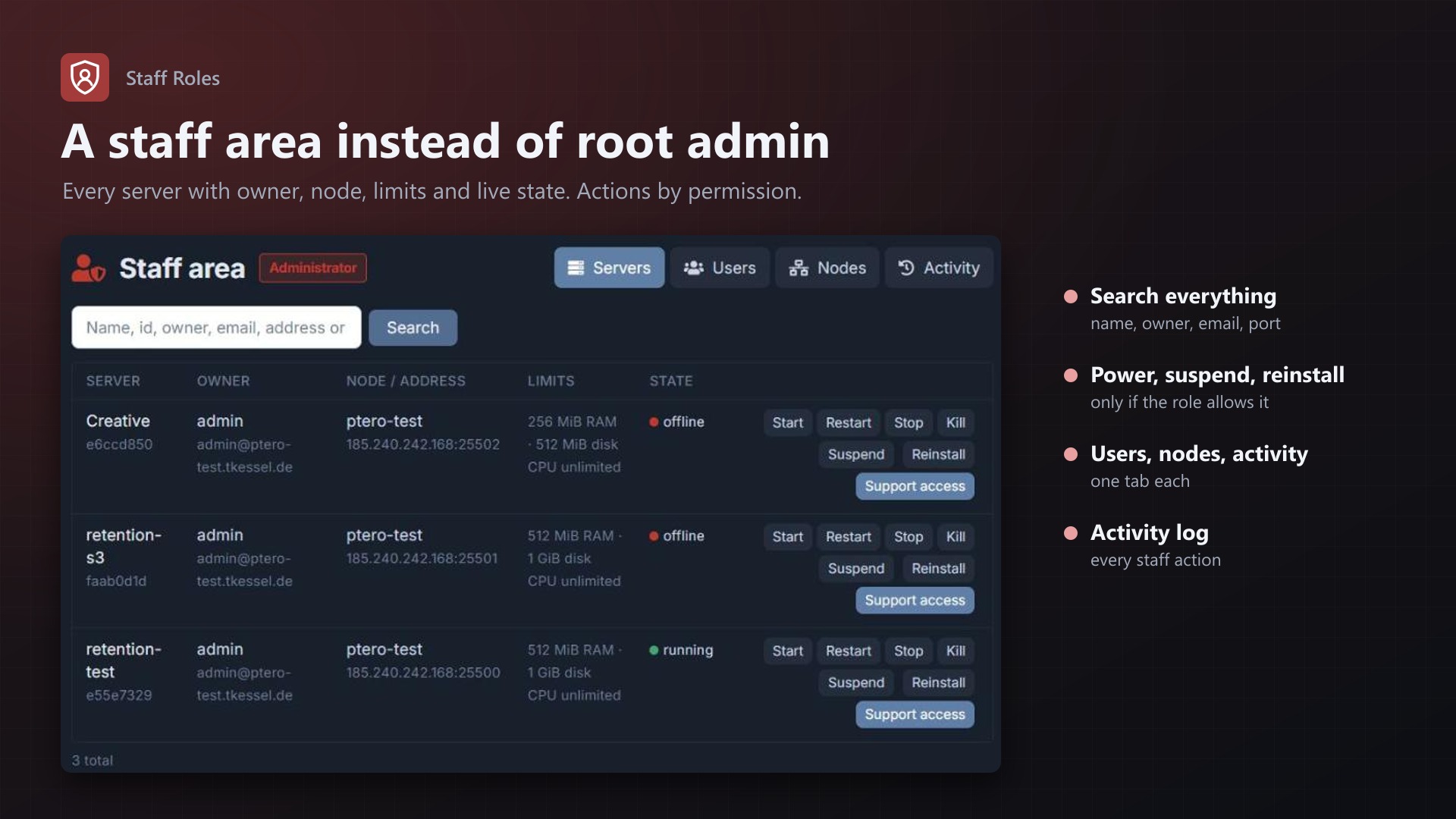
- Team members get a staff area under a shield icon in the top bar
Permissions
- Servers: view and search all servers (name, id, owner, email, address, port) with live state; power; suspend and unsuspend; reinstall
- Support access: join a server as subuser for a limited time with a reason, e.g. a ticket number. Ends automatically
- Users: search users, see their servers, 2FA status and sign-up date
- Nodes: Wings status, servers and allocated RAM and disk per node
- Activity log: the panel-wide log, filtered by event, user or IP
Safe
- The admin area stays root-admin only; no core files modified, no Pterodactyl permission changed
- Every staff action is in the activity log under the staff member's name
- Support access shows up for the server owner with reason and end time, and is removed by itself
- Admins see and end every support access on the admin page
Documentation
A Blueprint extension that gives your support team what it needs without making everyone a root admin.
Pterodactyl knows two kinds of users: normal users and root admins. A supporter who should look into a customer's server, restart it or suspend it after a chargeback gets everything: settings, nodes, eggs, API keys, every user's data. Staff Roles adds roles in between.
How it works
- Admins create roles (e.g. "Support", "Moderator") and tick what each may do.
- Team members are added by email address or username. They stay normal users; no root admin.
- Team members get a staff area in the panel, under a shield icon in the top bar, with one tab per area their role covers.
- Everything they do there is written to the activity log, under their name.
Permissions
| Permission | What it allows |
|---|---|
| Servers: view | List and search all servers by name, id, owner, email, address or port; see owner, node, limits and live state |
| Servers: power | Start, restart, stop and kill any server |
| Servers: suspend | Suspend and unsuspend servers |
| Servers: reinstall | Run the egg's install script again |
| Servers: support access | Join a server as subuser for a limited time (see below) |
| Users: view | Search users, see their servers, 2FA status and sign-up date; jump to their servers |
| Nodes: view | Every node with Wings status, servers, allocated RAM and disk |
| Activity log | The panel-wide activity log, filtered by event, user or IP address |
Root admins always have every permission and see the staff area too.
Support access
To look at a customer's console, files, databases or startup settings, a staff member with "support access" picks the server, gives a reason (e.g. a ticket number) and a duration. They are added as subuser with all permissions and land on the server page. When the time runs out, a job removes the subuser again (checked every five minutes); staff can also leave earlier, and admins can end any access on the admin page.
The server owner sees the access in the server's activity log, with reason and end time, and the subuser in their subuser list while it lasts.
What stays closed
The admin area (/admin) stays root-admin only: panel settings, nodes' configuration, locations, nests and eggs, mounts, database hosts, API keys and creating or deleting users and servers. Staff Roles doesn't change any of Pterodactyl's own permission checks; it only adds its own staff area with its own checks.
Requirements
- Pterodactyl Panel 1.15.x (tested on 1.15.1)
- Blueprint beta-2026-08 or newer
- The panel's cron job (part of every Pterodactyl install), which ends support access on time
Installation
cd /var/www/pterodactyl
blueprint -install texusroles
Then open Admin > Extensions > Staff Roles, enter your licence key, create a role and add team members. They see the shield icon after reloading the panel.
Removing
blueprint -remove texusrolesEnd all support accesses on the admin page first; otherwise those subusers stay on the servers and have to be removed by hand. Blueprint leaves the tables texusroles_roles, texusroles_members and texusroles_access in the database.
Changelog
0.1.2 (2026-10-11)
- The update notice also works in the package from the licence site and the marketplaces; in the previous version it stayed hidden there.
0.1.1 (2026-10-11)
- Update notice: when a newer version is out, Admin > Extensions and the licence box on the admin page show it, with what is new. With the optional update helper (set up once as root), the update runs with one click after a backup of the panel files and the database.
0.1.0
- First release: staff roles with eight permissions, staff area with servers, users, nodes and activity log, time-limited support access to servers.
Licence and download
One purchase = one licence = one panel. The licence is bound to one panel domain and the server it runs on. Subdomains count separately. You can move the licence at any time in your account.
After buying on sourceXchange or BuiltByBit, sign in here with your email address (BuiltByBit: redeem your activation code). You download the extension with the licence key built in, and every new version from your account.
Questions before buying? Ask on our Discord support server or at support@texus-addons.de.
Related
Account Guard
Suspend accounts, sign in as a user with an audit log, require password changes and two-factor authentication, plus password, session and API key IP rules.
Turnstile & hCaptcha
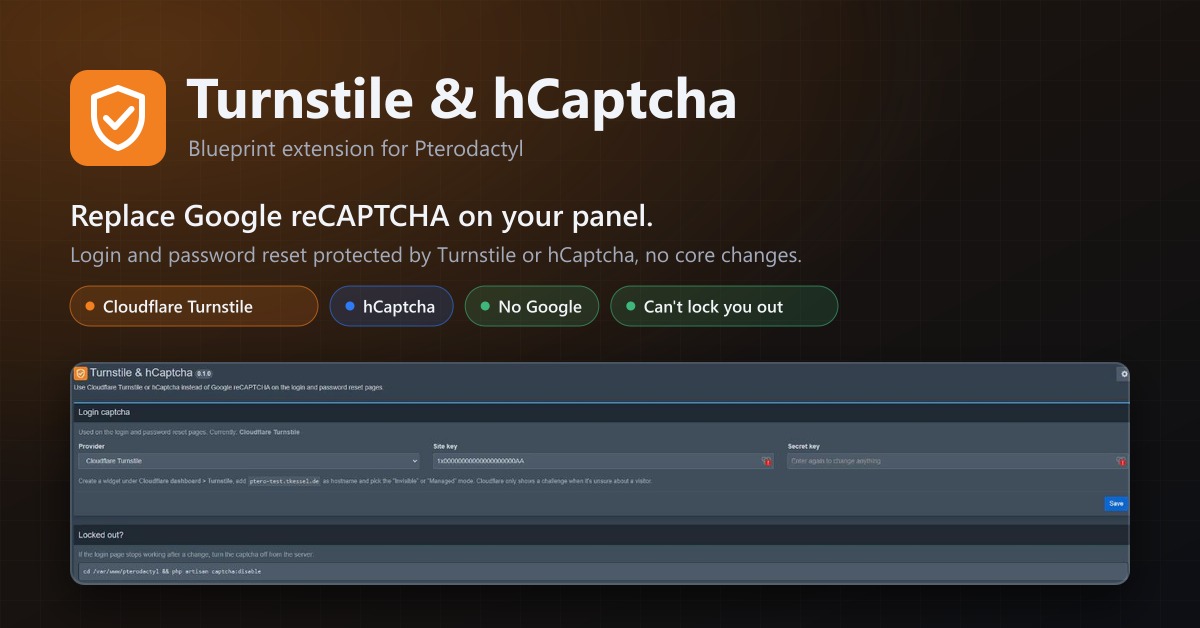
Use Cloudflare Turnstile or hCaptcha instead of Google reCAPTCHA on your panel's login. No core changes.
Security Alerts
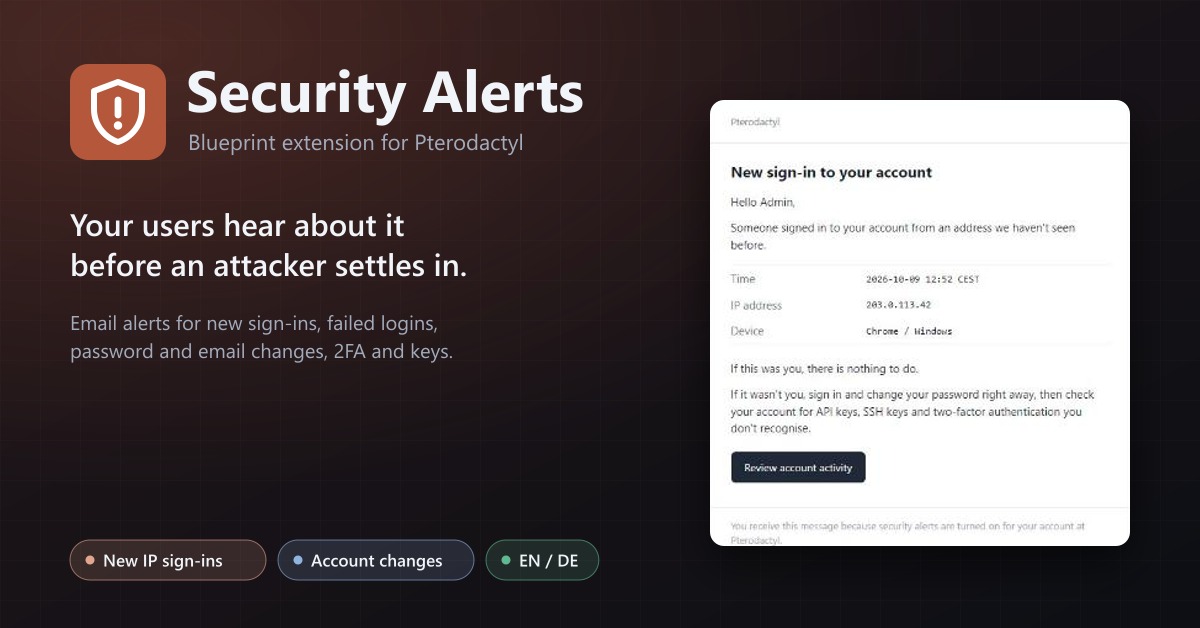
Email users when someone signs in from a new IP, their password or email changes, 2FA is turned off or a key is added.