 texus Addons und Themes
Account Guard
Suspend accounts, sign in as a user with an audit log, require password changes and two-factor authentication, plus password, session and API key IP rules.
12,99 €
- Version 0.1.0, updated 11 October 2026
- For Pterodactyl Panel 1.15.x with Blueprint
- No core files modified, installs and removes with Blueprint
- One licence for one panel, new versions included
Screenshots
Features
Pterodactyl can suspend servers, but not the person behind them. Locking out a customer after a chargeback means changing their password by hand and hoping they don't use "forgot password"; seeing what a user sees means asking for screenshots. Account Guard adds the account controls Pterodactyl lacks.
Suspend accounts
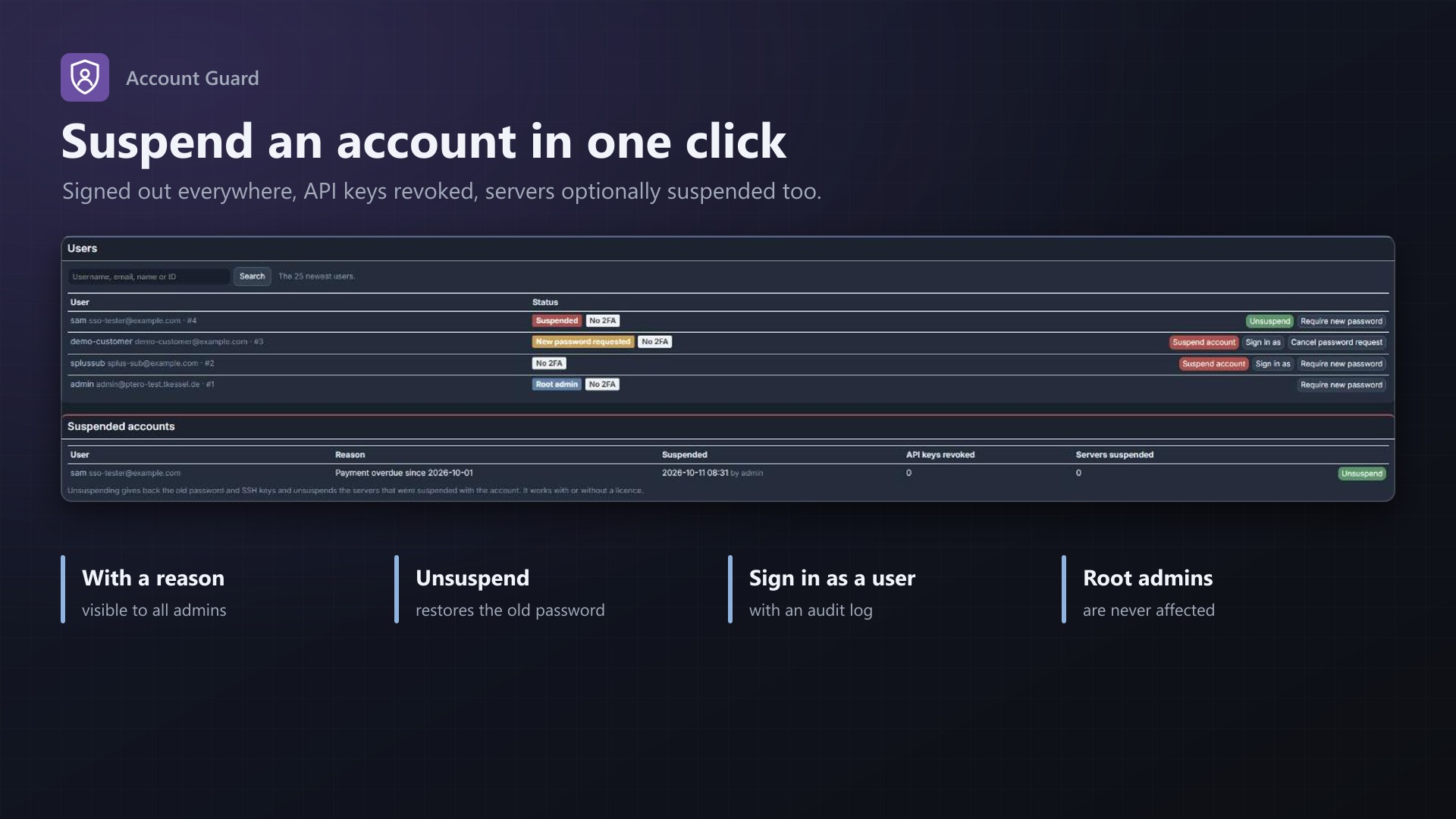
- Suspend a user with one click, with a reason only admins see
- Signed out everywhere at once, in the panel and the API, "remember me" included
- API keys revoked (optional), SSH keys put aside, SFTP stops
- Optionally suspends the user's servers too, and unsuspends exactly those again
- "Forgot password" doesn't get around it: the user is signed out on the next page
- Unsuspend gives everything back: old password, SSH keys, servers
Sign in as a user
- Root admins see the panel exactly as a user does, for support or to check permissions
- A bar on every page leads back to the admin account
- Never as another root admin; logged in the user's activity log and on the extension's page
Require a new password
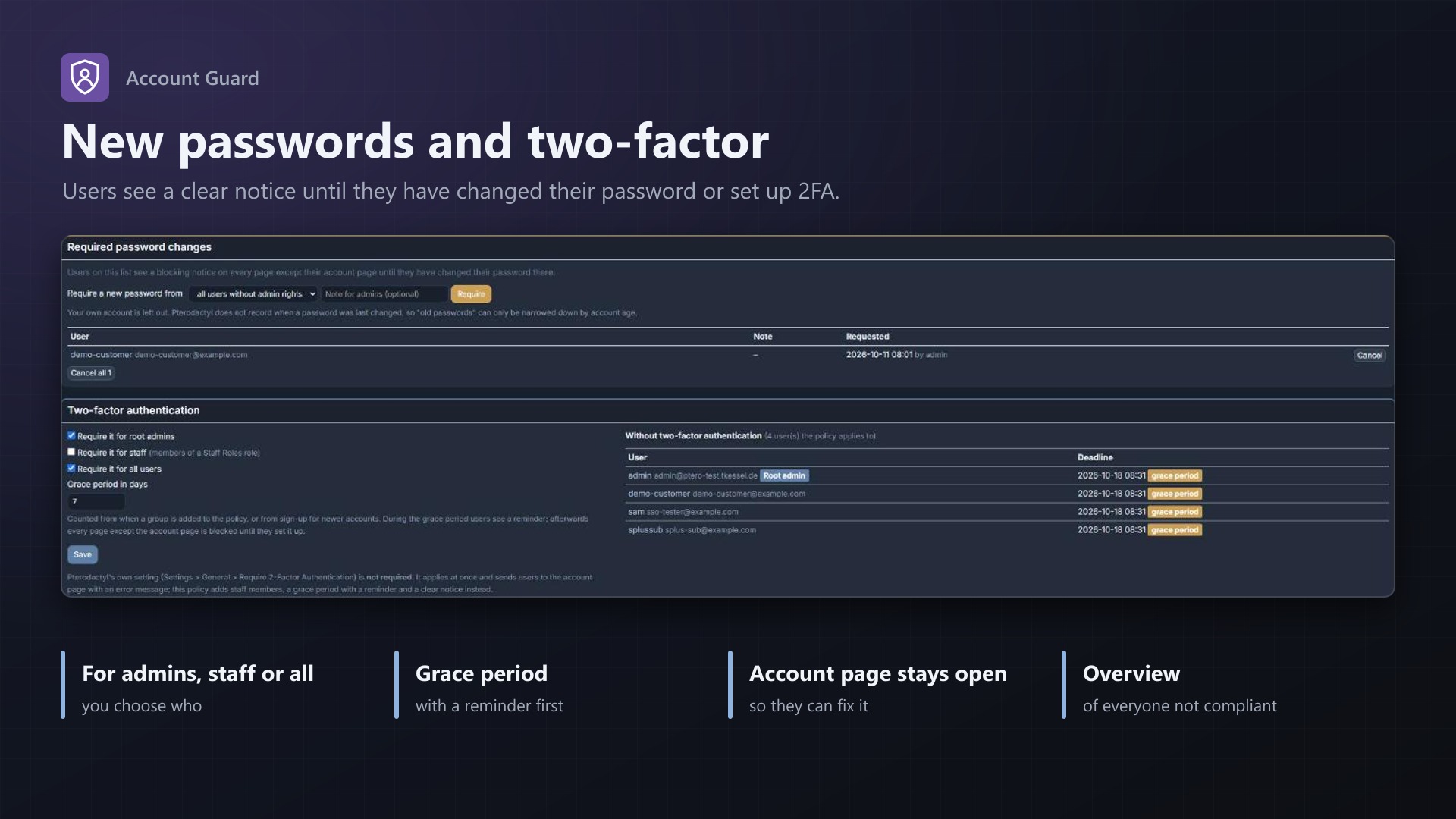
- Ask one user, all users or users created before a date to choose a new password
- A notice covers the panel until they have changed it on their account page
Require two-factor authentication
- For root admins, staff (Staff Roles members) or all users
- Grace period with a reminder and the deadline, then a clear notice until 2FA is set up
- List of everyone who still has to set it up
No core files modified.
Documentation
A Blueprint extension with the account controls Pterodactyl lacks: suspend a user account, sign in as a user, require a new password and require two-factor authentication with a grace period.
Pterodactyl can suspend servers, but not the person behind them. To lock out a customer after a chargeback you change their password by hand and hope they don't use "forgot password". To see what a user sees, you ask for screenshots. Account Guard adds this to the admin area, without changing any core files.
Everything is under Admin > Extensions > Account Guard.
Suspend accounts
Search a user and click Suspend account, with an optional reason (only admins see it).
- The user's password hash is put aside and replaced with an unusable one. Pterodactyl checks on every request whether the password of a signed-in user has changed, in the panel and in its API, so the user is signed out everywhere right away, including "remember me" logins.
- API keys are revoked (on by default). Pterodactyl only stores them hashed, so they can't be restored; the user creates new ones after the suspension. Untick the box to keep them.
- SSH keys are put aside and come back with the account, so SFTP with a key stops as well. SFTP with the password stops because the password no longer works.
- Optionally the user's servers are suspended too. Only those suspended this way are unsuspended again with the account; servers that were suspended before stay suspended.
- On every page load, the panel checks whether the signed-in user is suspended. If so, the session ends and the login page says "This account is suspended". This also catches a password reset by email: the reset works, but the user is signed out on the next page and the password is locked again.
Unsuspend gives back the old password and the SSH keys and unsuspends the servers. If a new password was set during the suspension (for example by you on the user's admin page), that one stays. Unsuspending always works, also without an active licence, so nobody stays locked out. When the extension is removed, suspended users get their password and SSH keys back as well.
Root admin accounts can't be suspended; remove the admin rights first.
Sign in as a user
Root admins can click Sign in as next to a user to see the panel exactly as that user does, for support or to check permissions. A bar at the bottom of every page shows whose account you are using and leads back to your own with Return to ....
- Only root admins, never as another root admin or as a suspended account. It can be turned off.
- The start is recorded in the user's activity log (
user:texusguard.impersonate) and in a log on the extension's page (admin, user, IP, start, return; the last 100). - Everything you do in between is logged as the user, the same as if they did it.
- Returning only works from the session that started it, and only while your admin account still exists, is a root admin and has the same password. Otherwise the session is signed out.
Require a new password
Ask a single user, all users without admin rights, all users, or users created before a date to choose a new password. Until they do, every page except their account page is covered by a notice with a link to the account page. As soon as the password differs from the one they had when you asked, the notice is gone. Pterodactyl does not record when a password was last changed, so "old passwords" can only be narrowed down by account age.
Require two-factor authentication
Require 2FA for root admins, for staff (members of a role from the Staff Roles extension, if it is installed) and/or for all users, with a grace period in days.
- During the grace period, users without 2FA see a reminder with the deadline at the bottom of the page.
- After it, every page except the account page is covered by "Set up two-factor authentication to continue" until they have set it up. The admin area is covered as well.
- The grace period counts from the day a group is added to the policy, or from sign-up for accounts created later.
- The page lists everyone the policy applies to who has not set up 2FA yet, with their deadline.
Pterodactyl has its own setting (Settings > General > Require 2-Factor Authentication) for admins or all users. It applies at once, without a warning, and sends users to the account page with an error. Account Guard adds the staff group, the grace period with a reminder and a clear notice. Both can be used together; the stricter one wins.
Good to know
- Notices and the page check run when a page of the panel is loaded. The client panel switches pages without reloading, so the notices also follow page changes, and the status is checked again after a visit to the account page.
- Suspension itself does not depend on page loads: the locked password signs the user out on their next request, in the panel and the API.
- Console connections that were open at the moment of the suspension may stay connected until their token expires (a few minutes). Suspend the servers as well if that matters.
- No core files are modified.
Requirements
- Pterodactyl Panel 1.15.x
- Blueprint (beta-2026-08 or newer)
- A licence key from texus-addons.de, free with your purchase, for one panel
- Outgoing HTTPS from the panel to texus-addons.de
Installation
- Upload
texusguard.blueprintto/var/www/pterodactyl - Run
blueprint -install texusguard - Enter the licence key under Admin > Extensions > Account Guard
Changelog
0.1.0
- First release: suspend user accounts (signed out everywhere, API keys revoked, SSH keys put aside, optionally the servers suspended; unsuspend gives everything back), sign in as a user for root admins with a return bar and a log, require a new password from single users or groups, and require two-factor authentication for root admins, staff or all users with a grace period.
- Update notice: when a newer version is out, Admin > Extensions and the licence box on the admin page show it, with what is new. With the optional update helper (set up once as root), the update runs with one click after a backup of the panel files and the database.
Licence and download
One purchase = one licence = one panel. The licence is bound to one panel domain and the server it runs on. Subdomains count separately. You can move the licence at any time in your account.
After buying on sourceXchange or BuiltByBit, sign in here with your email address (BuiltByBit: redeem your activation code). You download the extension with the licence key built in, and every new version from your account.
Questions before buying? Ask on our Discord support server or at support@texus-addons.de.
Related
Staff Roles
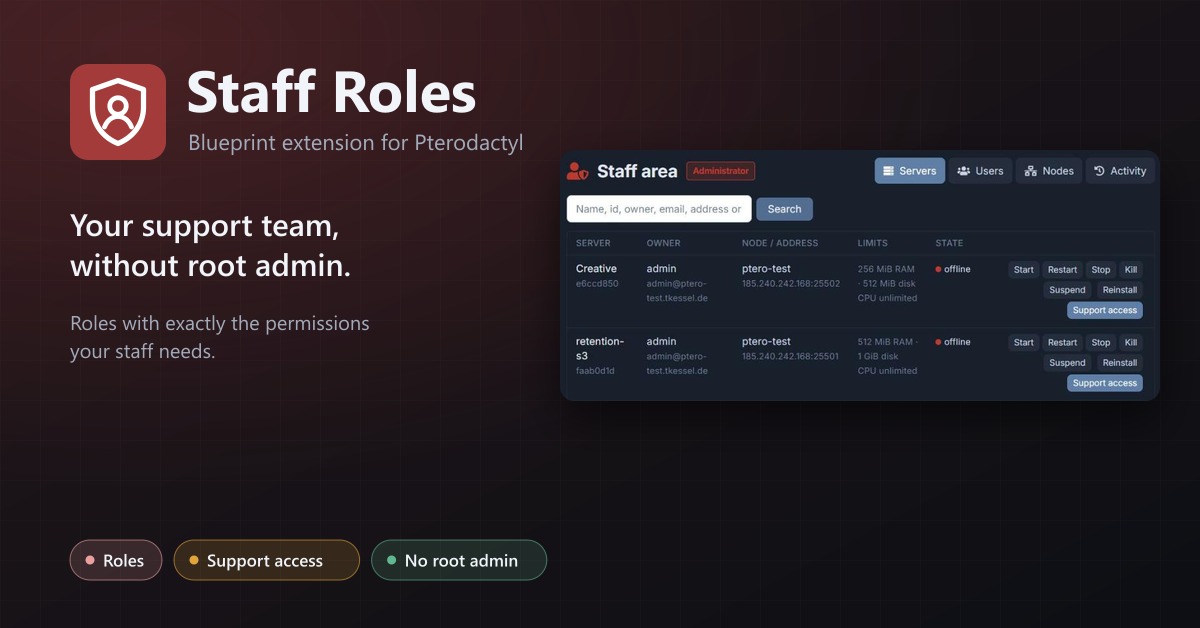
Staff roles without root admin: permissions per role, a staff area, and time-limited support access to servers.
Turnstile & hCaptcha
Use Cloudflare Turnstile or hCaptcha instead of Google reCAPTCHA on your panel's login. No core changes.
Security Alerts
Email users when someone signs in from a new IP, their password or email changes, 2FA is turned off or a key is added.