 texus Addons und Themes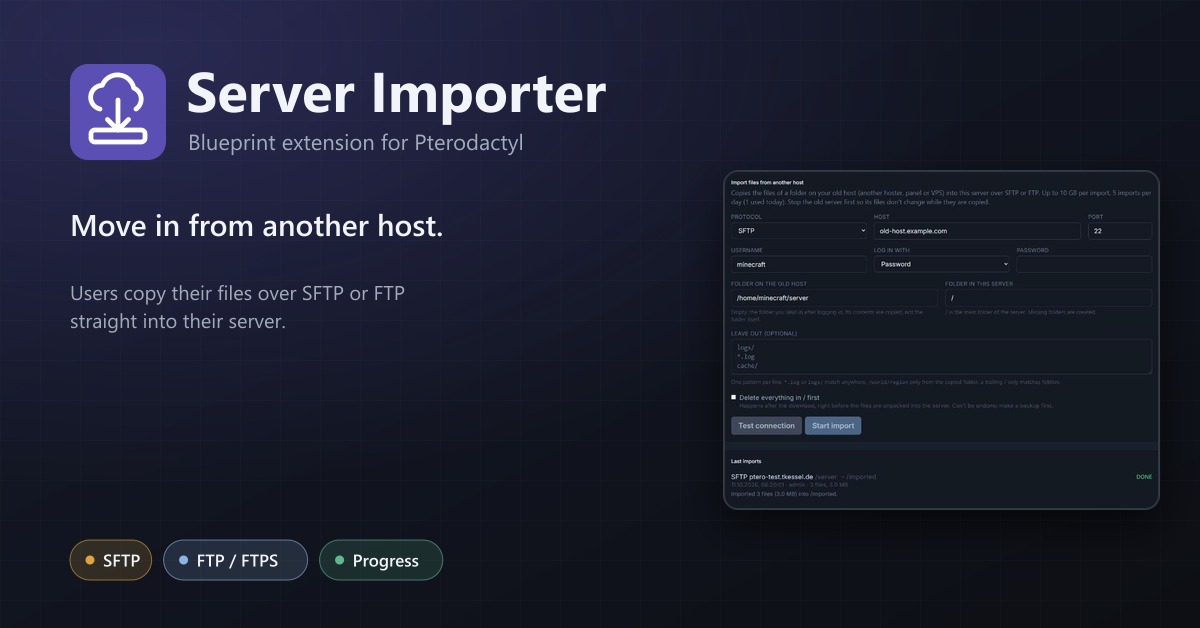
Server Importer
Users import their files from another host via SFTP or FTP straight into their server, with progress.
14,99 €
- Version 0.1.0, updated 11 October 2026
- For Pterodactyl Panel 1.15.x with Blueprint
- No core files modified, installs and removes with Blueprint
- One licence for one panel, new versions included
Screenshots
Features
Moving a game server from an old hoster, another panel or a VPS usually means downloading every file to your PC and uploading it again through the file manager. That is slow, breaks on large worlds and ends up as a support ticket. With the Server Importer, your users enter the login of their old host and the panel copies the files straight into their server.
For your users
- New Import page on every server, for the owner and subusers with "Create files"
- SFTP (password or private key), FTP and FTPS (explicit TLS)
- Choose the folder on the old host and the folder in the server
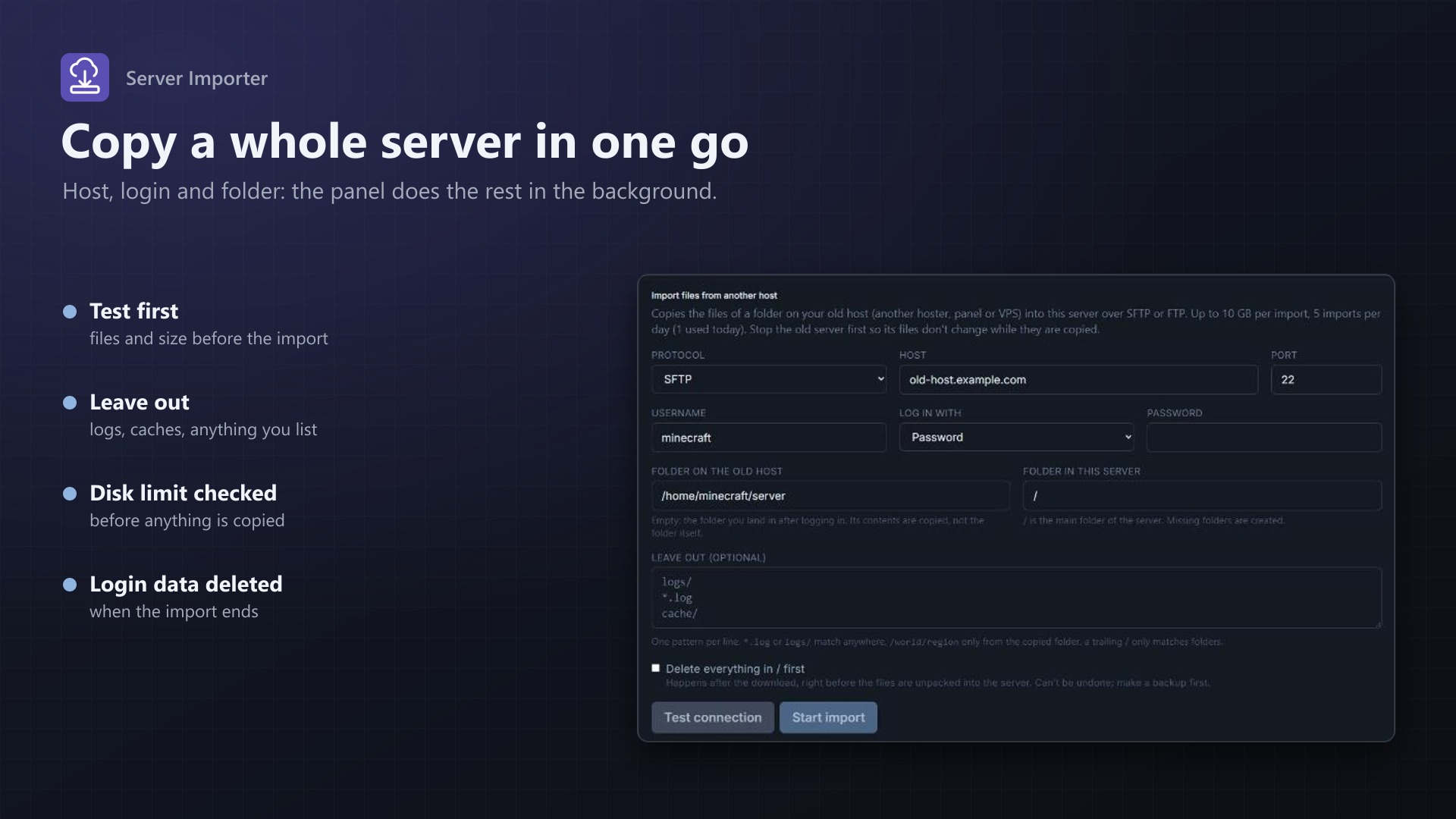
- Test connection: logs in and shows the number of files, folders and the total size
- Leave out logs, caches or anything else with simple patterns
- Optionally empty the target folder first (with confirmation, only right before unpacking)
- Progress while it runs: downloading x of y files, packing, sending, unpacking; cancel any time
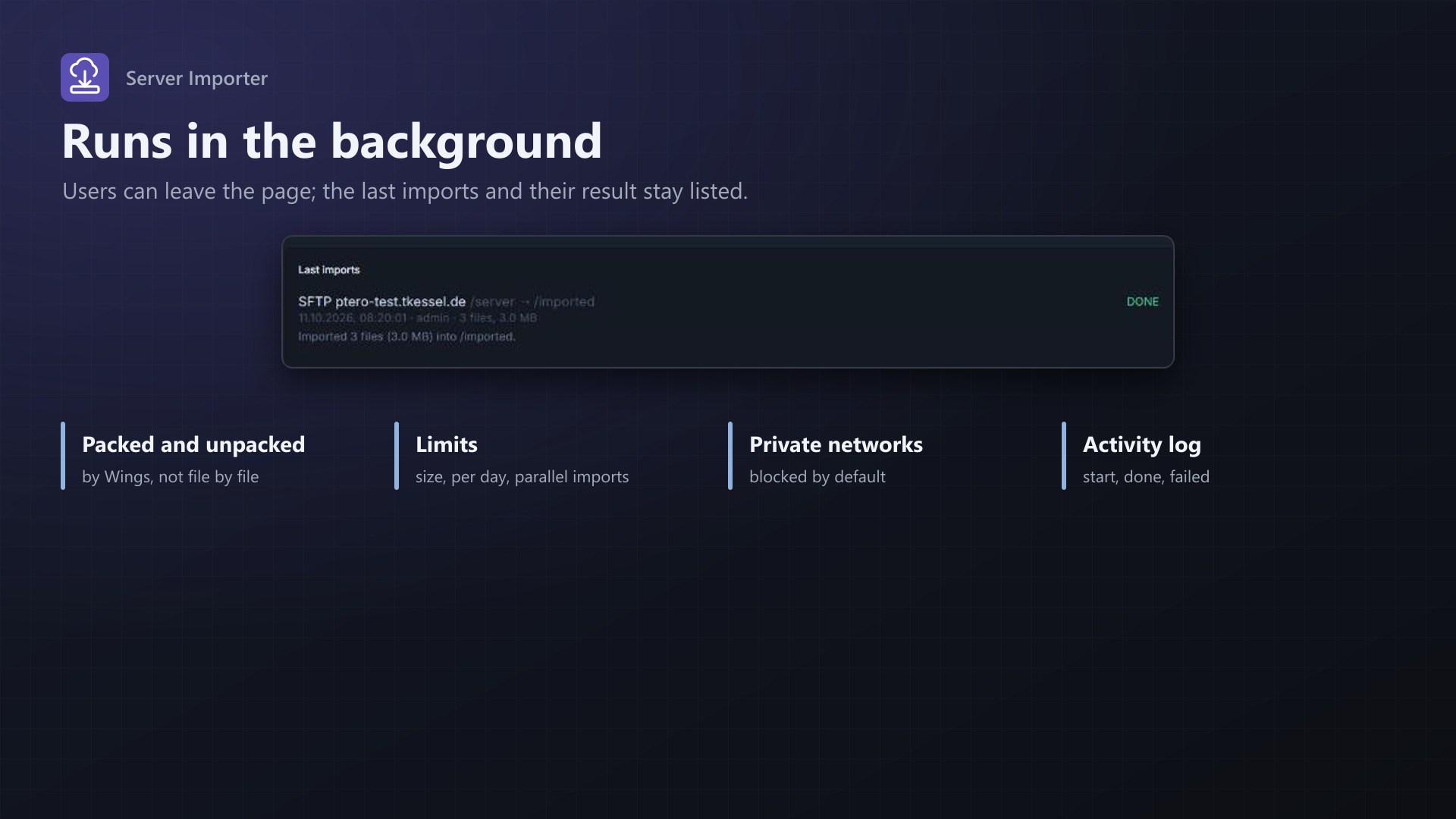
- The last 10 imports with their result; the import continues when the page is closed
How it works
- The panel downloads the files in the background in short steps, so the scheduler is never blocked
- Files are packed into .tar.gz parts and unpacked by Wings' own decompress: no per-file API calls
- Wings fetches the parts from a signed, temporary panel link, or the panel uploads them to Wings; automatic by default
- Checks the server's disk limit and your size limit before anything is copied
- Passwords and keys are stored encrypted and deleted when the import ends
- Start, success and failure in the server's activity log
- No core files modified
For you as admin
- Max. size per import, imports at the same time, imports per user per day
- Allowed protocols; hosts in private networks blocked by default
- All recent imports with progress and a cancel button, temp folder usage
Documentation
A Blueprint extension that lets users move their server files from another host into their Pterodactyl server.
Moving a game server from an old hoster, another panel or a VPS usually means downloading every file to your own PC and uploading it again through the file manager or SFTP. That is slow, breaks on large worlds and needs a fast home connection. With the Server Importer, users enter the login of their old host and the panel copies the files directly.
How it works
- On the server, open the new Import page (owners and subusers with the "Create files" permission).
- Choose SFTP, FTP or FTPS (explicit TLS), enter host, port, username and password, or a private key for SFTP.
- Enter the folder on the old host (empty: the folder you land in after logging in) and the folder in the server (
/by default). Optionally list files and folders to leave out, one pattern per line. - Test connection logs in and counts the files, folders and total size (up to 5,000 entries), and shows what is in the folder.
- Start import. The login is checked once more and the import is queued.
In the background, the panel:
- lists the files on the old host and checks the size against the limits: the panel's limit per import, the server's disk limit and the free space on the panel host,
- downloads the files into a temp folder on the panel host, in steps of up to 40 seconds per minute; a large file that isn't finished continues where it stopped,
- packs them into
.tar.gzparts, gets each part into the server and lets Wings unpack it with its own decompress (the same as "Unarchive" in the file manager), then removes the archive in the server and the temp files on the panel.
The Import page shows what is happening (listing, downloading x of y files, packing, sending, unpacking) with a progress bar, and the last 10 imports of the server with their result. Users can leave the page; the import continues. Cancel stops it; files already unpacked into the server stay.
The password or key is stored encrypted with the panel's APP_KEY while the import runs and deleted from the database when it ends, whether it worked or not.
Exclude patterns
*.logorcachematch a file or folder of that name anywherelogs/(trailing slash) only matches folders/world/regionorplugins/dynmapmatch from the copied folder
Empty the target folder first
With "Delete everything in ... first" (needs the "Delete files" permission and a confirmation), the target folder is emptied after the download is complete, right before the files are unpacked. If the download fails, nothing in the server has changed.
How the files reach Wings
There are two ways, chosen on the admin page:
- Wings downloads the archive from the panel: each part (up to 2 GB) is offered at a temporary, signed link on the panel (
/extensions/texusimport/archive/..., valid for 2 hours) and Wings fetches it with its "pull" feature, the same one the file manager uses to download from a URL. Wings must reach the panel URL, and Wings refuses addresses in private networks. - The panel uploads the archive to Wings: like an upload in the file manager, with a short-lived upload token. Parts follow the node's upload limit (Admin > Nodes > Settings, default 100 MB), so a single file larger than that limit can't be imported this way.
- Automatic (default) uses the download by Wings, unless the panel's address resolves to a private address; then it uploads.
No per-file Wings API calls: one transfer and one unpack per part.
Admin page
Admin > Extensions > Server Importer:
- Turn imports on or off (root admins can always import)
- Maximum size per import (GB, default 10)
- Imports running at the same time (default 2), further ones wait in the queue
- Imports per user per day (default 5, 0 = no limit)
- Allowed protocols
- Hosts in private networks (off by default, so users can't reach machines in the panel's network)
- How the files get to Wings
- The last 30 imports of all servers, with progress, result and a cancel button
- Size and free space of the temp folder (
storage/app/texusimport), whethertarand PHP's ftp extension are available
Activity log
server:texusimport.start, server:texusimport.done and server:texusimport.failed appear in the server's activity log with the host, folders and size.
Good to know
- The panel host needs free disk space for the files of running imports (they are removed as soon as each part has been packed and after the import).
- Imports into a server that is suspended, installing, restoring a backup or being transferred can't be started. Only one import per server runs at a time.
- Symbolic links and special files on the old host are skipped. Up to 100,000 files per import.
- Stop the server on the old host first, so its files don't change while they are copied.
- FTP and FTPS need PHP's
ftpextension on the panel host. Without it, users only see SFTP. - No core files are modified.
Requirements
- Pterodactyl Panel 1.15.x with Wings 1.11 or newer
- Blueprint (beta-2026-08 or newer)
- The panel's cron job (
schedule:runevery minute), as Pterodactyl needs it anyway - A Linux panel host with
tar(recommended) and PHP'sftpextension for FTP/FTPS - A licence key from texus-addons.de, free with your purchase, for one panel
- Outgoing HTTPS from the panel to texus-addons.de
Installation
- Upload
texusimport.blueprintto/var/www/pterodactyl - Run
blueprint -install texusimport - Enter the licence key under Admin > Extensions > Server Importer
Changelog
0.1.0
- First release: users import the files of a server from another host into their Pterodactyl server over SFTP, FTP or FTPS. Connection test, exclude patterns, optional emptying of the target folder, progress with cancel and the last imports on the server's Import page. The panel downloads and packs the files in the background and Wings unpacks them into the server. Admin settings for size, parallel imports, daily limit per user, protocols and how archives reach Wings.
- Update notice: when a newer version is out, Admin > Extensions and the licence box on the admin page show it, with what is new. With the optional update helper (set up once as root), the update runs with one click after a backup of the panel files and the database.
Licence and download
One purchase = one licence = one panel. The licence is bound to one panel domain and the server it runs on. Subdomains count separately. You can move the licence at any time in your account.
After buying on sourceXchange or BuiltByBit, sign in here with your email address (BuiltByBit: redeem your activation code). You download the extension with the licence key built in, and every new version from your account.
Questions before buying? Ask on our Discord support server or at support@texus-addons.de.
Related
File Explorer
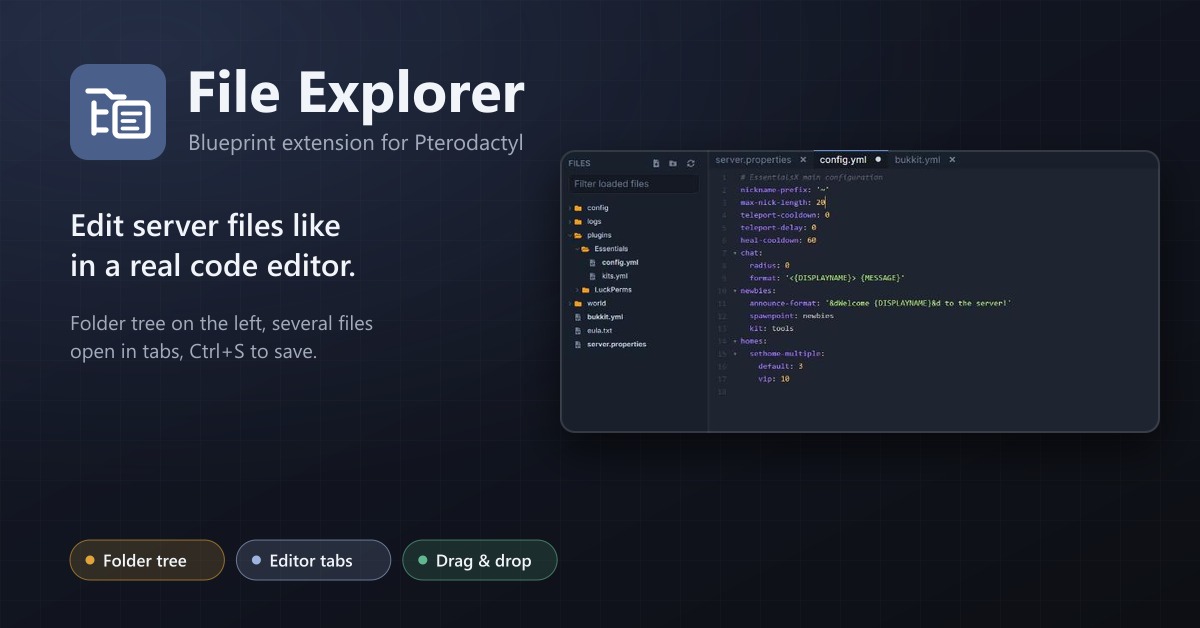
A file explorer with folder tree and editor tabs for every server: open several files at once, save with Ctrl+S, move by drag and drop.
SFTP Address
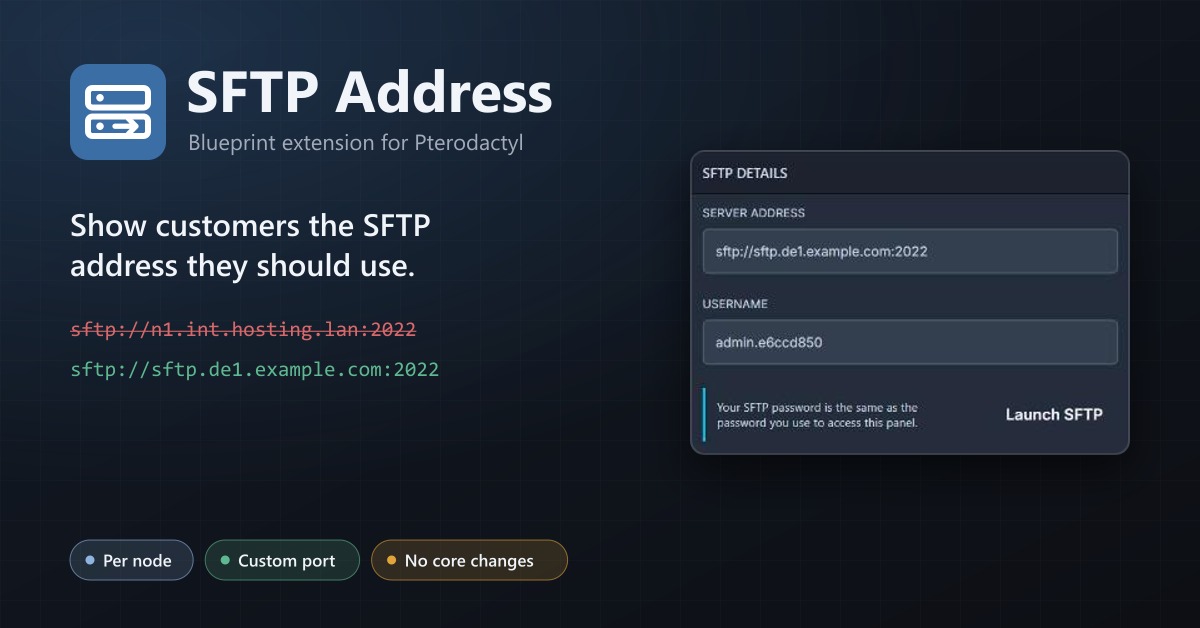
Show your users a public SFTP address per node, like sftp.de1.example.com, instead of the node's internal address.
Node Evacuation
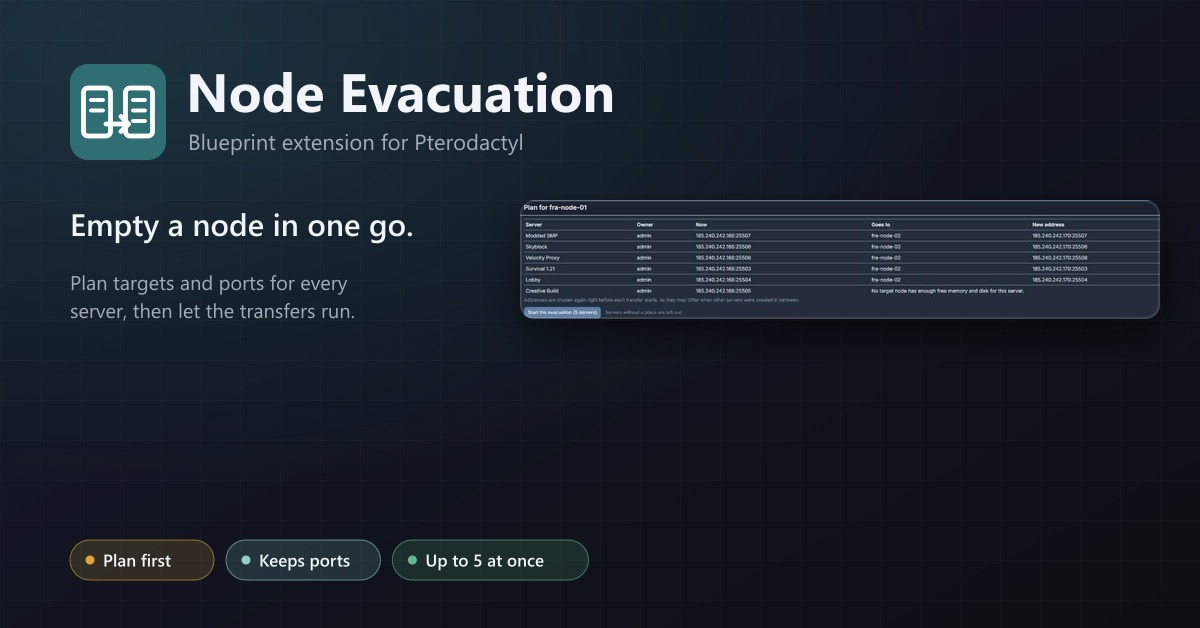
Empty a node in one go: plan targets and ports, then transfer every server with progress, retries and a stop button.