 texus Addons und Themes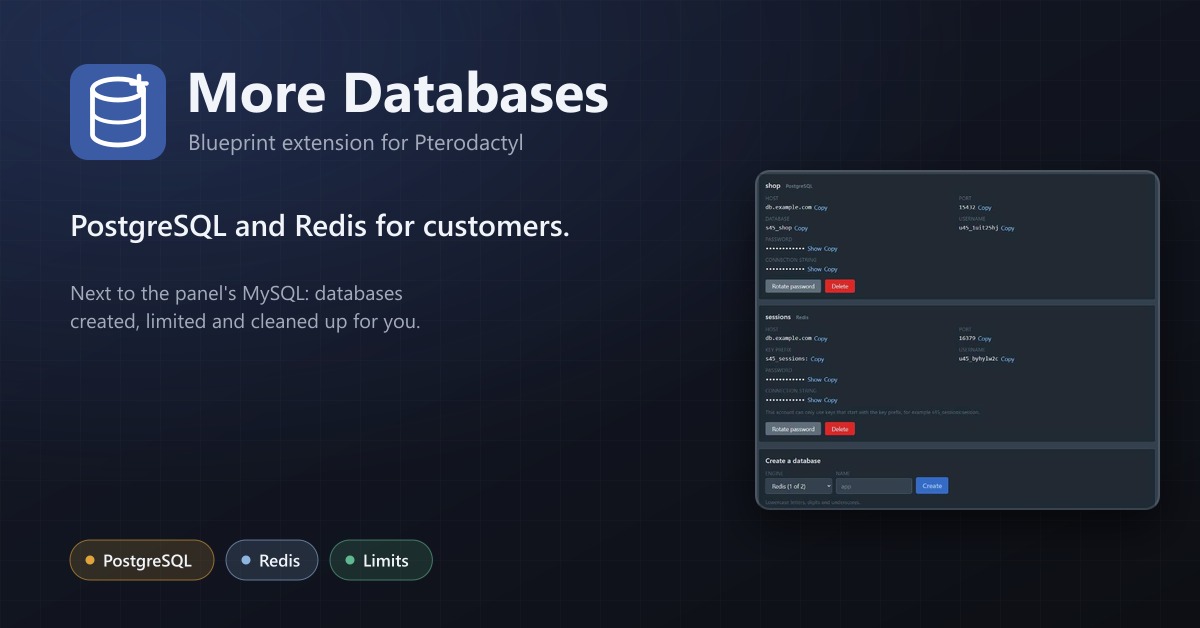
More Databases
PostgreSQL and Redis for your customers next to the panel's MySQL, with limits per server and automatic clean-up.
14,99 €
- Version 0.1.0, updated 14 October 2026
- For Pterodactyl Panel 1.15.x with Blueprint
- No core files modified, installs and removes with Blueprint
- One licence for one panel, new versions included
Screenshots
Features
Pterodactyl only offers MySQL and MariaDB databases. Customers who need PostgreSQL or Redis open a ticket, or you set them up by hand. More Databases lets you register your own PostgreSQL and Redis servers, and customers create their databases themselves.
For your customers
- A new Databases+ page on every server
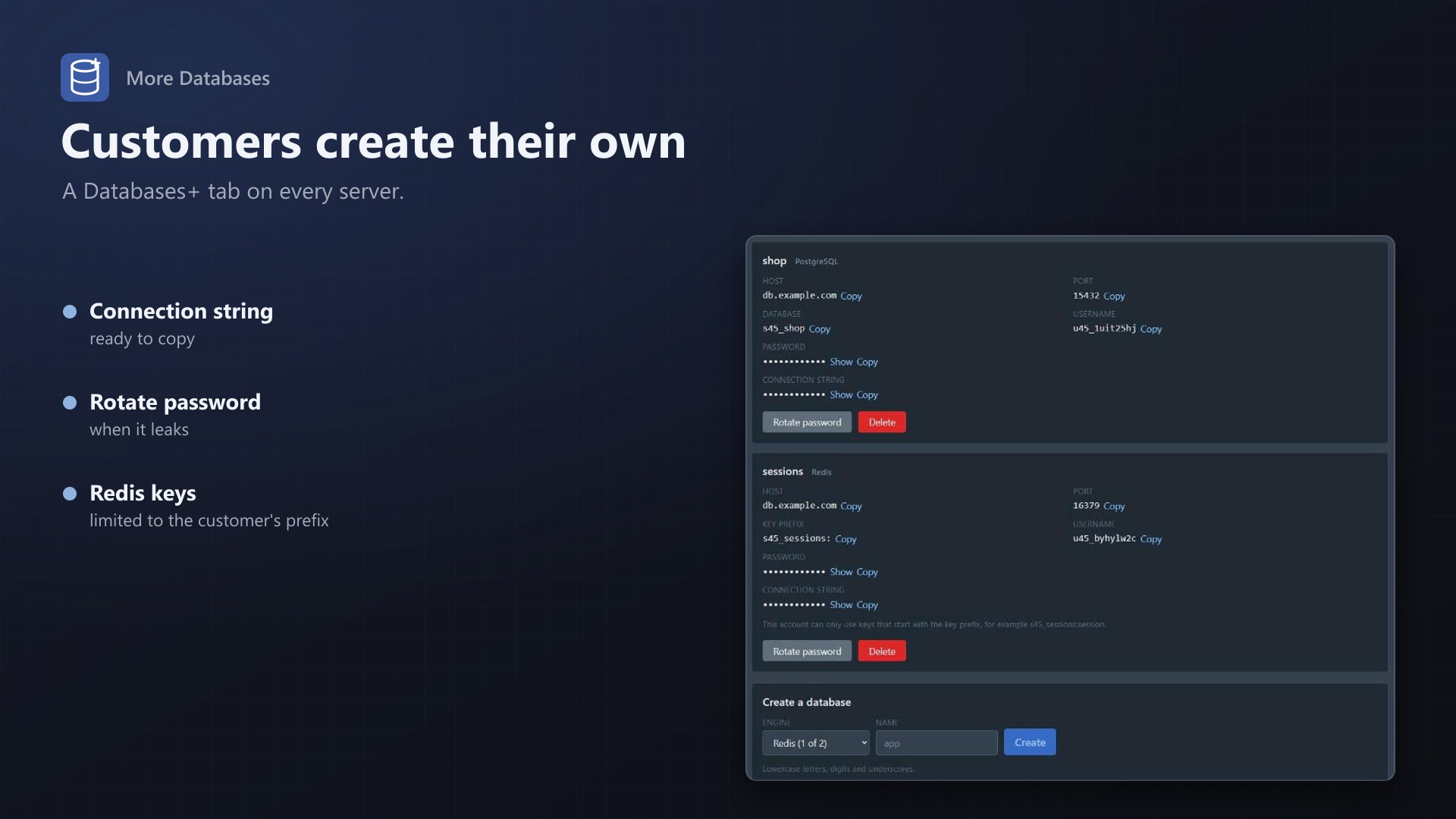
- Create a database with a name; get host, port, database, user, password and a connection string with a copy button
- Rotate the password or delete the database with one confirmation
- Uses the permissions of Pterodactyl's database page: read, view password, create, update, delete
- Every action appears in the server's activity log
For you
- PostgreSQL: each database is its own role and database, other customers can't connect to it
- Redis 6+: each database is an ACL user that only reaches its own key prefix, without dangerous commands or Pub/Sub
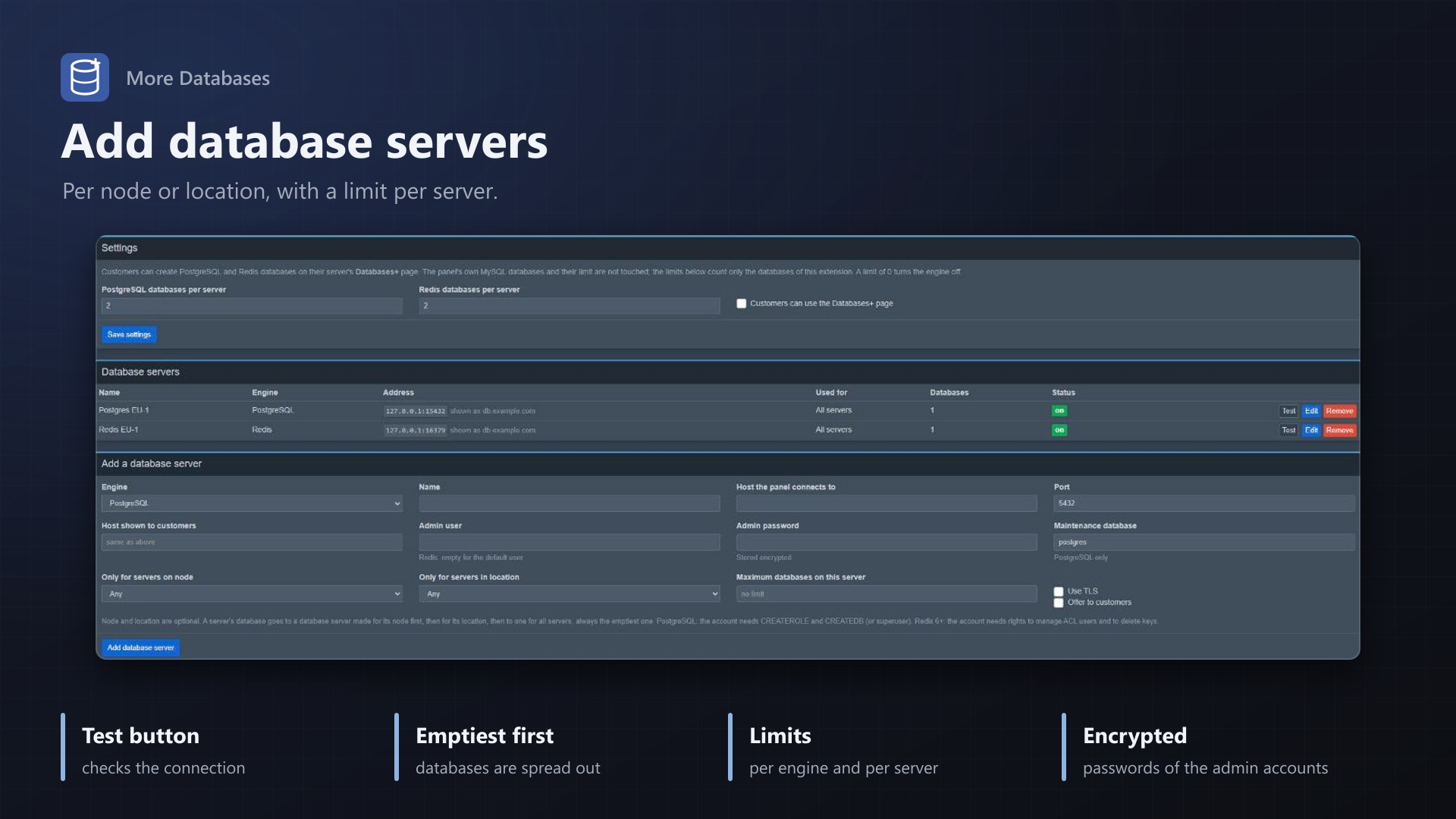
- Add as many database servers as you like; admin passwords are stored encrypted, with a connection test that also checks the account's rights
- Limits per engine, per server (for bigger plans) and per database server; databases go to a server for the node, then the location, then everyone, always the emptiest one
- Automatic cleanup: a scheduled job drops the databases of deleted servers, and a list in the admin area shows every customer database
- No core files modified; the panel's MySQL databases keep working as before. PostgreSQL needs no extra PHP extension, Redis uses the client that ships with the panel
MongoDB is not included: it needs a PHP extension that Pterodactyl doesn't ship.
Documentation
A Blueprint extension that adds PostgreSQL and Redis databases to Pterodactyl servers.
Pterodactyl only knows MySQL and MariaDB database hosts. Customers who need PostgreSQL or Redis have to ask support or run their own instance. With More Databases you register your PostgreSQL and Redis servers once, and customers create, view, rotate and delete their own databases on a new Databases+ page of their server.
How it works
- Open Admin > Extensions > More Databases and add a database server: engine, address, admin account, and optionally the node or location it is for and how many databases it may hold. Press Test to check the connection and the account's rights.
- Set the number of databases per server for each engine (default 2, 0 turns an engine off).
- Customers open Databases+ on their server and create a database with a name. They get host, port, database, user, password and a ready-made connection string with a copy button.
Nothing in the panel's core is changed, and the panel's own MySQL databases keep working as before.
Engines
| Engine | What a customer database is | Isolation |
|---|---|---|
| PostgreSQL | Its own role and its own database, owned by that role | PUBLIC loses CONNECT, so a role can't open other customers' databases |
| Redis (6 or newer) | An ACL user | The user may only use keys that start with its key prefix (s12_cache:), +@all -@dangerous, no Pub/Sub channels |
Both are administrated by the panel with the account you enter:
- PostgreSQL needs
CREATEROLEandCREATEDB, or a superuser. The extension talks the PostgreSQL protocol itself (password, md5 and SCRAM-SHA-256 login, optional TLS), so the panel does not need thepdo_pgsqlPHP extension. - Redis is reached with Predis, which ships with the panel. The account needs the rights to manage ACL users and delete keys. Users are written to the ACL file when the server uses one (
aclfile); with users defined inredis.confonly, they live in memory until Redis restarts, so use anaclfile.
Not included: MongoDB
MongoDB needs the mongodb PHP extension or a full driver, and neither ships with Pterodactyl. A database engine that needs an extra PHP extension on every panel would make installation harder, so MongoDB is not part of this version.
Limits
The limit of the panel's built-in database page (database_limit of a server) counts MySQL databases only and is not changed. More Databases has its own limits:
- A default per engine for every server (Admin > Settings).
- An optional limit per server and engine that replaces the default, for example for a bigger plan.
- A maximum per database server, so one instance doesn't fill up. When a server is full, new databases go to the next suitable one; if there is none, customers see a clear message.
Which database server is used: first one made for the server's node, then one for its location, then one for all servers; within each group the emptiest one.
Cleanup
Pterodactyl has no hook for deleted servers that extensions can use, so a scheduled job (every 10 minutes) drops the databases of servers that no longer exist and removes what a failed creation left behind. If a database server can't be reached, the entry stays marked and is tried again on the next run. Admin > Customer databases shows all entries and can drop or remove any of them. The job also runs without a licence.
Permissions and logging
The page uses the permissions of the panel's own database page: Read to see the list, View Password to see passwords and connection strings, Create, Update (rotate password) and Delete. Owners and admins can do everything. Creating, rotating and deleting are written to the server's activity log.
Security
- Admin passwords of database servers are stored encrypted with the panel's key (
APP_KEY), and so are the customers' database passwords (the panel needs them to show them again). - Names are limited to lowercase letters, digits and underscores; accounts get a random name and a random 32-character password.
- TLS to the database server can be switched on per server. Certificates are not verified (database servers usually use their own), the traffic is encrypted.
Good to know
- The database servers must be reachable from the panel for administration, and from the customers' game servers for use. Use "Host shown to customers" when the public address differs.
- Dropping a database ends open connections to it first.
- A customer database is removed with its server; there is no undo.
- On PostgreSQL every customer role can connect to the maintenance database (
postgres) because PostgreSQL allows that to everyone by default; the role owns nothing there and can only list database names. RunREVOKE CONNECT ON DATABASE postgres FROM PUBLIC;on the database server if that matters to you (the admin account is not affected).
Requirements
- Pterodactyl Panel 1.15.x
- Blueprint (beta-2026-08 or newer)
- The panel's cron job (
schedule:runevery minute), as Pterodactyl needs it anyway - A PostgreSQL server and/or a Redis 6+ server you administrate
- A licence key from texus-addons.de, free with your purchase, for one panel
- Outgoing HTTPS from the panel to texus-addons.de
Installation
- Upload
texusdatabases.blueprintto/var/www/pterodactyl - Run
blueprint -install texusdatabases - Enter the licence key under Admin > Extensions > More Databases, then add your database servers
Changelog
0.1.0
- First release: PostgreSQL and Redis databases for servers. Admin registers database servers (encrypted admin credentials, connection test, scope by node or location, capacity), sets limits per engine and per server. Customers manage their databases on a Databases+ page: connection string, rotate password, delete. Scheduled cleanup of the databases of deleted servers.
Licence and download
One purchase = one licence = one panel. The licence is bound to one panel domain and the server it runs on. Subdomains count separately. You can move the licence at any time in your account.
After buying on sourceXchange or BuiltByBit, sign in here with your email address (BuiltByBit: redeem your activation code). You download the extension with the licence key built in, and every new version from your account.
Questions before buying? Ask on our Discord support server or at support@texus-addons.de.
Related
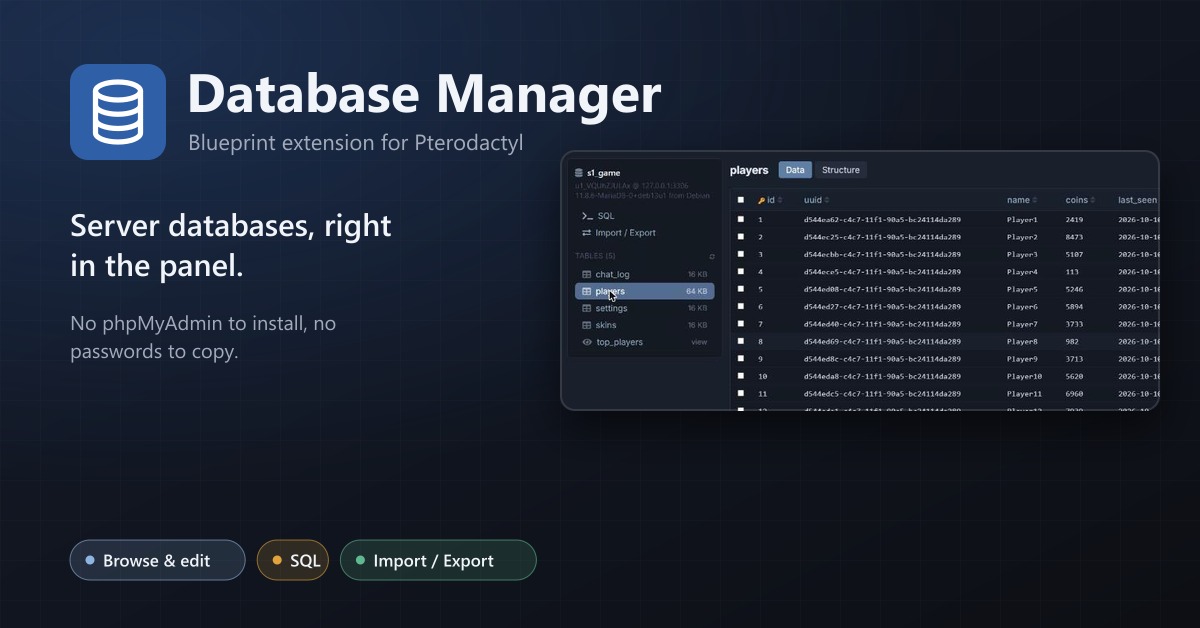
Database Manager
Browse, edit, query, import and export a server's databases right in the panel.
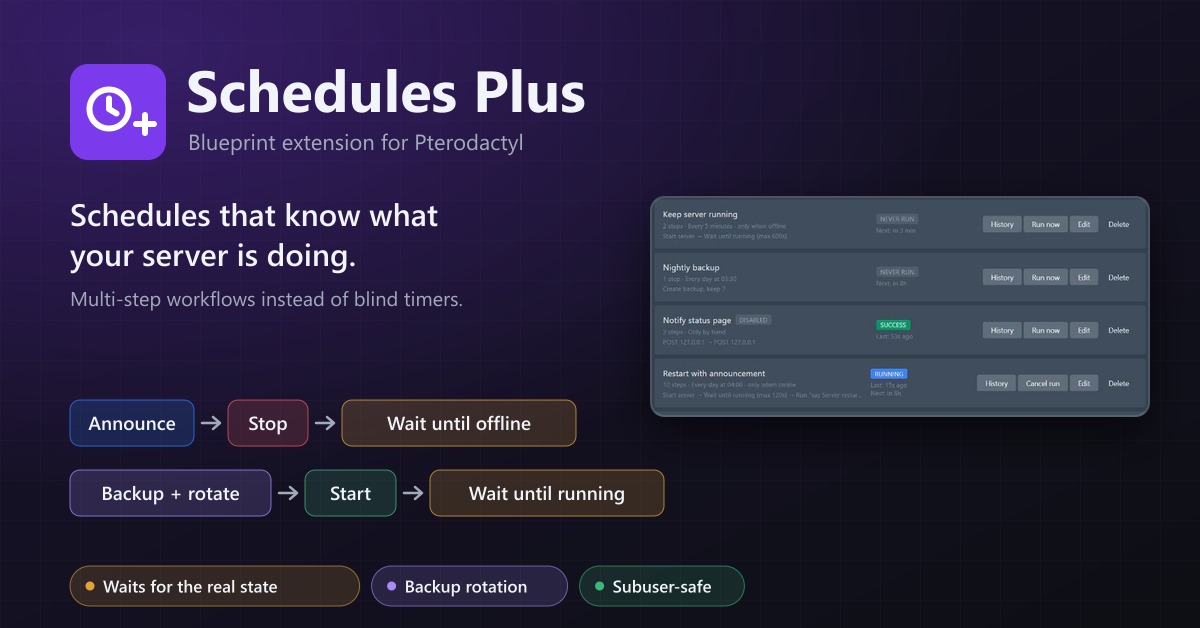
Schedules Plus
Multi-step server workflows that wait for the real server state: announce, stop, back up with rotation, start again.
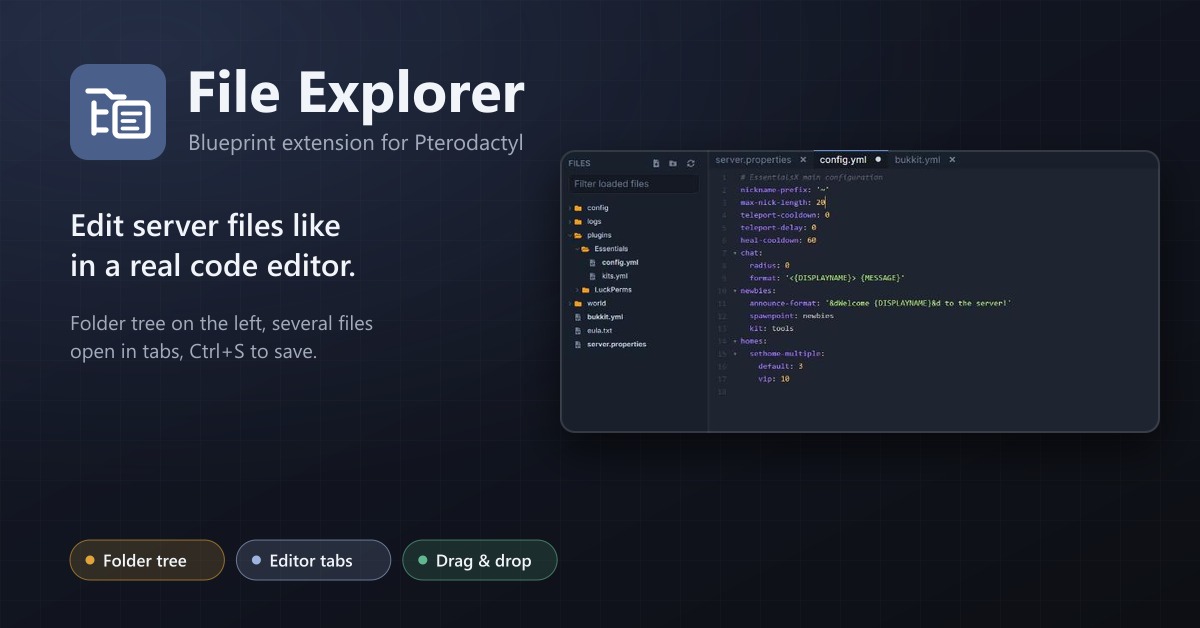
File Explorer
A file explorer with folder tree and editor tabs for every server: open several files at once, save with Ctrl+S, move by drag and drop.