 texus Addons und Themes
Database Manager
Browse, edit, query, import and export a server's databases right in the panel.
12,99 €
- Version 0.1.2, updated 10 October 2026
- For Pterodactyl Panel 1.15.x with Blueprint
- No core files modified, installs and removes with Blueprint
- One licence for one panel, new versions included
Screenshots
Features
Pterodactyl creates databases for servers, but to look inside one, users need the password and an external tool like phpMyAdmin or HeidiSQL. Database Manager adds a "Database Manager" page to every server where users browse, edit, query, import and export their databases without leaving the panel.
Tables
- All tables and views with their size, filter for long lists
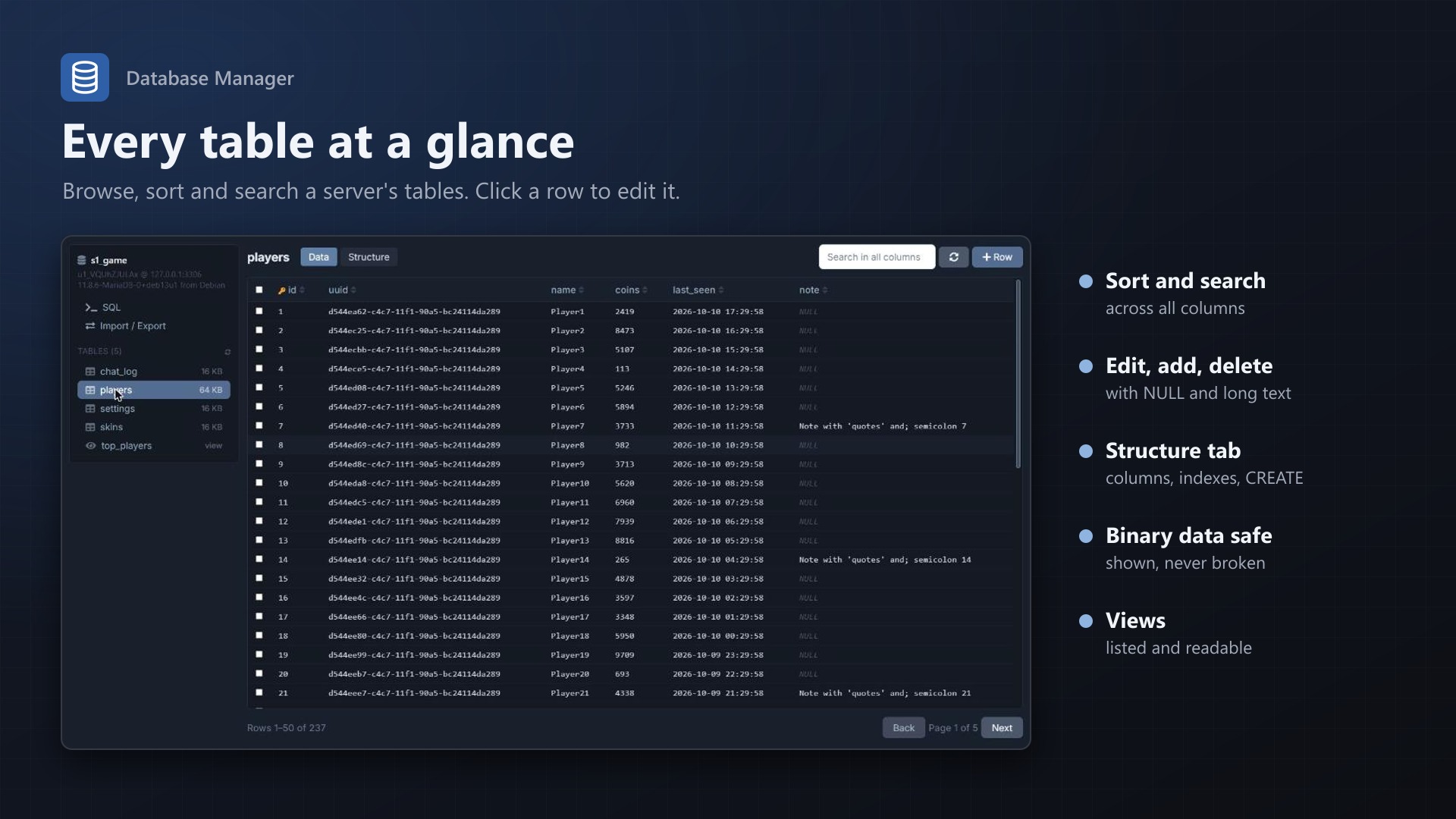
- Data view: sort by any column, search across all columns, page through large tables
- Click a row to edit it, add rows, select and delete rows
- NULL, long text and JSON handled properly; auto increment fills itself
- Binary data is shown with its size and never broken by an edit
- Structure view: columns, indexes and the CREATE statement
SQL
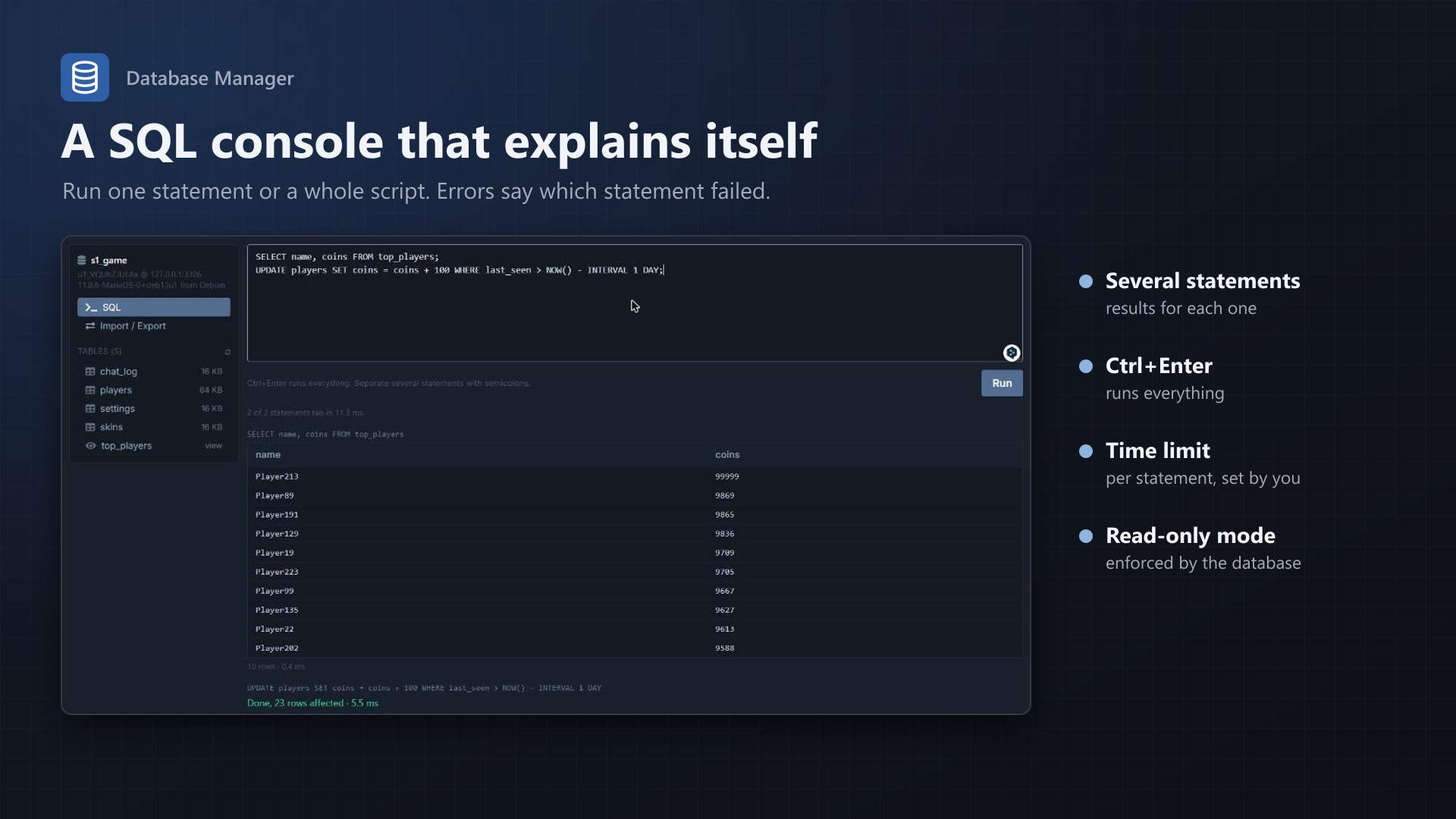
- Run one statement or a whole script; each statement gets its own result
- Errors name the statement that failed
- Ctrl+Enter runs, the text is kept per database
Import and export
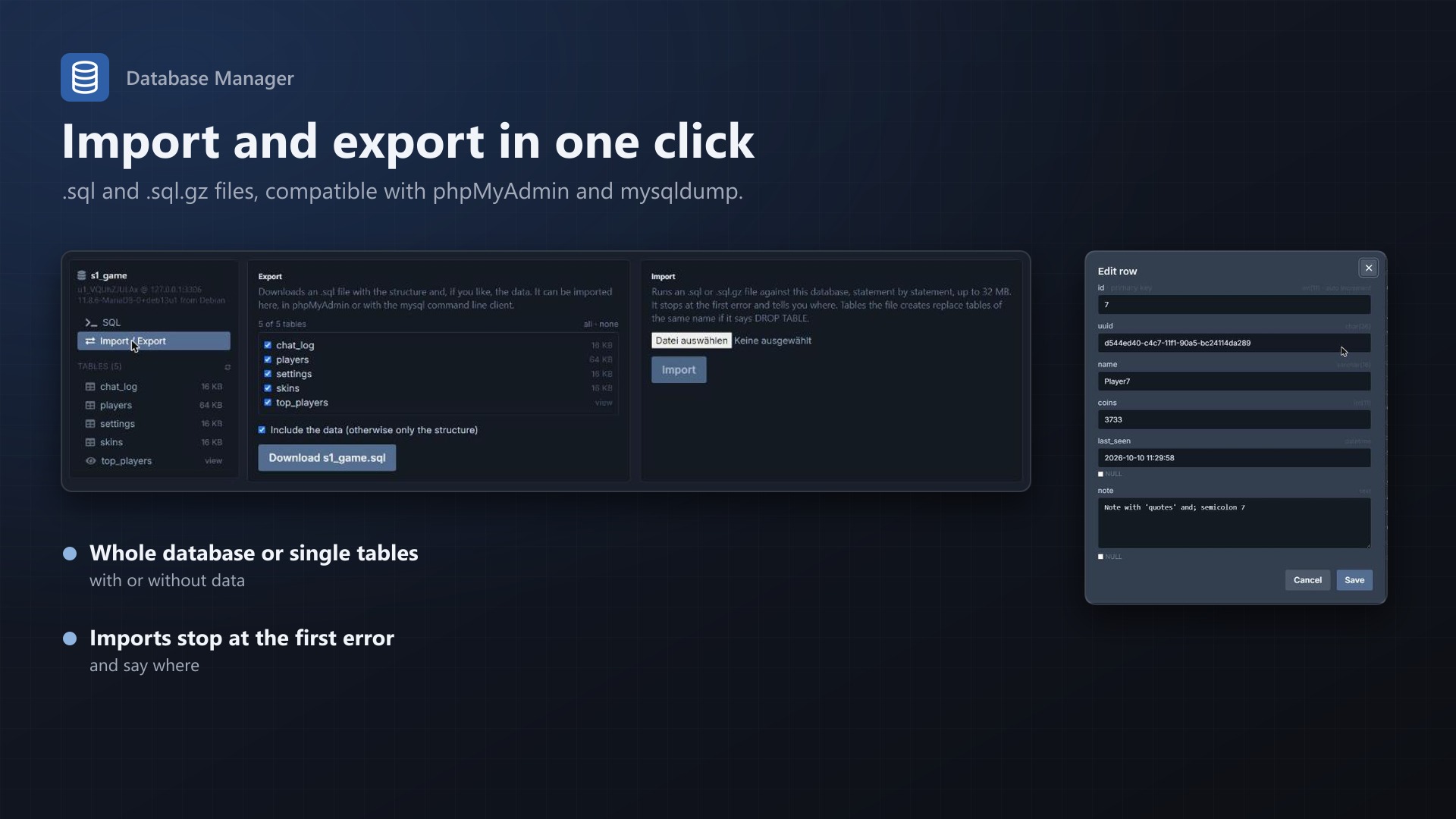
- Export the whole database or chosen tables as .sql, with or without data; large tables are streamed
- Import .sql and .sql.gz files, including triggers and procedures (DELIMITER)
- Dumps from phpMyAdmin and mysqldump work, including views and triggers with another DEFINER
Safe
- Connects with each database's own user: it only has rights on its own database
- Only server owners and subusers with the database permissions View and View Password
- Every query, change, import and export appears in the server's activity log
- Admins can switch to read only, enforced by the database itself, and set a time limit per statement
- No core files modified, nothing to install on the database host
Documentation
A Blueprint extension that adds a Database Manager page to every Pterodactyl server. Users browse and edit their tables, run SQL, and import or export their databases right in the panel. No phpMyAdmin to install and keep up to date, and no passwords to copy into another tool.
Features
- Tables: all tables and views of the server's databases with size, sorted by name, with a filter for long lists.
- Data view:
- 50 rows per page (adjustable), sort by any column, search across all columns
- Click a row to edit it, add rows, select rows and delete them
- NULL values, long text and JSON in their own fields; auto increment columns fill themselves
- Binary data is shown with its size and never broken by an edit
- Tables without a primary key or unique index are read only in this view, so no edit can hit the wrong row
- Structure view: columns with type, default and comment, indexes, and the CREATE statement.
- SQL tab:
- Run one statement or a whole script; each statement gets its own result
- Errors name the statement that failed; the ones after it don't run
- <kbd>Ctrl</kbd>+<kbd>Enter</kbd> runs, the text is kept per database
- Export: the whole database or chosen tables as an .sql file, with or without data. Large tables are streamed, not loaded into memory. The file works with phpMyAdmin and the mysql command line client.
- Import: .sql and .sql.gz files, statement by statement, with DELIMITER support for triggers and procedures. Dumps from phpMyAdmin and mysqldump work, including views and triggers that name another account as DEFINER.
Security
- The panel connects with each database's own user, the same one the server owner gets. That user only has rights on its own database, so nothing here reaches other servers or the panel's data.
- Only the server owner and subusers with the database permissions View and View Password can open the page. Whoever can see the password could do the same with any client.
- Every query, change, import and export is written to the server's activity log.
- Admins can make everything read only. The SQL tab then only accepts reading statements and runs them in a read-only transaction, so the database itself refuses writes.
- A time limit per statement stops runaway queries (MariaDB and MySQL).
Requirements
- Pterodactyl Panel 1.15.x (tested on 1.15.1)
- Blueprint beta-2026-08 or newer
- At least one database host under Admin > Databases
Installation
Upload texusdbmanager.blueprint to your panel directory (normally /var/www/pterodactyl) and run:
cd /var/www/pterodactyl
blueprint -install texusdbmanager
Then open Admin > Extensions > Database Manager, enter your licence key and check the settings. "Test" next to a database host opens one of its databases to confirm the panel can connect.
Settings
| Setting | Default | Meaning |
|---|---|---|
| Available to users | on | Off: only administrators can open the page |
| Users may change data | on | Off: read only, enforced by the database |
| SQL tab | on | Off: only the table views |
| Import / Export | on | Each can be turned off |
| Largest import | 32 MB | Also limited by PHP's upload_max_filesize and post_max_size, shown on the page |
| Rows per page | 50 | Data view |
| Rows a query shows | 1000 | SQL tab; more rows are cut off with a notice |
| Time limit per statement | 30 s | Longer statements are stopped by the database |
Removing
blueprint -remove texusdbmanagerThe extension stores only its settings; the server databases are not touched.
Changelog
0.1.2 (2026-10-11)
- The update notice also works in the package from the licence site and the marketplaces; in the previous version it stayed hidden there.
0.1.1 (2026-10-11)
- Update notice: when a newer version is out, Admin > Extensions and the licence box on the admin page show it, with what is new. With the optional update helper (set up once as root), the update runs with one click after a backup of the panel files and the database.
0.1.0
- First release: tables and views with data and structure view, editing rows, SQL tab, export and import (.sql, .sql.gz), read-only mode, time limit per statement, activity log.
Licence and download
One purchase = one licence = one panel. The licence is bound to one panel domain and the server it runs on. Subdomains count separately. You can move the licence at any time in your account.
After buying on sourceXchange or BuiltByBit, sign in here with your email address (BuiltByBit: redeem your activation code). You download the extension with the licence key built in, and every new version from your account.
Questions before buying? Ask on our Discord support server or at support@texus-addons.de.
Related
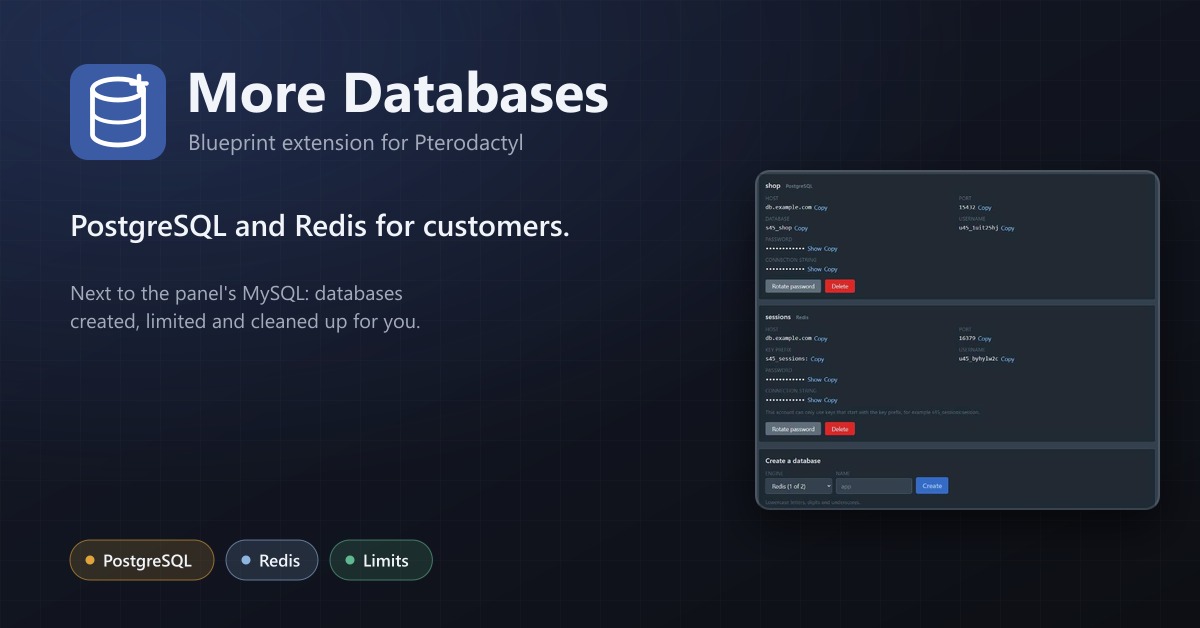
More Databases
PostgreSQL and Redis for your customers next to the panel's MySQL, with limits per server and automatic clean-up.
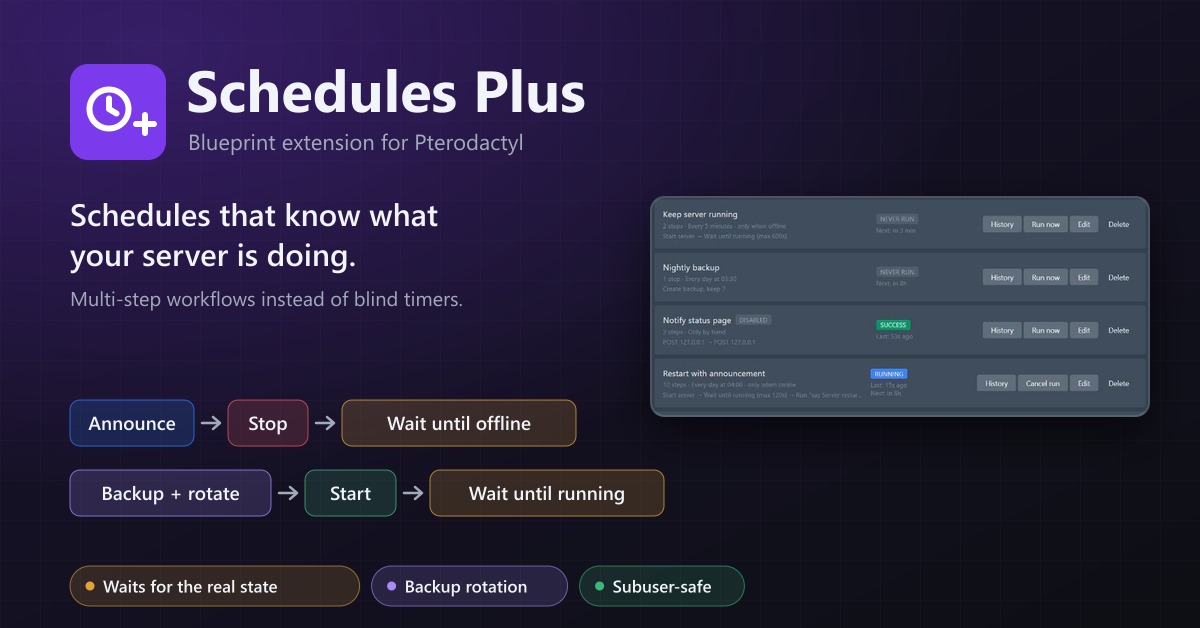
Schedules Plus
Multi-step server workflows that wait for the real server state: announce, stop, back up with rotation, start again.
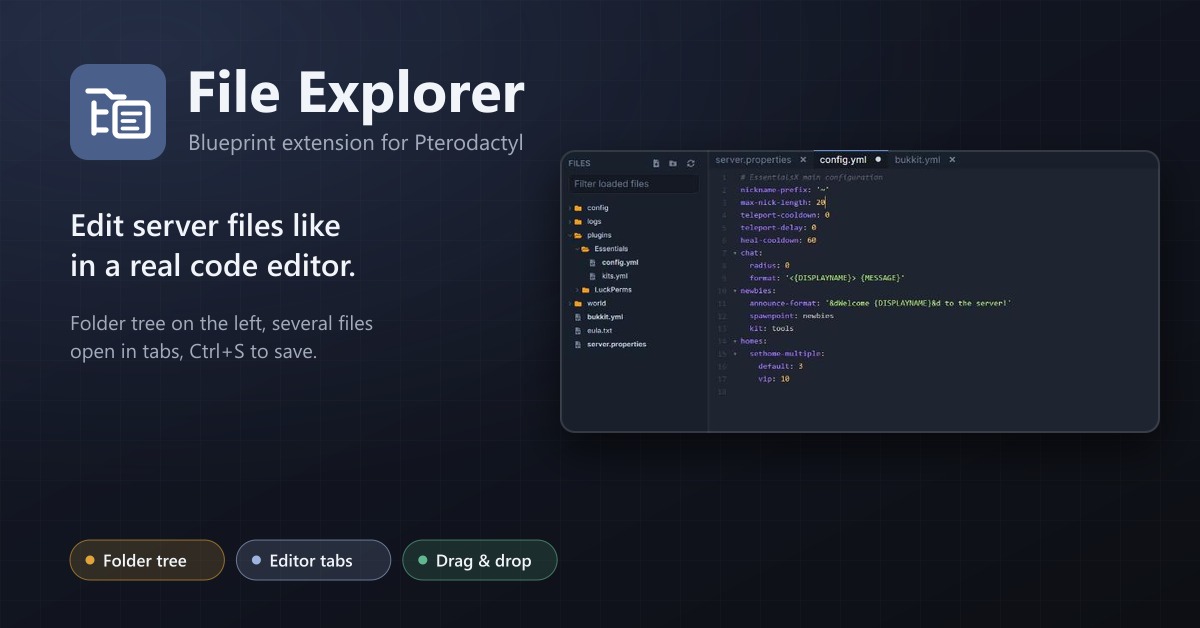
File Explorer
A file explorer with folder tree and editor tabs for every server: open several files at once, save with Ctrl+S, move by drag and drop.