 texus Addons und Themes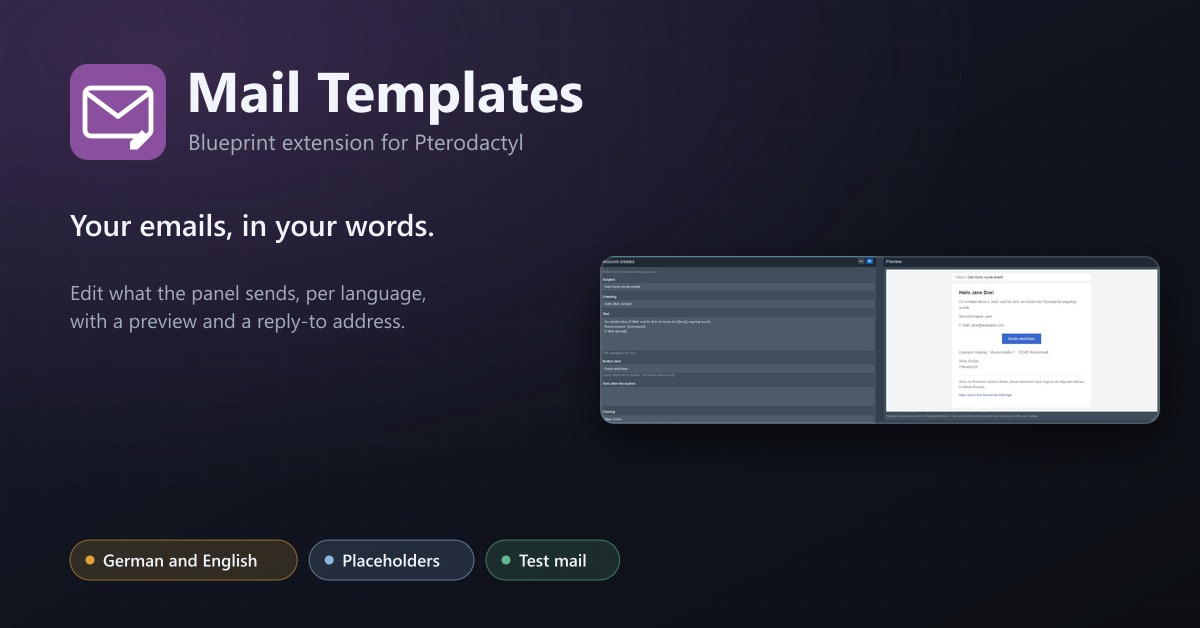
Mail Templates
Edit the emails of your panel per language with placeholders, a live preview, a Reply-To address and a test mail.
7,99 €
- Version 0.1.0, updated 14 October 2026
- For Pterodactyl Panel 1.15.x with Blueprint
- No core files modified, installs and removes with Blueprint
- One licence for one panel, new versions included
Screenshots
Features
The emails Pterodactyl sends are fixed English texts: "Account Created", "Reset Password", "Server Installed". For a hosting company that is the first thing customers read from you. Mail Templates lets you write them yourself, in your customers' language.
Your wording, per language
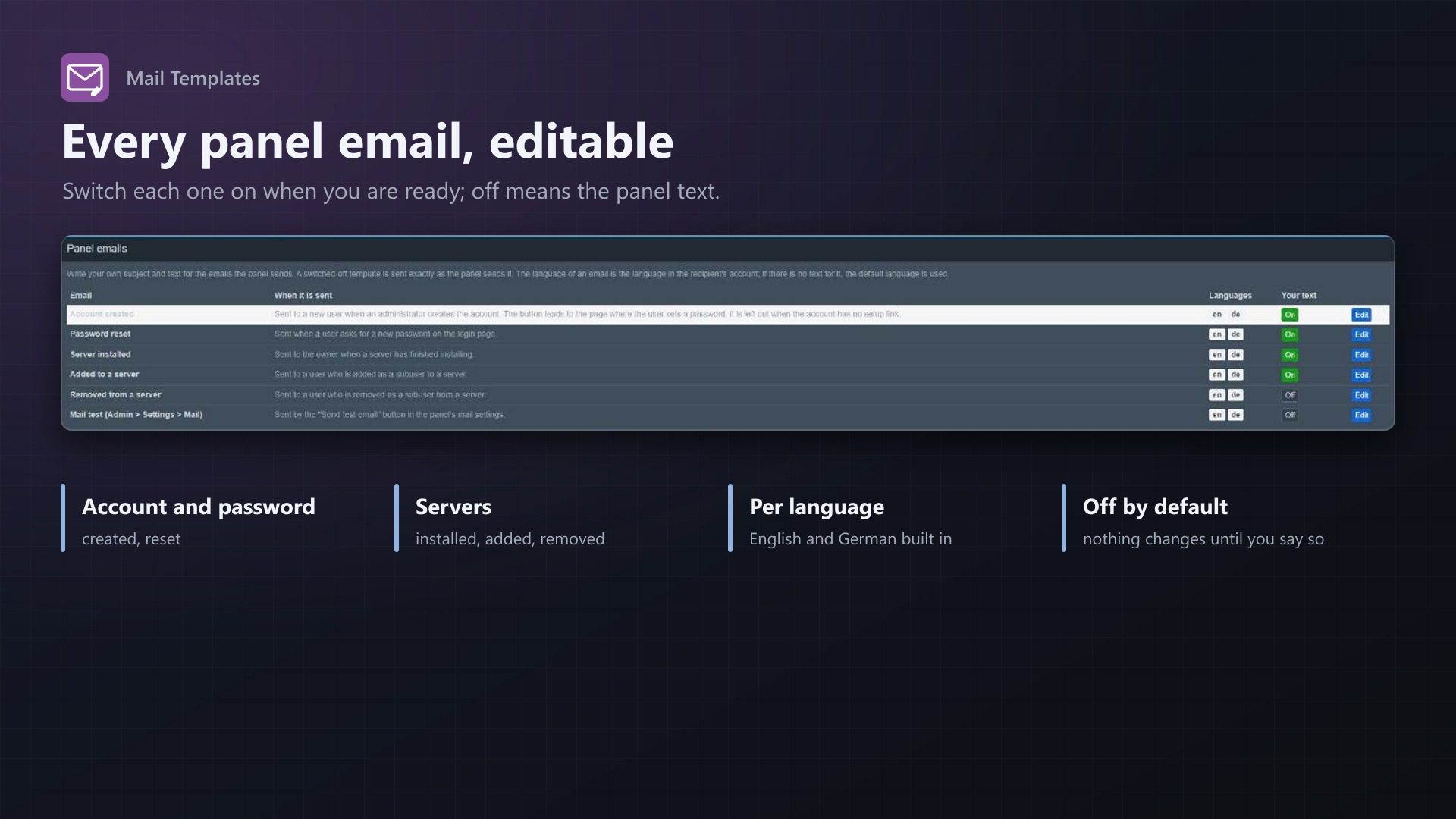
- Edit subject, greeting, text, button and closing line of every email the panel sends: account created, password reset, server installed, added to and removed from a server, mail test
- German and English included; add any other language by its code (fr, es, pt-br)
- The language is taken from the recipient's panel account; without a text for it, your default language is used
- Placeholders for the user, the server, the panel name and the link of the button, inserted with a click
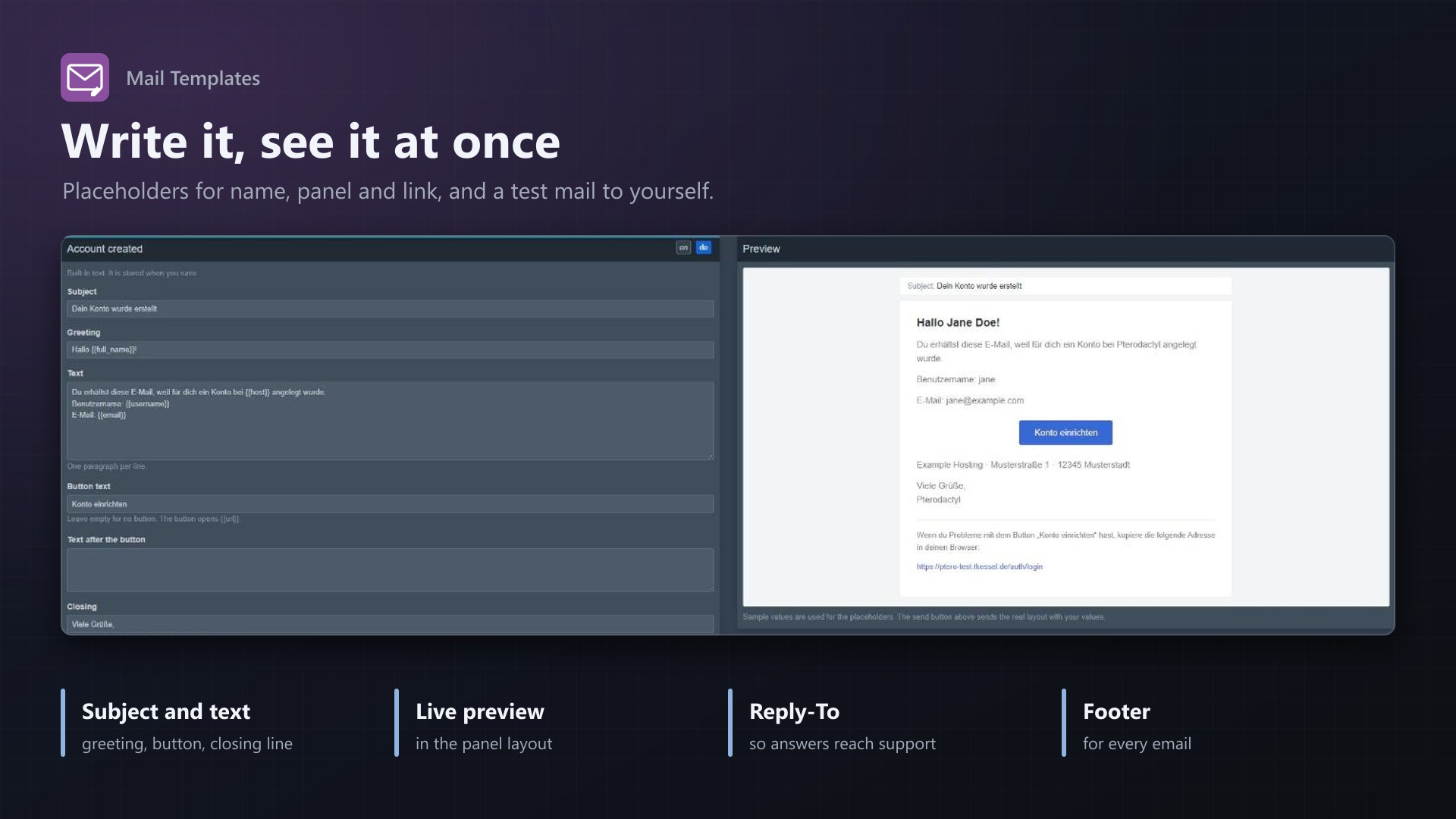
- Live preview next to the form, and a test mail to your own address with the real mail settings
Safe by design
- Each email has an on/off switch: off means the panel sends its own text
- Reply-To address so replies to the no-reply sender reach your support, a sender name override and a footer for every email
- If anything goes wrong, the original email is sent unchanged; mail delivery is never blocked
- Works in the panel's queue worker too; no core files modified
Documentation
A Blueprint extension that lets you write the emails your Pterodactyl panel sends yourself.
The panel sends a handful of fixed English emails: account created, password reset, server installed and a few more. For a hosting company that is the first thing customers read from you. Mail Templates lets you change subject and text, in the language of each customer, and send replies to your support address.
What you can edit
Under Admin > Extensions > Mail Templates you see every email the panel can send:
| Sent when | |
|---|---|
| Account created | An administrator creates a user |
| Password reset | A user asks for a new password |
| Server installed | A server has finished installing |
| Added to a server | A user is added as a subuser |
| Removed from a server | A user is removed as a subuser |
| Mail test | "Send test email" in the panel's mail settings |
These are all the emails Pterodactyl 1.15 sends by itself. Emails of other extensions are not changed, except for the Reply-To and sender name settings below.
For each email, per language:
- subject, greeting, text, button text, text after the button and the closing line ("Regards,")
- one paragraph per line; placeholders are inserted with a click
- a live preview next to the form
- Send test mail: sends the email with the texts of the form (saved or not) to your own address, through the panel's real mail settings
Each email has an On/Off switch. Off means the panel sends its own text, exactly as without the extension. Nothing is switched on after the installation; the English and German texts that ship with the extension are ready to be switched on.
Placeholders
{{host}} (panel name), {{panel_url}}, {{user}} and {{username}}, {{full_name}} (full name), {{email}}, and where they exist {{server}} (server name) and {{url}} (the link of the button). The form lists the placeholders of each email. A placeholder that has no value becomes empty.
Languages
English and German come with the extension. Add any other language by its code (fr, es, pt-br) and write its texts; a new language starts from the English text.
The language of an email is the language set in the recipient's panel account (users.language). The lookup is: exact code (pt-br), the short code (pt), the default language from the settings, English. A language without saved text is skipped, so nobody gets an empty email. Pterodactyl only accepts languages the panel has installed, so a user can only get a German email if German is available in the panel (for example through a translation extension) or you set users.language yourself.
The panel's own layout has a few fixed English texts. The closing line is part of every template. The note under the button and "All rights reserved." are translated for German; for other languages they stay as the panel has them.
Global settings
- Reply-To address: replies to the panel's no-reply sender go to your support address. Applies to all emails the panel sends, also those whose template is switched off.
- Sender name: replaces the name in front of the sender address. The address itself stays the panel's mail setting.
- Footer text: added at the end of every email that uses your text.
- Default language.
How it works
Blueprint has no service provider for extensions. The extension registers two Laravel event listeners from its web route file, which Blueprint loads whenever the panel starts, in web requests and in the queue worker that sends the mails (NotificationSending and MessageSending). The first one notes who gets the notification and the button link, the second one replaces subject and body of the finished message with your template, rendered through the panel's own email layout (resources/views/vendor/notifications). No core files are modified.
The extension never stands in the way of an email: if anything goes wrong while it works, the original message is sent unchanged and a warning is written to the panel's log.
Limits
- Only the emails of Pterodactyl itself can be edited. There is no "server rebuilt" email in Pterodactyl 1.15; mails from other extensions keep their text.
- The text is plain: one paragraph per line, no HTML and no images.
- If the panel's routes are cached (
php artisan route:cache), Blueprint's route files are not loaded and the extension does nothing. Pterodactyl does not cache routes by default. - After changing the queue worker's code (installing the extension) restart it:
php artisan queue:restart. Saved texts are read fresh on every email, so edits need no restart.
Requirements
- Pterodactyl Panel 1.15.x
- Blueprint (beta-2026-08 or newer)
- Working mail settings of the panel and its queue worker, as Pterodactyl needs them anyway
- A licence key from texus-addons.de, free with your purchase, for one panel
- Outgoing HTTPS from the panel to texus-addons.de
Installation
- Upload
texusmail.blueprintto/var/www/pterodactyl - Run
blueprint -install texusmail - Enter the licence key under Admin > Extensions > Mail Templates
- Switch on the emails you want to change
Changelog
0.1.0
- First release: edit subject and text of the panel's emails (account created, password reset, server installed, added to and removed from a server, mail test) per language with placeholders, switch each template on or off, live preview, test mail to your own address, Reply-To address, sender name and footer. The language comes from the recipient's account.
Licence and download
One purchase = one licence = one panel. The licence is bound to one panel domain and the server it runs on. Subdomains count separately. You can move the licence at any time in your account.
After buying on sourceXchange or BuiltByBit, sign in here with your email address (BuiltByBit: redeem your activation code). You download the extension with the licence key built in, and every new version from your account.
Questions before buying? Ask on our Discord support server or at support@texus-addons.de.
Related
Staff Roles
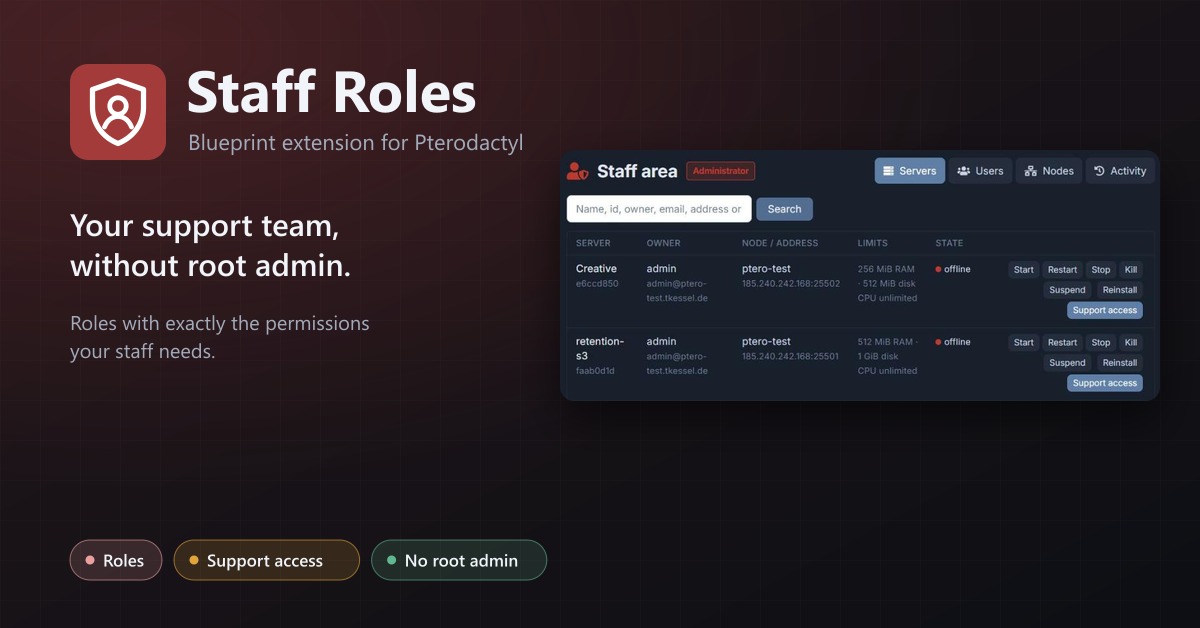
Staff roles without root admin: permissions per role, a staff area, and time-limited support access to servers.
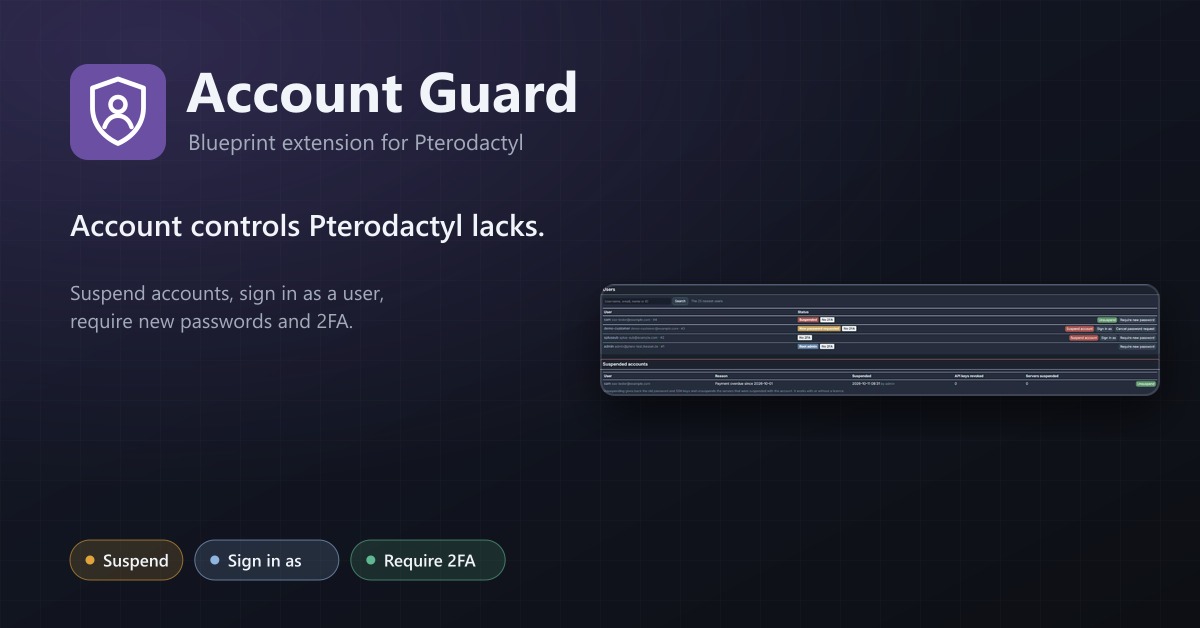
Account Guard
Suspend accounts, sign in as a user with an audit log, require password changes and two-factor authentication, plus password, session and API key IP rules.
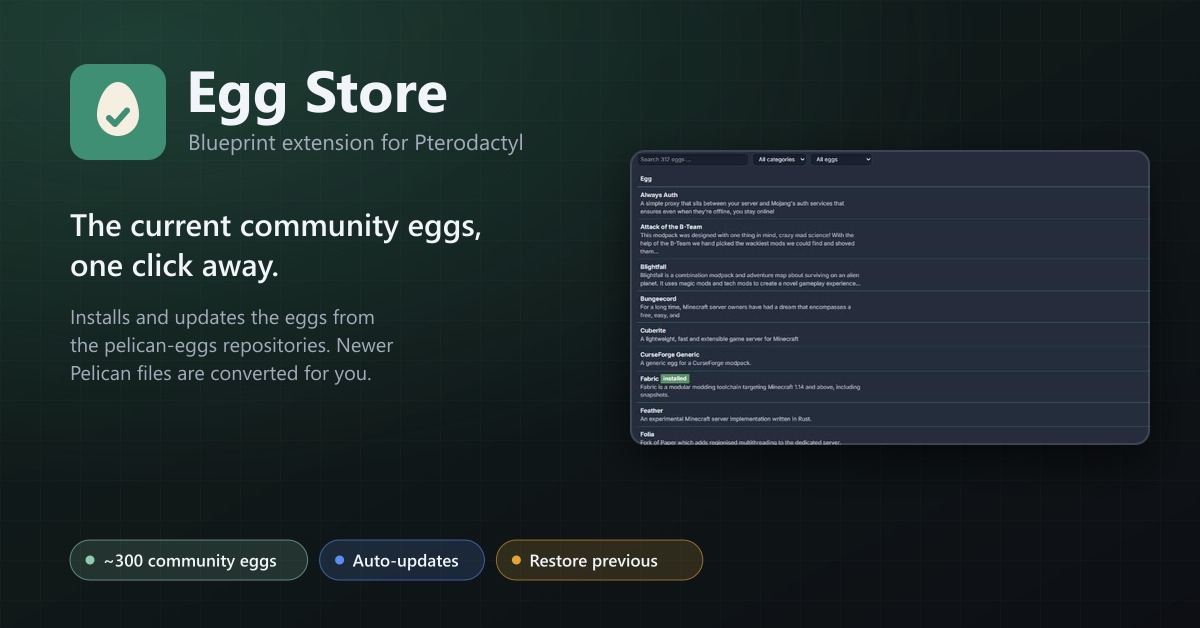
Egg Store
Install and update about 300 community eggs from the pelican-eggs repositories with one click. Pelican eggs are converted automatically.