 texus Addons und Themes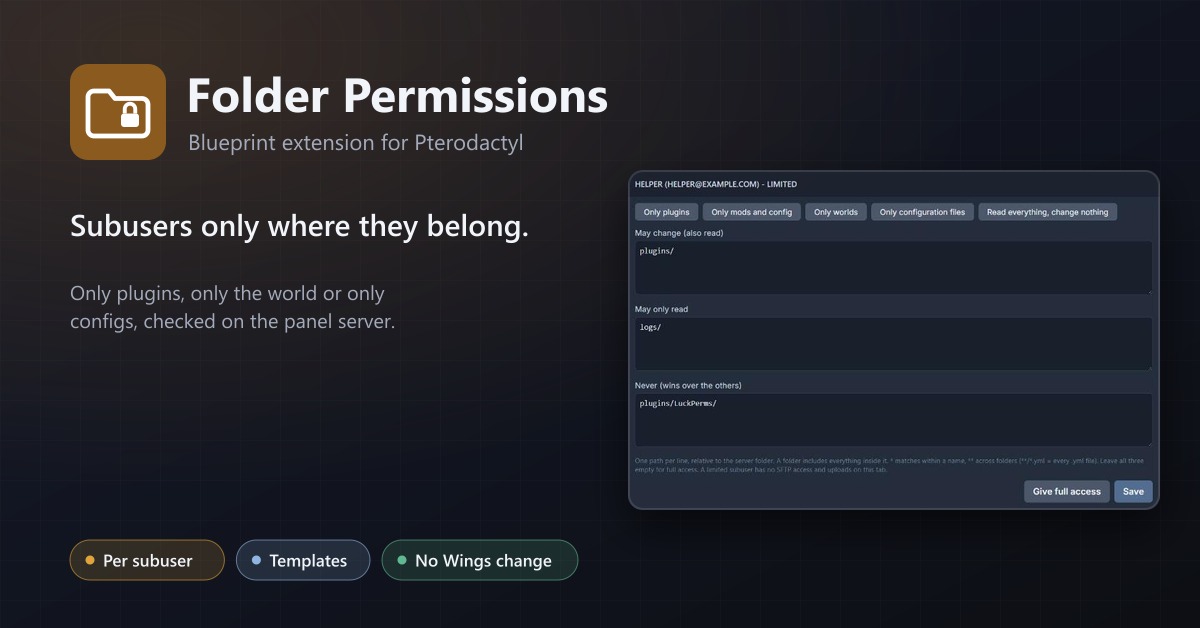
Folder Permissions
Limit what a subuser can see and change in the file manager to chosen folders, checked on the server, without changing Wings.
14,99 €
- Version 0.1.0, updated 16 October 2026
- For Pterodactyl Panel 1.15.x with Blueprint
- No core files modified, installs and removes with Blueprint
- One licence for one panel, new versions included
Screenshots
Features
Pterodactyl's subuser permissions are all or nothing: whoever may edit files may edit every file, including server.properties and the server jar. Folder Permissions lets the server owner hand out exactly the folders a helper needs, for example only plugins/.
Folder access per subuser
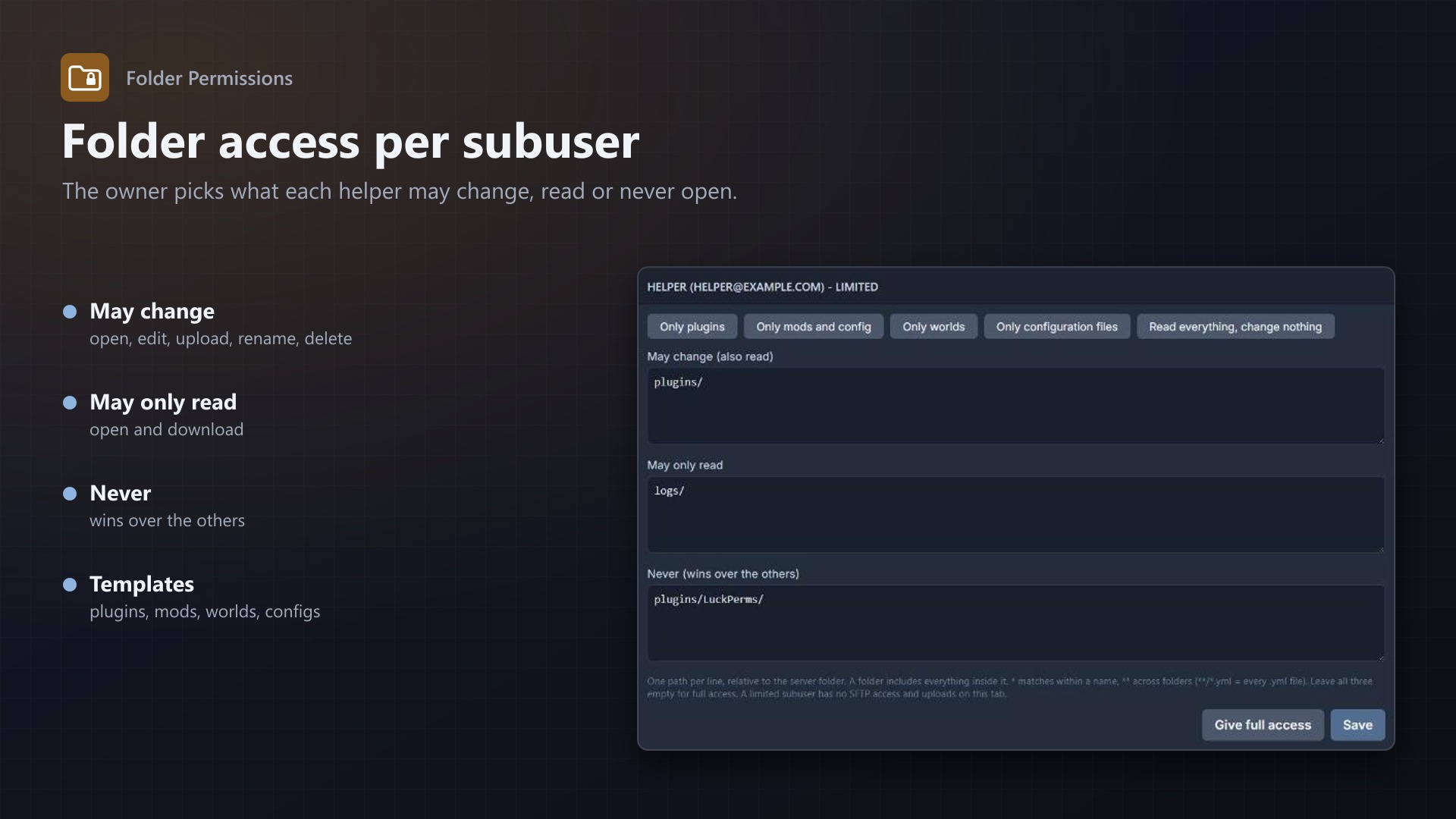
- New Folder access tab on every server: per subuser the paths they may change, may only read, and may never open
- Templates: only plugins, only mods and config, only worlds, only configuration files, read everything but change nothing
- Folders,
*and**patterns (**/*.yml); "never" always wins - Owners and root admins are never limited
Enforced on the panel server
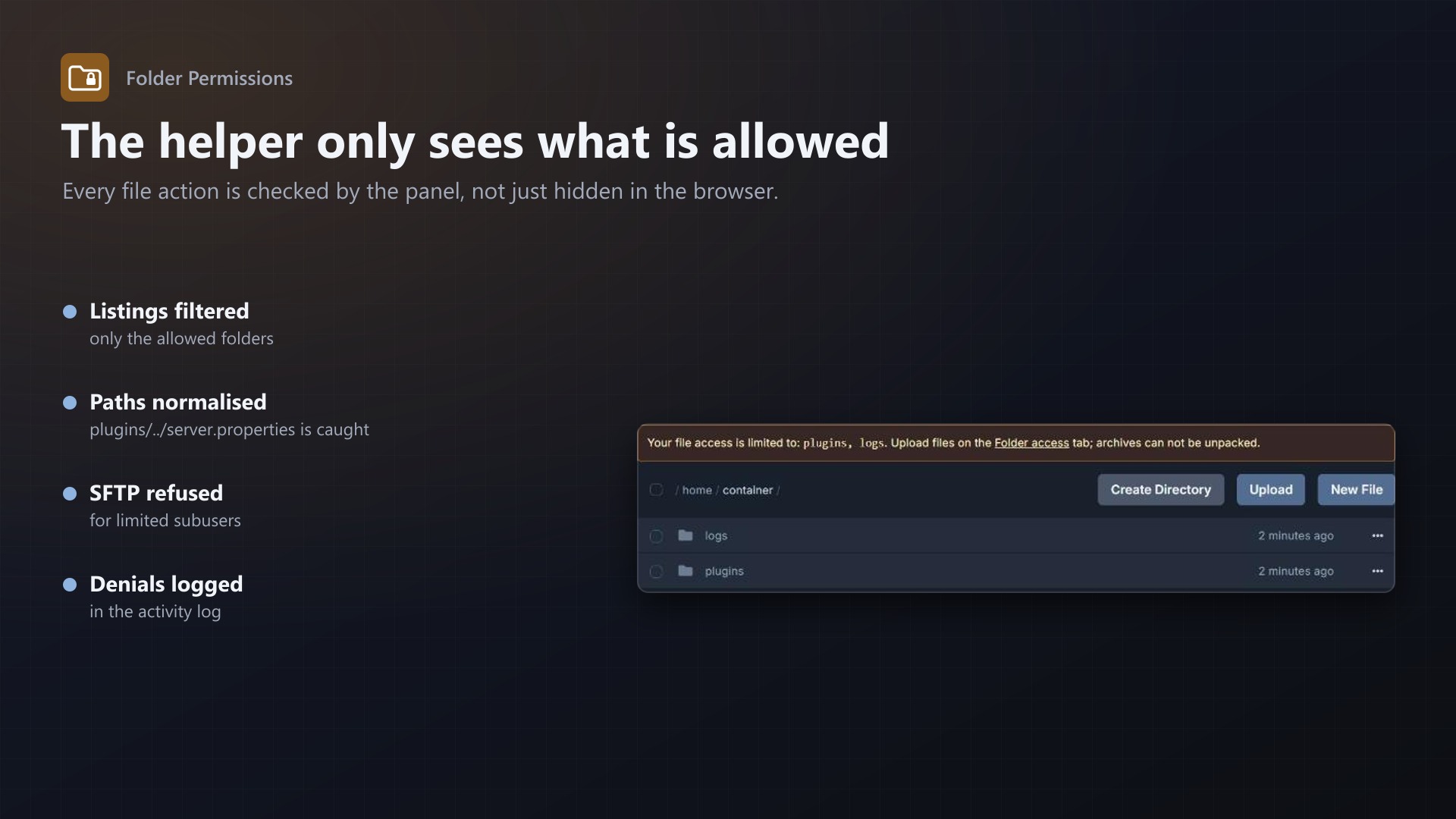
- Every file action of a limited subuser is checked on the server side: list, open, download, save, rename, move, copy, delete, compress, create folder, chmod, pull
- Paths are normalised first, so
plugins/../server.propertiesis caught - The file manager only shows the allowed folders, with a note what is allowed
- SFTP logins of limited subusers are refused (SFTP runs in Wings, which can not check folder rules); they upload on the Folder access tab, into allowed folders only, with a size limit you set
- Archives can not be unpacked by limited subusers
- Server pages of other extensions are closed to limited subusers unless you allow them
- Denied attempts go into the server's activity log
- No core files and no Wings changes; the limits keep working without an active licence
Admin page
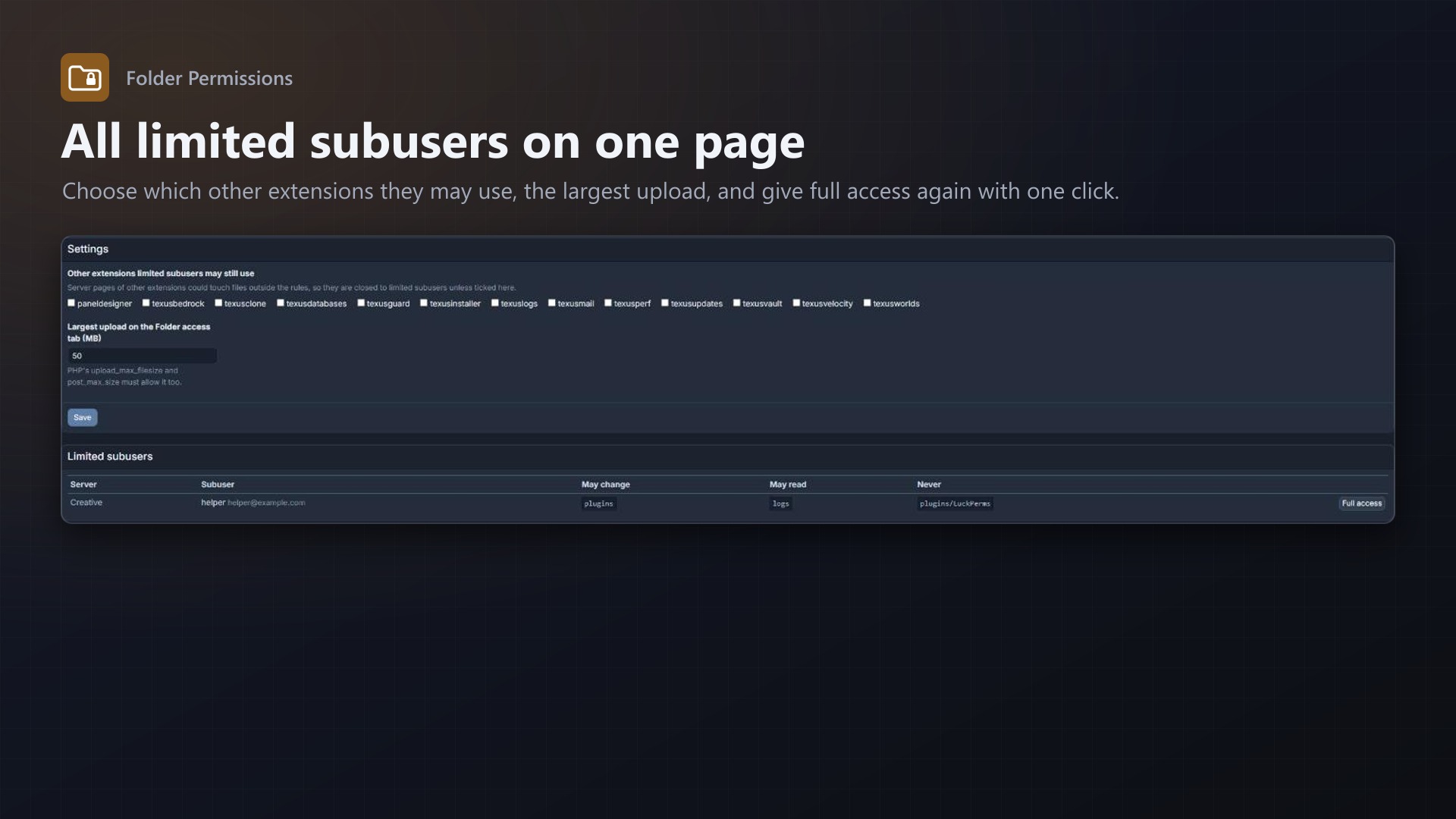
- All limited subusers on one page, with a button for full access again
- Allowed extensions, largest upload, warning if routes are cached
Documentation
A Blueprint extension for Pterodactyl: limit what a subuser can see and change in the file manager to chosen folders and files, for example only plugins/ or only the world.
Pterodactyl's subuser permissions are all or nothing: whoever may edit files may edit every file, including server.properties and the server jar. Folder Permissions lets the server owner hand out exactly the folders a helper needs.
For server owners
A new Folder access tab on every server lists its subusers. For each one:
- May change (also read): paths the subuser may open, edit, upload to, rename, move, copy, delete and compress.
- May only read: paths they may open and download, but not change.
- Never: paths that are always closed, even inside an allowed folder.
- Templates: only plugins, only mods and config, only worlds, only configuration files, read everything but change nothing.
One path per line, relative to the server folder. A folder includes everything inside it (plugins or plugins/); * matches within a name, ** across folders (**/*.yml is every .yml file). Leave all three fields empty for full access again. Owners and root admins are never limited.
For limited subusers
- The file manager only shows the allowed folders, and a note above it says what is allowed.
- No SFTP. SFTP runs in Wings on the node, which can not check folder rules, so SFTP logins of limited subusers are refused and the SFTP permission is taken away when rules are saved.
- Uploads go through the Folder access tab, into allowed folders only (size limit set by the admin). The normal upload of the file manager sends files straight to Wings with any target folder, so it is closed for limited subusers.
- Archives can not be unpacked, because an archive can hold paths outside the allowed folders.
How it is enforced
The checks run on the panel server, not in the browser:
- The extension adds a middleware to the panel's
client-apigroup. Every file request (list, contents, download, write, rename, copy, delete, compress, decompress, create folder, chmod, pull, upload) of a limited subuser is checked against the rules; paths are normalised first, soplugins/../server.propertiesis caught. Folder listings are filtered. - The same middleware sits in the
daemongroup, where Wings asks the panel whether an SFTP login is allowed, and in Blueprint'sblueprint/client-apigroup: server pages of other extensions could touch files outside the rules, so they are closed to limited subusers unless the admin allows them. - No core files and no Wings changes; removing the extension removes the limits.
- The limits stay in force without an active licence; only changing them needs one.
- Denied attempts are written to the server's activity log.
If the panel's routes are cached (php artisan route:cache), the middleware is not added; the admin page warns about that. Pterodactyl does not cache routes by default.
Not covered
Console commands and backup restores can change files too. Give limited subusers no console or backup restore permission if that matters.
Admin page
Admin > Extensions > Folder Permissions: licence, which other extensions limited subusers may still use, the largest upload, and a list of all limited subusers with a button to give full access again.
Requirements
- Pterodactyl Panel 1.15.x with Wings 1.11 or newer
- Blueprint (beta-2026-08 or newer)
- Outgoing HTTPS from the panel to texus-addons.de
Installation
cd /var/www/pterodactyl
blueprint -install texusfolders
Or with the free texus Installer: Admin > Extensions > texus Installer > Install.
Changelog
0.1.0 (2026-10-16)
First release: server owners limit a subuser to chosen folders and files on a new "Folder access" tab (templates for plugins, mods, worlds and config files). The panel checks every file action on the server side, the file manager only shows allowed folders, limited subusers get no SFTP and upload through the tab. Admin page with an overview of all limits, extensions limited subusers may still use and the upload size.
Licence and download
One purchase = one licence = one panel. The licence is bound to one panel domain and the server it runs on. Subdomains count separately. You can move the licence at any time in your account.
After buying, sign in here with your email address. You download the extension with the licence key built in, and every new version from your account.
Questions before buying? Ask on our Discord support server or at support@texus-addons.de.
Related
Turnstile & hCaptcha
Use Cloudflare Turnstile or hCaptcha instead of Google reCAPTCHA on your panel's login. No core changes.
Security Alerts
Email users when someone signs in from a new IP, their password or email changes, 2FA is turned off or a key is added.
Staff Roles
Staff roles without root admin: permissions per role, a staff area, and time-limited support access to servers.