 texus Addons und Themes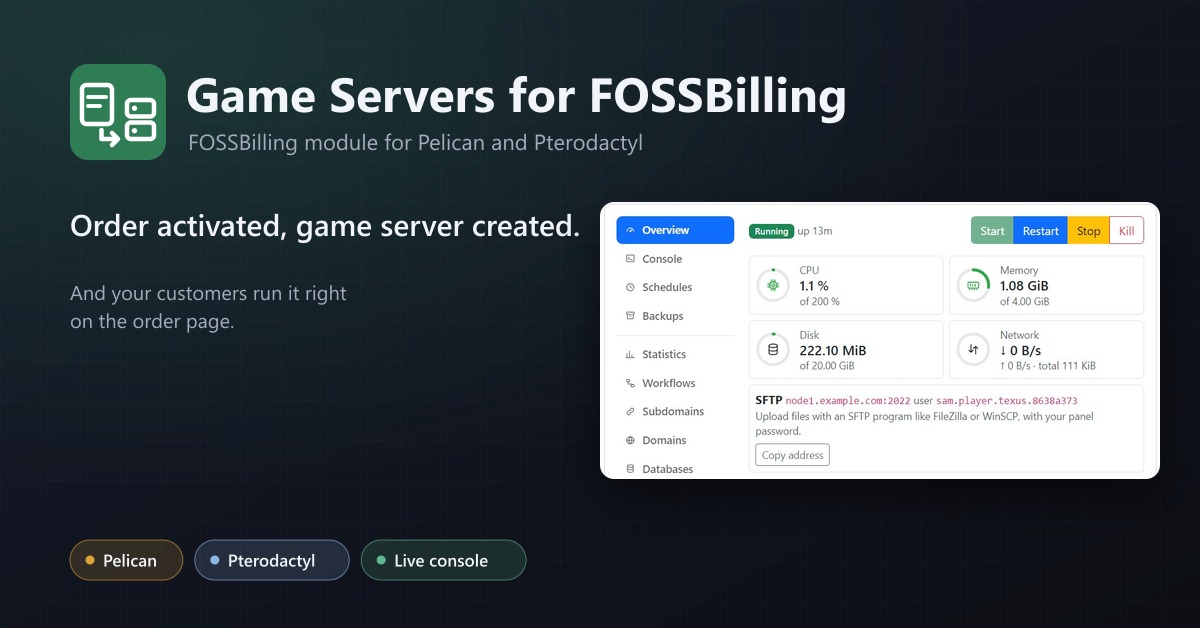
Game Servers for FOSSBilling
Sell Pelican and Pterodactyl game servers with FOSSBilling: servers are created, suspended and deleted with the order.
29,99 €
- Version 0.2.0, updated 12 October 2026
- For FOSSBilling 0.8 (PHP 8.2+), Pelican Panel 1.0 and Pterodactyl Panel 1.x
- A FOSSBilling module, no changes to FOSSBilling itself
- One licence for one FOSSBilling installation, new versions included
Screenshots
Features
FOSSBilling has no integration for Pelican or Pterodactyl. Game Servers for FOSSBilling connects both: order activated, game server created, and your customers run it right on the order page.
Server control on the order page (new in 0.2.0)
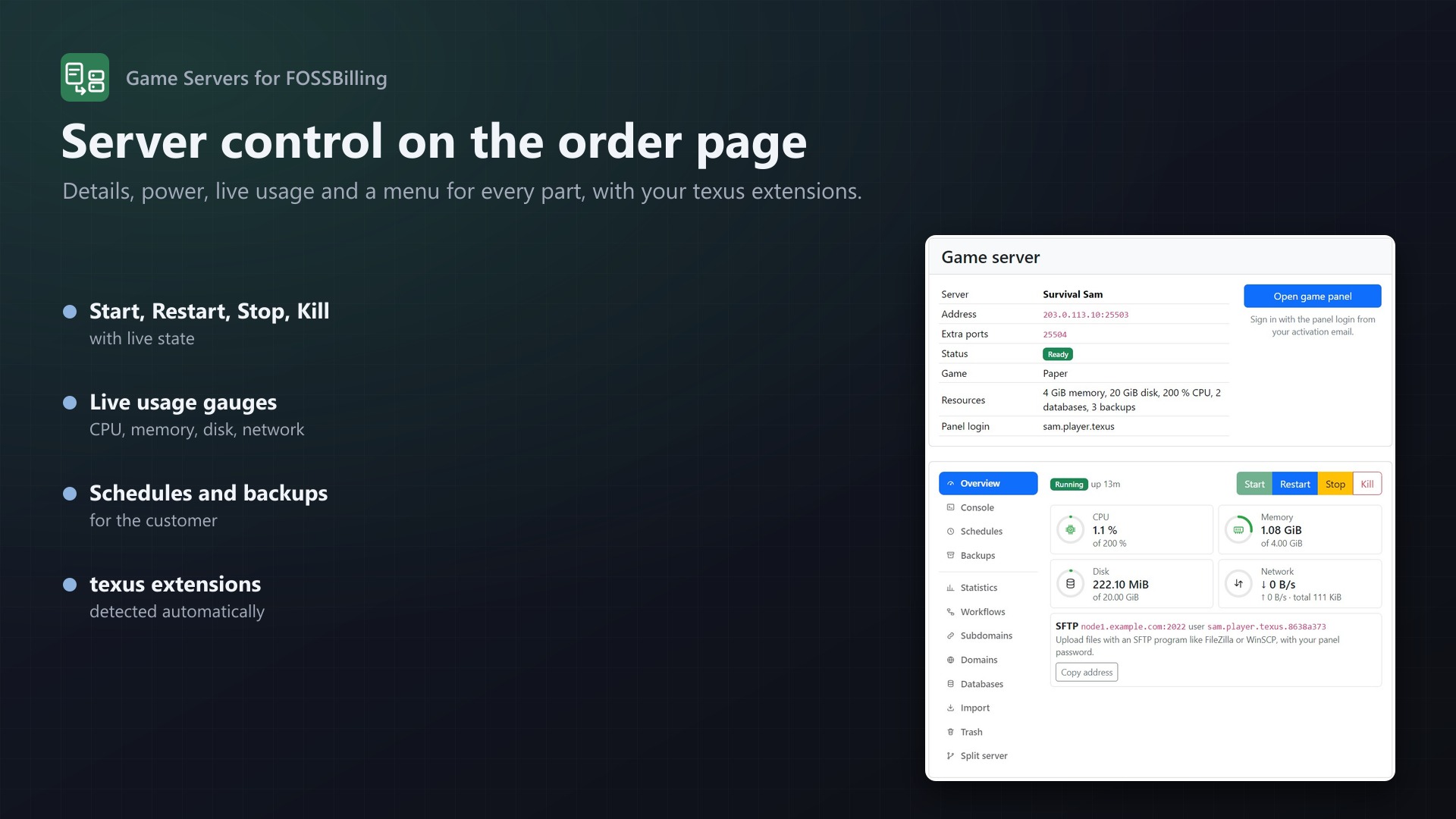
With a client API key of an admin account, the order page gets a full server control with a menu for every part:
- Start, Restart, Stop, Kill with live state, uptime and live gauges for CPU, memory, disk and network
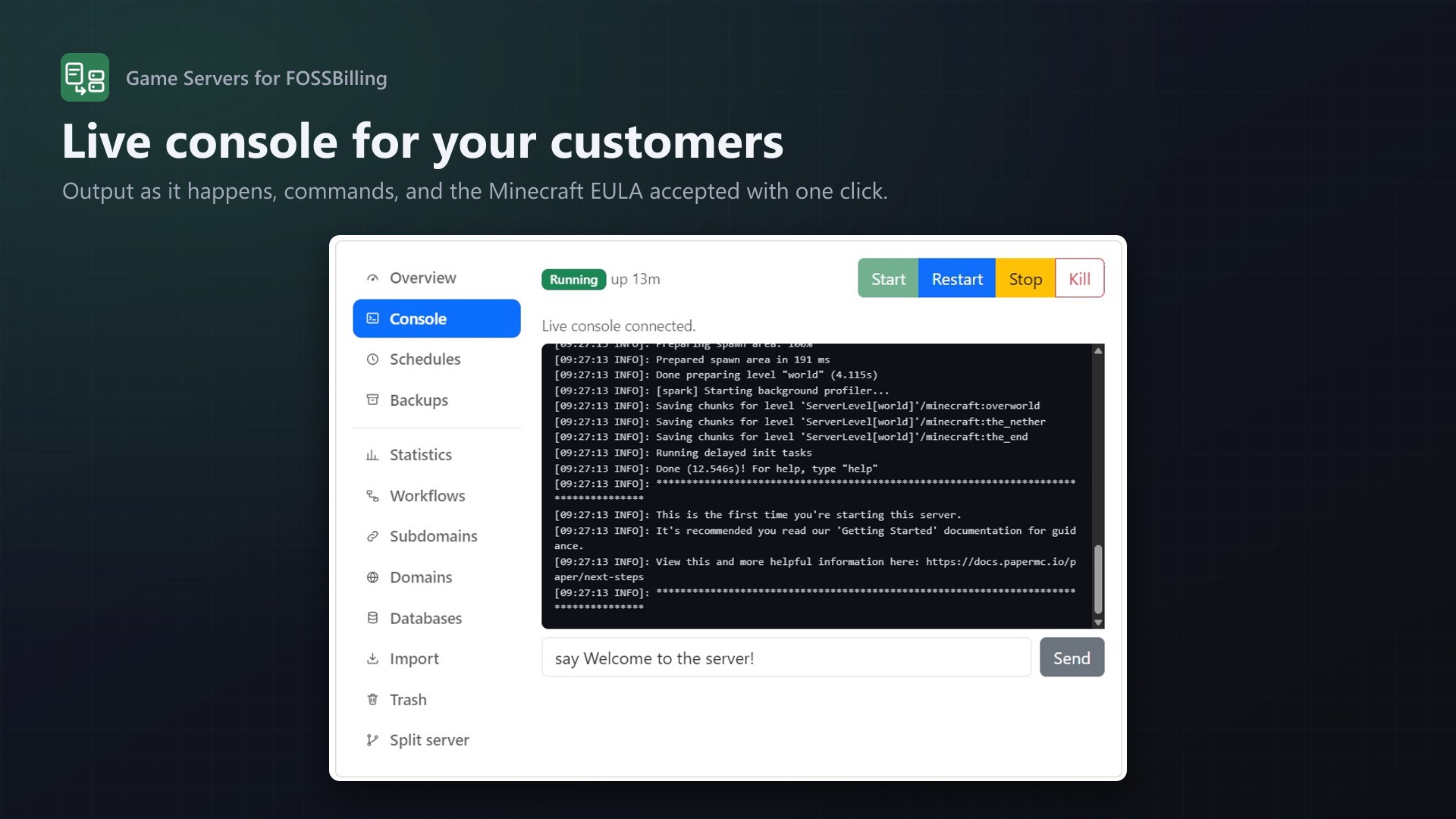
- Live console with commands; the Minecraft EULA accepted with one click
- Schedules with presets and tasks, backups to create, download, lock and delete
- Your texus extensions included: with Usage Statistics, Schedules Plus, Subdomain Manager, Custom Domains, Database Manager, Server Importer, File Explorer, Server Splitter, Idle Stop or SFTP Address on the panel, their features appear by themselves
- Customer features per product: choose exactly what the client area offers
- A customer only ever reaches their own server: every request goes through the module, which passes on a fixed list of panel routes
The whole order lifecycle
- Activation creates the server: panel user found or created, node and ports chosen, server installed with the product's egg
- Suspend and unsuspend with the order, cancel and reactivate (the server is suspended, not lost)
- Delete the order and the server goes, optionally with the panel user's last server
- Apply product settings for upgrades: new limits, more ports, even a different egg with reinstall
- An activation that fails ends in "Failed setup" with the reason in the order history, and can be retried with one click
Pelican and Pterodactyl
- The panel type is detected from its API: Pelican Panel 1.0 and Pterodactyl Panel 1.x
- Pelican node tags or Pterodactyl locations pick region or hardware
- The panel's own node selection: only nodes with room for memory and disk
- Port range, dedicated IP and extra ports on the same IP as the main port
Products your way
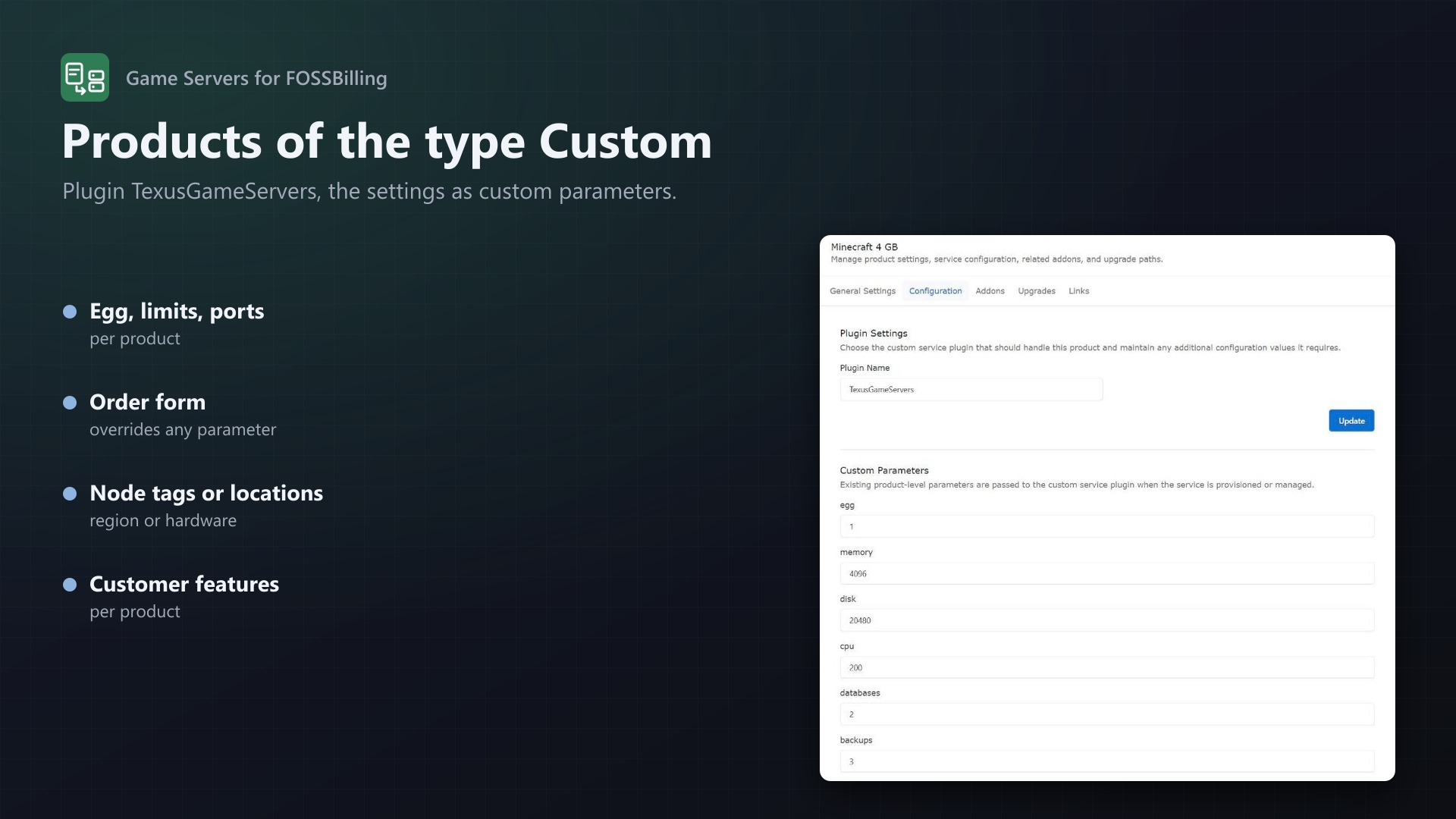
- Products of FOSSBilling's type Custom with the plugin
TexusGameServers - Egg, limits, image, startup command and egg variables as product parameters
- The order form overrides any parameter: memory (
2 GBor2048), location, egg, or any egg variable likeMINECRAFT_VERSION - Server name template with product, service ID and client name
For your customers and your staff
- Client area: the order page shows the server's address and extra ports, status, game and resources, with an "Open game panel" button
- Panel login in the activation email (
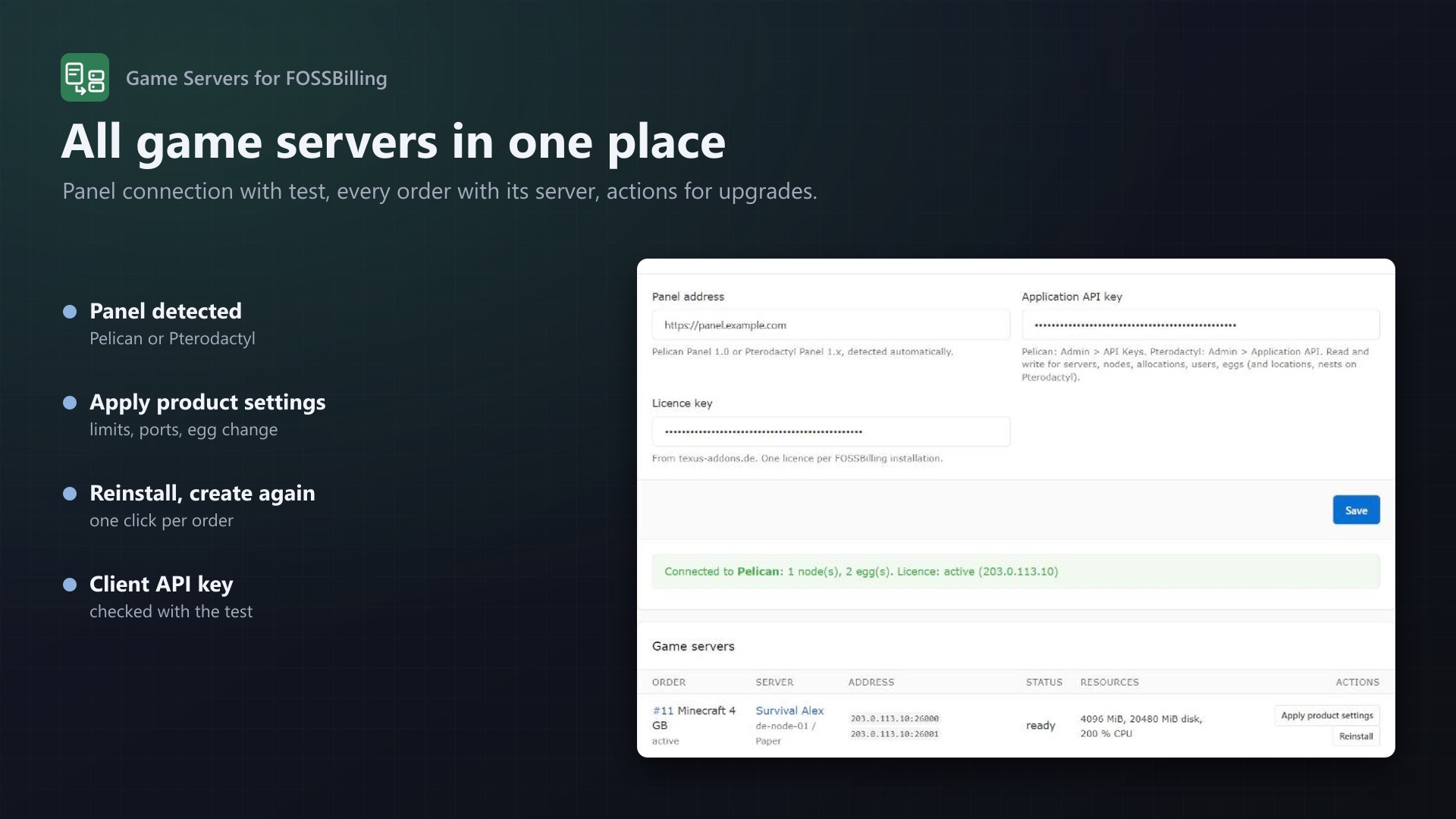
panel_username,panel_password,server_address) - Admin page under Extensions: panel connection with test, all game servers with status and address, "Apply product settings", "Reinstall", "Create server"
Built to be reliable
- Servers and users carry external IDs (
fossbilling-<service>), so FOSSBilling always finds its server again - Running suspend, unsuspend or delete twice does no harm
- Suspend, unsuspend and delete keep working even without a valid licence
- Tested through a real FOSSBilling 0.8.8 against Pelican 1.0.0-rc.1 and Pterodactyl 1.15.1: order, install, suspend, cancel, upgrade with egg change, reinstall, delete; the server control end to end against Pterodactyl 1.15.1
Documentation
Sell Pelican and Pterodactyl game servers with FOSSBilling: when an order is activated, the server is created in your panel; suspending, cancelling, reactivating and deleting the order do the same to the server. Customers see their server address, status and resources on the order page, with a button to the game panel.
Works with Pelican Panel 1.0 and Pterodactyl Panel 1.x; the panel type is detected from its API. Tested with FOSSBilling 0.8.8, Pelican Panel 1.0.0-rc.1 and Pterodactyl Panel 1.15.1.
What it does
| In FOSSBilling | In the panel |
|---|---|
| Order activated | Finds or creates the client's panel user, picks a node and free ports, creates the server with the product's egg, limits and variables |
| Order suspended / unsuspended | Server suspended / unsuspended |
| Order cancelled / reactivated | Server suspended / unsuspended (a cancelled order can come back) |
| Order deleted | Server deleted; optionally the panel user when it has no servers left |
| "Apply product settings" (Extensions > Game Servers) | New limits, more extra ports, another egg with reinstall: for upgrades |
| "Reinstall" | Reinstalls the server |
| Client order page | Server name, address and extra ports, status, game, resources, "Open game panel"; with a client API key also power, live console, schedules, backups and texus extensions (see below) |
Every server carries the external ID fossbilling-<service id>, every user fossbilling-client-<client id>, so the module always finds its server again.
Installation
- Copy the folders
modulesandlibraryfrom the download into your FOSSBilling folder. Besides the modulemodules/Texusgameserversand the pluginlibrary/Plugin/TexusGameServersthis adds the small filemodules/Servicecustom/Plugin/TexusGameServers/TexusGameServers.php: FOSSBilling looks for custom plugins on a relative path, and this file forwards it to the plugin. If an update of FOSSBilling removes it, the module's settings page puts it back. - Extensions: activate Game Servers (Pelican & Pterodactyl).
- In the panel, create an application API key:
- Pelican: Admin > API Keys, read and write for servers, nodes, allocations, users and eggs.
- Pterodactyl: Admin > Application API, read and write for servers, nodes, allocations, users, locations, nests and eggs.
- Extensions > Game Servers: enter the panel address, the API key and your licence key, save. Optionally also a client API key of an admin account (Pterodactyl: Account > API Credentials; Pelican: Profile > API Keys) for the server control on the order page; only admins reach the servers of all customers. The page shows the panel type, the nodes and eggs it found, and the licence state.
Setting up a product
- Products > New product, type Custom. Under Configuration, enter
TexusGameServersas the plugin. - Add the settings as Custom Parameters of the product (name and value). Only
eggis required.
| Parameter | |
|---|---|
egg | Egg ID; the settings page lists the eggs of your panel |
memory, disk, swap | MiB, 0 = unlimited (defaults 1024, 5120, 0) |
cpu, io, threads | CPU in % (100 = one core), block IO weight, CPU pinning |
databases, backups | Limits |
allocations | Extra ports on top of the main port, assigned on the same IP |
tags | Pelican: only nodes with all of these tags. Pterodactyl: location IDs or short codes. Comma separated |
ports | Only ports in these ranges, like 25565-25600 or 25565,27015 |
dedicated_ip | 1 = only IPs no other server uses |
image, startup | Docker image and startup command; empty = the egg's |
environment | Egg variables, one per line VARIABLE=value |
name | Server name with {product}, {serviceid}, {firstname}, {lastname} |
oom_killer, start, skip_scripts | 1 or 0, passed on to the panel (start defaults to 1) |
reinstall_on_egg_change | 1 (default): reinstall when "Apply product settings" switches the egg |
delete_user | 1: delete the panel user with its last server |
client_features | What the order page offers (with a client API key): power,console,schedules,backups and the texus extensions below; comma separated, default all |
How the node and ports are chosen
The module asks the panel which nodes have room for the server's memory and disk (and CPU on Pelican) in the wanted tags or locations. On the first of these nodes with enough free ports on one IP, the lowest free port becomes the main port and the next ones the extra ports.
Options the customer chooses
Give the product an order form (Form Builder). A field named like a parameter (memory, disk, cpu, location, egg, extra ports, server name) or like an egg variable (MINECRAFT_VERSION, or its display name) overrides the product. 2 GB and 2048 both work for memory and disk.
Activation email and client area
After the server is created, the service holds panel_url, panel_username, server_address and, for new panel users, panel_password. Use them in the custom product's activation email. The order page in the client area shows the server with a button to the game panel.
Upgrades
FOSSBilling has no automatic upgrades for custom products. Change the product's parameters (or the order's choices under the order's service tab) and click Apply product settings on Extensions > Game Servers: the server gets the new limits, more extra ports and, if the egg changed, the new egg with a reinstall.
Server control on the order page
With a client API key in the module settings, the order page shows the server control below the server details, with a menu for its parts. The product's client_features parameter chooses what it offers:
| Feature | What the customer does |
|---|---|
power | Start, restart, stop and kill; state, uptime and live gauges for CPU, memory, disk and network |
console | Live console output and commands; accept the Minecraft EULA with one click |
schedules | Schedules with presets and tasks (command, power action, backup) |
backups | Create, download, lock and delete backups within the limit |
With texus extensions on the panel (installed and licensed), also stats (Usage Statistics), workflows (Schedules Plus), subdomains (Subdomain Manager), domains (Custom Domains), databases (Database Manager), import (Server Importer), trash (File Explorer), split (Server Splitter 0.2.0+), idle (Idle Stop) and sftp (SFTP Address 0.3.0+). A customer only ever reaches their own server: every request goes through the module, which looks the server up by the service and passes on a fixed list of panel routes. Actions customers take appear in the panel's activity log under the admin account of the client API key.
For the live console, add the address of your billing system to allowed_origins in the Wings configuration of each node (/etc/pterodactyl/config.yml) and restart Wings. Without it, the console shows a note and commands still reach the server.
Resources a customer gives to split servers (Server Splitter) stay with them when product settings are applied: the module subtracts them from the product's limits.
Good to know
- FOSSBilling 0.8.8 shows the product's Plugin Name field empty after saving, although the plugin is stored. Orders of the product still use it; you don't need to enter it again.
- An activation that fails (panel unreachable, no free ports, no licence) leaves the order in "Failed setup" with the reason in the order's history; "Create server" on the module page or activating the order again retries it.
- Suspending, unsuspending and deleting also work without a valid licence, so a lapsed licence never keeps you from stopping a service. Creating servers and applying product settings need one.
- An egg change while the server is still installing saves the new egg and asks you to reinstall afterwards; Wings refuses a second reinstall at the same time.
Requirements
- FOSSBilling 0.8 with PHP 8.2+ (curl, sodium)
- Pelican Panel 1.0 or Pterodactyl Panel 1.x with an application API key (and a client API key of an admin account for the server control)
- Outgoing HTTPS from FOSSBilling to the panel and to texus-addons.de
Changelog
0.2.0
- Server control on the order page: with a client API key of an admin account in the module settings, customers start, stop, restart and kill their server, use a live console, see live usage, manage schedules and backups, and use the features of texus extensions on the panel (statistics, workflows, subdomains, domains, databases, import, trash, splitting, idle stop, SFTP address).
- New product parameter
client_featuresto choose what the order page offers. - Extra ports are shown as their own line ("Extra ports: 25504") instead of a second address.
- Resources given to split servers (Server Splitter) stay with them when product settings are applied.
- The settings page checks the client API key.
0.1.1
- Shared panel core updated (the same code as in the Blesta and WHMCS modules): the panel API client can also act with a client API key, longer timeouts for single calls, and resource limits already given to a server are taken into account when computing changes. No visible change in FOSSBilling.
0.1.0
- First release: Pelican and Pterodactyl game servers for FOSSBilling's "Custom" products. Servers are created on activation and suspended, unsuspended and deleted with the order; node and ports by tags or locations, port range and dedicated IP; egg variables and limits from product parameters or the order form; "Apply product settings" for upgrades with egg change; client order page with address, status and resources; admin page with settings, connection test and all game servers.
Licence and download
One purchase = one licence = one FOSSBilling installation. The licence is bound to one FOSSBilling address and the server it runs on. Subdomains count separately. You can move the licence at any time in your account.
After buying on sourceXchange or BuiltByBit, sign in here with your email address (BuiltByBit: redeem your activation code). You download the extension with the licence key built in, and every new version from your account.
Questions before buying? Ask on our Discord support server or at support@texus-addons.de.
Related
Pelican for WHMCS
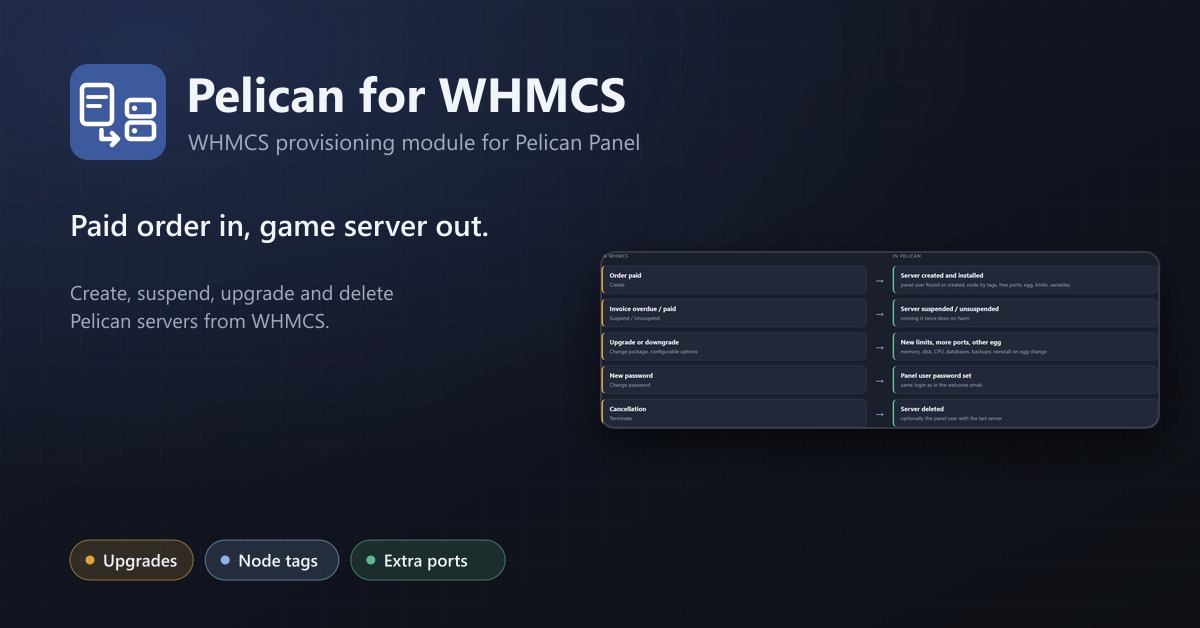
WHMCS provisioning for Pelican and Pterodactyl: create, suspend, upgrade and delete game servers automatically, with node tags and extra ports.
Game Servers for Blesta
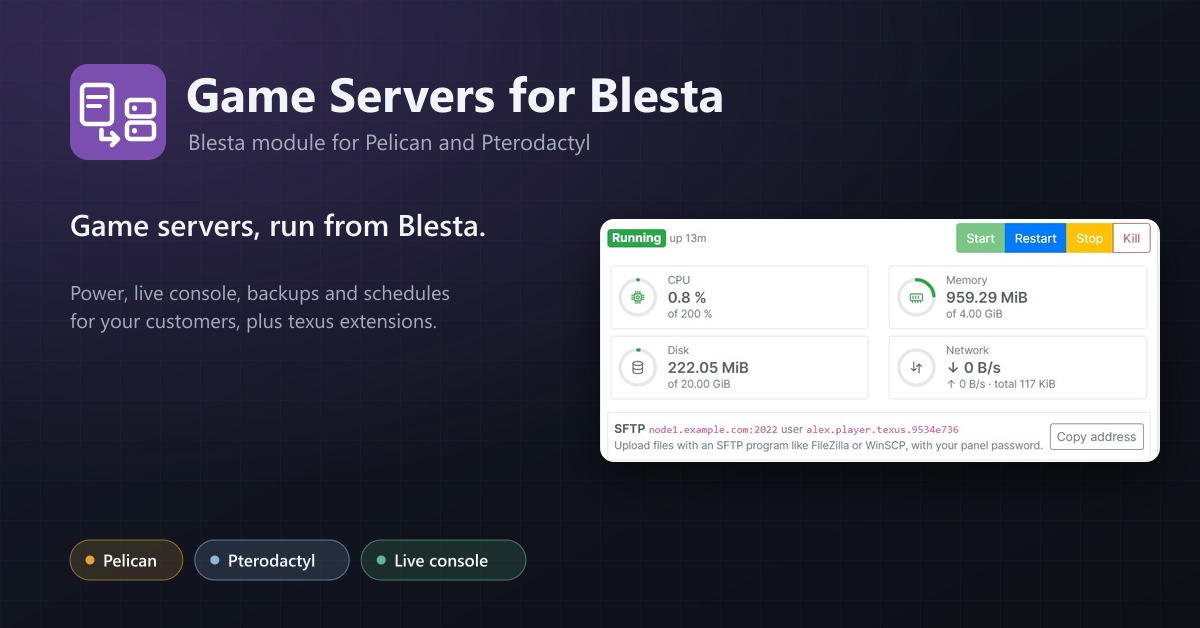
Sell Pelican and Pterodactyl game servers with Blesta, and let customers run them from the client area: power, live console, backups, schedules and texus extensions.
Schedules Plus
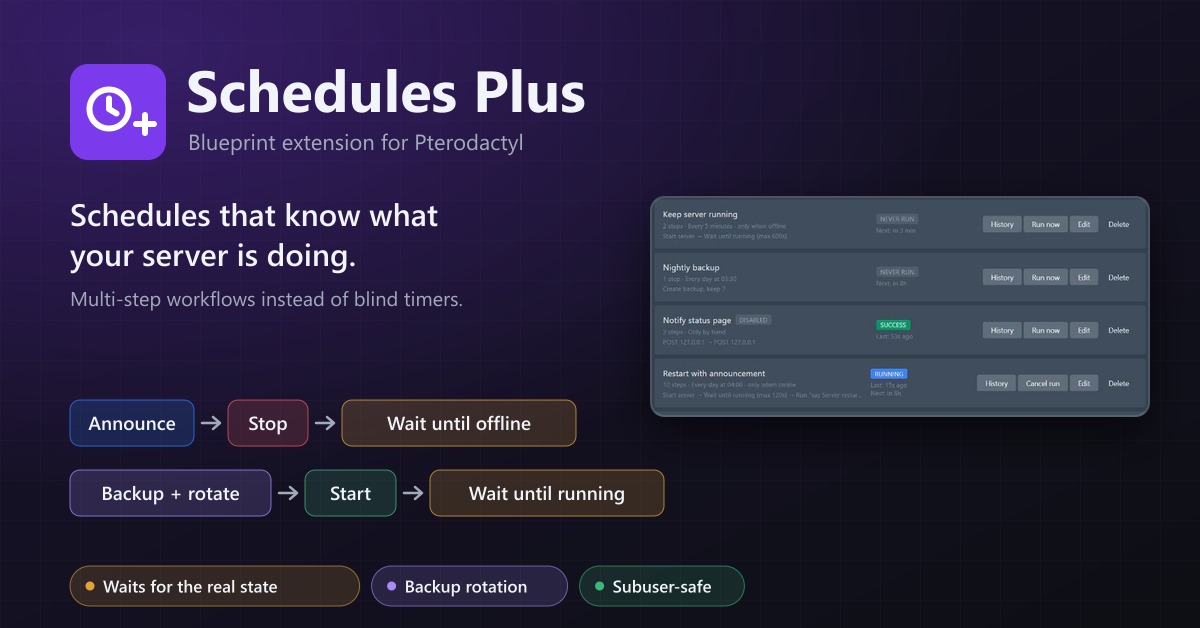
Multi-step server workflows that wait for the real server state: announce, stop, back up with rotation, start again.