 texus Addons und Themes
Game Servers for Blesta
Sell Pelican and Pterodactyl game servers with Blesta, and let customers run them from the client area: power, live console, backups, schedules and texus extensions.
39,99 €
- Version 0.1.1, updated 11 October 2026
- For Blesta 6 (PHP 8.1+), Pelican Panel 1.0 and Pterodactyl Panel 1.x
- A Blesta module, no changes to Blesta itself
- One licence for one Blesta installation, new versions included
Screenshots
Features
Game Servers for Blesta creates, suspends, upgrades and deletes Pelican and Pterodactyl servers with the service, and gives your customers a full game server menu right in the Blesta client area.
The whole service lifecycle
- Activation creates the server: panel user found or created, node and ports chosen, server installed with the package's egg
- Suspend and unsuspend with the service, cancel deletes the server (optionally the panel user with its last server)
- Package changes and configurable options upgrade the server: new limits, more ports, even a different egg with reinstall
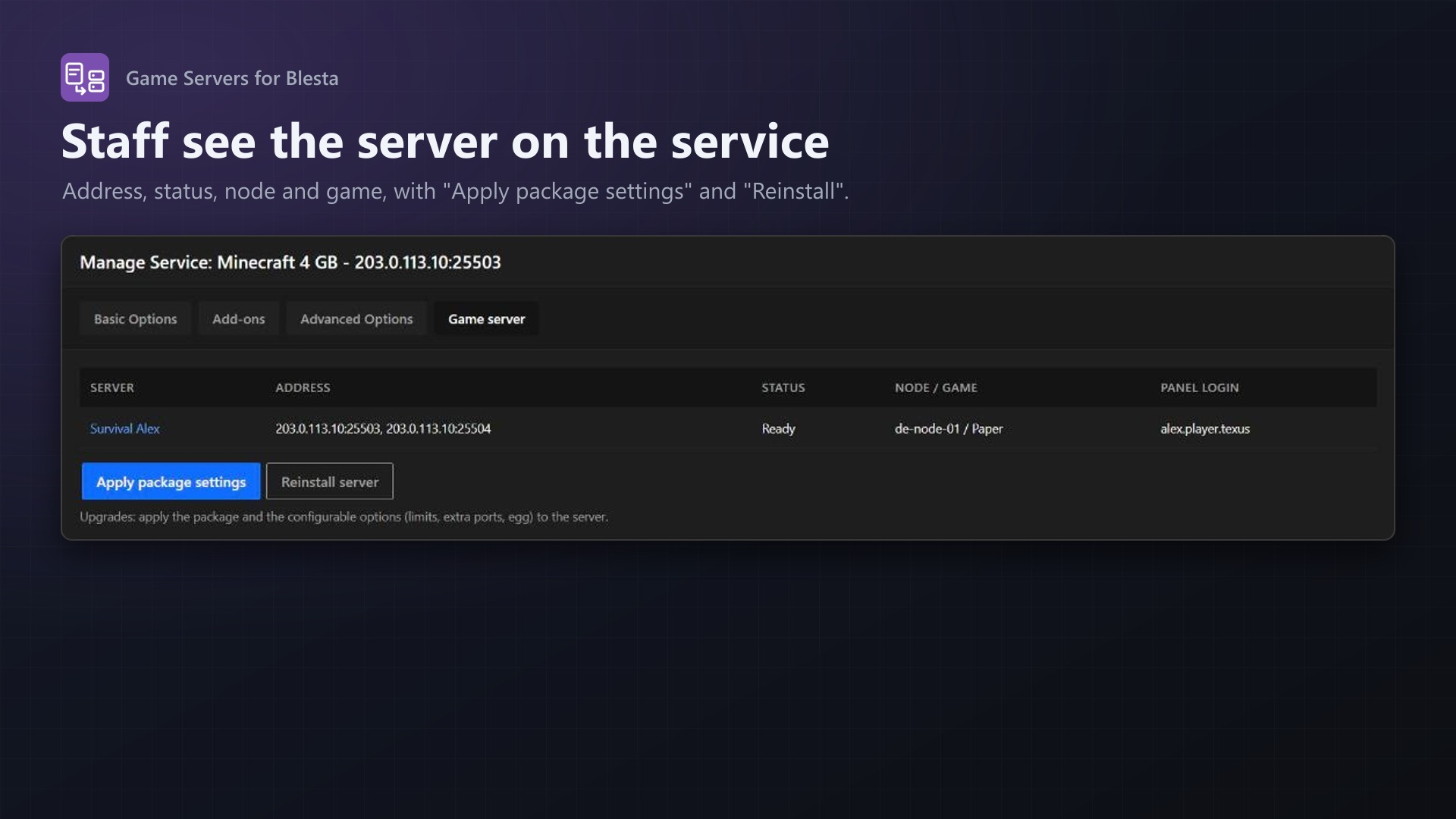
- Staff see the server on the service, with Apply package settings and Reinstall
A game server menu for your customers
Every feature is its own entry in Blesta's service menu:
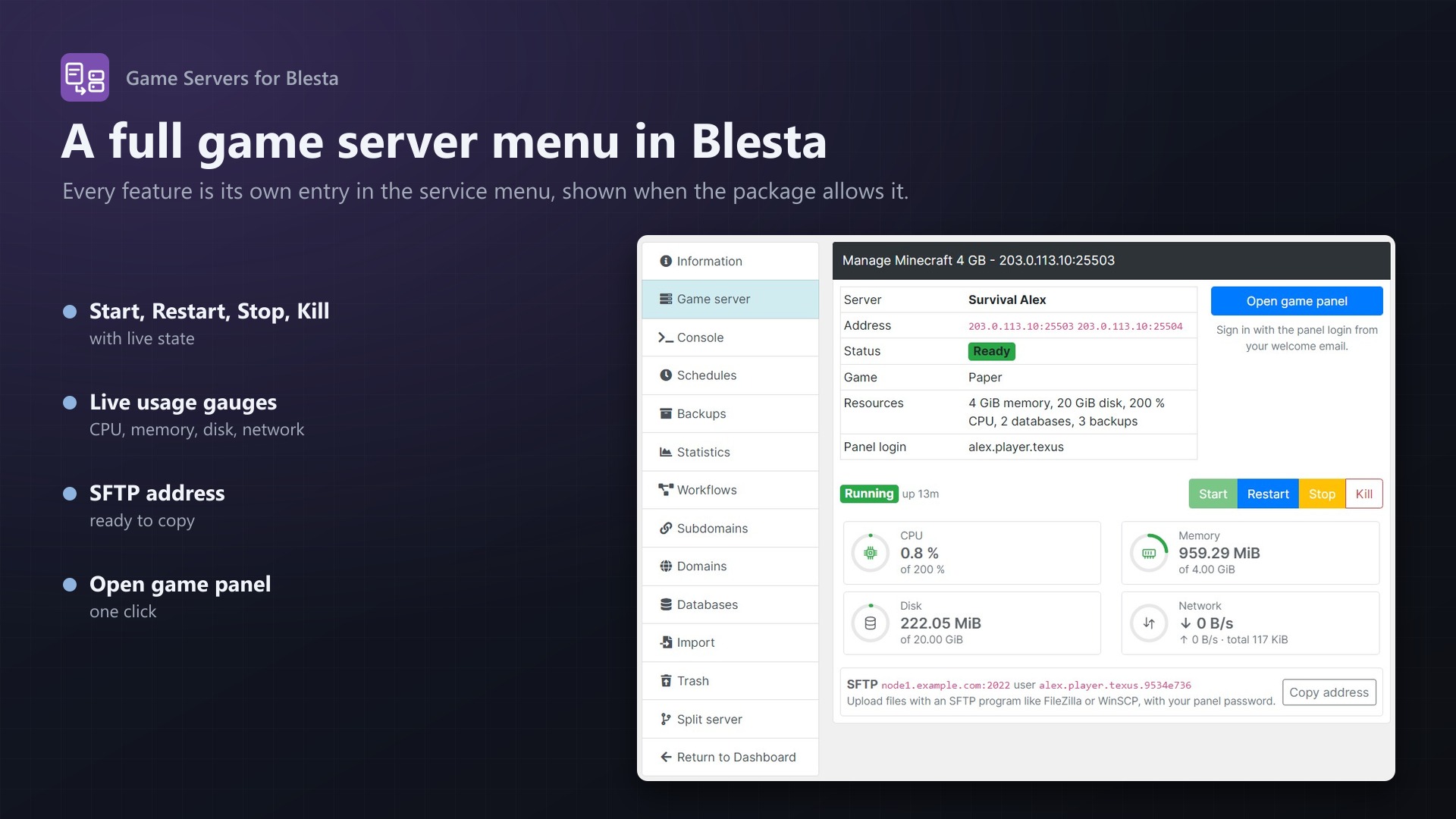
- Game server: address, status, game and resources, Start, Restart, Stop, Kill, live gauges for CPU, memory, disk and network, the SFTP address and an "Open game panel" button
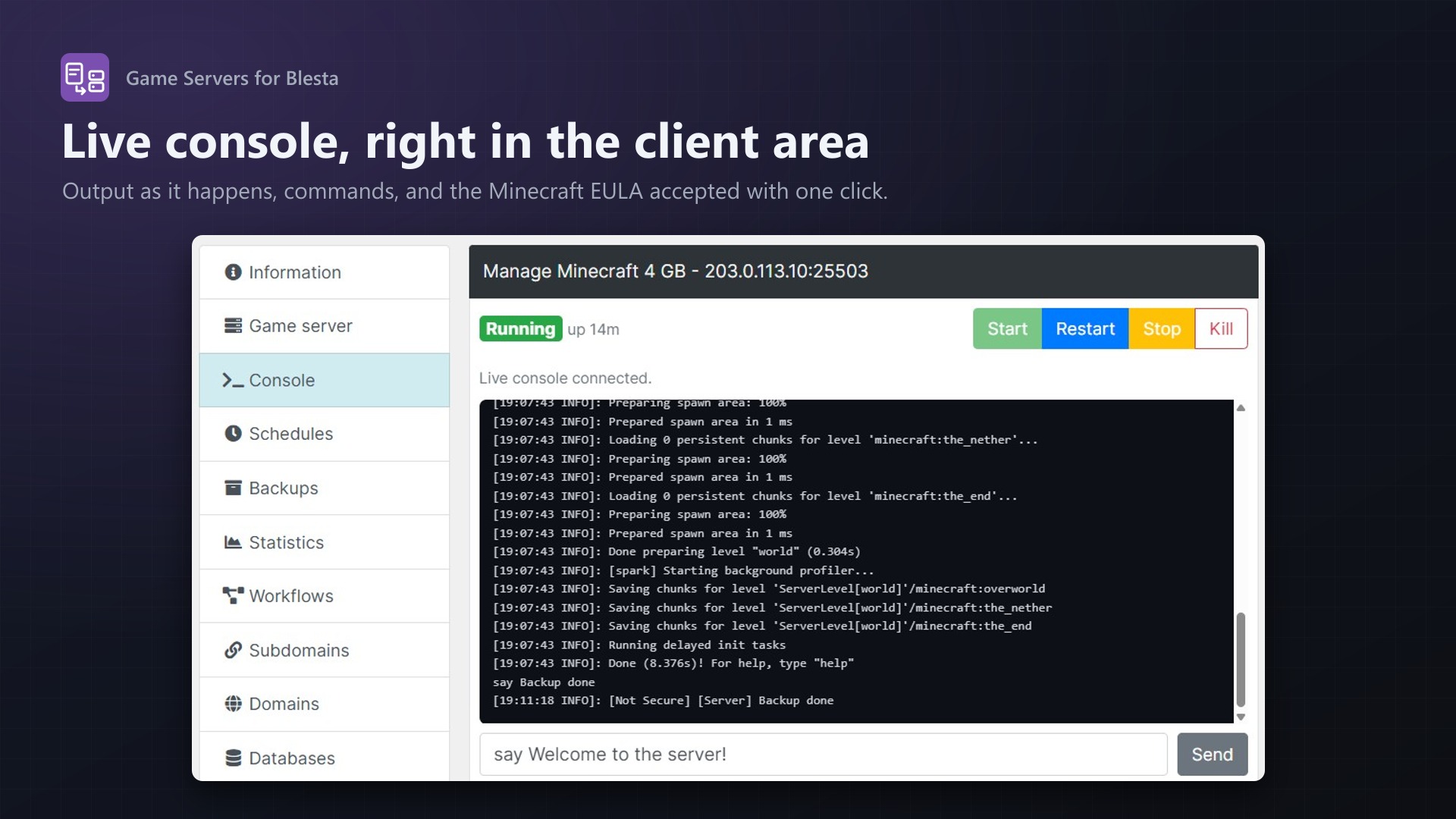
- Console: live output and commands in the client area; the Minecraft EULA accepted with one click
- Schedules with presets and tasks (command, power action, backup), run now, pause, edit
- Backups: create, download, lock and delete within the package's limit
Your texus extensions, built in
When your panel runs texus extensions, the matching entries appear by themselves:
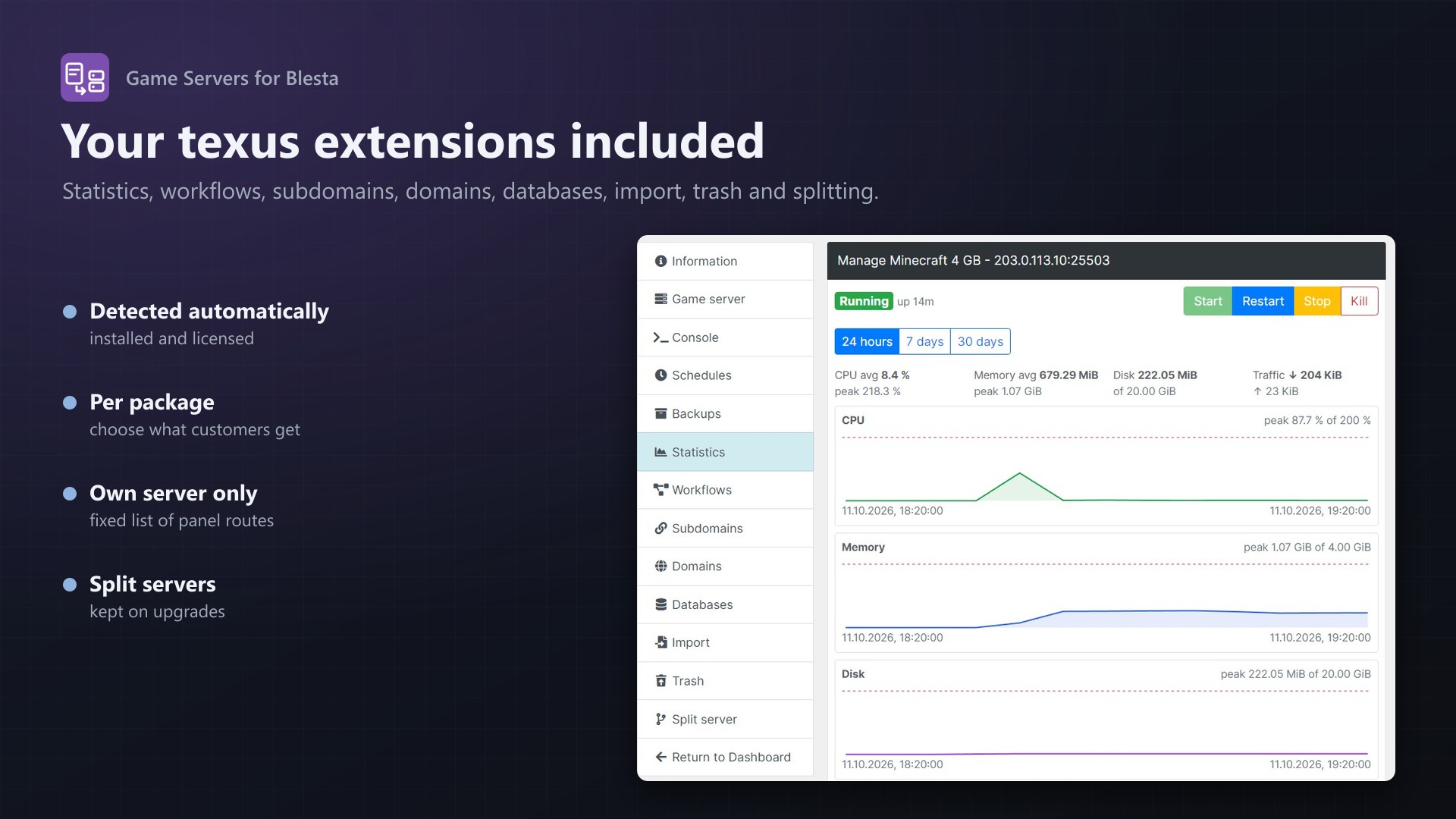
- Statistics (Usage Statistics): CPU, memory, disk and network charts for 24 hours, 7 or 30 days
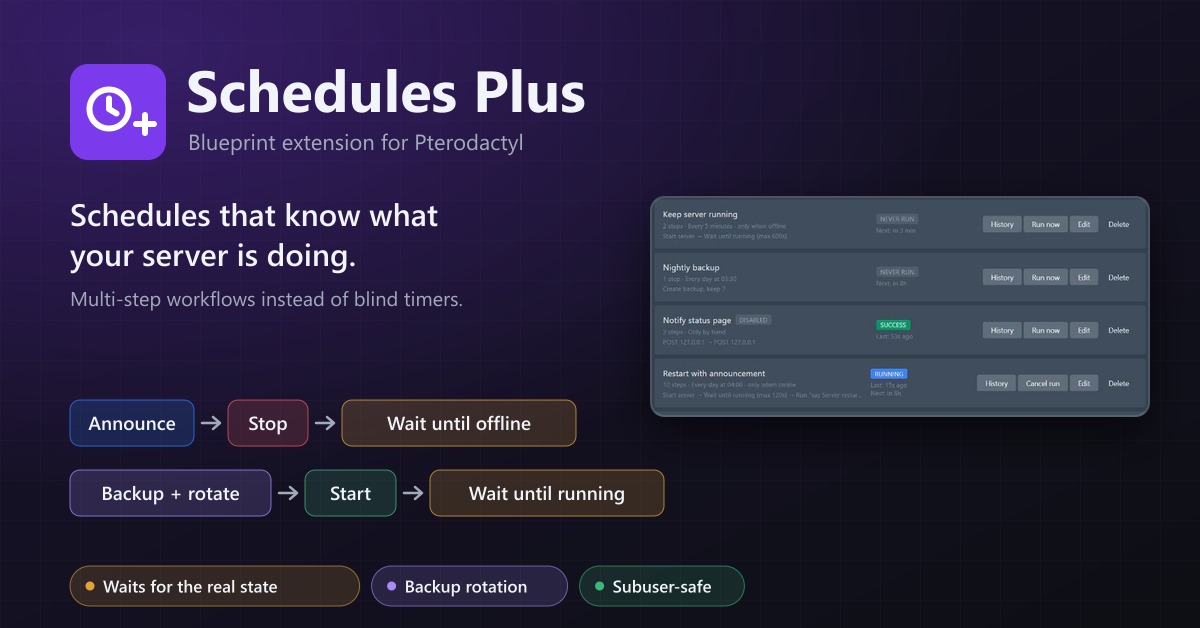
- Workflows (Schedules Plus): step by step automations with templates and run history
- Subdomains (Subdomain Manager): addresses like
survival.example.comwith SRV record - Domains (Custom Domains): the customer's own domain for a web app, with DNS check
- Databases (Database Manager): browse tables, search, run SQL
- Import (Server Importer): copy a server from another host over SFTP or FTP
- Trash (File Explorer): restore deleted files
- Split server (Server Splitter): split the package into several servers; resources given away stay with them on upgrades
- Idle Stop and SFTP Address on the overview
Per package, you choose which of these features customers get.
Pelican and Pterodactyl
- The panel type is detected from its API: Pelican Panel 1.0 and Pterodactyl Panel 1.x
- Pelican node tags or Pterodactyl locations pick region or hardware
- Port range, dedicated IP and extra ports on the same IP as the main port
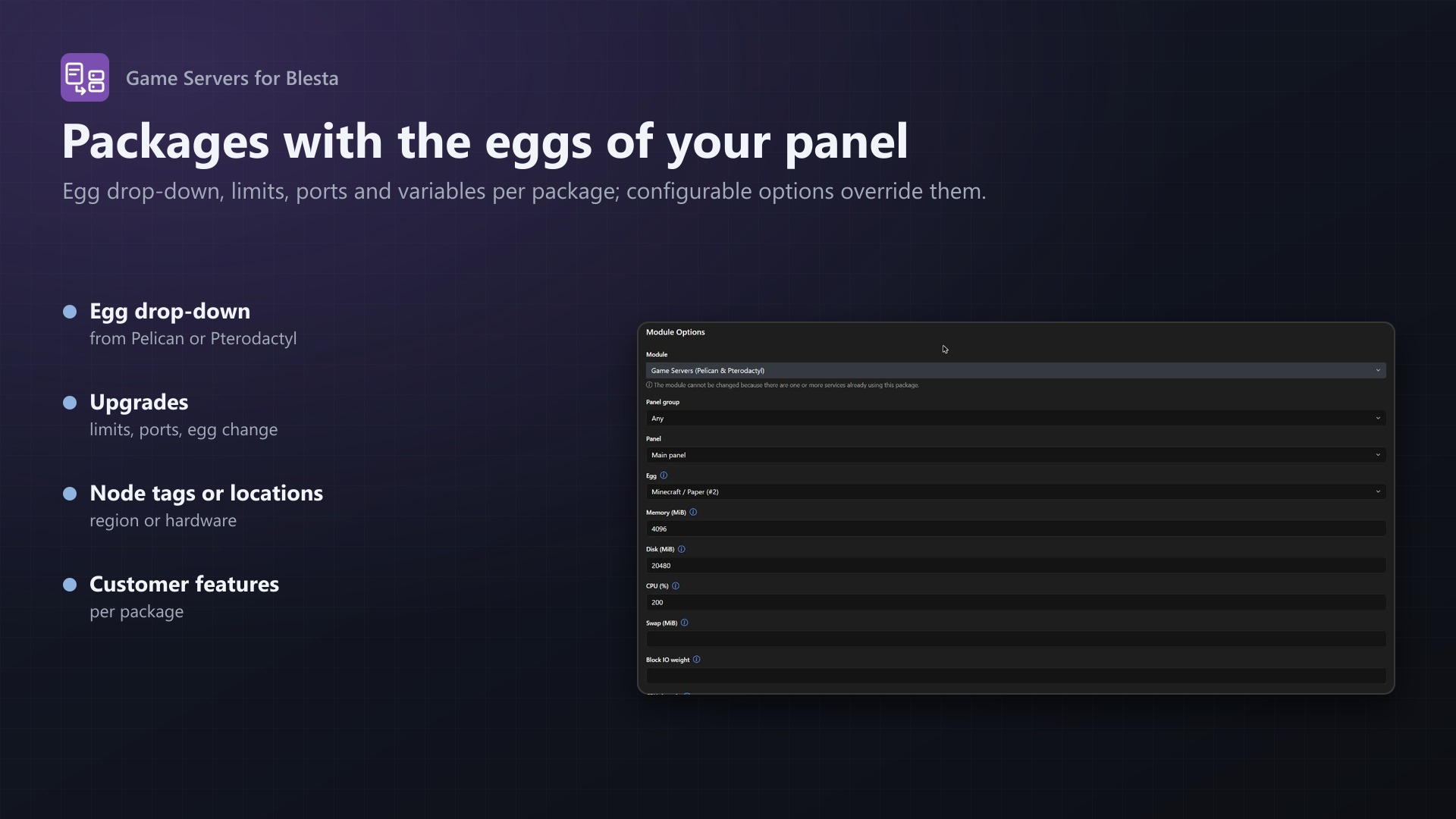
- Egg drop-down with the eggs of your panel, egg variables per package or configurable option
Built to be safe and reliable
- A customer only ever reaches their own server: every request goes through the module, which looks the server up by the service and passes on a fixed list of panel routes
- Servers and users carry external IDs, so Blesta always finds its server again
- Suspend, unsuspend and cancel keep working even without a valid licence
- Tested through a real Blesta 6.0.3 against Pterodactyl 1.15.1: service, install, suspend, upgrade with egg change, licence check, cancel, and every client area entry; the provisioning core is the same one tested against Pelican 1.0.0-rc.1 in our WHMCS and FOSSBilling modules
Documentation
Sell Pelican and Pterodactyl game servers with Blesta: when a service is activated, the server is created in your panel; suspending, unsuspending, cancelling and package changes do the same to the server. Customers manage their server right in the Blesta client area: start, stop and restart, a live console, usage, schedules and backups, and the features of texus extensions installed on your panel.
Works with Pelican Panel 1.0 and Pterodactyl Panel 1.x; the panel type is detected from its API. Tested with Blesta 6.0.3 and Pterodactyl Panel 1.15.1; the provisioning core is the same one tested against Pelican Panel 1.0.0-rc.1 in the WHMCS and FOSSBilling modules. The texus extensions in the client area are Blueprint extensions for Pterodactyl.
What it does
| In Blesta | In the panel |
|---|---|
| Service added / activated | Finds or creates the client's panel user, picks a node and free ports, creates the server with the package's egg, limits and variables |
| Service suspended / unsuspended | Server suspended / unsuspended |
| Service cancelled | Server deleted; optionally the panel user when it has no servers left |
| Package change (upgrade, downgrade), changed configurable options | New limits, more extra ports, another egg with reinstall |
| Service tab "Game server" (staff) | Server details, "Apply package settings", "Reinstall" |
| Client area | The menu entries below |
Every server carries an external ID blesta-<random>, every user blesta-client-<client id>, so the module always finds its server again.
The client area
Next to Blesta's "Information", the service gets these entries in the client area's menu:
| Entry | What the customer does |
|---|---|
| Game server | Address and extra ports, game, resources, panel login, "Open game panel"; status and uptime; Start, Restart, Stop, Kill; live gauges for CPU, memory, disk and network; the SFTP address |
| Console | Live console output, send commands; accept the Minecraft EULA with one click |
| Schedules | Create schedules with presets (daily at 04:00, every 6 hours, ...) and tasks (command, power action, backup); run now, pause, edit, delete |
| Backups | Create, download, lock and delete backups, within the package's backup limit |
With texus extensions on the panel (installed and licensed), more entries appear:
| Extension | Entry |
|---|---|
| Usage Statistics | Statistics: charts of CPU, memory, disk and network for 24 hours, 7 or 30 days |
| Schedules Plus | Workflows: step by step automations with templates, run history |
| Subdomain Manager | Subdomains: an address like survival.example.com, with SRV record for Minecraft |
| Custom Domains | Domains: the customer's own domain for a web app on the server, DNS records and check |
| Database Manager | Databases: browse tables, search, run SQL |
| Server Importer | Import: copy a server from another host over SFTP or FTP, with progress |
| File Explorer | Trash: restore files deleted in the file manager |
| Server Splitter (0.2.0+) | Split server: split the package into several servers on the same node, change shares, merge back |
| Idle Stop | A section on "Game server": stop the server after a time without players |
| SFTP Address (0.3.0+) | The public SFTP address on "Game server" |
The module checks every 10 minutes which extensions the panel offers, and shows only what the package allows (see Customer features below). A customer only ever reaches their own server: every request goes through the module, which looks the server up by the service and only passes on a fixed list of panel routes.
Installation
- Copy the folder
components/modules/texus_game_serversfrom the download into your Blesta folder. - Settings > Company > Modules > Available: install Game Servers.
- On the module page, enter your licence key and save.
- Add Panel: a name, the panel address and an application API key:
- Pelican: Admin > API Keys, read and write for servers, nodes, allocations, users and eggs.
- Pterodactyl: Admin > Application API, read and write for servers, nodes, allocations, users, locations, nests and eggs.
- For the client area features, also enter a client API key of an admin account (Pterodactyl: Account > API Credentials; Pelican: Profile > API Keys). Power, console, schedules, backups and the extensions only exist in the panel's client API; the key must belong to an admin, as only admins reach the servers of all customers. Without it, the client area shows the server details and the button to the game panel.
- For the live console, add the address of your Blesta to
allowed_originsin the Wings configuration of each node (/etc/pterodactyl/config.yml), then restart Wings: ```yaml allowed_origins:- https://billing.example.com ``` Without it, the console shows a note and commands still reach the server.
Setting up a package
Packages > Create Package, module Game Servers, then the panel (or a group of panels). The Module Options offer:
| Option | |
|---|---|
| Egg | A drop-down of the eggs of your panel |
| Memory, Disk, Swap | MiB, 0 = unlimited (defaults 1024, 5120, 0) |
| CPU, Block IO weight, CPU threads | CPU in % (100 = one core), IO weight, CPU pinning |
| Databases, Backups | Limits |
| Extra ports | On top of the main port, assigned on the same IP |
| Node tags | Pelican: only nodes with all of these tags. Pterodactyl: location IDs or short codes. Comma separated |
| Port range | Only ports in these ranges, like 25565-25600 or 25565,27015 |
| Dedicated IP | Only IPs no other server uses |
| Docker image, Startup command | Empty = the egg's |
| Variables | Egg variables, one per line VARIABLE=value |
| Server name | With {product}, {serviceid}, {firstname}, {lastname} |
| OOM killer, Start after install, Skip install script | Passed on to the panel |
| Reinstall on egg change | Reinstall when a package change switches the egg |
| Delete unused users | Delete the panel user with its last server |
| Customer features | What the client area offers for this package: power, console, schedules, backups and each extension |
Options the customer chooses
Configurable options with the name of an option (memory, disk, cpu, location, egg, extra ports, server name) or of an egg variable (MINECRAFT_VERSION, or its display name) override the package. 2 GB and 2048 both work for memory and disk. Changing them later upgrades the server.
Welcome email
After the server is created, the service holds server_address, panel_url, panel_username and, for new panel users, panel_password. Use them in the package's welcome email, for example {service.server_address} and {service.panel_password}.
Split servers and upgrades
When a customer splits their server (Server Splitter), the resources they gave to the new servers stay with them on package changes and "Apply package settings": the module subtracts them from the package's limits. The new servers belong to the customer's panel account; they are managed in the game panel.
Good to know
- Suspending, unsuspending and cancelling also work without a valid licence, so a lapsed licence never keeps you from stopping a service. Creating servers and package changes need one.
- An egg change while the server is still installing saves the new egg and asks you to reinstall afterwards; Wings refuses a second reinstall at the same time.
- Actions customers take in the client area appear in the panel's activity log under the admin account of the client API key.
- The module's views and language file stay readable: adjust texts under
components/modules/texus_game_servers/language/and the layout underviews/default/.
Requirements
- Blesta 6 (tested with 6.0.3) with PHP 8.1+ (curl, sodium)
- Pelican Panel 1.0 or Pterodactyl Panel 1.x with an application API key, and a client API key of an admin account for the client area features
- Outgoing HTTPS from Blesta to the panel and to texus-addons.de
Changelog
0.1.1
- Extra ports are shown as their own line ("Extra ports: 25504") instead of a second address.
- The client area sends its security token with every request, also when it only reads.
- Usage gauges, menus and the extension pages use their own layout, so they look the same with any theme.
- The console opens at its newest lines.
0.1.0
- First release: Blesta server module for Pelican Panel 1.0 and Pterodactyl Panel 1.x. Services create, suspend, unsuspend and delete their game server; package changes and configurable options apply new limits, extra ports and another egg with reinstall. Panels as module rows with a connection check, the package's egg from a drop-down of the panel's eggs, node tags or locations, port ranges, dedicated IPs, egg variables and a server name template.
- Client area with its own menu entries: Game server (details, start, restart, stop, kill, live usage gauges, SFTP address), Console (live output, commands, Minecraft EULA), Schedules and Backups. With texus extensions on the panel also Statistics, Workflows, Subdomains, Domains, Databases, Import, Trash, Split server and Idle Stop. Per package, the customer features to offer.
- Staff service tab with "Apply package settings" and "Reinstall".
Licence and download
One purchase = one licence = one Blesta installation. The licence is bound to one Blesta address and the server it runs on. Subdomains count separately. You can move the licence at any time in your account.
After buying on sourceXchange or BuiltByBit, sign in here with your email address (BuiltByBit: redeem your activation code). You download the extension with the licence key built in, and every new version from your account.
Questions before buying? Ask on our Discord support server or at support@texus-addons.de.
Related
Pelican for WHMCS
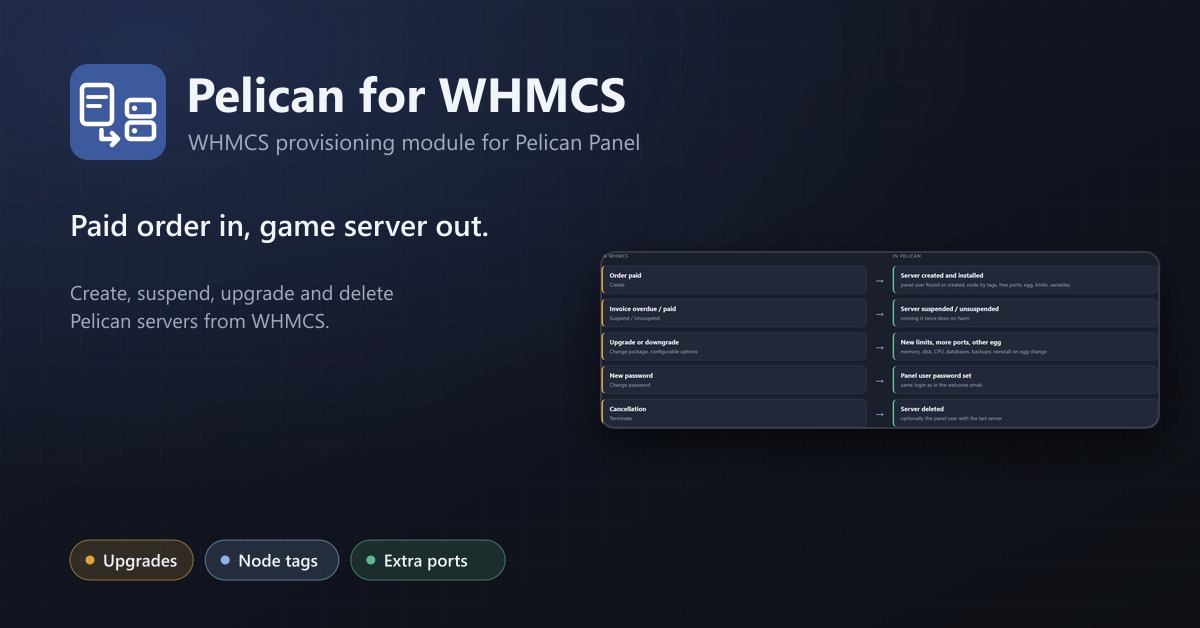
WHMCS provisioning for Pelican and Pterodactyl: create, suspend, upgrade and delete game servers automatically, with node tags and extra ports.
Game Servers for FOSSBilling
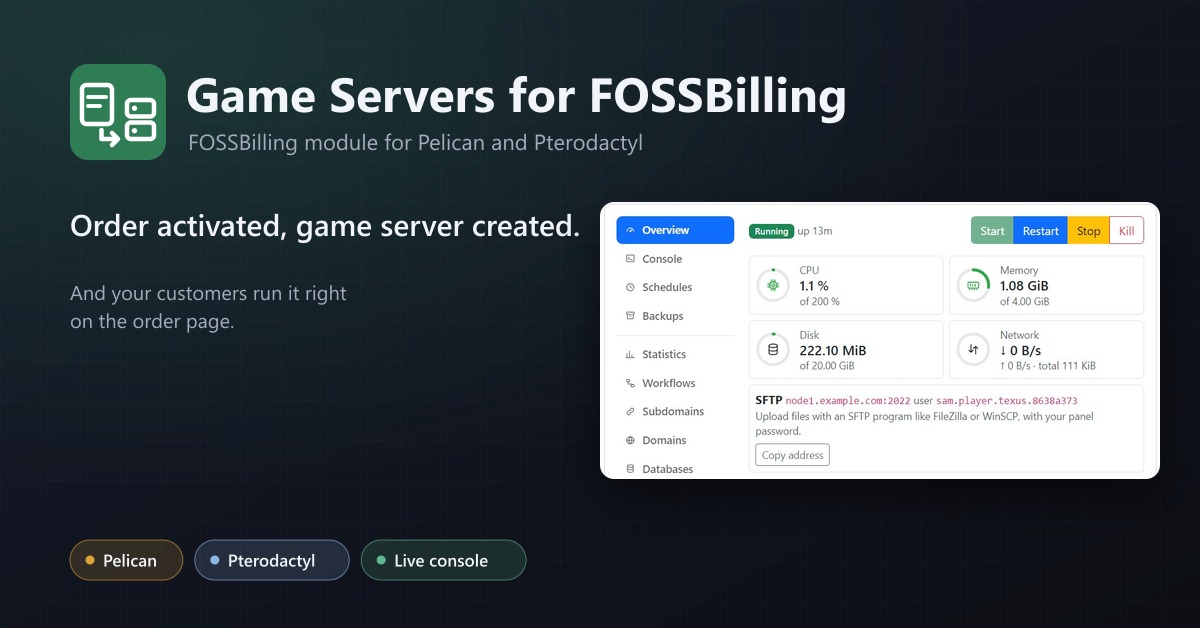
Sell Pelican and Pterodactyl game servers with FOSSBilling: servers are created, suspended and deleted with the order.
Schedules Plus
Multi-step server workflows that wait for the real server state: announce, stop, back up with rotation, start again.