 texus Addons und Themes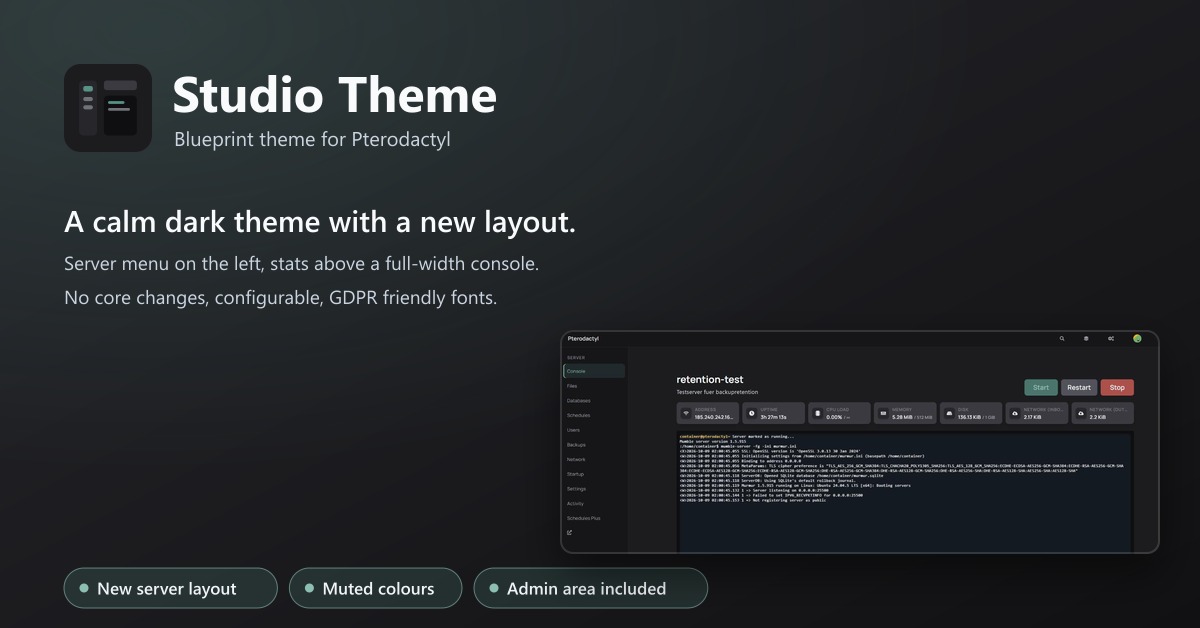
Studio Theme
A calm dark theme with a new layout: server menu on the left, stats above a full-width console. No core changes.
9,99 €
- Version 0.2.4, updated 10 October 2026
- For Pterodactyl Panel 1.15.x with Blueprint
- No core files modified, installs and removes with Blueprint
- One licence for one panel, new versions included
Screenshots
Features
A calm dark theme that changes more than colours: server pages get a new layout.
What changes
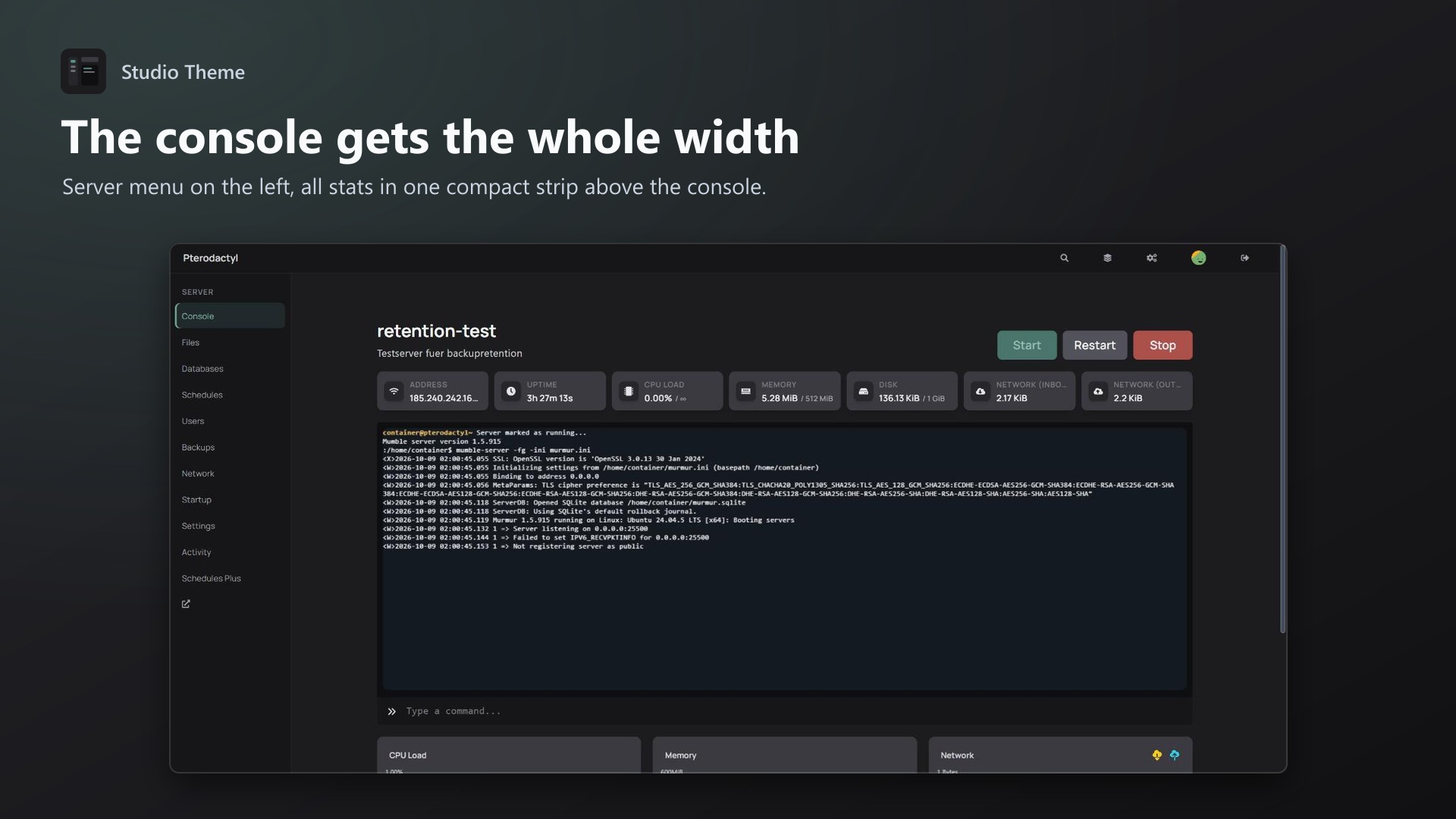
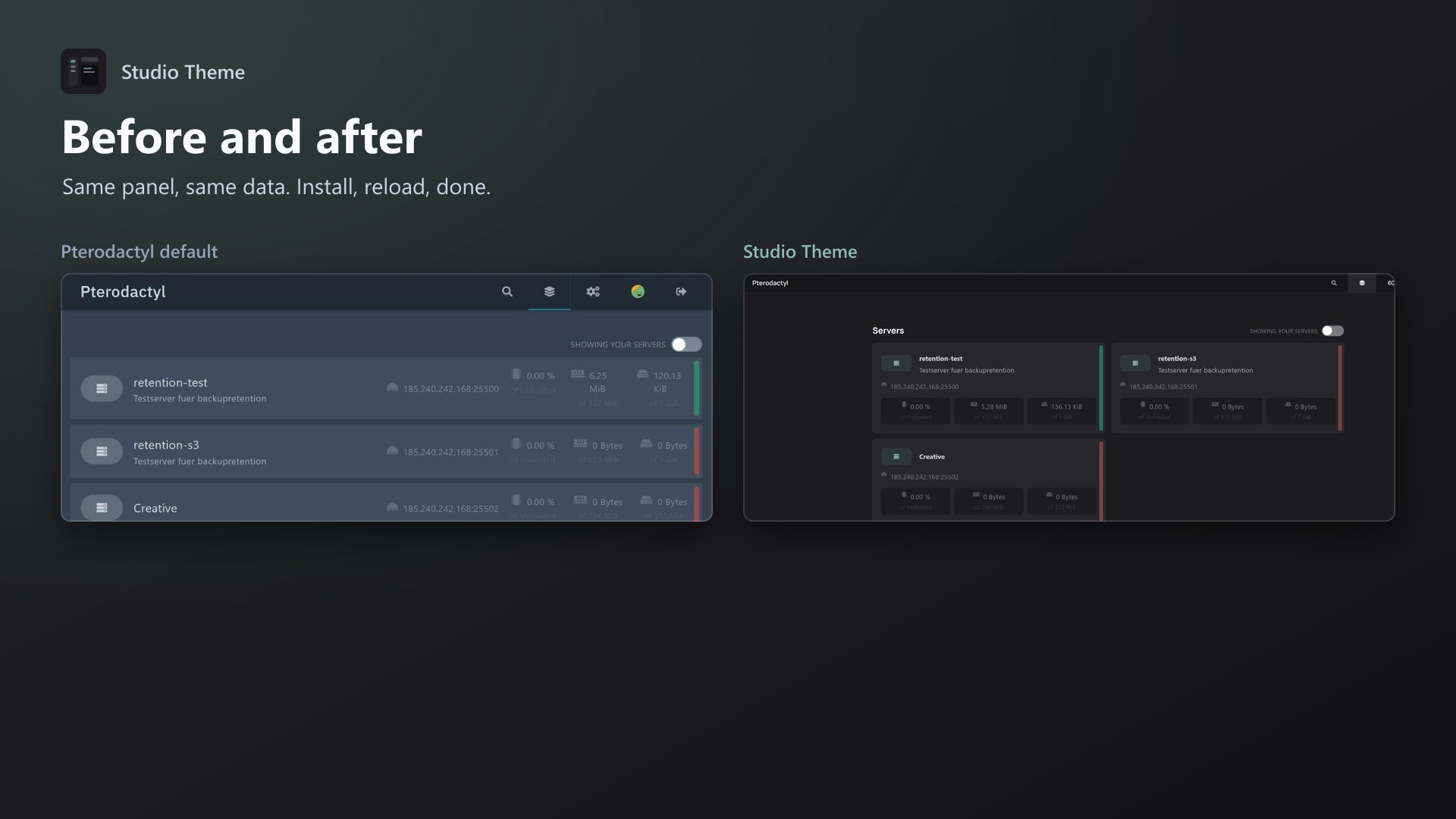
- Server menu on the left: the tabs (Console, Files, Databases, Backups …) become a labelled sidebar. Long tab lists from other extensions no longer get cut off
- Stats strip above a full-width console: address, uptime, CPU, memory, disk and network in one compact row
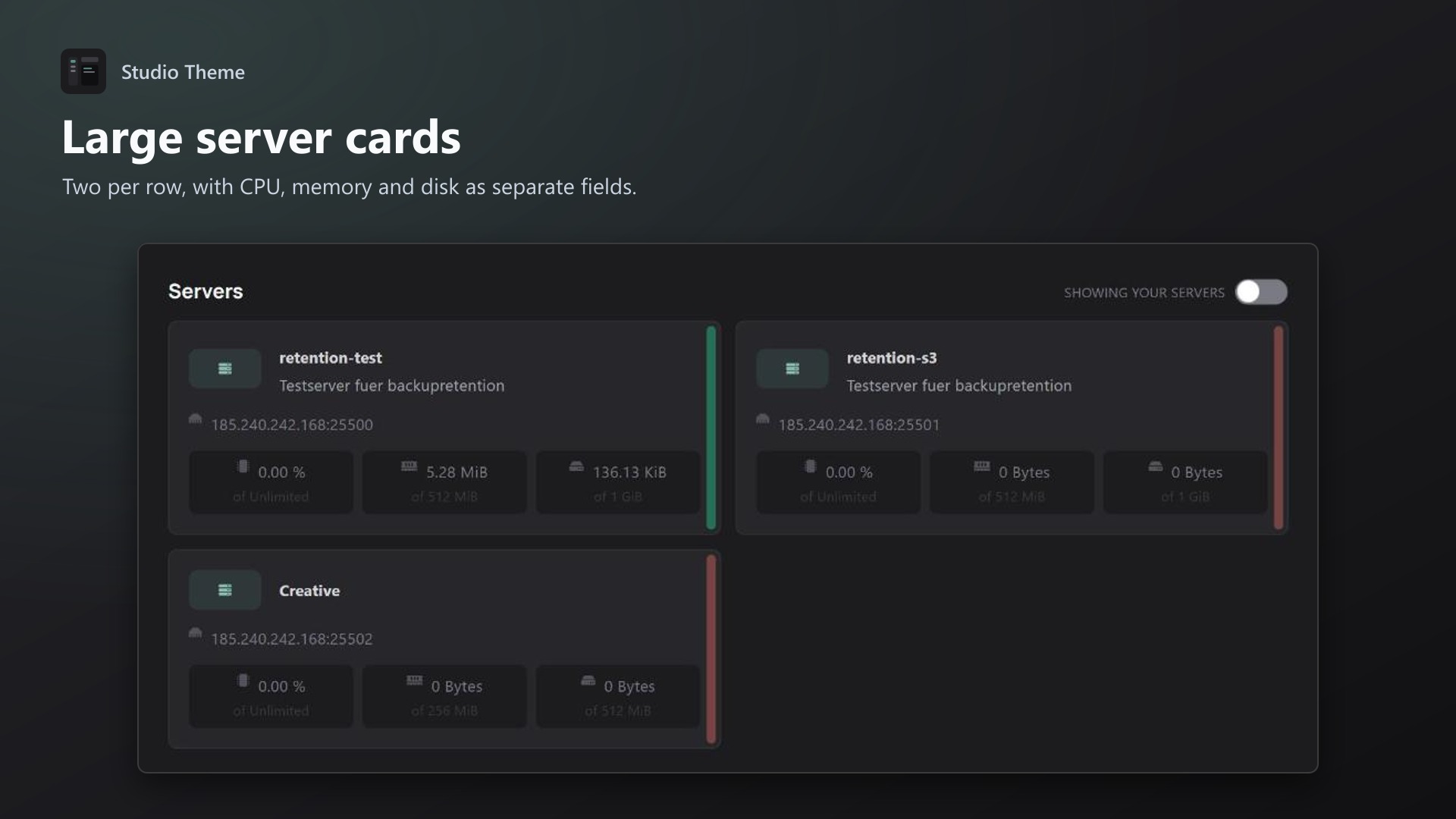
- Large server cards on the dashboard, two per row
- Muted colours, no neon: warm graphite, cool slate or midnight
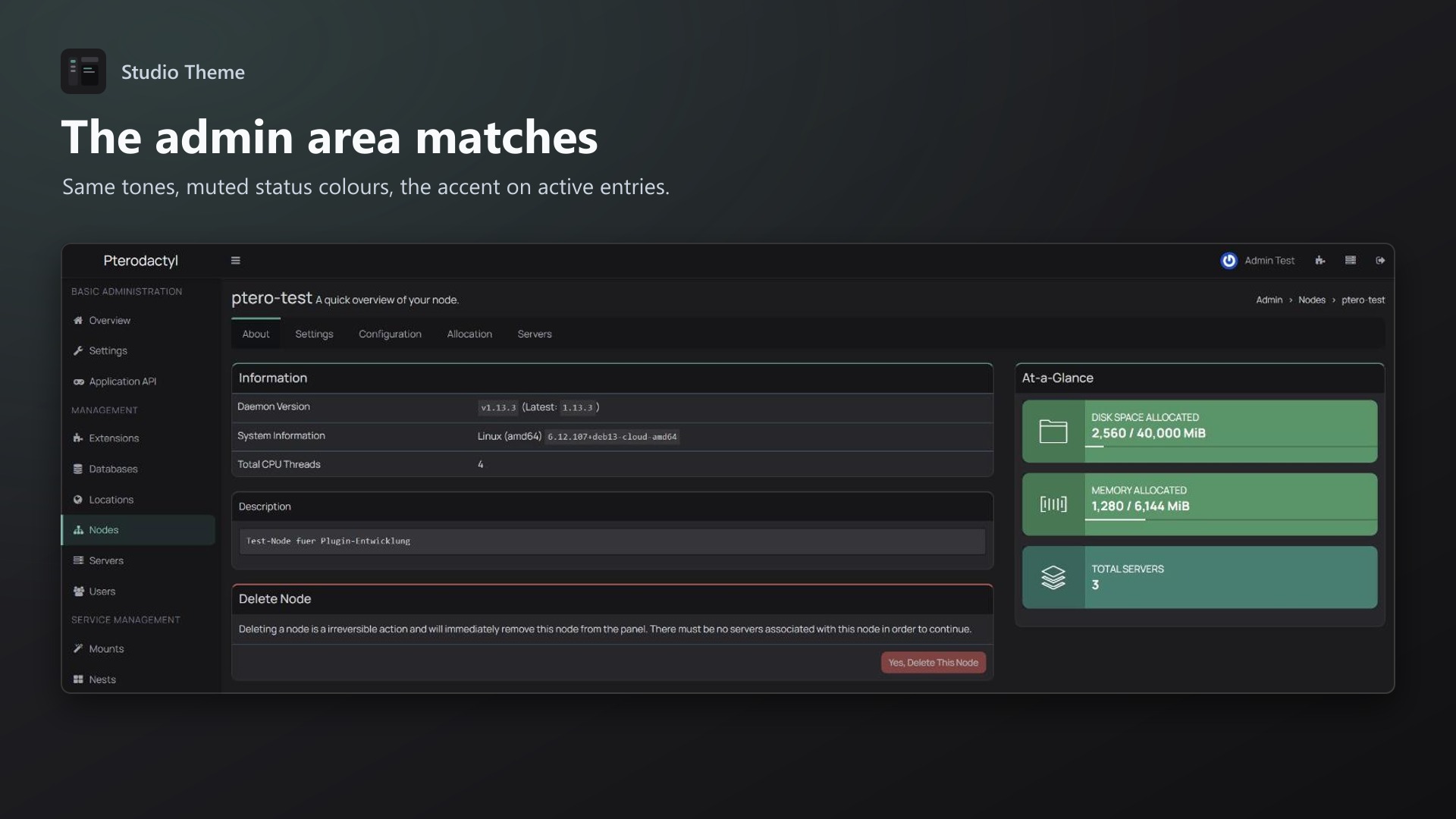
- Admin area in the same tones
- Works on phones
Settings
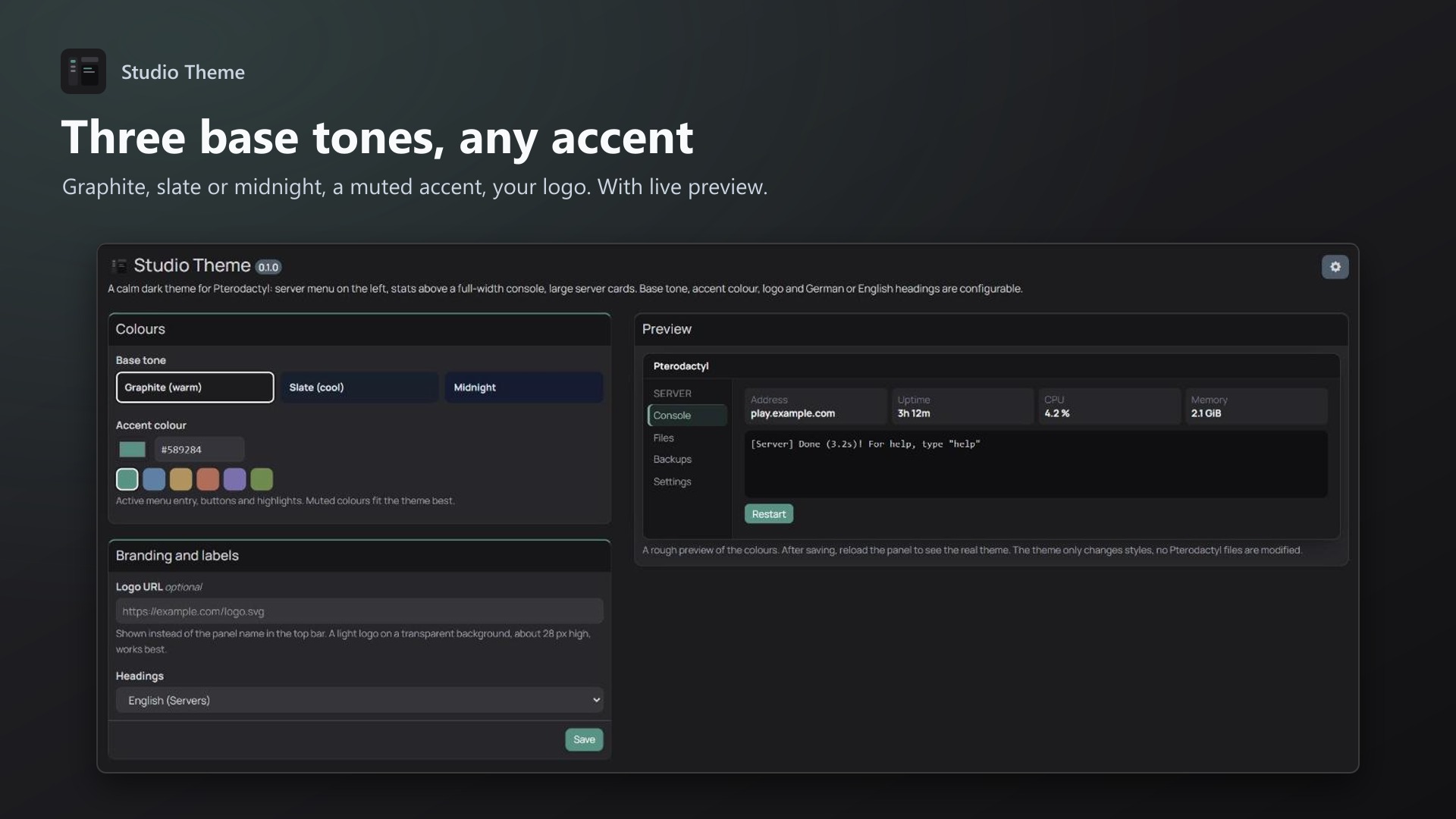
- Base tone: Graphite, Slate or Midnight
- Accent colour: 6 muted presets or any colour, lighter and darker steps are calculated
- Your logo instead of the panel name
- Headings in English or German
- Live preview on the settings page
Good to know
- No Pterodactyl files are modified, removing the extension restores the original look
- The font is bundled, no requests to Google Fonts (GDPR friendly)
- Only use one theme extension at a time
Documentation
A calm dark theme for the Pterodactyl panel with a new layout for server pages. It is a Blueprint extension.
What changes
- Server menu on the left: on server pages the tabs (Console, Files, Databases, Backups …) become a labelled menu in a sidebar. Long tab lists from other extensions no longer get cut off.
- Stats strip above a full-width console: address, uptime, CPU, memory, disk and network sit in one compact row. The console uses the whole width.
- Large server cards on the dashboard, two per row, with CPU, memory and disk as separate fields.
- Muted colours: warm graphite, slate or midnight as base tone, with a soft accent colour. No neon.
- Admin area in the same tones, with the accent on active entries and buttons.
- The Manrope font is bundled, so no requests go to Google Fonts (GDPR friendly).
- Works on phones: below 900 px the server tabs stay at the top as usual.
Settings
Admin > Extensions > Studio Theme
| Setting | Default | |
|---|---|---|
| Base tone | Graphite (warm) | Graphite, Slate (cool) or Midnight |
| Accent colour | Sage #589284 | 6 muted presets or any colour; lighter and darker steps are calculated |
| Logo URL | none | Shown instead of the panel name in the top bar |
| Headings | English | English or German |
The settings page has a live preview. After saving, reload the panel to see the result.
Requirements
- Pterodactyl Panel 1.15.x (tested on 1.15.1)
- Blueprint beta-2026-08 or newer
Installation
Upload studiotheme.blueprint to your panel directory (normally /var/www/pterodactyl) and run:
cd /var/www/pterodactyl
blueprint -install studiotheme
Then reload the panel with Ctrl + F5 (Cmd + Shift + R on macOS) so the browser loads the new styles.
Only use one theme at a time. If another theme extension is installed, remove it first with blueprint -remove <identifier>.
How it works
Pterodactyl has no colour variables a theme could change. Its colours are compiled into the panel's CSS. The extension ships a small script (engine.js) that does the following:
- It runs before the panel starts.
- It rewrites Pterodactyl's colour palette to CSS variables in every stylesheet, including the styles React adds while you navigate.
- The theme then sets those variables and adds its own layout rules.
No Pterodactyl files are modified. Removing the extension restores the original look.
Uninstall
blueprint -remove studiothemeSupport
Questions and bug reports through the support link on the product page. A screenshot of the page that looks wrong helps a lot.
Credits
Manrope by Mikhail Sharanda, licensed under the SIL Open Font License 1.1 (public/fonts/OFL.txt).
Changelog
0.2.4 (2026-10-11)
- The update notice also works in the package from the licence site and the marketplaces; in the previous version it stayed hidden there.
0.2.3 (2026-10-11)
- Updating from 0.2.1 or older removes the old stylesheet as well. Blueprint kept it when 0.2.2 was installed over an older version, so the styles stayed active without a licence.
- Update notice: when a newer version is out, Admin > Extensions and the licence box on the admin page show it, with what is new. With the optional update helper (set up once as root), the update runs with one click after a backup of the panel files and the database.
0.2.2 (2026-10-10)
- The theme's styles are only loaded with an active licence. Before, the base styles were loaded in any case and could change other extensions' pages (for example inputs) even when the theme wasn't licensed.
0.2.1 (2026-10-10)
- The licence box on the admin page explains that one purchase covers one panel (one domain and server; subdomains count as separate panels)
0.2.0 (2026-10-10)
- Licence check: the extension now needs a licence key, free with the purchase on sourceXchange. Get it on texus-addons.de, or download the extension there with the key built in.
- Licence box on the admin page
- The PHP code of the extension is obfuscated
Licence and download
One purchase = one licence = one panel. The licence is bound to one panel domain and the server it runs on. Subdomains count separately. You can move the licence at any time in your account.
After buying on sourceXchange or BuiltByBit, sign in here with your email address (BuiltByBit: redeem your activation code). You download the extension with the licence key built in, and every new version from your account.
Questions before buying? Ask on our Discord support server or at support@texus-addons.de.
Related
Panel Designer
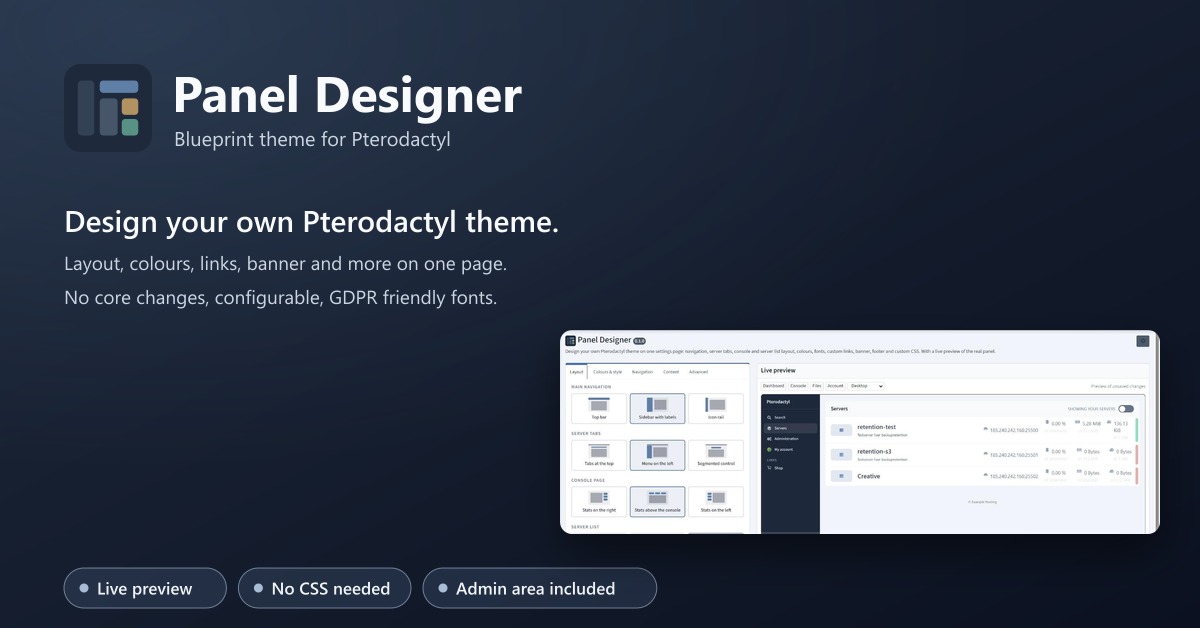
Design your own Pterodactyl theme on one settings page: layout, colours, fonts, links, banner, footer. With a live preview.
Business Theme
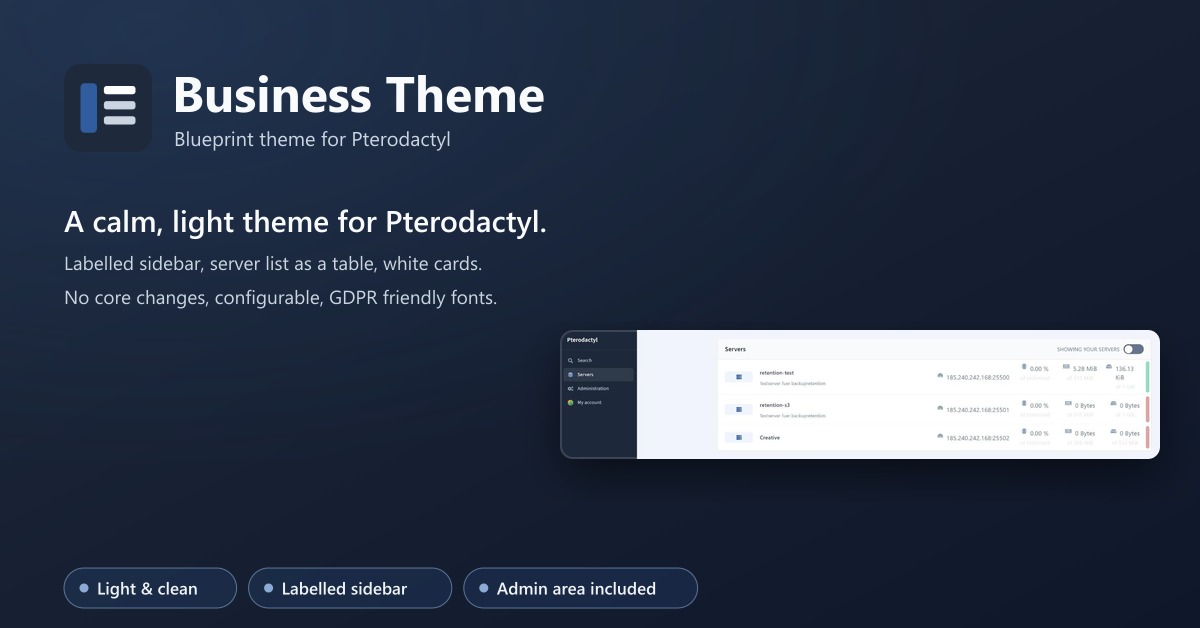
A calm, light theme for Pterodactyl: labelled sidebar, server list as a table, matching admin area. No core changes.