 texus Addons und Themes
Rust Toolkit
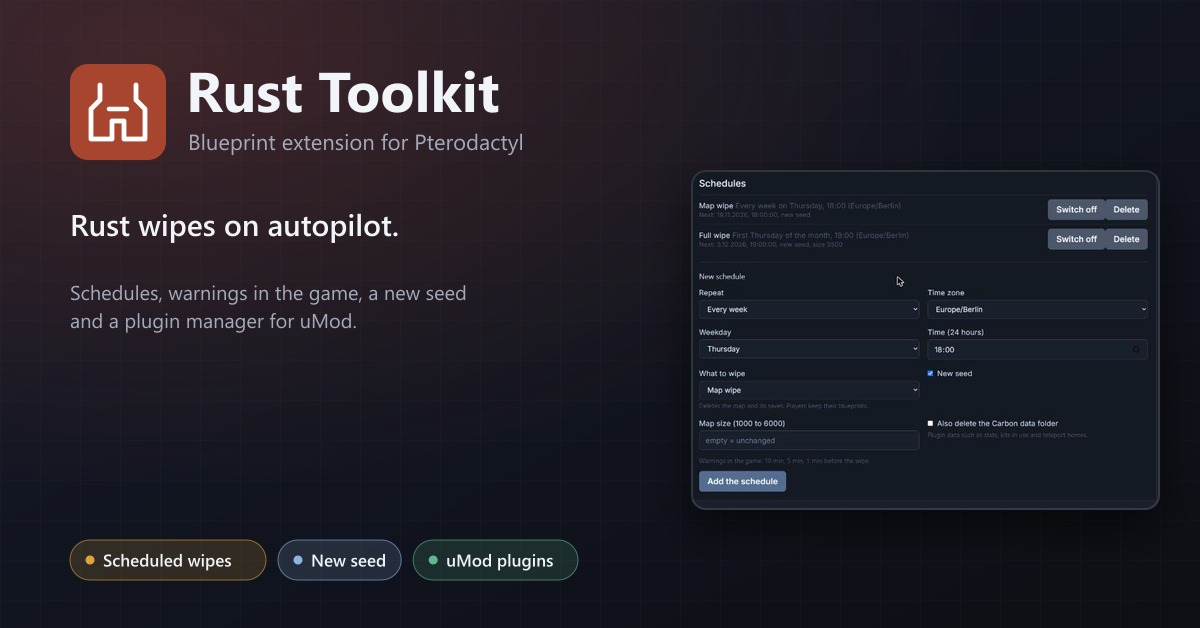
Wipes for Rust servers on a schedule or at a click, with warnings in the game, a new seed and a backup first, plus a uMod plugin manager for Oxide and Carbon.
24,99 €
- Version 0.1.2, updated 14 November 2026
- For Pterodactyl Panel 1.15.x with Blueprint
- No core files modified, installs and removes with Blueprint
- One licence for one panel, new versions included
Screenshots
Features
A Rust wipe means: warn the players, stop the server, delete the right files, set a new seed and start again, every week or on the first Thursday of the month. Done by hand that is a ticket or a late night. Rust Toolkit adds a Wipe tab and a Plugins tab to the server page.
Wipe
- Wipe now: map, blueprint or full wipe, a new seed (random or typed), a map size, and with Oxide or Carbon the plugin data too; the customer types the server's name to confirm
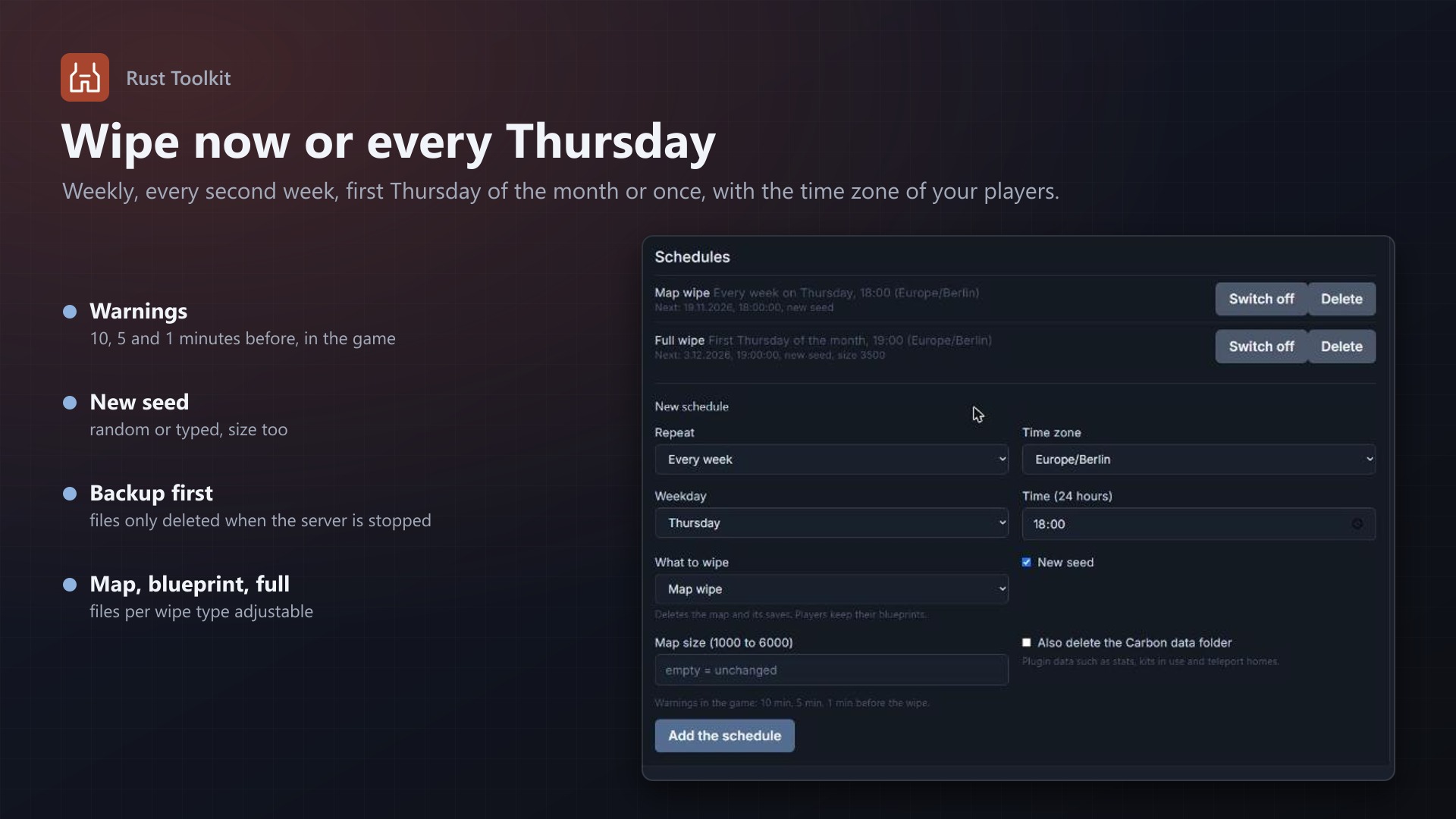
- Schedules: every week, every second week, first Thursday of the month, or once; day, time and time zone, summer time followed; several schedules per server
- Warnings in the game: minutes before a scheduled wipe (you choose the times and the text)
- The steps: backup, warnings, stop, delete the wipe files, set the seed and size in the egg's variables, start; progress and history shown
- What is deleted per wipe type follows the Pterodactyl Rust egg and can be changed
Plugins
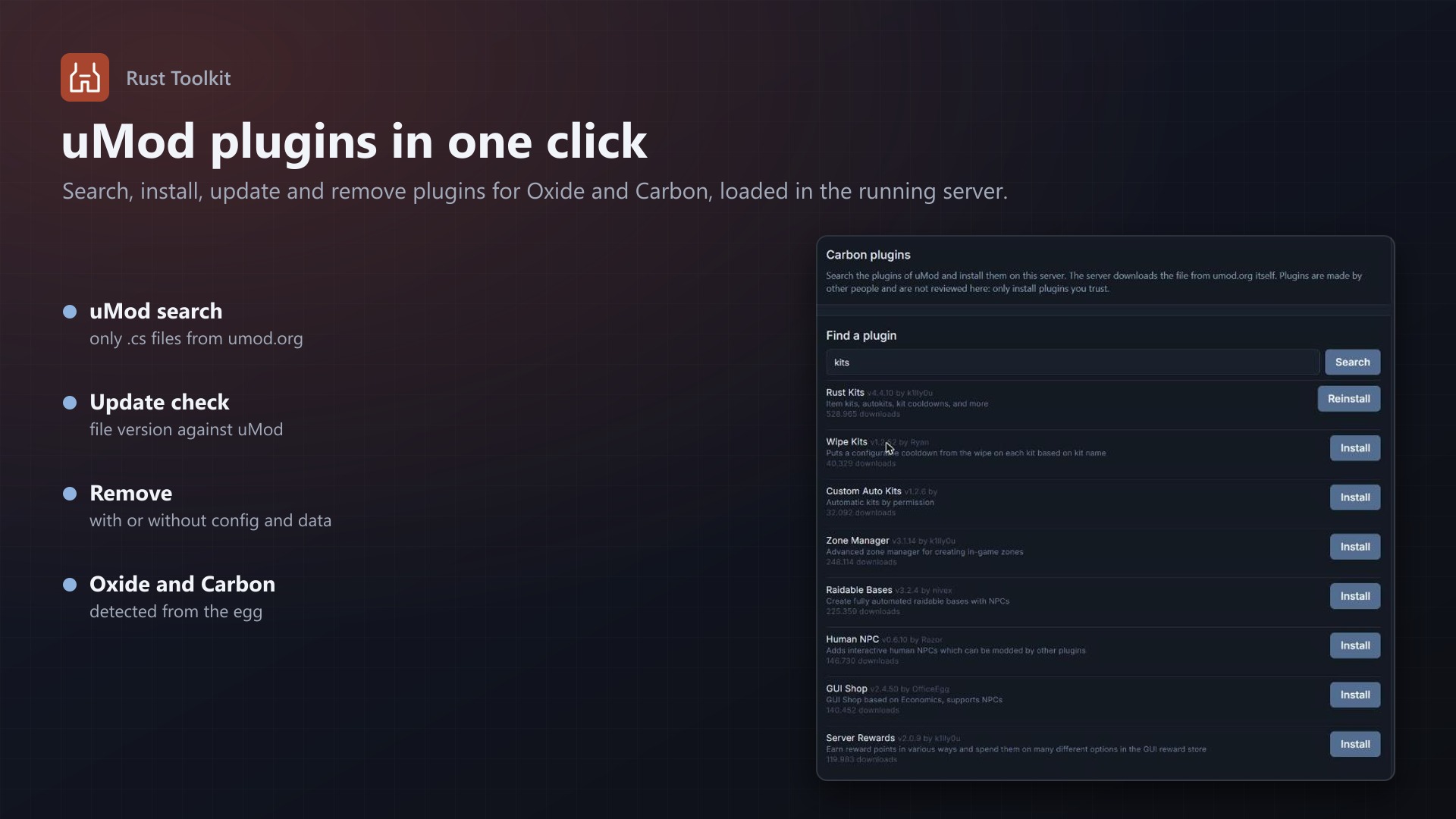
- Search uMod, install with one click (the server downloads the file itself), update, remove with or without the plugin's data
- Check for updates: the version in the plugin file against uMod's latest
- Oxide and Carbon, detected from the egg's framework variable; plugins are loaded or unloaded in the running server
- Only
.csfiles from umod.org, only on a click, answers kept for a while
What you control
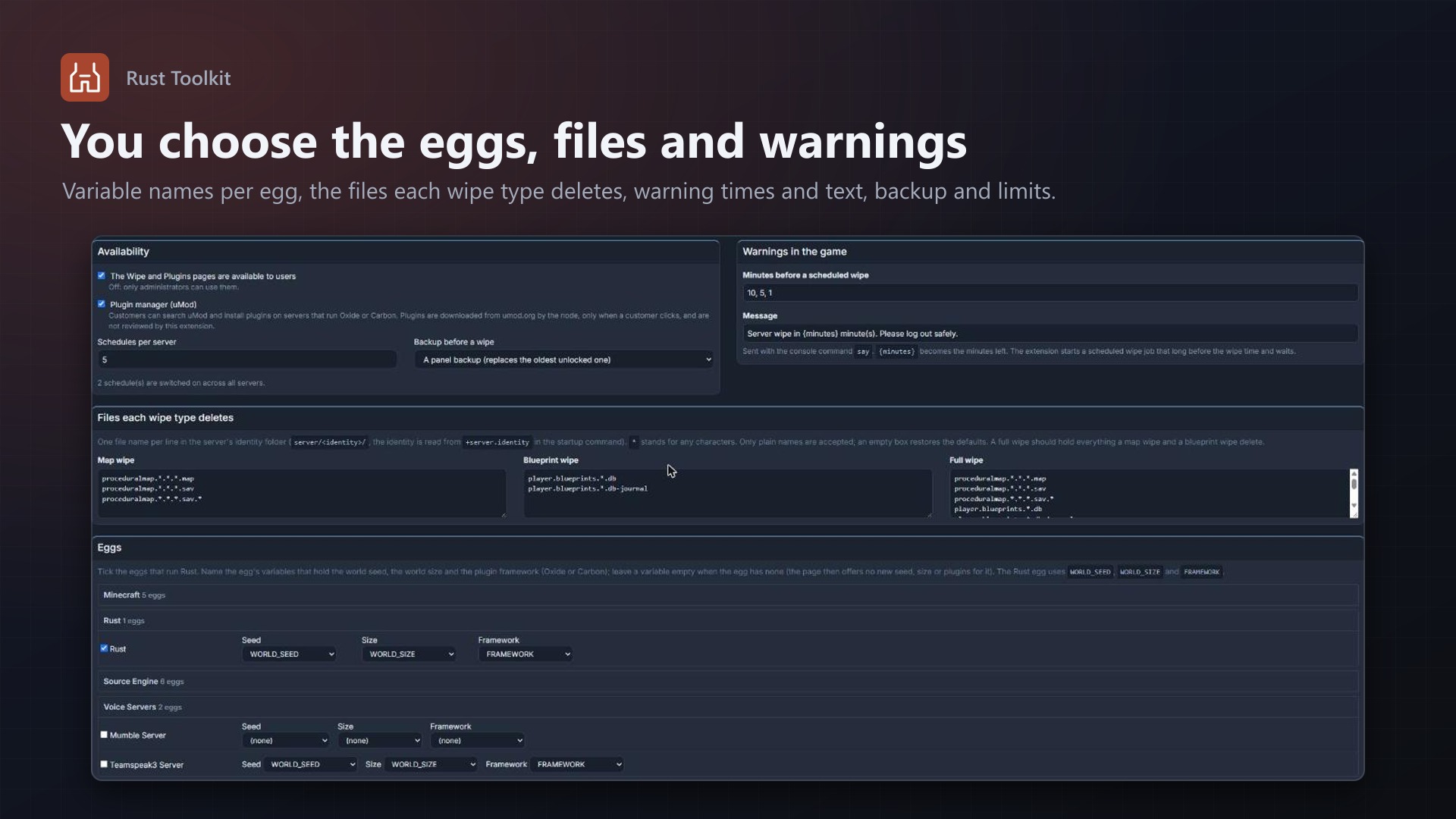
- Which eggs run Rust and the names of their seed, size and framework variables (suggested for you)
- The files each wipe type deletes, warning times and text, a backup before a wipe, schedules per server, plugin manager on or off
- A list of the latest wipes with state and errors
Safe by design
- A wipe needs the owner, an administrator, or a subuser who may delete files, stop and start the server
- Files are only deleted from a server the node reports as stopped, and behind a successful backup when the backup is on
- A wipe that finds no files fails and starts the server again; the server can not be started by hand while a wipe changes it
- One wipe at a time; a run missed by more than an hour is skipped, not run late
- Everything is written to the server's activity log; no core files are modified
Documentation
A Blueprint extension for Rust servers on Pterodactyl: wipes on a schedule or at the click of a button, with warnings in the game, a new seed and a backup first, plus a plugin manager for uMod (Oxide and Carbon).
A Rust wipe means: warn the players, stop the server, delete the right files, set a new seed, start again, every week or on the first Thursday of the month. Done by hand that is a ticket or a late night; done with the egg's own script it is all or nothing. The Rust Toolkit adds a Wipe and a Plugins tab to the server menu.
Wipe
- Wipe now: choose map, blueprint or full wipe, a new seed (random or typed), a map size and, with Oxide or Carbon, whether the plugin data is deleted too. The customer types the server's name to confirm.
- Schedules: every week, every second week, on the first Thursday of the month, or once; day, time and time zone (summer time is followed). A server can have several (for example a map wipe every week and a full wipe on the first Thursday).
- Warnings in the game: 10, 5 and 1 minutes before a scheduled wipe (you set the times and the text), sent with
say. - The steps: backup (optional) > warnings > stop > delete the wipe files > set seed and size in the egg's variables > start. The progress is shown; the server starts again by itself.
- What is deleted depends on the wipe type: the defaults follow the Pterodactyl Rust egg (
proceduralmap.#.#.#.mapand.sav,.navmesh,_occlusion_#.dat,_oceanpatrol_#.dat,player.blueprints.#.db,player.deaths|identities|states.#.db,player.tokens.db;#stands for digits only); you can change the lists.
Plugins
- Search the plugins of uMod, install with one click (the server downloads the file from umod.org), update, remove with or without the plugin's config and data. On a running server the plugin is loaded or unloaded when the user may use the console.
- Check for updates: the version in the plugin file is compared with uMod's latest.
- Works with Oxide (
oxide/plugins) and Carbon (carbon/plugins), detected from the egg's framework variable. A vanilla server gets a hint to set the framework. - uMod is asked only when a customer clicks, answers are kept for a while, and only
.csfiles fromumod.orgare installed. Plugins are made by other people: the extension does not review them.
What admins control
Under Admin > Extensions > Rust Toolkit:
- Which eggs run Rust and the names of their variables for the seed, the size and the framework (the Pterodactyl Rust egg uses
WORLD_SEED,WORLD_SIZEandFRAMEWORK; they are suggested for you). - The files each wipe type deletes, the warning times and text, a backup before a wipe (replacing the oldest unlocked one) or none, the number of schedules per server, and the plugin manager on or off.
- A list of the latest wipes with their state and any error.
Safety
- A wipe deletes files for good. It needs the owner, an administrator, or a subuser with the permissions to delete files, stop and start the server (and to change the startup variables for a new seed, and to make backups when the backup is on).
- Files are only deleted from a server the node reports as stopped, checked again right before deleting, and only behind a complete, successful backup when the backup is on. A wipe that finds no files fails and starts the server again.
- While a wipe stops, deletes, sets the map or starts the server, the panel refuses to start or restart it by hand.
- One wipe at a time per server; a run that was missed by more than an hour (panel down) is skipped, not run late.
- Every wipe, schedule and plugin action is written to the server's activity log. No core files are modified.
Requirements
Pterodactyl 1.x with Blueprint (beta-2026-08 or newer), a Rust egg with variables for the seed, the size and the framework (the standard egg has them), working backups if you want them, and the panel's scheduler running (the steps run in the background). For the plugin manager the node must be allowed to download files (Wings setting api.disable_remote_download off). One licence covers one panel.
Install
blueprint -install texusrustThen open Admin > Extensions > Rust Toolkit, enter your licence key, tick your Rust eggs, check the variable names and save.
Good to know
- The file lists are plain names with
#(digits) and*(any characters except dots); a wrong identity (+server.identityin the startup command) means the folder is not found and the wipe stops before deleting. - The first Thursday of the month is offered because Rust's monthly update comes on that day; the extension does not know when a forced wipe is due, you set the time.
- Carbon can not load every uMod plugin; a plugin that does not load is reported by the game's console, not by this page.
- Pelican is not supported yet.
Customer guide (for the people who use the extension on your servers; it is also in the download): English · Deutsch
Changelog
0.1.2 (2026-11-19)
- The download now contains the customer guide (CUSTOMER-GUIDE.md in English, CUSTOMER-GUIDE.de.md in German): a short how-to for the people who use the extension on your servers, ready to hand out or copy from. The extension itself is unchanged.
0.1.1
- Map and full wipes now also delete the files Rust keeps next to a map (
.navmesh,_occlusion_*.dat,_oceanpatrol_*.dat). They were found on a real Rust server (official egg) and are rebuilt with the new map. Panels that saved their own file patterns keep them: add the three lines in Admin > Rust Toolkit if you want them gone too. - File patterns are stricter: a
*no longer crosses a dot and the default patterns use#(digits only), soproceduralmap.#.#.#.maptakesproceduralmap.1000.1.290.mapbut notproceduralmap.1.2.3.backup.maporproceduralmap.backup.1.290.map; and the wipe only looks at plain files, never at folders or links called like a wipe file. If you saved your own file patterns in Admin > Rust Toolkit, please check them: a*in them now stops at a dot (use#for a number), and the wipe no longer touches folders or links.
0.1.0
- First release: a Wipe tab (map, blueprint and full wipes now or on a schedule: weekly, every second week, first Thursday of the month, once; warnings in the game, backup first, new seed and map size, plugin data, progress and history) and a Plugins tab (uMod search, install, update check, remove for Oxide and Carbon). Admin settings for eggs and variables, the files of each wipe type, warnings and backup. Starting the server is refused while a wipe changes it.
Licence and download
One purchase = one licence = one panel. The licence is bound to one panel domain and the server it runs on. Subdomains count separately. You can move the licence at any time in your account.
After buying on sourceXchange, sign in here with your email address (bought earlier on BuiltByBit? Redeem your activation code). You download the extension with the licence key built in, and every new version from your account.
Questions before buying? Ask on our Discord support server or at support@texus-addons.de.
Related
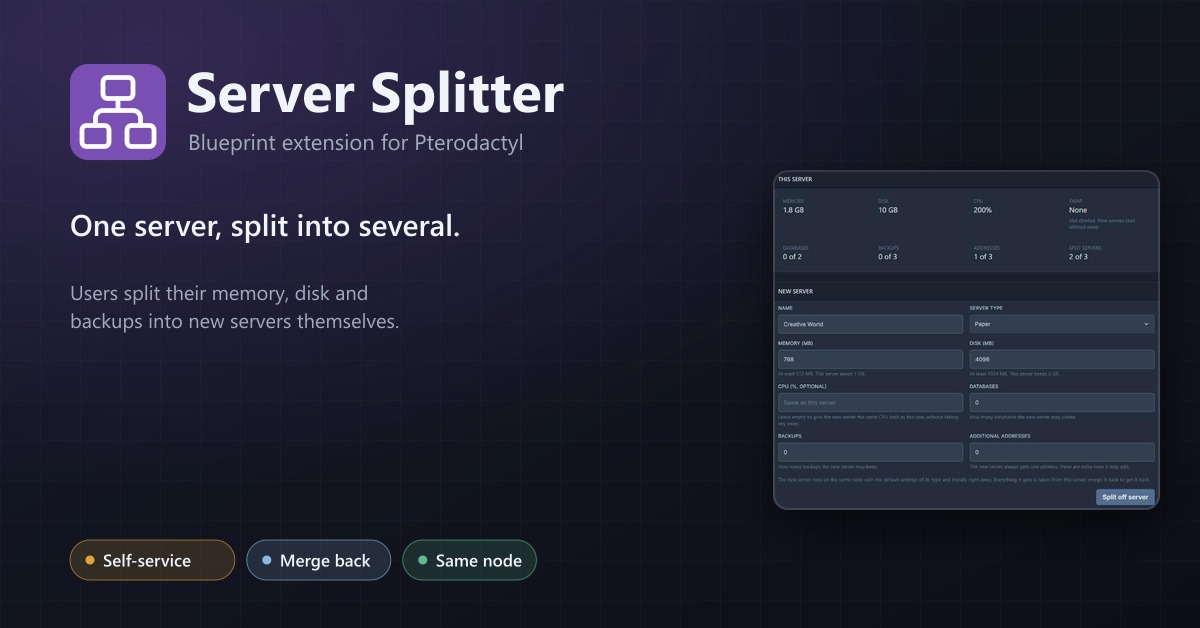
Server Splitter
Users split the resources of their server into several servers and merge them back, without a ticket.
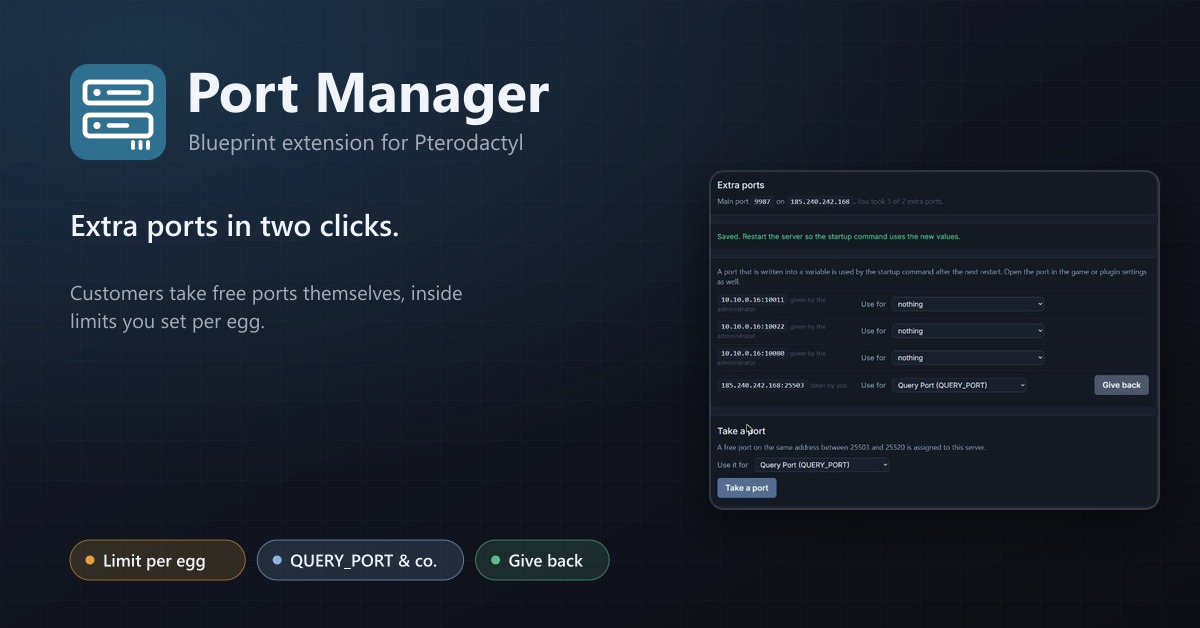
Port Manager
Let customers take extra ports for their server themselves, within limits per egg, and write them into variables like QUERY_PORT.
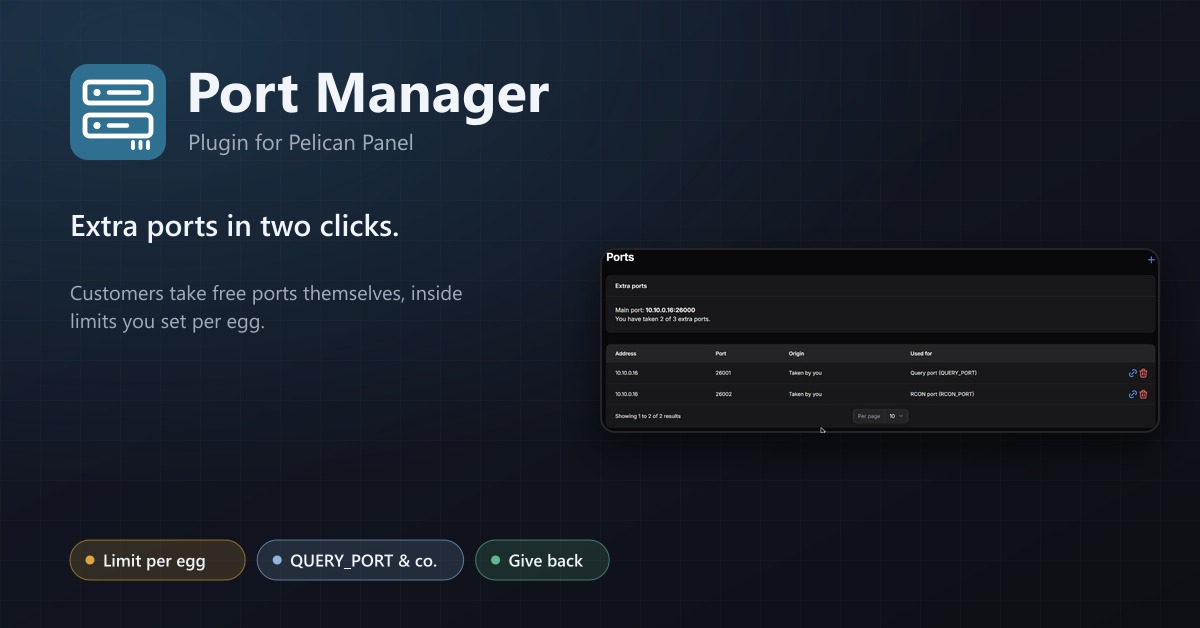
Port Manager for Pelican
Let customers of your Pelican panel take extra ports for their server themselves, within limits per egg, and write them into variables like QUERY_PORT.