 texus Addons und Themes
Port Manager for Pelican
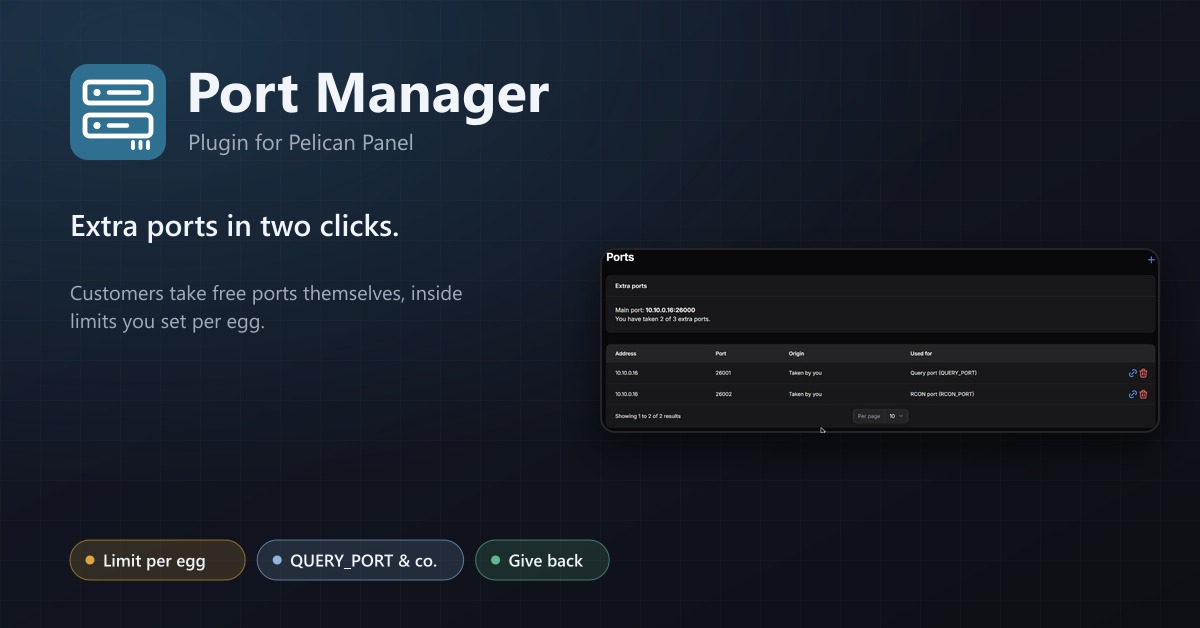
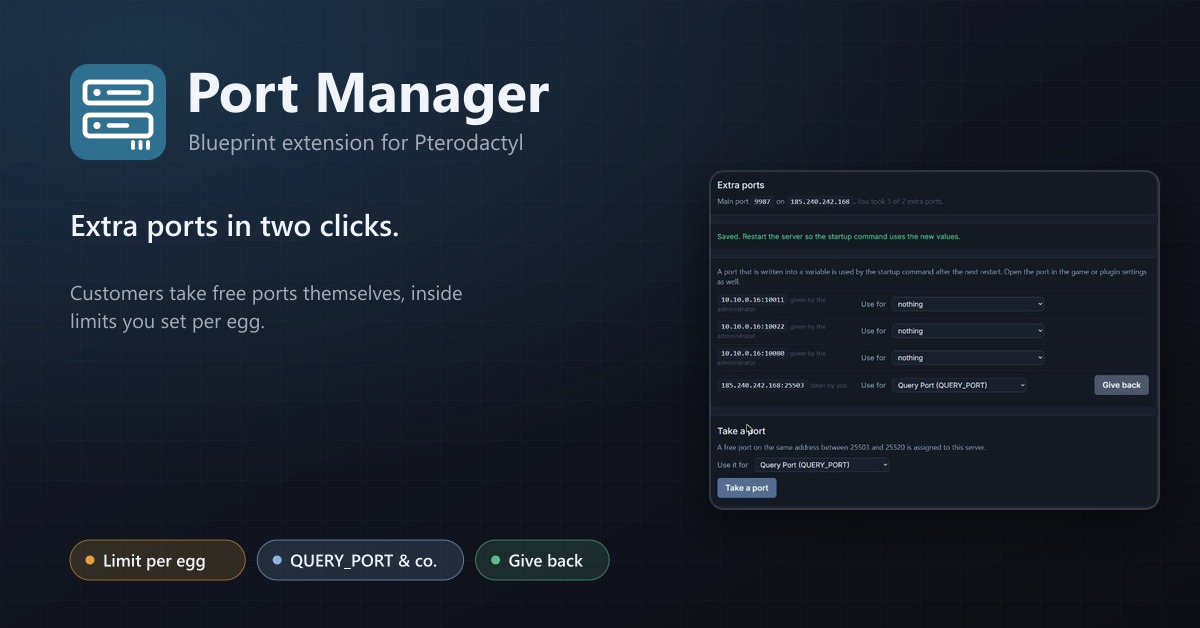
Let customers of your Pelican panel take extra ports for their server themselves, within limits per egg, and write them into variables like QUERY_PORT.
6,99 €
- Version 0.1.0, updated 14 November 2026
- For Pelican Panel 1.0 and newer (plugin system)
- No core files modified, installs and removes with the panel's plugin manager
- One licence for one panel, new versions included
Screenshots
Features
Game servers often need more than one port: a query port, an RCON port, a file transfer port, a second game port. Without help from you a customer has to open a ticket, and you have to find a free allocation, assign it and edit the startup variable. Port Manager adds a Ports page to every server that does it in two clicks, inside limits you set.
What customers can do
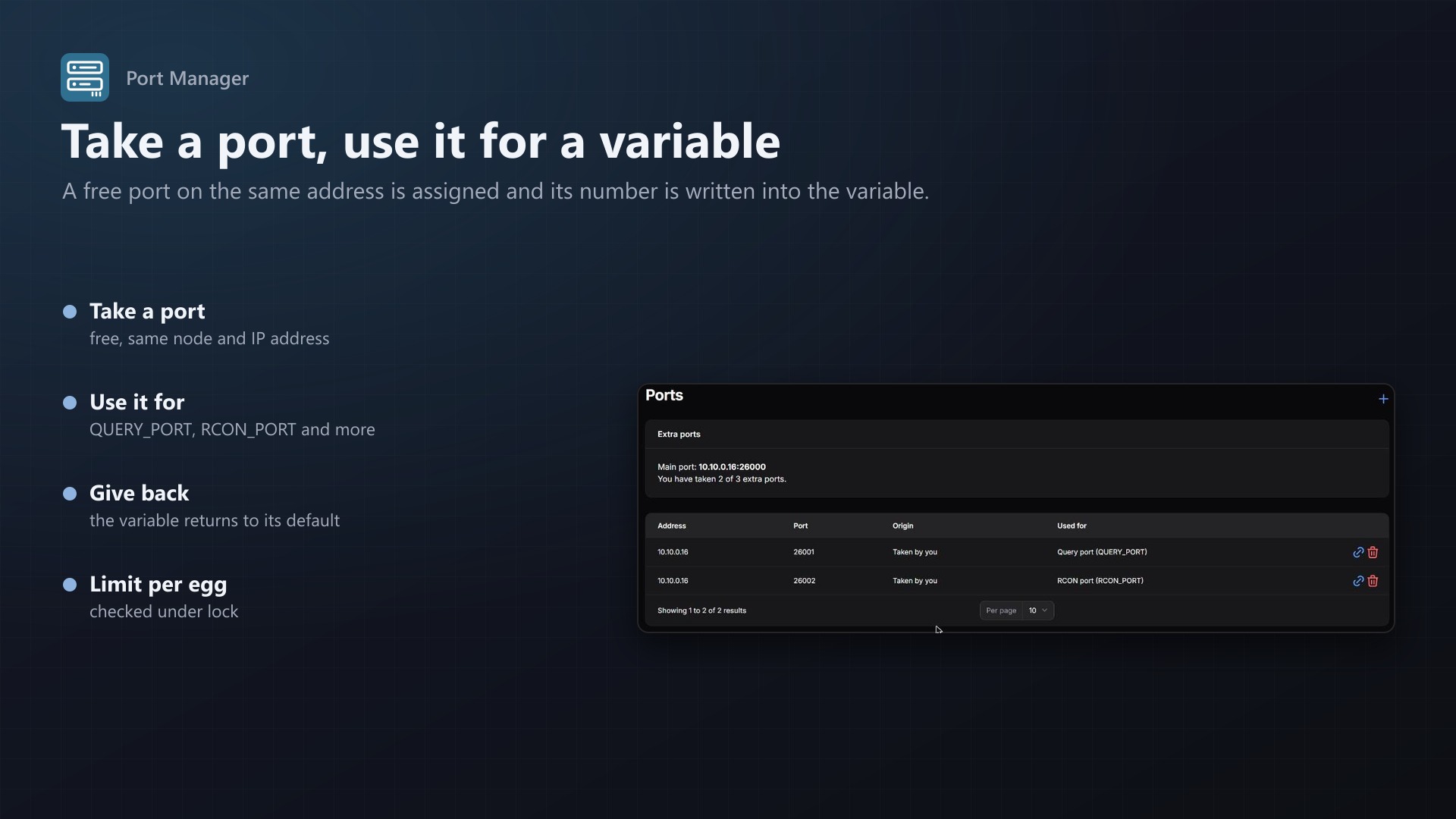
- See the main port and every extra port of their server
- Take a port: a free allocation on the same node and IP address as the main port is assigned to the server, up to the number you allow for that egg
- Use it for a variable such as
QUERY_PORTorRCON_PORT: the port number is written into the variable and used by the startup command after the next restart - Give back a port they took: it returns to the pool and the variable returns to the egg's default
- Ports you assigned yourself can hold a variable too, but are not given back by the customer
What you control
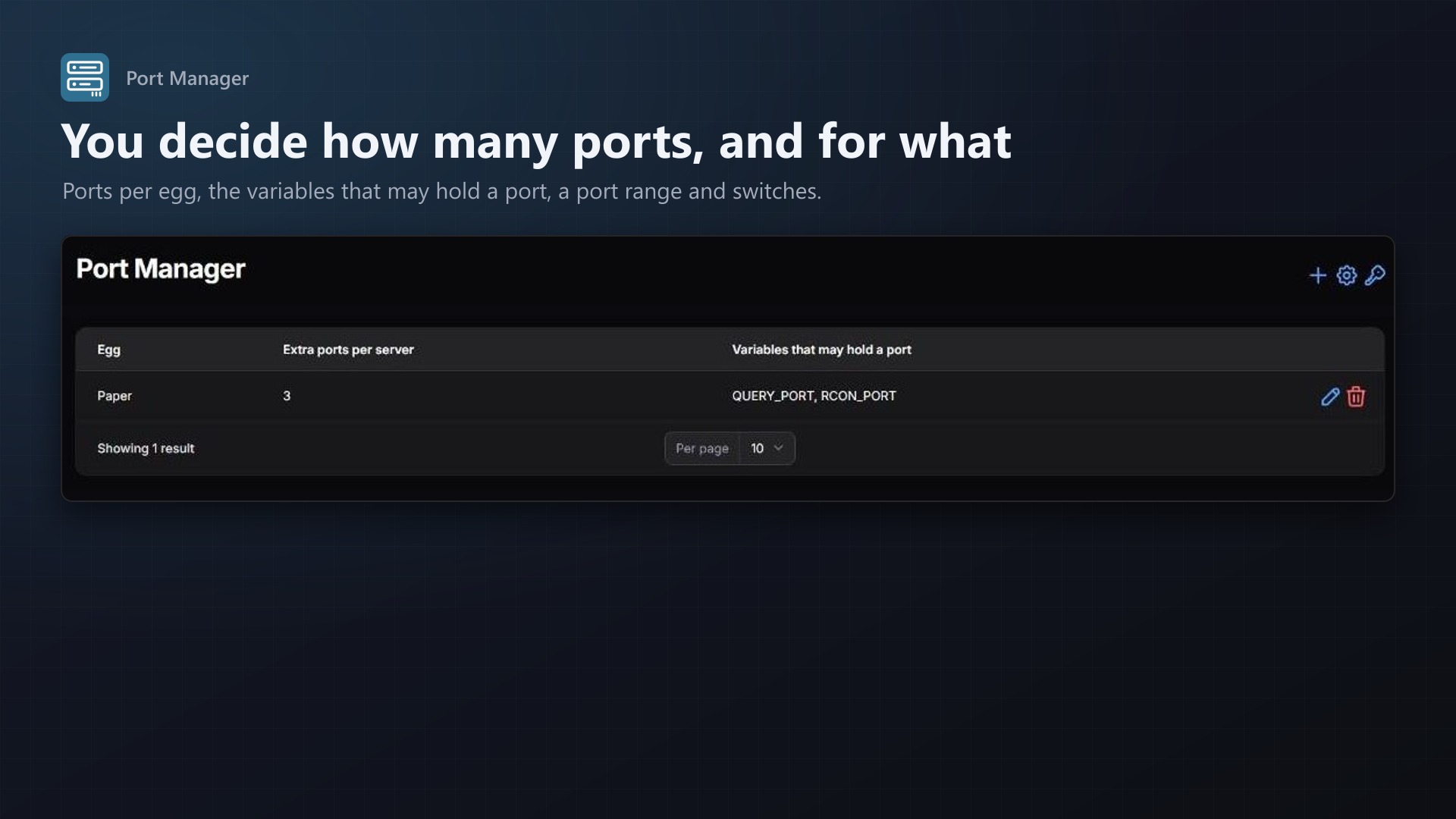
- Per egg: how many extra ports a server may take (0 = not offered) and which variables may receive a port number
- Port range: only unassigned allocations inside the range are handed out
- Switches to turn the page off, forbid taking ports or forbid giving them back
Tested with
- Pelican Panel 1.0.0-rc.1. The plugin uses the panel's plugin system and pages; it is checked again when Pelican releases newer versions.
Safe by design
- Every action checks the user's permissions on the server again: allocation read, create and delete, startup update
- Two quick clicks cannot go over the limit; changes to a server's ports are serialised
- A port is only written into a variable you allowed for that egg, and only when the variable's own rules (for example
between:1025,65535) accept the number - A variable holds one port; assigning it to another port moves it
- Suspended servers and servers that are installing or being transferred can not be changed by users
- Everything is written to the server's activity log; no core files are modified, the plugin installs and uninstalls with the panel's own plugin manager
Documentation
Plugin for the Pelican panel (1.0.0-rc.1 and newer). Gives every server a Ports page: the extra ports of the server, which egg variable (for example QUERY_PORT) each one is used for, taking a free port from the node and giving it back.
Install
- Copy this folder to
plugins/texusportsin the panel directory (or import the zip in Admin > Plugins). php artisan p:plugin:install texusports- Admin > Advanced > Port Manager: enter the licence key (one key = one panel domain), add the eggs whose servers may take extra ports and pick the variables that may hold a port.
What users see
- Server > Ports lists the extra ports (address, port, taken by the user or given by the administrator, variable).
- Take a port assigns the next free allocation on the server's IP; optionally writes it into a variable.
- Use for moves a port to another variable (a variable holds one port only). Give back frees a port the user took.
- After a change the server must be restarted so the startup command uses the new value.
Rights
Owners and administrators can do everything. Subusers need allocation.read to see the page, allocation.create to take, allocation.delete to give back and startup.update to use a port for a variable. Suspended or busy servers are closed to everybody but administrators.
Settings (Admin > Port Manager)
- Users can open the page, take ports, give ports back (three switches).
- Lowest/highest port to hand out (0 = any free port on the server's IP).
- Per egg: extra ports per server (max 50) and the variables that may hold a port. The egg's own variable rules decide whether a port number is accepted.
Notes
- Changes to a server's ports run behind a lock on the server row, so quick double clicks cannot exceed the limit.
- A port the administrator moves away from the server resets its variable to the egg default.
- Panel-wide
allocation_limitis not touched; the per-egg limit of this plugin applies.
Tests
php tests/rules.php checks the rules offline. The service and the pages were tested on a Pelican 1.0.0-rc.1 instance (service 24 checks, pages 11 checks).
Changelog
0.1.0
- First release for Pelican: Ports page for servers, Port Manager admin page, licence, per-egg rules.
Licence and download
One purchase = one licence = one panel. The licence is bound to one panel domain and the server it runs on. Subdomains count separately. You can move the licence at any time in your account.
After buying, sign in here with your email address. You download the extension with the licence key built in, and every new version from your account.
Questions before buying? Ask on our Discord support server or at support@texus-addons.de.
Related
Server Splitter
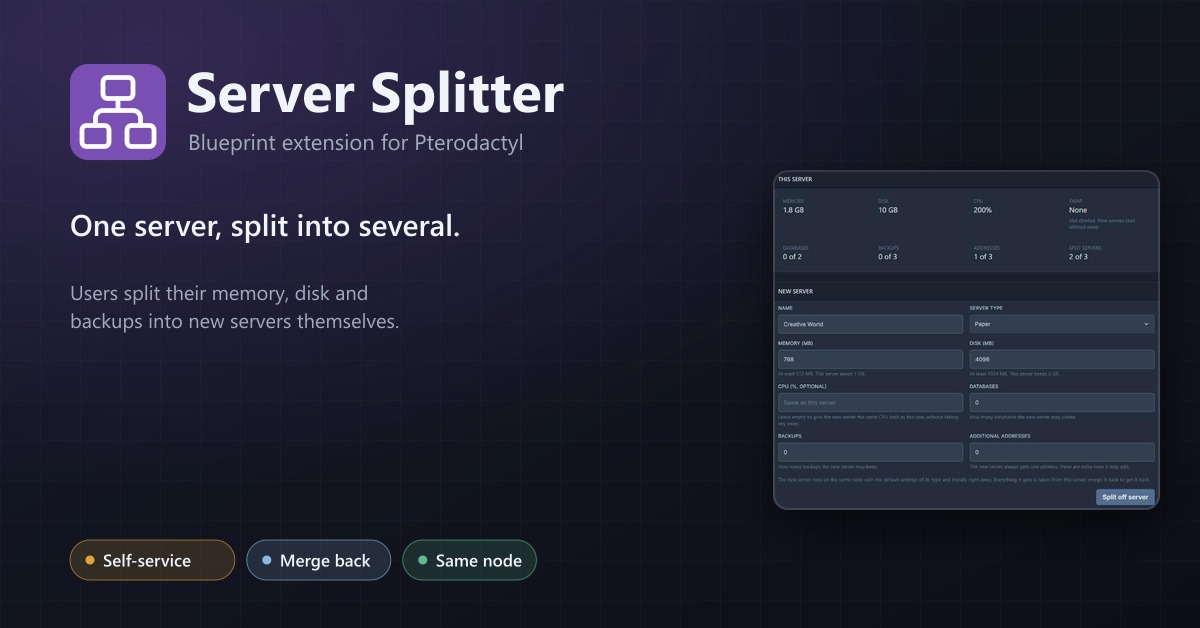
Users split the resources of their server into several servers and merge them back, without a ticket.
Port Manager
Let customers take extra ports for their server themselves, within limits per egg, and write them into variables like QUERY_PORT.
Game Switcher
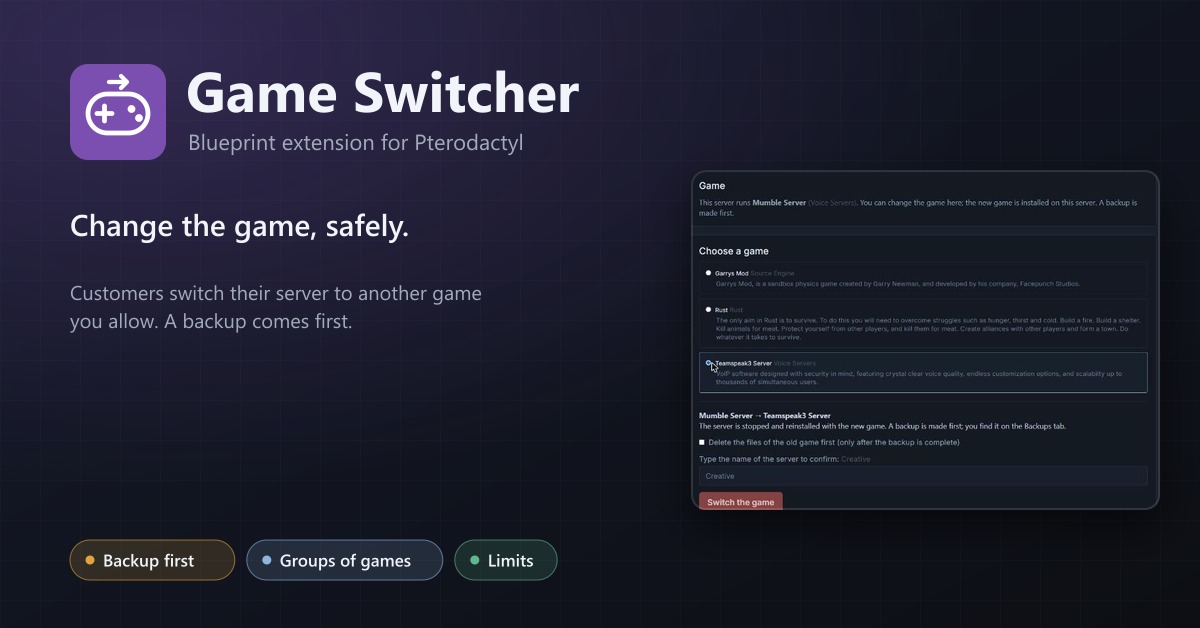
Let customers change the game of their server themselves: backup first, then the new game is installed. You choose which games can be exchanged.