 texus Addons und Themes
Pelican & Pterodactyl for Paymenter
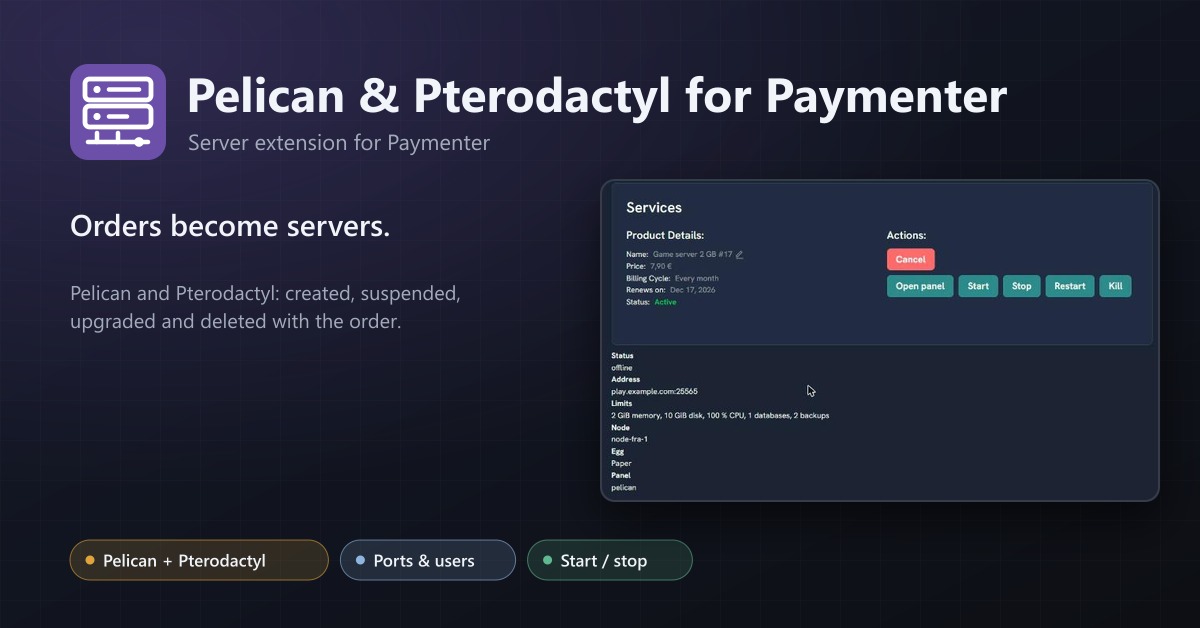
Sell Pelican and Pterodactyl game servers with Paymenter: servers are created, suspended, upgraded and deleted with the order, with ports, panel users and start/stop buttons for customers.
24,99 €
- Version 0.1.0, updated 17 November 2026
- For Paymenter 1.5 and newer with Pelican 1.0 or Pterodactyl 1.x, German and English
- No core files modified, installs by unzipping into Paymenter's extensions folder
- One licence for one Paymenter domain, new versions included
Screenshots
Features
Paymenter ships a Pterodactyl extension, but nothing for Pelican, and nothing that picks a node by free capacity, hands out ports or keeps a customer's panel account. Pelican & Pterodactyl for Paymenter is one server extension for both panels: the type of the panel is detected by itself, so you can move from Pterodactyl to Pelican without changing your products.
What it does
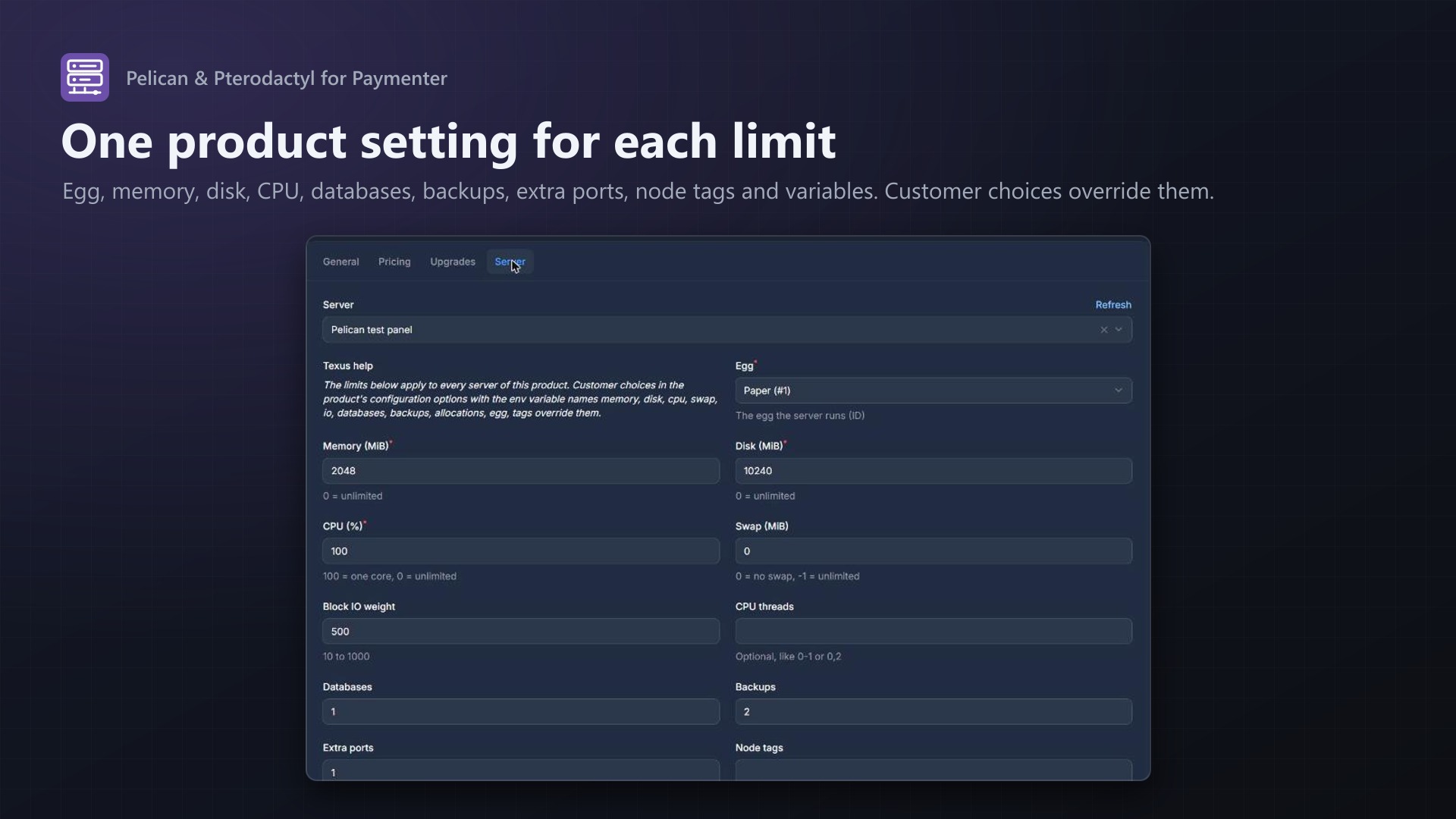
- Create: a paid order creates the server on the panel: egg, memory, disk, CPU, swap, IO, databases, backups, variables and a name from a template
- Panel users: the customer's panel account is found by email, or created. The login of a new account goes into the data of the "server created" email
- Node and ports: a node with room for the product is chosen (memory, disk, CPU, tags on Pelican, locations on Pterodactyl), a port range can be set, extra ports are assigned on the main port's IP, and a variable can get a port of its own with
VARIABLE={port} - Suspend and unsuspend: overdue invoices suspend the server on the panel, payment unsuspends it
- Upgrade: a changed product, or the customer's choice in a configuration option (memory, disk, CPU, swap, IO, databases, backups, extra ports, egg, tags), applies the new limits; a changed egg reinstalls the server if you want that
- Delete: cancelling deletes the server, and the panel user too if it has no servers left (your choice)
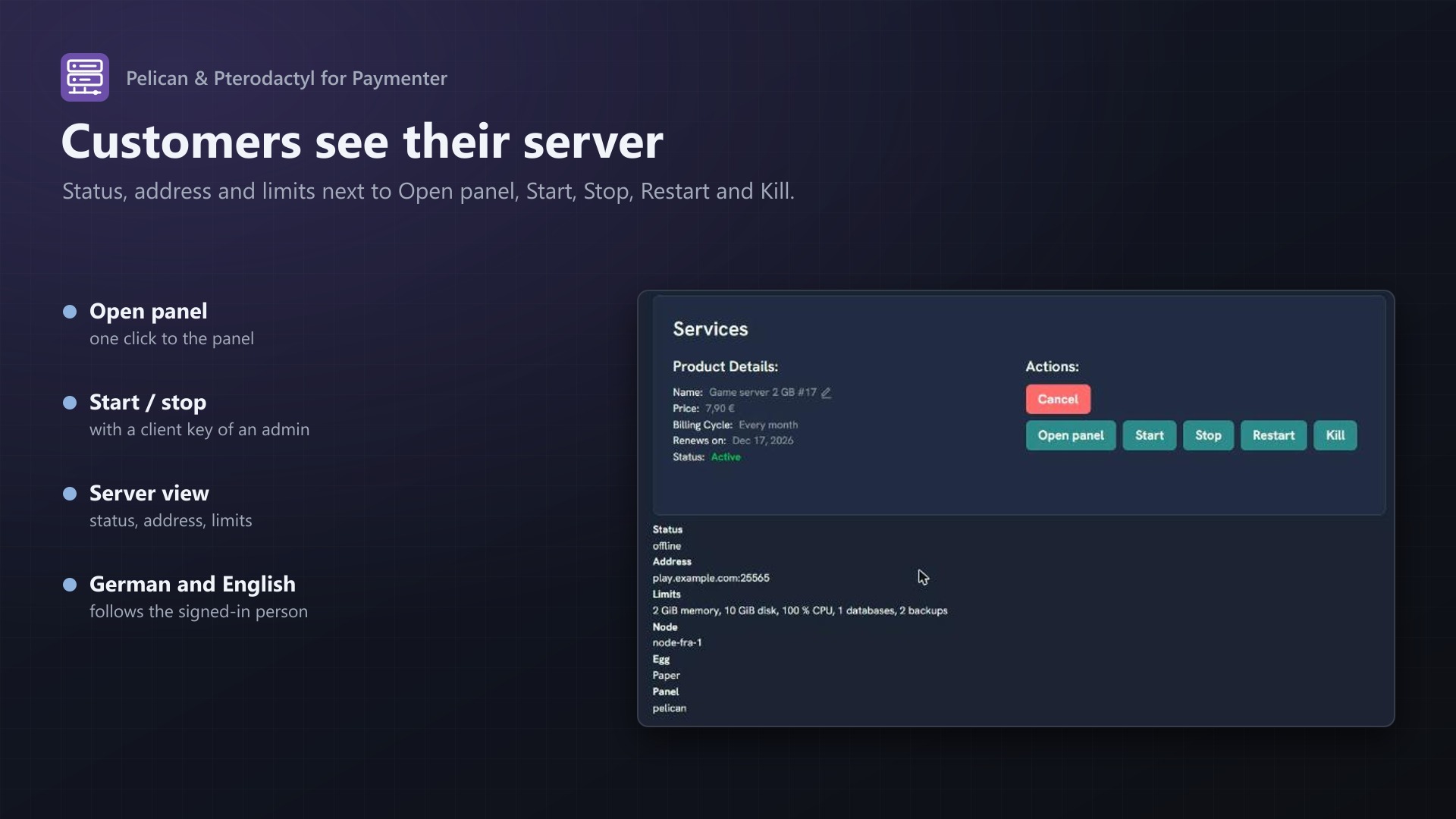
- Customer area: "Open panel", a Server view with status, address and limits, and with a client API key of an admin the buttons Start, Stop, Restart and Kill
- Game Switcher: put
gamein the customer features and an upgrade keeps the egg the customer switched to - German and English in the admin and for customers, following the language of the signed-in person
Limits, stated openly
- No single sign-on. "Open panel" takes the customer to the panel's login page. Paymenter does not hand a new password to extensions, and Pelican 1.0 has no one-time login for other systems, so the panel password is not kept in sync. A customer without a panel account gets one with a random password in the "server created" email data and can set their own with "forgot password"
- Power buttons need a client API key of an admin account (Account > API Credentials in the panel), otherwise customers only get "Open panel" and the Server view
- No live console, backups or schedules page in Paymenter. Those stay in the panel; this extension is about ordering and lifecycle
- Tested with Paymenter 1.5.9, Pelican Panel 1.0.0-rc.1 and Pterodactyl Panel 1.15. It is checked again when Paymenter or Pelican release newer versions
- Without a valid licence nothing is created or upgraded, but suspending, unsuspending and deleting keep working
Safe by design
- Only the customer who owns a service can use its buttons, and the panel's own permission checks stay in place
- Application and client API keys are stored encrypted by Paymenter and never shown on a page or in an email
- A server is found again by its external ID (
paymenter-<service id>), so a second "create" can't make a duplicate and a deleted order can't touch another server
Auf Deutsch
Pelican & Pterodactyl für Paymenter ist eine Server-Erweiterung für Paymenter, die Gameserver auf Pelican- und Pterodactyl-Panels anlegt, sperrt, entsperrt, ändert und löscht. Die Art des Panels wird selbst erkannt. Das Panel-Konto des Kunden wird gefunden oder angelegt, der Node nach freiem Platz gewählt, Ports werden vergeben, und im Kundenbereich gibt es „Panel öffnen“, eine Server-Ansicht und mit einem Client-API-Schlüssel eines Admins die Knöpfe Start, Stopp, Neustart und Beenden. Alle Texte sind auf Deutsch und Englisch.
Grenzen, offen genannt: Es gibt kein Single Sign-on: „Panel öffnen“ führt zur Anmeldeseite des Panels, und das Passwort wird nicht mit Paymenter abgeglichen, weil Paymenter es Erweiterungen nicht weitergibt und Pelican 1.0 keinen Einmal-Login für Fremdsysteme hat. Neue Panel-Zugangsdaten stehen in den Daten der Bestell-E-Mail „Server angelegt“. Die Start-/Stopp-Knöpfe brauchen einen Client-API-Schlüssel eines Admins. Konsole, Backups und Zeitpläne bleiben im Panel. Getestet mit Paymenter 1.5.9, Pelican 1.0.0-rc.1 und Pterodactyl 1.15.
Lizenz: ein Kauf = eine Lizenz = eine Paymenter-Domain. Den Schlüssel erstellt texus-addons.de automatisch, das Paket gibt es dort mit eingebautem Schlüssel.
Documentation
Server extension for Paymenter 1.x that sells and runs game servers on Pelican and Pterodactyl panels. One extension, both panels: the type of the panel is detected by itself.
| What | How |
|---|---|
| Create | A paid order creates the server, finds or creates the customer's panel user, picks a node with room, assigns ports |
| Suspend / unsuspend | Overdue invoices suspend the server on the panel, payment unsuspends it |
| Upgrade | A changed product or a changed customer choice applies the new limits (memory, disk, CPU, swap, IO, databases, backups, ports) |
| Delete | Cancelling deletes the server (and, if you want, the panel user when it has no servers left) |
| Customer area | "Open panel", a Server view (status, address, limits), Start/Stop/Restart/Kill buttons |
| Languages | German and English |
Setup
- Install. Unzip the package inside Paymenter's
extensions/folder, so thatextensions/Servers/TexusPelican/TexusPelican.phpexists. Paymenter picks it up by itself. - Licence. On texus-addons.de, sign in with the email address you bought with: your licence key is created automatically. A package downloaded there has the key built in; otherwise enter it in step 4. One key per Paymenter domain.
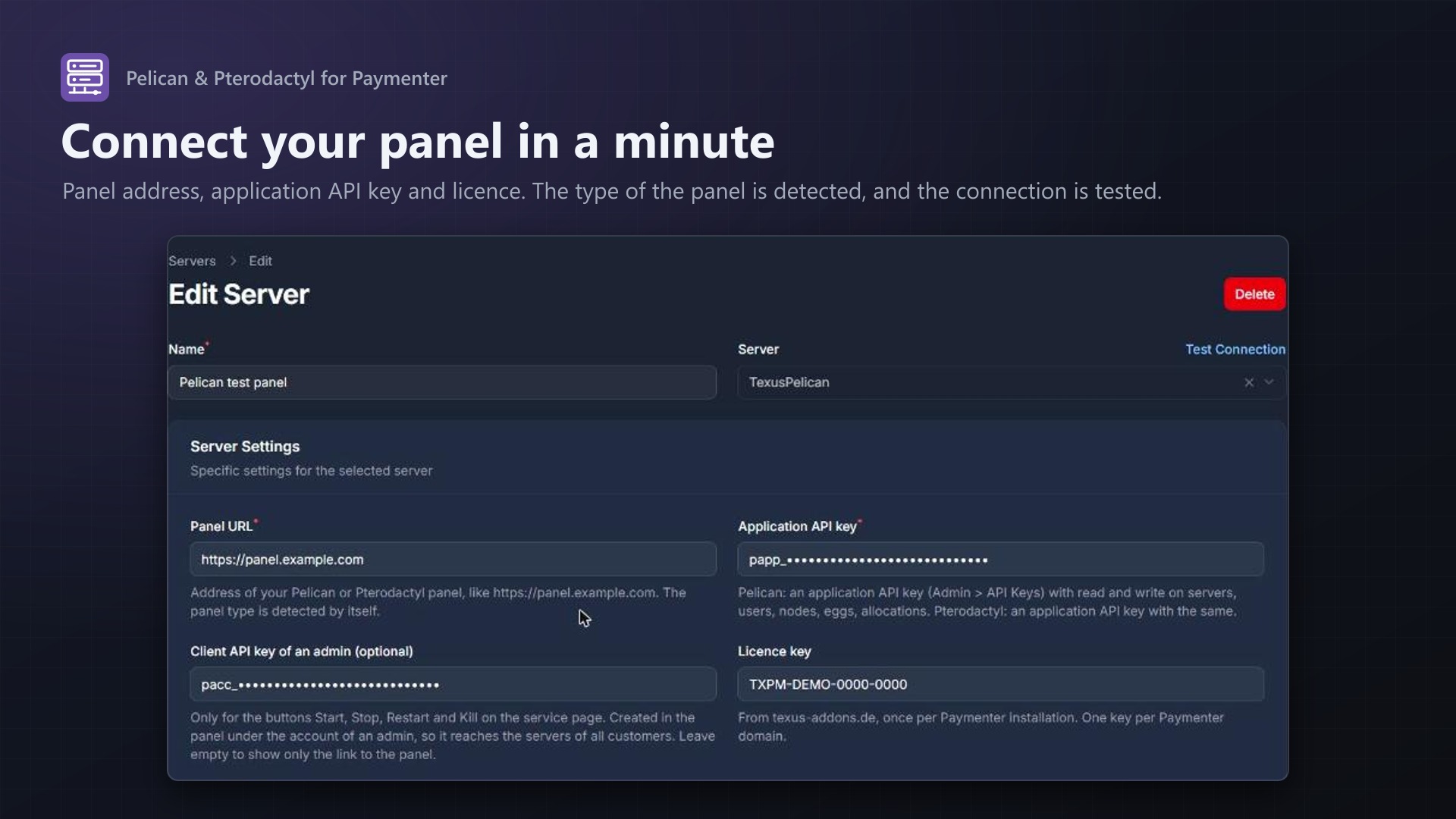
- API key in the panel. Pelican: Admin > API Keys > create an application key with read and write on servers, users, nodes, eggs and allocations. Pterodactyl: Admin > Application API > create a key with the same rights.
- Add the server in Paymenter. Admin > Servers > Create > "Pelican & Pterodactyl (texus)". Enter the panel address (like
https://panel.example.com), the application API key and the licence key. Save: Paymenter tests the connection and shows the licence state. - Product. In a product, choose this server, then set the egg, memory, disk, CPU, databases, backups and ports. Leave the node tags empty to use any node, or fill them in (Pelican: tags, Pterodactyl: location IDs or short codes).
- Power buttons (optional). In the panel, create a client API key (Account > API Credentials) with the account of an admin and enter it in the server settings. Without it customers only get "Open panel" and the Server view.
Good to know
- Customer choices. Configuration options of the product with the env variable name
memory,disk,cpu,swap,io,databases,backups,allocations,eggortagsoverride the product setting of the same name. Everything else stays as the product says. - Egg variables. The product's "Variables" field takes
VARIABLE=valuelines.VARIABLE={port}gives the variable a port of its own. Variables without a value use the egg's default; an egg variable that is required and has no default must be set here, otherwise the panel refuses the server. - Panel login. A customer without a panel account gets one with a random password. It goes into the data of the "server created" email as
panel_usernameandpanel_password. The customer can set a new password on the panel (forgot password). The password is not kept in sync with Paymenter: Paymenter does not hand the new password to extensions. - Game Switcher. When customers may change the game on the panel (Game Switcher extension), put
gamein the product's customer features: upgrades then keep the egg the server has. - Without a licence nothing is created or upgraded, but suspending, unsuspending and deleting keep working, so a lapsed licence never leaves unpaid servers running.
If something does not work
| What you see | What to do |
|---|---|
| The connection test fails with 401 or 403 | The application API key is wrong or lacks rights. Create it again with read and write on servers, users, nodes, eggs, allocations. |
| "The panel could not be reached" | Paymenter must reach the panel's address. Check DNS, the firewall and that the address starts with https:// if the panel redirects to it. |
| "No licence key entered" or "No active licence" | Enter the key in the server settings. The key belongs to one Paymenter domain; move it on texus-addons.de if the shop's address changed. |
| An order stays without a server | Open the service in the admin and press "Create server": the error text is the panel's own. Often no node has room or no free port. |
| "The ... variable field is required" | The egg has a variable without a default. Add it to the product's Variables, like USER_AGENT=my-shop. |
| Start/Stop buttons are missing | Enter a client API key of an admin in the server settings. |
| Start/Stop answer "refused" | The server is installing or suspended. Try again when it shows as offline. |
Requirements
- Paymenter 1.x (tested with 1.5.9), PHP with
curlandsodium - Pelican 1.0 or later, or Pterodactyl 1.x (tested with Pelican 1.0.0-rc.1 and Pterodactyl 1.15)
- A licence key from texus-addons.de, one per Paymenter domain
Pelican & Pterodactyl für Paymenter
Server-Erweiterung für Paymenter 1.x, die Gameserver auf Pelican- und Pterodactyl-Panels verkauft und betreibt. Eine Erweiterung für beide Panels: Die Art des Panels wird selbst erkannt.
| Was | Wie |
|---|---|
| Anlegen | Eine bezahlte Bestellung legt den Server an, findet oder erstellt den Panel-Benutzer des Kunden, wählt einen Node mit Platz und vergibt Ports |
| Sperren / Entsperren | Überfällige Rechnungen sperren den Server im Panel, die Zahlung entsperrt ihn |
| Upgrade | Ein geändertes Produkt oder eine geänderte Auswahl des Kunden setzt die neuen Grenzen (Speicher, Platz, CPU, Swap, IO, Datenbanken, Backups, Ports) |
| Löschen | Beim Kündigen wird der Server gelöscht (auf Wunsch auch der Panel-Benutzer, wenn er keine Server mehr hat) |
| Kundenbereich | „Panel öffnen“, eine Server-Ansicht (Zustand, Adresse, Grenzen), Knöpfe für Start, Stopp, Neustart und Beenden |
| Sprachen | Deutsch und Englisch |
Einrichtung
- Installieren. Entpacke das Paket im Ordner
extensions/von Paymenter, sodassextensions/Servers/TexusPelican/TexusPelican.phpexistiert. Paymenter findet die Erweiterung selbst. - Lizenz. Melde dich auf texus-addons.de mit der E-Mail-Adresse an, mit der du gekauft hast: Dein Lizenzschlüssel wird automatisch erstellt. Ein dort geladenes Paket hat den Schlüssel schon eingebaut, sonst trägst du ihn in Schritt 4 ein. Ein Schlüssel gilt für eine Paymenter-Domain.
- API-Schlüssel im Panel. Pelican: Admin > API Keys > einen Application-Key mit Lesen und Schreiben für Server, Benutzer, Nodes, Eggs und Allocations anlegen. Pterodactyl: Admin > Application API > einen Schlüssel mit denselben Rechten anlegen.
- Server in Paymenter anlegen. Admin > Server > Erstellen > „Pelican & Pterodactyl (texus)“. Trage die Panel-Adresse (zum Beispiel
https://panel.example.com), den Application-API-Schlüssel und den Lizenzschlüssel ein. Speichern: Paymenter prüft die Verbindung und zeigt den Lizenzzustand. - Produkt. Wähle im Produkt diesen Server und setze Egg, Speicher, Platz, CPU, Datenbanken, Backups und Ports. Lass die Node-Tags leer, um jeden Node zu nutzen, oder fülle sie (Pelican: Tags, Pterodactyl: Standort-IDs oder Kürzel).
- Knöpfe für Start und Stopp (optional). Erstelle im Panel einen Client-API-Schlüssel (Konto > API Credentials) mit dem Konto eines Admins und trage ihn in den Server-Einstellungen ein. Ohne ihn bekommen Kunden nur „Panel öffnen“ und die Server-Ansicht.
Gut zu wissen
- Auswahl des Kunden. Konfigurationsoptionen des Produkts mit dem Variablennamen
memory,disk,cpu,swap,io,databases,backups,allocations,eggodertagsüberschreiben die gleichnamige Einstellung des Produkts. Alles andere bleibt, wie das Produkt es sagt. - Egg-Variablen. Das Feld „Variablen“ des Produkts nimmt Zeilen
VARIABLE=Wert.VARIABLE={port}gibt der Variable einen eigenen Port. Variablen ohne Wert nutzen den Standard des Eggs; eine Pflichtvariable ohne Standard musst du hier setzen, sonst lehnt das Panel den Server ab. - Panel-Zugang. Ein Kunde ohne Panel-Konto bekommt eins mit zufälligem Passwort. Es steht in den Daten der E-Mail „Server angelegt“ als
panel_usernameundpanel_password. Ein neues Passwort setzt der Kunde im Panel („Passwort vergessen“). Das Passwort wird nicht mit Paymenter abgeglichen: Paymenter gibt das neue Passwort nicht an Erweiterungen weiter. - Game Switcher. Dürfen Kunden das Spiel im Panel wechseln (Erweiterung Game Switcher), trage
gamein die Funktionen für Kunden des Produkts ein: Upgrades behalten dann das Egg des Servers. - Ohne Lizenz wird nichts angelegt oder geändert, aber Sperren, Entsperren und Löschen funktionieren weiter, sodass eine abgelaufene Lizenz keine unbezahlten Server laufen lässt.
Wenn etwas nicht klappt
| Was du siehst | Was du tun kannst |
|---|---|
| Der Verbindungstest meldet 401 oder 403 | Der Application-API-Schlüssel ist falsch oder hat zu wenig Rechte. Lege ihn neu an, mit Lesen und Schreiben für Server, Benutzer, Nodes, Eggs, Allocations. |
| „Das Panel war nicht erreichbar“ | Paymenter muss die Adresse des Panels erreichen. Prüfe DNS, Firewall und ob die Adresse mit https:// beginnt, wenn das Panel dorthin umleitet. |
| „Kein Lizenzschlüssel eingetragen“ oder „Keine aktive Lizenz“ | Trage den Schlüssel in den Server-Einstellungen ein. Er gehört zu einer Paymenter-Domain; verschiebe ihn auf texus-addons.de, wenn sich die Adresse des Shops geändert hat. |
| Eine Bestellung bleibt ohne Server | Öffne den Dienst im Admin und klicke auf „Server anlegen“: Der Fehlertext stammt vom Panel. Oft hat kein Node Platz oder es ist kein Port frei. |
| „Das Feld ... ist erforderlich“ | Das Egg hat eine Variable ohne Standardwert. Trage sie bei den Variablen des Produkts ein, zum Beispiel USER_AGENT=mein-shop. |
| Die Knöpfe Start/Stopp fehlen | Trage einen Client-API-Schlüssel eines Admins in den Server-Einstellungen ein. |
| Start/Stopp werden abgelehnt | Der Server wird gerade installiert oder ist gesperrt. Versuche es, wenn er als „aus“ angezeigt wird. |
Voraussetzungen
- Paymenter 1.x (getestet mit 1.5.9), PHP mit
curlundsodium - Pelican 1.0 oder neuer, oder Pterodactyl 1.x (getestet mit Pelican 1.0.0-rc.1 und Pterodactyl 1.15)
- Ein Lizenzschlüssel von texus-addons.de, einer je Paymenter-Domain
Changelog
0.1.0
First release.
- Server extension for Paymenter 1.x: create, suspend, unsuspend, upgrade and delete servers on a Pelican or a Pterodactyl panel (the type is detected).
- Panel users: found by email, otherwise created; the new panel login goes into the "server created" email data (
panel_username,panel_password). - Node choice by free memory, disk and CPU, tags (Pelican) or locations (Pterodactyl), a port range, extra ports on the main port's IP, variables that get a port of their own (
VARIABLE={port}). - Egg choice per product from the panel's own list; customers' choices in the product's configuration options (memory, disk, cpu, swap, io, databases, backups, allocations, egg, tags) override the product settings.
- Customer area: "Open panel", a Server view (status, address, limits, node, egg) and, with a client API key of an admin, the buttons Start, Stop, Restart and Kill.
- Upgrades keep the egg the server has when "game" is among the customer features (Game Switcher).
- Texts in German and English, following the language of the signed-in person.
- Licence check against texus-addons.de (one key per Paymenter domain); suspending, unsuspending and deleting never need a licence.
- Tested end to end against Pelican 1.0.0-rc.1 and Pterodactyl 1.15 with Paymenter 1.5.9.
Licence and download
One purchase = one licence = one Paymenter domain. The licence is bound to one Paymenter domain (APP_URL) and the server it runs on. Subdomains count separately. You can move the licence at any time in your account.
After buying, sign in here with your email address. You download the extension with the licence key built in, and every new version from your account.
Questions before buying? Ask on our Discord support server or at support@texus-addons.de.
Related
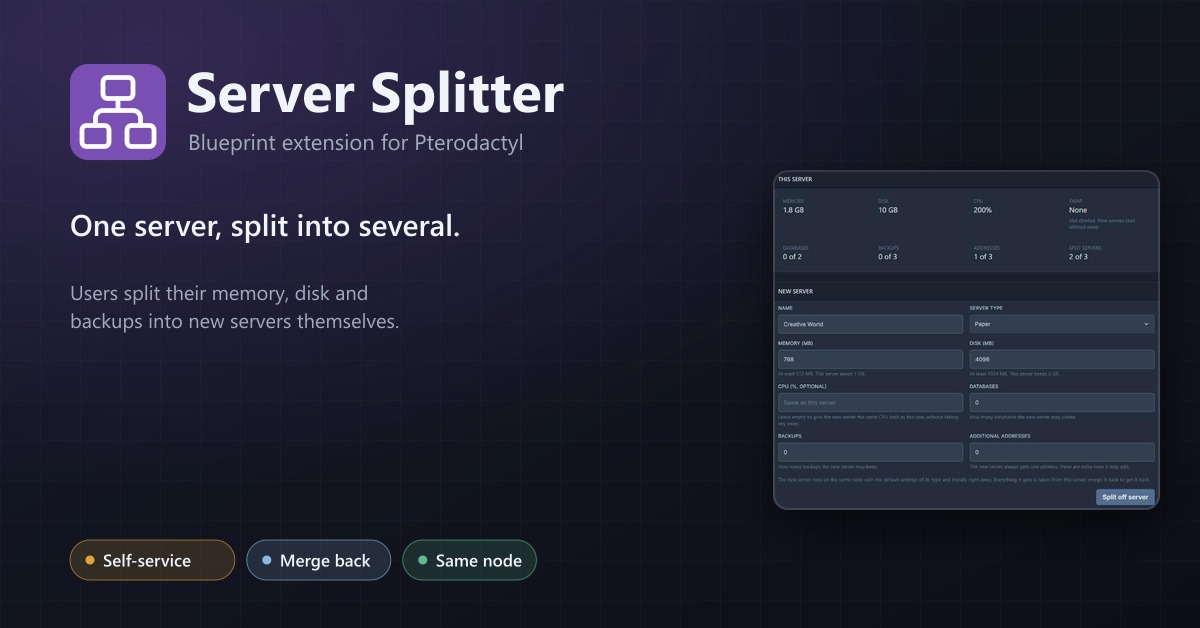
Server Splitter
Users split the resources of their server into several servers and merge them back, without a ticket.
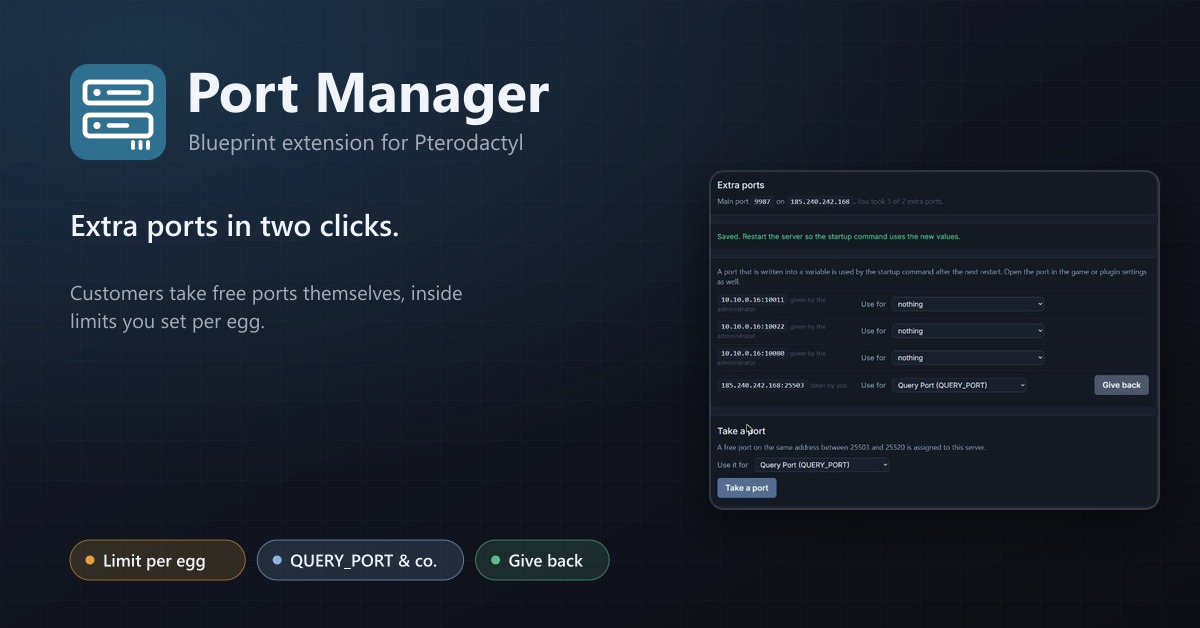
Port Manager
Let customers take extra ports for their server themselves, within limits per egg, and write them into variables like QUERY_PORT.
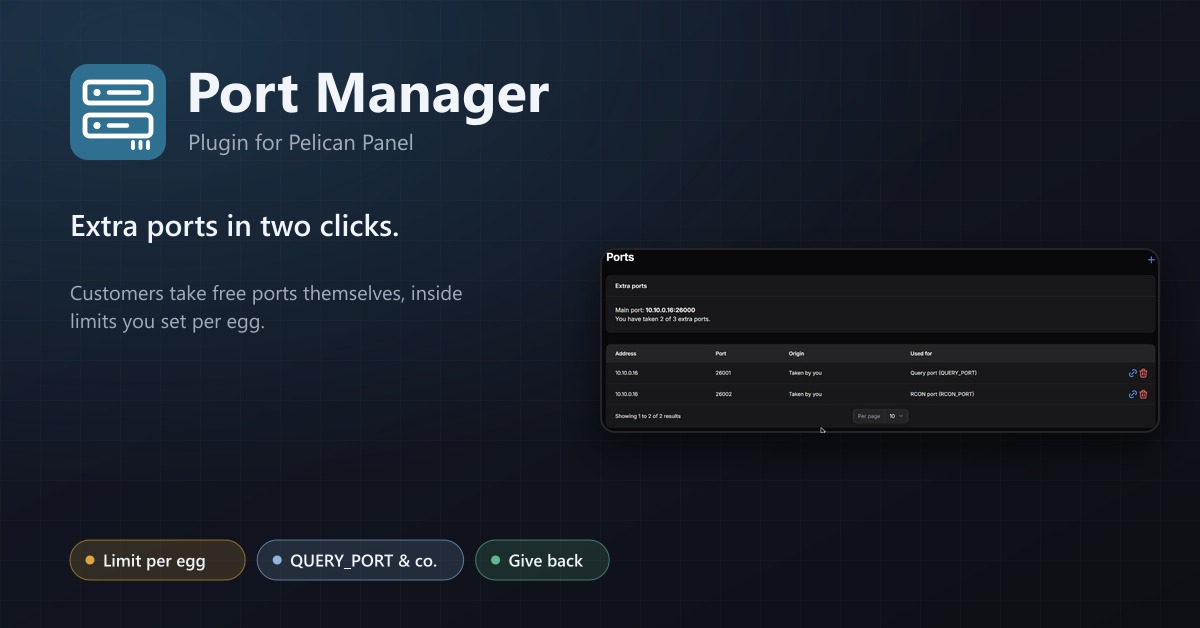
Port Manager for Pelican
Let customers of your Pelican panel take extra ports for their server themselves, within limits per egg, and write them into variables like QUERY_PORT.