 texus Addons und Themes
Game Switcher
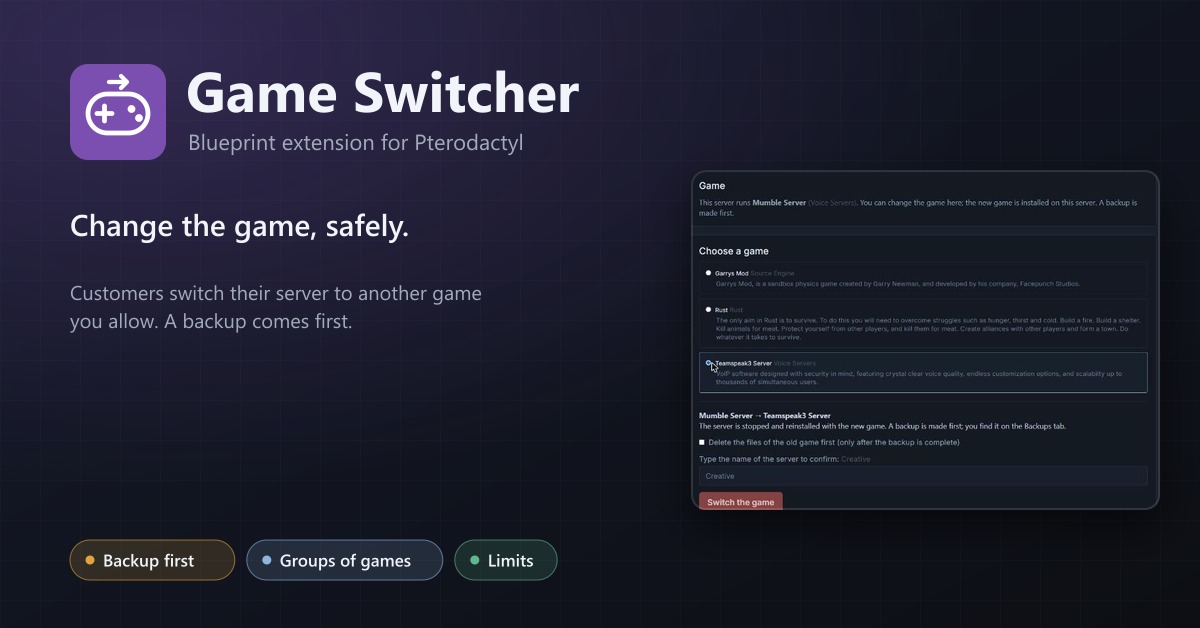
Let customers change the game of their server themselves: backup first, then the new game is installed. You choose which games can be exchanged.
7,99 €
- Version 0.1.1, updated 15 November 2026
- For Pterodactyl Panel 1.15.x with Blueprint
- No core files modified, installs and removes with Blueprint
- One licence for one panel, new versions included
Screenshots
Features
Changing a server from one game to another means an admin opens the server's Startup page, picks the egg, fixes the startup command, the Docker image and the variables, and starts a reinstall. Or the customer opens a ticket and waits. Game Switcher adds a Game tab to the server page that does it, safely, without admin help.
What customers can do
- See the game their server runs and the games it may switch to
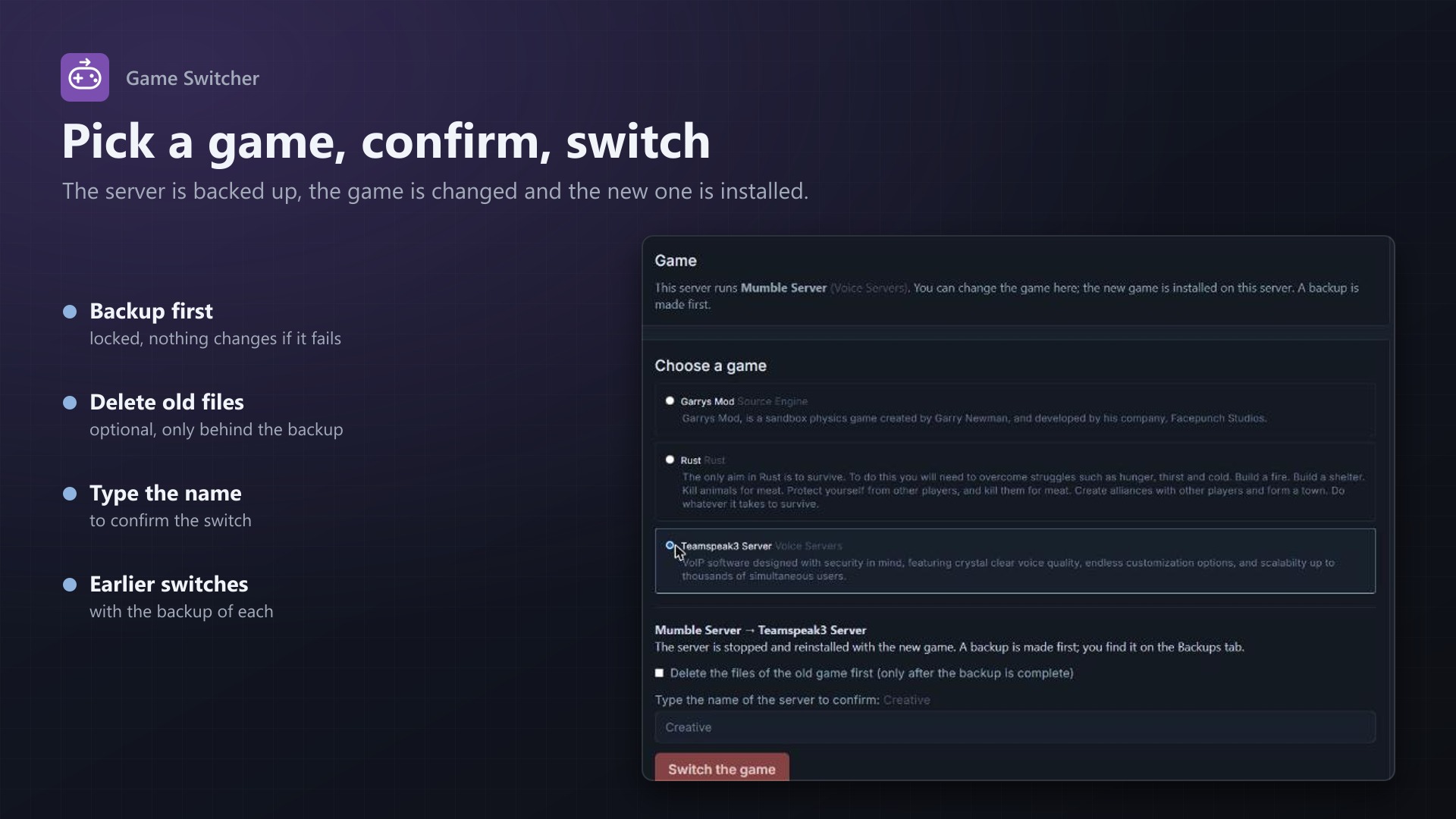
- Pick a game, type the server's name to confirm, and start the switch
- Watch the steps: backup, change the game, install the new one
- See earlier switches, with the backup made before each of them
What happens in a switch
- Backup first: a panel backup of the server is made and the switch waits until it is complete and successful; if it fails, nothing is changed. The backup is locked so rotation does not remove it
- Optional: delete the old files, only behind a successful backup and only if you allow it
- The game is changed: egg, startup command, Docker image and the egg's default variables
- The new game is installed by the egg's install script
What you control
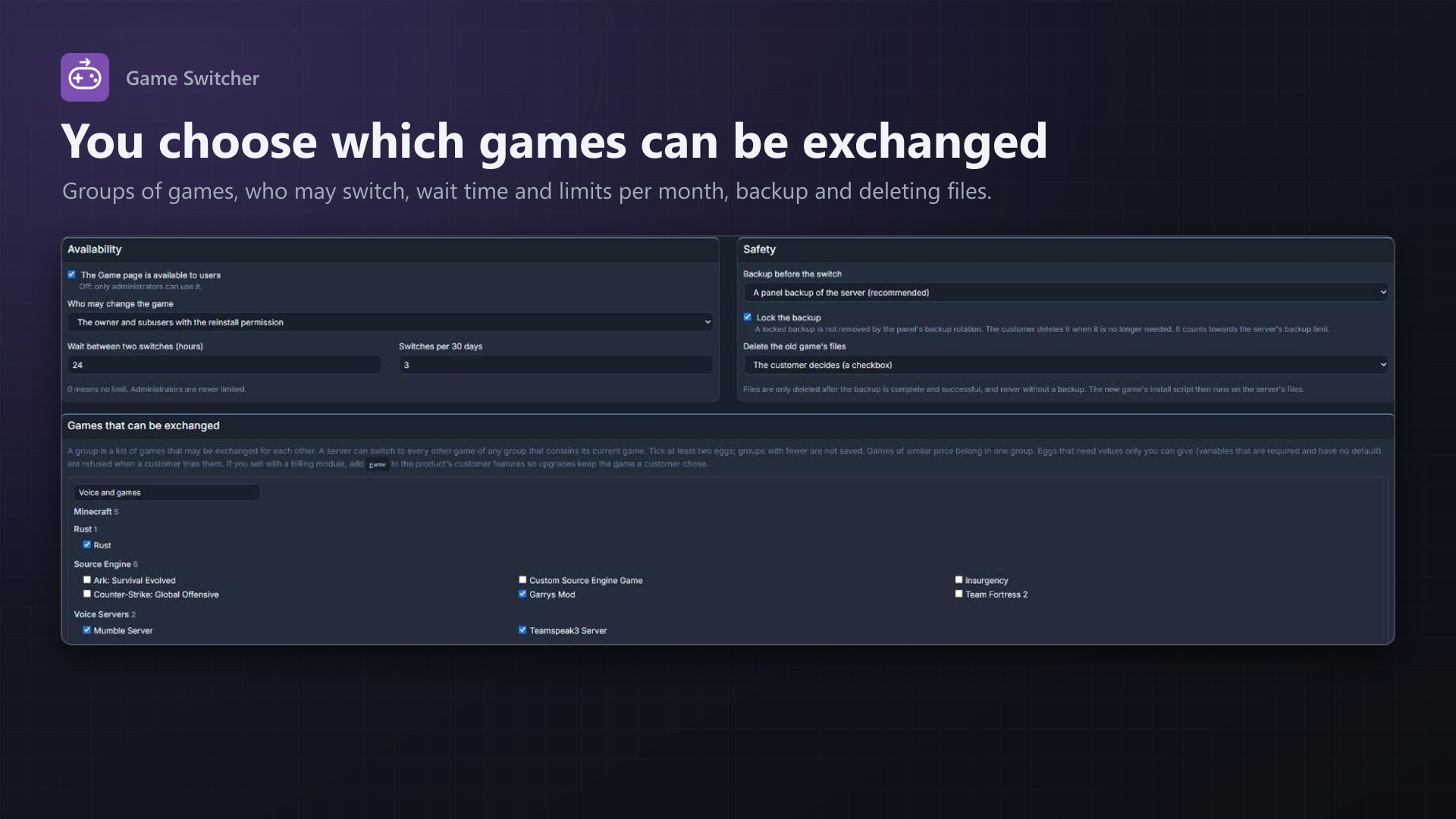
- Groups of games that may be exchanged for each other (similar price in one group)
- Who may switch: the owner and subusers with the reinstall permission, or only the owner
- Limits: hours between switches and switches per 30 days; administrators are never limited
- Backup on or off, locked or not; delete the old files: the customer decides, always or never
- An overview of the latest switches with their state and any error
- With the texus billing modules: add
gameto the customer features and upgrades keep the game the customer chose
Safe by design
- Nothing starts without typing the server's name
- Files are only deleted behind a complete, successful backup, and never without a backup
- A game that needs values only you can give is refused before anything starts
- A subuser who may reinstall needs backup.create for the backup and file.delete and control.stop to delete files; the server can not be started while a switch changes it
- Suspended, installing, restoring and transferring servers are not touched; one switch at a time per server
- Everything is written to the server's activity log; no core files are modified
Documentation
A Blueprint extension that lets customers change the game of their Pterodactyl server themselves. A backup is made first, then the new game is installed. You decide which games can be exchanged for each other.
Changing a server from one game to another means an admin opens Admin > Server > Startup, picks the egg, fixes the startup command, the Docker image and the variables, and starts a reinstall, or the customer opens a ticket and waits. Game Switcher adds a Game tab to the server menu that does all of it, safely and without admin help.
What customers can do
- See the game their server runs and the games it may switch to.
- Pick a game, read what will happen, type the server's name to confirm, and start the switch.
- Watch the steps: backup, (stop and delete the old files), change the game, install the new one.
- See their earlier switches, including the backup that was made before each of them.
What happens in a switch
- Backup. A panel backup of the server is made and the switch waits until it is complete and successful. If it fails, nothing is changed. The backup is locked, so the panel's backup rotation does not remove it.
- Optional: delete the old files. Only behind a successful backup, and only if you allow it (below). The server is stopped first.
- Change the game. The egg, the startup command, the Docker image and the egg's default variable values are set.
- Install. The server is reinstalled with the new game's install script and the panel shows it as installing.
Switching back is the same page: the old game is in the same group. To get the old game's files back, restore the backup on the Backups tab.
What admins control
Under Admin > Extensions > Game Switcher:
- Groups of games. A group lists eggs that may be exchanged for each other (up to 8 groups). A server can switch to every other game of any group that contains its current game. Games of similar price belong into one group.
- Who may change the game: the owner and subusers with the reinstall permission, or only the owner.
- Limits: hours between two switches and switches per 30 days, per server. Administrators are never limited.
- Backup: a panel backup before every switch (recommended) or none; keep it locked or not.
- Delete the old game's files: the customer decides, always, or never. Deleting needs the backup.
- A list of the latest switches with their state and any error.
Safety
- The customer must type the server's name. Nothing starts without it.
- Only the owner, administrators, or (setting) subusers with the reinstall permission can switch; seeing the page needs access to the server.
- Files are only deleted behind a complete, successful backup, and never without a backup.
- A game that needs values only you can give (variables that are required and have no default) is refused before anything starts.
- A subuser who may reinstall does not get more than their other rights allow: the backup needs
backup.create, deleting the old files needsfile.deleteandcontrol.stop. - While a switch stops, wipes, changes or installs the server, the panel refuses to start or restart it (the server must not lose its files while running). Scheduled tasks and the game itself are not blocked by this.
- Servers that are suspended, installing, being restored or transferred are not touched. One switch at a time per server.
- Everything is written to the server's activity log. No core files are modified.
With a billing module
If you sell servers with the texus billing modules (WHMCS, FOSSBilling, Blesta), add game to the product's Customer features. An upgrade or downgrade then only applies the limits and keeps the game the customer chose; without it the module sets the product's egg again.
Requirements
Pterodactyl 1.x with Blueprint (beta-2026-08 or newer), Wings with backups working (the panel's backup storage), and the panel's scheduler running (php artisan schedule:run every minute, as the panel needs anyway): the steps run in the background. One licence covers one panel.
Install
blueprint -install texusgamesThen open Admin > Extensions > Game Switcher, enter your licence key, create a group and save.
Good to know
- The new game's install script decides what happens to the files that stay on the server. Many scripts do not clean up, so files of the old game remain unless you let customers delete them.
- Variables of the old game stay stored but are not used. Port variables written by the Port Manager belong to the old game.
- The backup counts towards the server's backup limit. A server without backup slots can not switch while the backup is on.
- The panel limits how many backups a server may start within a few minutes; the switch waits for a free moment.
- Pelican is not supported yet.
Customer guide (for the people who use the extension on your servers; it is also in the download): English · Deutsch
Changelog
0.1.1 (2026-11-19)
- The download now contains the customer guide (CUSTOMER-GUIDE.md in English, CUSTOMER-GUIDE.de.md in German): a short how-to for the people who use the extension on your servers, ready to hand out or copy from. The extension itself is unchanged.
0.1.0
- First release: a Game tab on the server page. Customers switch their server to another game of a group you define: backup first (locked, optional), optionally delete the old files, change the egg with its startup command, image and default variables, reinstall. Admin settings for groups, who may switch, wait time and monthly limit, backup and deleting files; the latest switches are listed. Starting the server is refused while a switch stops, wipes, changes or installs it. The billing modules know the feature
gameto keep the customer's game on upgrades.
Licence and download
One purchase = one licence = one panel. The licence is bound to one panel domain and the server it runs on. Subdomains count separately. You can move the licence at any time in your account.
After buying on sourceXchange, sign in here with your email address (bought earlier on BuiltByBit? Redeem your activation code). You download the extension with the licence key built in, and every new version from your account.
Questions before buying? Ask on our Discord support server or at support@texus-addons.de.
Related
Server Splitter
Users split the resources of their server into several servers and merge them back, without a ticket.
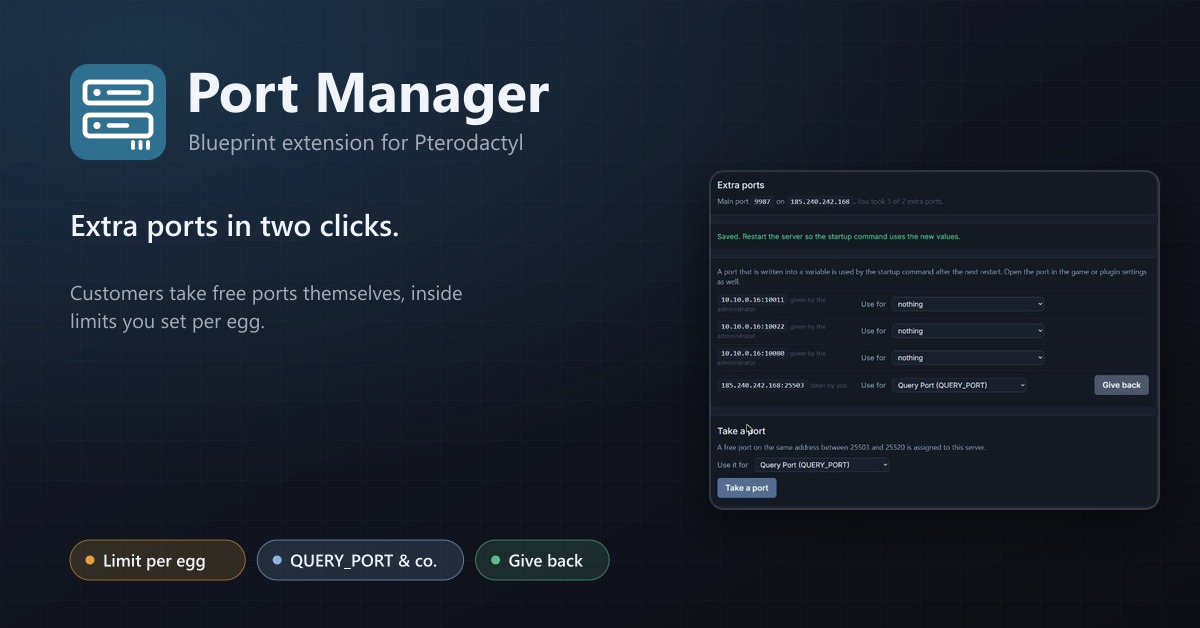
Port Manager
Let customers take extra ports for their server themselves, within limits per egg, and write them into variables like QUERY_PORT.
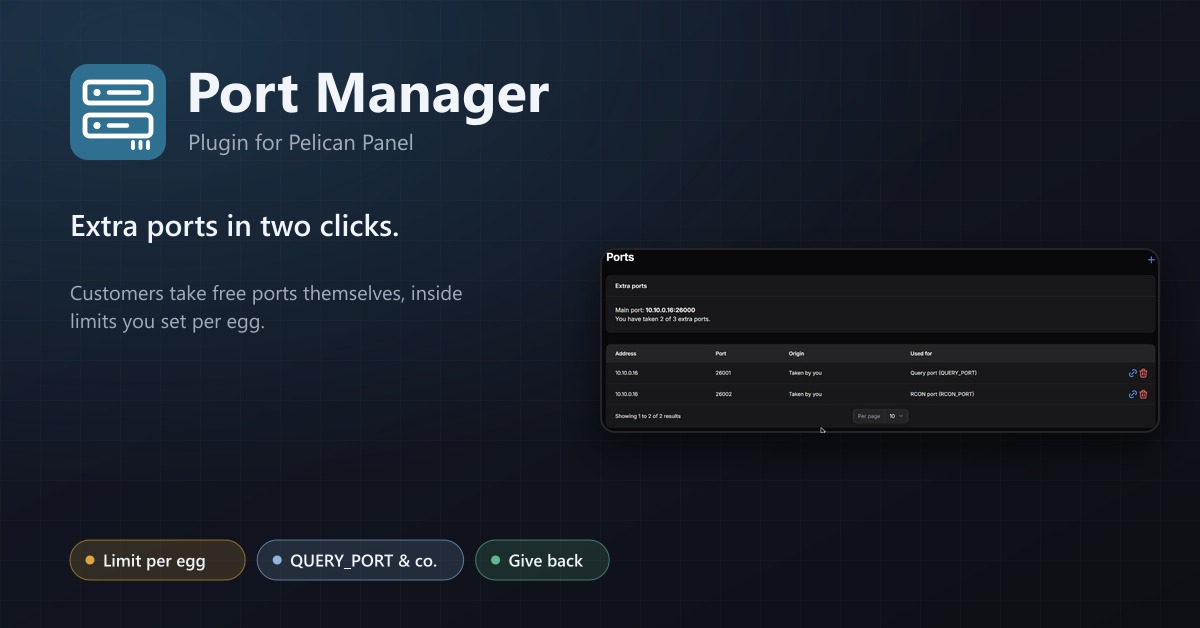
Port Manager for Pelican
Let customers of your Pelican panel take extra ports for their server themselves, within limits per egg, and write them into variables like QUERY_PORT.