 texus Addons und Themes
Game Config Editor
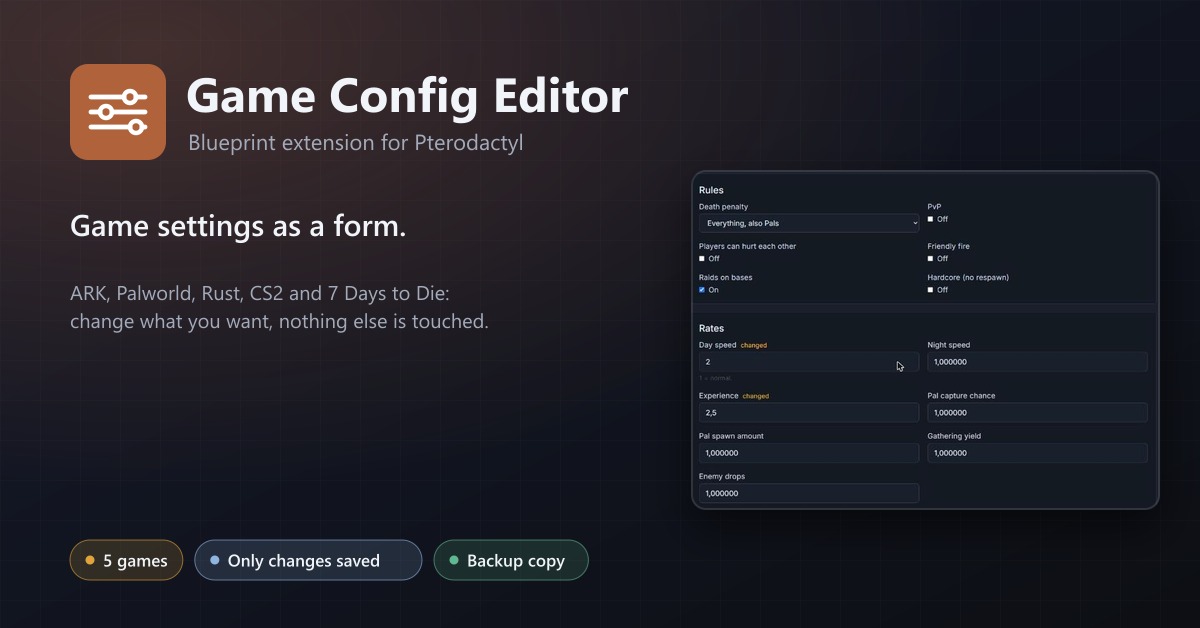
A settings form for ARK, Palworld, Rust, Counter-Strike 2 and 7 Days to Die: customers change what they want, only that is written, a backup copy is kept.
9,99 €
- Version 0.1.1, updated 14 November 2026
- For Pterodactyl Panel 1.15.x with Blueprint
- No core files modified, installs and removes with Blueprint
- One licence for one panel, new versions included
Screenshots
Features
Game configs are a pain to edit by hand. Palworld keeps every setting in one long OptionSettings=(...) line, ARK has hundreds of keys in two files, 7 Days to Die is XML, and one typo stops the server from starting. Game Config Editor adds a Config tab to the server page with labelled fields, ranges, switches and short explanations.
What customers can do
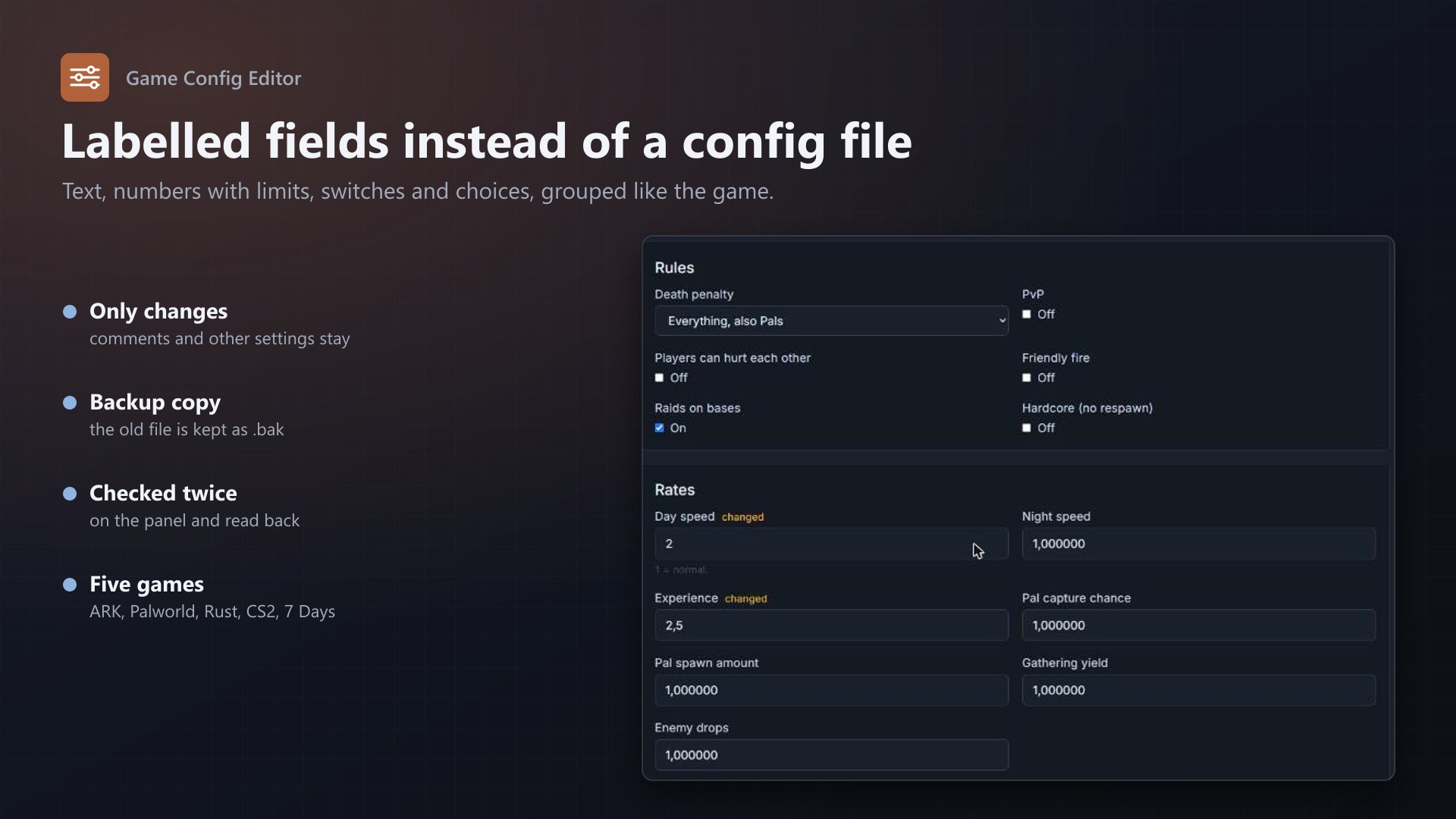
- See the settings of their game in groups (General, Rules, Rates ...) with the values from the file
- Change text, numbers (with the allowed range), on/off switches and choices
- Passwords can be shown or hidden
- Save only what they changed; a copy of the old file is kept next to it as
.bak - Get a clear message when the file does not exist yet, when a value is not allowed, or when the server must be stopped first
Games and files
- Palworld:
PalWorldSettings.ini, 30 settings (the long OptionSettings line is edited key by key) - ARK: Survival Evolved:
GameUserSettings.ini, 25 settings - Rust:
server.cfg, 11 settings - Counter-Strike 2:
server.cfg, 19 settings - 7 Days to Die:
serverconfig.xml, 27 settings - The templates are plain JSON files; all settings that are not offered stay untouched in the file
What you control
- Turn the Config page on or off for users
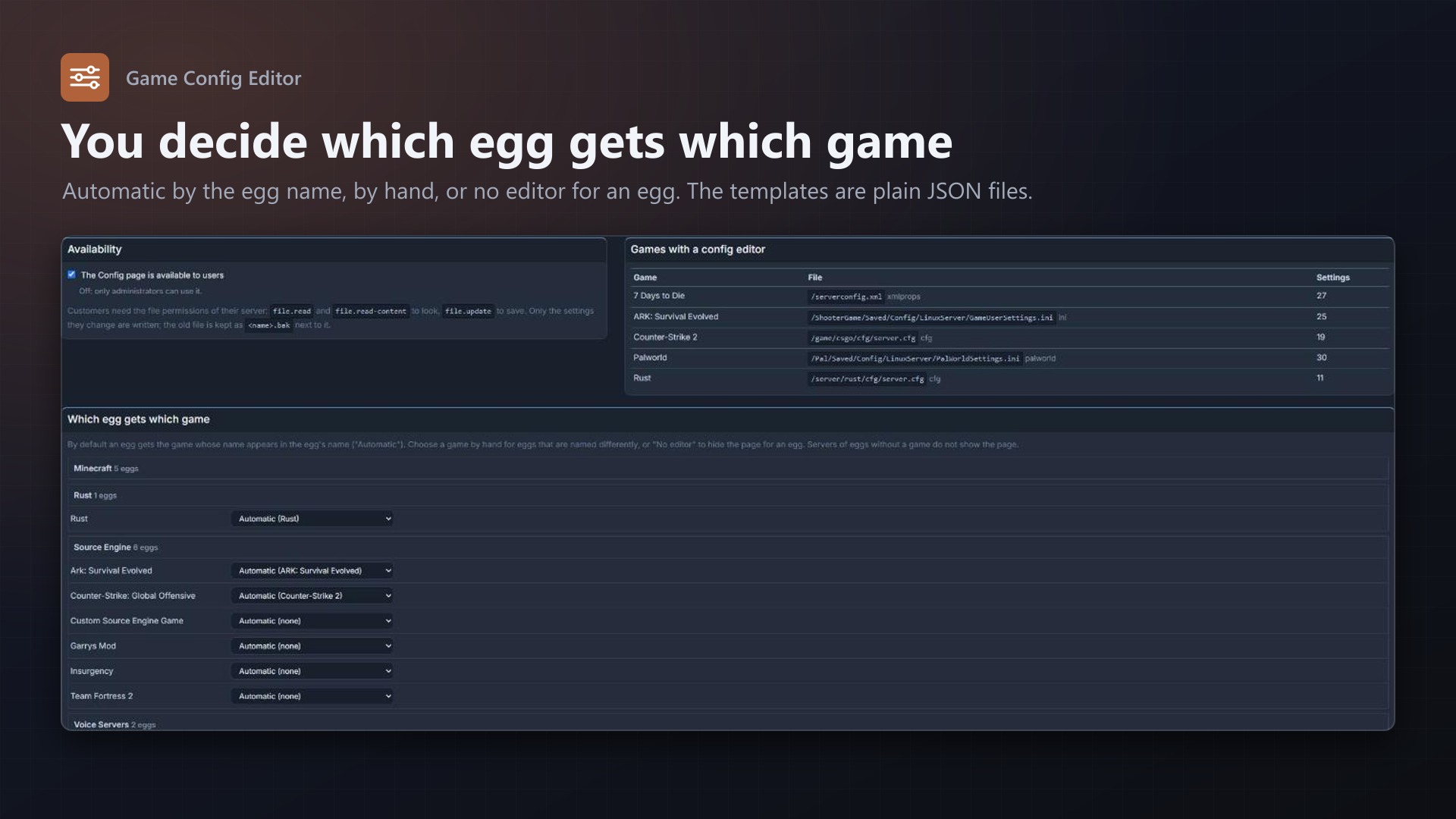
- Which egg gets which game: automatic by the egg's name, by hand, or "No editor" per egg
- Customers need the file permissions of their server: read to look, update to save
Safe by design
- Only the settings the customer changed are touched; comments, order, spacing and unknown settings stay, line endings are kept
- Every value is checked on the panel against the template (type, range, choices), not only in the browser
- The edited file is read back and checked before it is written
- A game that writes its config when it stops (ARK) can only be saved while the server is stopped
- Suspended, installing, restoring and transferring servers can not be changed
- Every save is written to the server's activity log; no core files are modified
Documentation
A Blueprint extension that gives customers a settings form for the config files of their game server: ARK: Survival Evolved, Palworld, Rust, Counter-Strike 2 and 7 Days to Die. Only what a customer changes is written to the file; everything else stays as it is.
Game configs are a pain to edit by hand: Palworld keeps every setting in one long OptionSettings=(...) line, ARK has hundreds of keys in two files, 7 Days to Die is XML, and one typo stops the server from starting. The Game Config Editor adds a Config tab to the server menu with labelled fields, ranges, switches and short explanations.
What customers can do
- See the settings of their game in groups (General, Rules, Rates, ...) with the values from the file.
- Change text, numbers (with the allowed range), on/off switches and choices; passwords can be shown or hidden.
- Save only the changed settings. A copy of the old file is kept next to it as
<name>.bak. - Get a clear message when the file does not exist yet, when a value is not allowed, or when the server must be stopped first.
Games and files
| Game | File | Settings |
|---|---|---|
| Palworld | /Pal/Saved/Config/LinuxServer/PalWorldSettings.ini | 30 |
| ARK: Survival Evolved | /ShooterGame/Saved/Config/LinuxServer/GameUserSettings.ini | 25 |
| Rust | /server/rust/cfg/server.cfg | 11 |
| Counter-Strike 2 | /game/csgo/cfg/server.cfg | 19 |
| 7 Days to Die | /serverconfig.xml | 27 |
The templates are plain JSON files in the extension's templates folder. The settings offered are a curated list of the ones hosters get asked about most; all others in the file stay untouched.
What admins control
Under Admin > Extensions > Game Config Editor:
- Turn the Config page on or off for users.
- Which egg gets which game: by default the game whose name appears in the egg's name ("Automatic"); choose a game by hand for eggs that are named differently, or "No editor" to hide the page for an egg.
- An overview of the games and files the editor knows.
Safety
- Customers need the file permissions of their server:
file.readandfile.read-contentto look,file.updateto save. - Only the settings the customer changed are touched; comments, order, spacing and unknown settings stay. Line endings are kept.
- Every value is checked on the panel against the template (type, range, allowed choices), not only in the browser.
- The edited file is read back and checked before anything is written; the old file is kept as
.bakfirst. - A game that writes its config when it stops (ARK) can only be saved while the server is stopped, so changes are not overwritten.
- Suspended servers and servers that are installing, being restored or transferred cannot be changed.
- Every save is written to the server's activity log. No core files are modified.
Requirements
Pterodactyl 1.x with Blueprint (beta-2026-08 or newer). The files must be where the template says; eggs that put them elsewhere (a different Rust server identity, for example) need the template path adjusted. One licence covers one panel.
Install
blueprint -install texusgameconfigThen open Admin > Extensions > Game Config Editor, enter your licence key and check the egg list.
Good to know
- Palworld creates its file when the server starts for the first time. If it only holds an empty
OptionSettingsline, copyDefaultPalWorldSettings.iniover it first. - Settings you pass in the startup command (for example the player limit of Rust or ARK) win over the file.
- Settings that your game version does not know are ignored by the game; the editor does not check the game's version.
- Pelican is not supported yet.
Customer guide (for the people who use the extension on your servers; it is also in the download): English · Deutsch
Changelog
0.1.1 (2026-11-19)
- The download now contains the customer guide (CUSTOMER-GUIDE.md in English, CUSTOMER-GUIDE.de.md in German): a short how-to for the people who use the extension on your servers, ready to hand out or copy from. The extension itself is unchanged.
0.1.0
- First release: a Config tab on the server page with a settings form for ARK: Survival Evolved, Palworld, Rust, Counter-Strike 2 and 7 Days to Die. Only changed settings are written, a .bak copy of the old file is kept, values are checked against the template, the result is read back before saving. Admin page to choose which egg gets which game.
Licence and download
One purchase = one licence = one panel. The licence is bound to one panel domain and the server it runs on. Subdomains count separately. You can move the licence at any time in your account.
After buying on sourceXchange, sign in here with your email address (bought earlier on BuiltByBit? Redeem your activation code). You download the extension with the licence key built in, and every new version from your account.
Questions before buying? Ask on our Discord support server or at support@texus-addons.de.
Related
Server Splitter
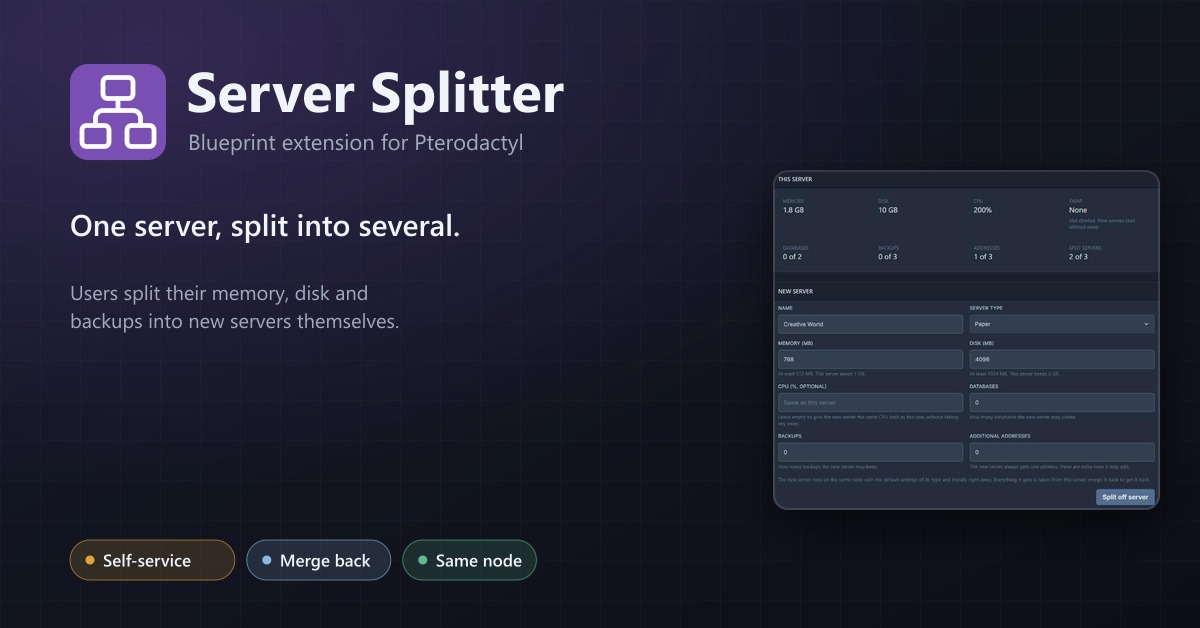
Users split the resources of their server into several servers and merge them back, without a ticket.
Port Manager
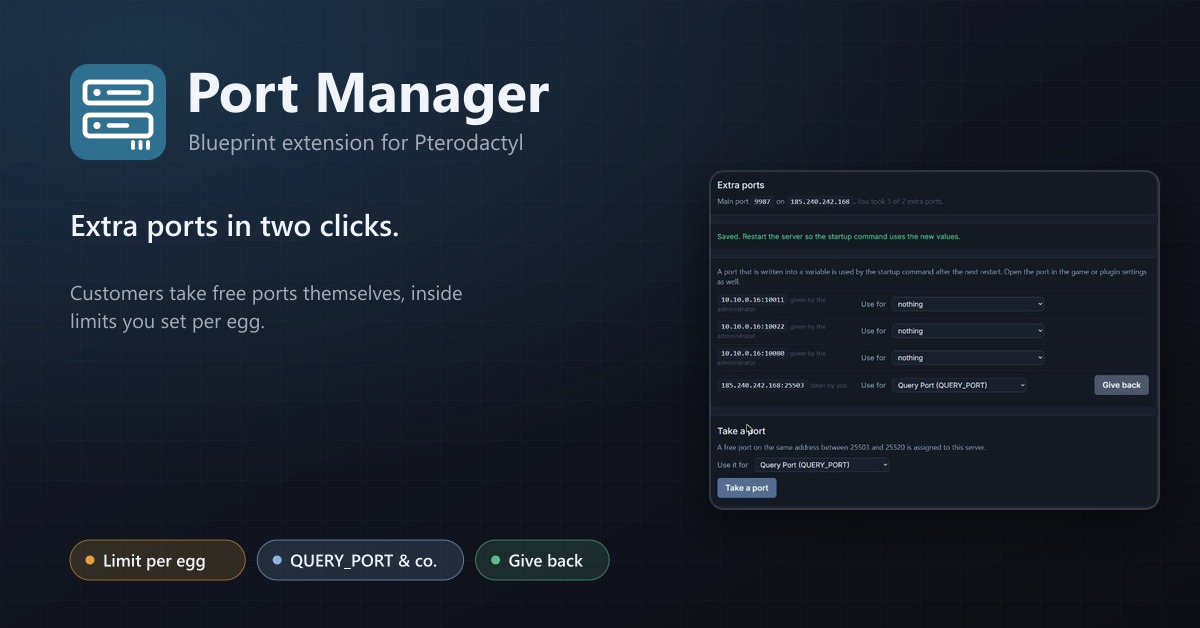
Let customers take extra ports for their server themselves, within limits per egg, and write them into variables like QUERY_PORT.
Port Manager for Pelican
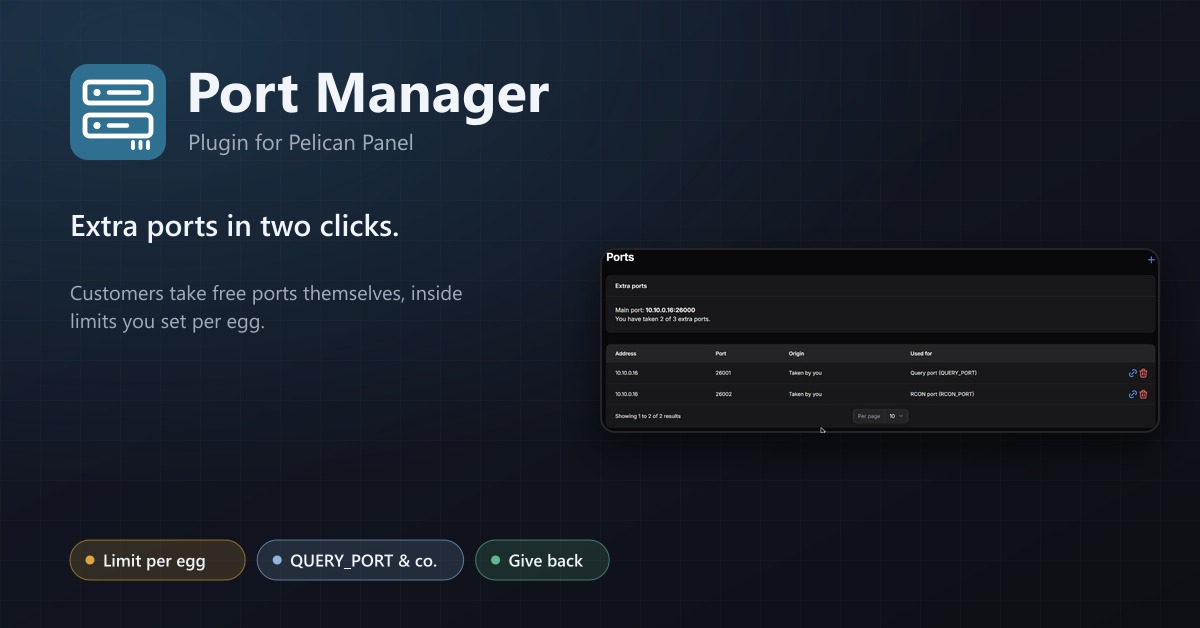
Let customers of your Pelican panel take extra ports for their server themselves, within limits per egg, and write them into variables like QUERY_PORT.